Technical Support Resume Skills: 13 to Add, 6 Certs to Check
See all 13 technical support skills to list, how many to pick (8-12), which of the 6 certification groups matter, and how to write each as a proven result.


Written by Dr. Priya Sharma
Career Development Expert & Resume Analyst
Updated August 2026
Reviewed by Sarah Chen
Is your resume ATS-friendly?
Drop your resume in and see which of these skills a scanner can actually read, and which ones the job you want is asking for that you have not listed.
PDF or DOCX. Max 2MB.
We never share your resume or use it to train a model.
In This Guide:
What technical support skills should you put on your resume?
What technical support skills should you put on your resume?

I've read enough technical support resumes to tell you the mistake most of them make: they list "computer skills" like that means something. It doesn't. A hiring manager wants to see the tools you've actually touched, and they want to see soft skills proven, not claimed.
Here's the full set worth putting on the page, and how to handle each one.
Troubleshooting and root-cause analysis
This is the one word every technical support posting uses, and it's also the word that means the least on its own.
Don't just write "troubleshooting." Say what you troubleshoot - network connectivity, application crashes, hardware failures - and how you found the actual cause instead of just patching the symptom.
Root-cause analysis is the phrase that separates a tier I resume from a tier II one. If you've ever traced a recurring ticket back to a bad driver or a misconfigured policy instead of just resetting the machine each time, that's the line.
Operating systems: Windows, macOS, Linux
List the ones you've actually supported, not the ones you've used at home.
Windows is close to universal in this field. macOS matters a lot if the company runs Apple hardware for its staff. Linux is the one that gets you noticed, because fewer support techs can claim it comfortably - even a home lab counts here.
Don't just write the names. If you migrated 50 machines from one OS version to another, or maintained a fleet of a few hundred endpoints, that number belongs next to the skill.
Networking fundamentals
I see this skill claimed constantly and explained rarely. "Networking" on its own tells me nothing about your level.
Be specific: TCP/IP, DNS, DHCP, VPN configuration, subnetting, or diagnosing connectivity with tools like Wireshark. If you've resolved connectivity issues across a VPN for a remote workforce, say that instead of just "networking."
This is also a skill that scales with your career stage - see which skills matter at your level for how a junior tech and a senior engineer should each describe it differently.
Hardware diagnosis and repair
Hands-on hardware work still matters, even in shops that are mostly cloud and remote now.
If you've swapped RAM, diagnosed a failing hard drive, or rebuilt a machine from parts, say so plainly. Recruiters searching for this skill are usually filling a desk-side or field support role, and a vague "hardware knowledge" line won't match their search.
Ticketing systems: Zendesk, ServiceNow, Freshdesk
Name the platform. Every one of these tools works differently, and a hiring manager who runs ServiceNow wants to know you've used ServiceNow specifically, not just "a ticketing system."
If you don't know which platform the company uses, list the ones you've worked in and let the overlap do the work. This is also where a number helps most - ticket volume, like resolving 150-plus tickets a week, tells a manager more about your pace than any adjective could.
Remote support tools: TeamViewer, AnyDesk, Zoho Assist
Remote support isn't a nice-to-have anymore, it's most of the job. Name the tool you've used to take control of a user's machine and fix it without being in the room.
If you've supported a fully remote or hybrid workforce this way, that's worth a line of its own too - see remote and hybrid support as the default for how that's changed the job this year.
Active Directory and account administration
If you've reset passwords, managed user permissions, or set up new accounts in Active Directory, that's a real skill, not busywork - plenty of postings ask for it by name.
Say what you actually did: provisioned accounts, managed group policy, handled onboarding and offboarding. "AD experience" alone is too thin to stand out.
Software installation and configuration
This is the bread-and-butter skill of the job, and it's also the easiest one to write badly.
Don't write "installed software." Write what you installed, for how many users, and what you configured around it - licensing, permissions, group policies.
If you rolled out an application to a few hundred desktops, that's the number that makes the bullet real.
Scripting: PowerShell, Bash, Python
Scripting is the skill that moves you from tier I to tier II fastest, because it means you've automated something instead of doing it by hand every time.
Name the language and, ideally, what the script did - automated account provisioning, cleared temp files across a fleet of machines, pulled a health check on a schedule. Even a small script that saved you an hour a week is worth a line.
Technical documentation and knowledge base writing
If you've written a how-to guide, an internal wiki page, or a knowledge base article that other people actually used, that's a skill worth its own line - I'll cover exactly how to write it up in guides, FAQs and knowledge base articles you wrote.
For now, just know it belongs on the list. It shows you can explain a fix once and save the team from answering the same ticket forty times.
Customer service and communication
Nine times out of ten, the resume in front of me has "customer service" as a bare bullet with nothing behind it. That's a wasted line.
Communication in this job means explaining something technical to someone who isn't technical, without making them feel stupid. If you've done that well and have the satisfaction scores to show for it, that's a stronger claim than the words "customer service" will ever make on their own - more on that in satisfaction scores and written customer feedback.
Deeper coverage of this whole area lives on our customer service skills resume page - worth a look if this is the side of the job you want to lead with.
Patience and active listening
Every posting wants "patience." Almost no resume proves it, and that's exactly why it's worth doing right.
Active listening in support work means catching what a user actually means, not just what they typed into the ticket. If you've untangled a vague complaint into the real underlying issue, that's the proof - not the word "patient" sitting alone in a list.
Escalation and prioritization
Escalation isn't just knowing when to hand a ticket off. Half the judgment call is knowing when to hold onto it and solve it yourself, and that's worth a line on your resume too.
A resume that only says 'escalated issues' reads as someone who forwards problems, not someone who solves them.
Knowing when to escalate - and when not to - is a judgment call, and it's one hiring managers specifically screen for at anything past entry level.
If you've triaged a queue, prioritized critical outages over routine requests, or managed an SLA, that's the language to use. I go deeper on how this changes at the senior level in senior: leading a team, SLA compliance, escalation management.
Once you've got your list built, the next question is how many of these actually belong on the page and where - that's covered in how many skills should you list. And if you want to know instantly which of these a specific posting is actually screening for, that's the kind of gap ResumeJudge finds for you automatically - feed it your resume and the job description and it'll flag exactly which of these skills you're missing before a recruiter ever sees the page.
How many skills should you list, and where do they go on the page?
How many to list
I've reviewed hundreds of tech support resumes, and the ones that get skipped over almost always have a skills section that's either six items thrown together or forty crammed in because the person was afraid to leave anything out.
The right number is 8 to 12.
Enough to cover your real range, few enough that a hiring manager can scan it in five seconds and know you're qualified.
The dedicated skills section
Every resume that works has a dedicated skills section. That's not optional - it's the fastest place for both a recruiter and the applicant tracking software to confirm you have what the posting asks for.
Where it sits depends on your experience. If you're a recent graduate or light on work history, put it near the top, right after your summary, because it's your strongest selling point.
Once you have real support jobs behind you, put it after your work history, where it backs up bullets that already make the case for you.
Either way, don't bury it at the very bottom of the page - half your readers never get there.
Skills repeated inside your work history
Listing a skill isn't the same as proving it, so your strongest skills need to show up twice: once in the skills section, once inside a bullet where you actually used it.
"Zendesk" in a list tells me you've heard of it. "Cleared a 40-ticket Zendesk backlog in one shift" tells me you can do the job.
If you're not sure which of your skills the posting actually cares about, that's exactly what ResumeJudge checks for you - it scans your resume against the job description and tells you which required skills are missing or under-proven, then rewrites the wording to close the gap.
Grouping skills under headings
Once you're past six or seven items, an unbroken list starts to blur.
Group them under two or three plain headings - something like Technical Skills, Tools & Platforms, and Support Skills - so a reader's eye can land on the category they're scanning for instead of hunting through a wall of words.
This also makes it obvious, at a glance, that you're not just technical - you can prove people skills too.
Hard skills get listed, soft skills get proved
Here's the mistake I see most often: someone puts "communication" and "patience" right in the skills list, next to PowerShell and Active Directory.
Don't. Hard skills - your operating systems, your ticketing platforms, your scripting languages - belong in that list because a scanner needs to find them by name.
Soft skills don't work that way. Nine times out of ten, "excellent communicator" sitting in a bulleted list reads as filler, because anyone can type it whether or not it's true.
Show it instead, in a bullet about a time you actually did it - how do you prove your people skills when the job is technical walks through what those bullets look like.
Which skills does the job posting actually want?
I've read a lot of technical support postings, and the skills list is never generic once you actually look at it. Two companies hiring for the same title will ask for completely different things.
Match the posting in front of you, not the job title.
Read 5-10 postings for the same title
Pull up 5 to 10 open roles with your target title and read the requirements section on each one.
You're looking for what repeats. If seven out of ten postings mention Active Directory, that's not optional anymore - that goes on your resume if you have it, and near the top of your skills section if it repeats across most of them.
Copy the posting's exact wording
Write the posting's phrase in the posting's own words, not a paraphrase you think sounds better. Why that matters, and how to do it, is under getting past the screening software - but the habit starts here, at the reading stage.
Example: a posting that leads on hardware configuration
Say the first three bullet points of a posting are about imaging machines, configuring peripherals, and diagnosing hardware failures. That's your signal to move hardware diagnosis and repair up near the top of your list and cut anything competing for that same space.
A resume that leads with ticketing software and soft skills, when the posting leads with hardware, reads like it was written for a different job.
Example: a cloud-focused posting asking for AWS or Azure
A different posting might barely mention hardware at all and instead ask for AWS or Azure experience, cloud-based ticketing platforms, and remote device management. That's a different job wearing the same title.
If you've touched either platform, even briefly, that's what goes near the top here - not the desktop support skills you'd lead with for the first example. This is also where a career changer's story needs to connect: if you're coming from another field, tie your background to the specific skills this posting is chasing rather than leaving the reader to guess how you got here.
Skills to cut because they are not relevant
Nine times out of ten, the resumes that get passed over aren't thin - they're padded. A skills section with 20 items, half of them unrelated to the posting, tells the reader you didn't read the job description.
If the posting doesn't mention it and it isn't core to support work, cut it. For the skills you keep, showing a result instead of a duty covers how to write them.
Running your resume against the actual posting is exactly what ResumeJudge does - it flags what's missing and rewrites the wording to match, so you're not guessing which skills belong and which are just taking up space.
How do you write a skill so it shows a result, not a duty?
Here's the mistake I see on nine out of ten support resumes: every bullet describes a job, not a result.
"Managed help desk tickets." "Provided technical assistance."
"Software knowledge." Those are duties.
Anyone with the title had them. What gets you an interview is the number next to them.
"Managed help desk tickets" rewritten
'Managed help desk tickets' rewritten
Managed help desk tickets.
Resolved an average of 50 help desk tickets per week, maintaining a 98% satisfaction rating.
Weak: "Managed help desk tickets."
Strong: "Resolved an average of 50 help desk tickets per week, maintaining a 98% satisfaction rating."
Same job, same tickets. The second version tells a hiring manager how much you handled and how well.
"Provided technical assistance" rewritten
'Provided technical assistance' rewritten
Provided technical assistance.
Built a streamlined troubleshooting guide that cut average call time by 30%.
Weak: "Provided technical assistance."
Strong: "Built a streamlined troubleshooting guide that cut average call time by 30%."
Notice this one isn't even about the ticket count. It's about something you built that made the whole team faster.
That's a bigger claim than "I helped people," and it's the kind of line that gets read twice.
"Software knowledge" rewritten
'Software knowledge' rewritten
Software knowledge.
Administered Active Directory accounts for 400+ end users.
"Software knowledge" tells me nothing - knowledge of what, used how? Name the tool and what you did with it: "Administered Active Directory accounts for 400+ end users" beats "Active Directory knowledge" every time.
A skill without a scope reads like it was copied off a job description, because it usually was.
Numbers to use: ticket volume, first-call resolution, average handle time, satisfaction score
If you only have room for one fix today, add numbers. These four cover almost every support resume I've reviewed:
- Ticket volume - "resolved 50+ tickets daily" or "managed and closed 50 support tickets per day"
- First-call resolution - "maintained an 85% first-call resolution rate, 15% above target"
- Average handle time - "reduced average response time from 30 minutes to 5"
- Satisfaction score - "sustained a 98% customer satisfaction rating across 6 months"
You don't need all four on every bullet. Pick the one or two that actually make you look good, and let the rest go.
Action verbs for support work: troubleshot, diagnosed, restored, configured, escalated
Pair every number with a verb that shows what you actually did, not just what happened around you. For diagnosis and fixes: troubleshot, diagnosed, resolved, restored, debugged.
For hands-on execution: configured, installed, integrated, maintained. For escalation and judgment calls: escalated, prioritized, coordinated.
Skip "responsible for" and "helped with" - they hide the action instead of naming it.
What to do when you never tracked the numbers
Most people didn't keep a spreadsheet of their own ticket counts, and that's fine. An honest estimate still beats a vague sentence - "supported roughly 40-50 tickets weekly" tells a hiring manager more than "handled a high volume of tickets," even without a precise figure.
Think in ranges: how many people were on your team, how many tickets came through a shift, what your queue looked like on an average day. If you're still not sure which of your duties are even worth quantifying, that's really a job-posting question - see which skills the posting actually wants.
And if turning a stack of vague duties into results-driven lines like these feels like the hard part, that's exactly what ResumeJudge's resume fixer does - it takes your resume and a job posting and rewrites the bullets against it, wording included.
Which skills matter at your level: entry, mid, or senior?
What to lead with at each career stage
| Level | Lead with | Proof point |
|---|---|---|
| Entry | Internships, campus IT | 88% satisfaction score |
| Mid | Tier II, automation scripts | 90-95% first-call resolution |
| Senior | Team leadership, SLA | Led 10, cut calls 20% |
| Career changer | One tech fix, one customer win | Named tools from target role |
The skills you lead with should change every couple of years on the job. A resume that lists the same twelve things whether you're six months in or six years in tells me you haven't thought about what the next hiring manager actually needs to see.
Entry-level: coursework, internships, campus IT and lab work
If you don't have a job title yet, lead with where you touched real systems.
An internship diagnosing software and hardware issues, a campus IT job fixing lab machines, a class project where you built a network from scratch - all of that counts. One entry-level resume I've seen does this well: a Dell internship with an 88% customer satisfaction number, paired with a university IT job where the person wrote troubleshooting guides that got used campus-wide.
Put your degree above your work history if the work history is thin - nobody expects five years of ticket queues from a new grad.
Entry-level: transferable skills from retail or call center work
Retail and call center jobs are not a gap you need to explain away. They're proof you can talk someone through a problem without losing your patience or theirs.
Say it plainly: handling angry customers, staying organized under a queue of requests, hitting deadlines. Those map directly onto support work, and a hiring manager reading between the lines already knows it.
Mid-level: tier II work, first-call resolution, mentoring new hires
Once you've got a couple years in, "resolved tickets" stops being enough. You need a number attached, and you need to show you've started being the person others come to.
A first-call resolution rate is the number that shows up most on strong mid-level resumes, and mentoring new hires - even informally - is worth a line of its own. I've seen a mid-level resume built around exactly that combination: a first-call resolution figure plus mentoring, next to system administration duties that a first-year tech wouldn't be handed.
Mid-level: system integration, monitoring, automation scripting
This is where you start separating yourself from tier I. If you've connected systems together, watched dashboards for early warning signs, or written a script that killed a repetitive task, say so specifically - name the tool.
A script that cut manual work by even a modest percentage is worth more than a bullet that just says "automated tasks." For the actual tool names - the monitoring platforms, the scripting languages - see what technical support skills should you put on your resume.
Senior: leading a team, SLA compliance, escalation management
At senior level, the resume has to read like you run something, not just fix things well.
I look for a headcount - "led a team of ten" - next to a result tied to that leadership, not separate from it. A senior resume I've seen pairs directing ten support specialists with a 20% drop in customer service calls and a 15% improvement in resolution time, both credited to process changes that person made.
That's the shape to copy: leadership plus a number that only exists because you led.
Senior: vendor management, uptime, process optimization
Uptime numbers do a lot of work on a senior resume. 99.9% uptime, quoted plainly, tells a reader more in four characters than a paragraph of duties.
Vendor management is worth its own line too - plenty of senior candidates leave it out because it doesn't feel technical, but overseeing outside vendors and improving service quality through that relationship is exactly the kind of responsibility that separates a senior title from a mid-level one doing senior work without the title.
Career changer moving into support from another field
Coming from another field, your job is to prove two things at once: that you can solve technical problems, and that you already know how to work with customers.
Give one concrete example of each - a technical issue you solved, and a customer situation you handled well - rather than a paragraph about being a "quick learner." Naming the specific tools and systems used in your target role also matters here, even if you've only touched them in a course or on your own time, because it tells the reader you won't be starting from zero.
If you're not sure which of your old skills are worth keeping on the page and which are dead weight, running your resume against a real posting will show you the gap directly - ResumeJudge compares what you have against what the job asks for and tells you exactly what's missing before you send it anywhere.
How do you prove your people skills when the job is technical?
Explaining a fix to someone non-technical
I've seen hundreds of support resumes lead with tools and never once mention the person on the other end of the ticket. That's backwards.
Pick one fix you had to walk a confused user through, and write down what you actually said, not the technical steps. "Translated a DNS outage into plain terms for 40 non-technical staff during a company-wide incident" tells a hiring manager more than "strong communication skills" ever will.
Turning an angry caller into a good outcome
Every technical support job is also a de-escalation job. The mistake I see most often is candidates leave this out entirely because it feels like "just customer service," not a technical skill.
It's both. Describe the situation and the result: a caller who started furious and ended up thanking you, or a ticket that got flagged for a bad review and turned around instead.
That's proof, not a duty.
Guides, FAQs and knowledge base articles you wrote
If you've written a setup guide, an FAQ, or a knowledge base article that other people actually used, put it on your resume. It shows you can explain something once instead of answering the same question fifty times.
Say how many articles, how many views or reduced tickets if you tracked it, and what topic they covered. Even three or four solid ones from a home lab or a past role count.
Training end users or new hires
Nine times out of ten, someone who's trained a new hire or run a lunch-and-learn for end users never mentions it, because it doesn't feel like "real" IT work. It's exactly the proof a hiring manager wants.
Name the group size and what you taught: "Onboarded 12 new hires on ticketing workflow and internal tools." That single line does more for you than another bullet about ticketing systems.
Satisfaction scores and written customer feedback
If you were ever measured on a satisfaction score, use it. A CSAT number, a written comment from a supervisor, an award for handling difficult calls - any of these beats "excellent interpersonal skills" as a phrase.
No score to point to? Don't invent one.
Pull a specific comment instead, or describe the pattern: consistently the person peers sent the hardest callers to. If you're not sure any of this reads clearly against a real posting, running your resume through ResumeJudge will show you exactly which of these people-skills claims are landing and which need a number behind them.
For write-ups on hard numbers overall, see numbers to use.
Which certifications belong on a technical support resume?
I've read a lot of technical support resumes with a certifications section that's just noise - five acronyms with no dates, no issuer, nothing to show they're current. Done right, this section is one of the fastest ways to prove you know what you're talking about before anyone reads a single bullet point.
CompTIA A+, Network+, Security+
A+ is the one hiring managers expect from anyone in support. It tells them you can handle hardware, OS basics, and troubleshooting without hand-holding.
Network+ and Security+ build on that. If the job touches networking or account security in any way, list whichever of the two you hold - both if you have them.
Microsoft: MCSE, Azure Fundamentals, Azure Administrator
If the shop runs on Windows and Active Directory, an Azure credential says you can support that environment without a learning curve.
Azure Fundamentals is the entry point - fine for someone newer to cloud. Azure Administrator is the one that gets a recruiter's attention, because it means you've actually managed resources, not just passed a survey exam.
Cisco: CCNA, CCNP, CCENT
These matter most when the role leans networking-heavy - routers, switches, VPNs, multi-site support. CCNA is the baseline most postings ask for by name; CCNP signals you're past entry level.
CCENT gets listed less now since Cisco retired it as a standalone cert, but if you earned it and it's still within a few years, it's still worth a line.
ITIL Foundation
ITIL Foundation isn't a technical cert - it's a process one. It tells an employer you understand how incident management, change management, and service tickets are supposed to work in a structured environment, which matters more the closer you get to enterprise IT.
I see it most on resumes aiming at tier II or higher roles, where escalation and SLA compliance are already part of the job.
Cloud: AWS Cloud Practitioner, Solutions Architect
Support is moving to the cloud fast, and a lot of postings now expect at least basic AWS or Azure familiarity. Cloud Practitioner proves you know the fundamentals; Solutions Architect proves you can actually design and support something running on it.
If the posting mentions cloud-based support platforms at all, whichever cloud cert you hold should sit near the top of this list, not the bottom.
Vendor and platform credentials: Salesforce Administrator, Zendesk
These are the ones people forget to list. If you're certified on the specific ticketing or CRM platform the company uses - Salesforce Administrator, a Zendesk certification, ServiceNow training - put it here.
It's a small credential next to a CCNP, but when a posting names that exact tool, it can be the line that gets you shortlisted over someone with a bigger cert and no platform experience.
How to format each entry: name, issuer, date earned, expiry
Every entry needs four things: certification name, the organization that issued it, the date you earned it, and an expiration date if it has one. That's it - no descriptions, no bullet points under each line.
CompTIA Security+ - CompTIA - Earned March 2023 - Expires March 2026
Skip the expiry line for certs that don't expire. Never list a cert without a date - it reads as either very old or padded, and hiring managers notice.
Where the certifications section goes on the page
If you're newer to the field or just earned a certification that's central to the job, put this section near the top, close to your skills section. It's doing the work your experience section can't yet.
If you've got a few years of tier II or senior experience behind you, move it lower, usually right after work history and before education. At that point your track record is the stronger sell, and certifications are backup.
Credentials that are too old to help you
I've seen resumes still listing an MCSE from a retired Windows Server track, or an A+ from a decade-old exam version. If it's expired and you haven't renewed it, either drop it or mark it as expired - don't let a recruiter assume it's current when it isn't.
The same goes for anything tied to a platform nobody runs anymore. A cert only helps if it maps to something the employer still uses, which is exactly why reading 5-10 postings for the role before you finalize this list matters - it tells you which of your credentials are still worth the space.
Once you know which ones to keep, ResumeJudge can check your full resume against a specific posting and flag any certification or keyword the listing wants that you haven't surfaced yet.
How do you get your skills past the resume screening software?
How do you get your skills past the resume screening software?
Most technical support postings run through screening software before a person ever sees them. If the software can't match your resume to the posting, nobody reads the rest.
Use the posting's phrases word for word
If the posting says "troubleshooting software issues," write "troubleshooting software issues" - not "solved tech problems" or some other version you think sounds better.
Newer systems like Workday, Greenhouse and Lever read "software engineer" and "software developer" as the same thing, but older ones only match the literal text, and you never know which one you're up against. I've watched qualified people get filtered out because they paraphrased instead of copying the posting's own words for their key skills.
Standard section headings the software can read
Use "Work Experience," "Education," and "Skills" - not "Where I've Been" or "My Toolkit."
The parsing software looks for these headings to know which block of text is which. Get creative with the labels and it may file your whole job history under the wrong category, or miss it entirely.
Spell out the acronym and the full name once
Write "Information Technology Infrastructure Library (ITIL)" the first time, then use ITIL after that. Same with "Active Directory (AD)" or "Amazon Web Services (AWS)."
Some postings search for the acronym, some search for the full term, and you don't know which one the software is set to catch. Covering both costs you nothing and closes the gap.
Formatting that breaks parsing: tables, columns, graphics, logos
Skip tables, multi-column layouts, text boxes, graphics, and company logos. A lot of parsing software reads left to right, top to bottom, in a straight line - a two-column resume can come out scrambled, with your skills section merged into your job history mid-sentence.
Stick with a single column, a clean font like Arial or Calibri, and plain bullet points. It's not exciting, but it's readable by every system, not just the good ones.
Put each key skill in two places
The skills section is the block the software matches against, so every skill the posting names has to appear there in the list itself, not only inside a job bullet.
Backing each one up with a bullet in your work history is the second place, and that side is covered under skills repeated inside your work history.
This is the exact kind of check ResumeJudge automates: give it your resume and the posting, and it tells you which required skills are missing or only appear once, then rewrites the wording to match the posting in the right sections.
What has changed about technical support skills this year?
Tickets used to start easy and get harder. Now they start hard.
A chatbot already answered the password resets and the "how do I connect to VPN" questions before a ticket ever reaches a person. What lands on your desk is what the bot couldn't close.
Hiring managers know this, so a resume built around ticket volume reads dated to them. The story they want is: I solve the stuff the AI already gave up on.
Chatbots handle tier I, so your tickets start harder
If your current job runs a chatbot in front of your queue, say so, and say what you inherit from it.
"Handled 60 tickets a day" doesn't land anymore, because a chatbot handles 600. "Resolved the escalations a chatbot routing system couldn't close" does.
That's a candidate who's used to complexity from the first minute of the shift, not one padding a resume with easy calls.
Managing an escalation queue fed by AI
If you've triaged a queue where a bot decides what gets forwarded to you, put that on the page as its own skill, not folded into "ticketing systems."
I've started seeing this line separate strong resumes from average ones: managing a queue that's pre-filtered by automation is a different job than managing a raw queue, and recruiters are learning to ask for it by name.
AI-assisted diagnostic tools you have used
Naming a diagnostic tool that uses machine learning to isolate a root cause tells a hiring manager more than another line about "strong troubleshooting skills" ever will.
If you've used one, even briefly, name it under troubleshooting and root-cause analysis. If you haven't, don't invent it - a posting that lists one is worth checking your resume against, and that's the kind of gap ResumeJudge will flag for you against the exact job description before you hit apply.
Cloud-based support platforms and mobile device support
Most support desks aren't just Windows and a phone line anymore. They're cloud consoles, mobile device management, and users switching between a laptop and a phone mid-ticket.
If you've supported a cloud platform or handled mobile device issues - enrollment, remote wipe, app troubleshooting - that belongs on the page. It's a quiet skill many people forget to write down because it feels like "just part of the job."
Remote and hybrid support as the default
Remote support isn't the exception now, it's the setup. Most postings assume you can run a session over TeamViewer or Zoho Assist, walk someone through a fix over a screen share, and do it without ever touching their machine.
That's worth its own line, separate from your remote support tools list - the tools show what you know, this shows you can actually work a hybrid team and a remote user at the same time.
Frequently Asked Questions
Do I need a degree to list these skills?
No, you don't need a degree to list technical support skills. Skills come from experience, coursework, certifications, or hands-on practice, not from having a degree behind you. List what you can actually do and say where you learned it.
Should I list a skill I only used in a class or a home lab?
Yes, list it, as long as you can talk about it in an interview. Say where it came from, like "built and configured a home lab network" or "coursework in database troubleshooting," so the hiring manager knows the context. Just don't dress it up as professional experience if it wasn't.
Do I list every operating system and tool I have touched?
No, list only the operating systems and tools the posting actually asks for, not everything you've ever touched. A long list buries what the employer cares about most. ResumeJudge checks your resume against the job description and flags which of your tools matter for that posting, so you know what to keep and what to cut.
Should the skills section come before or after my work history?
It depends on your experience. Put it near the top if you're a recent graduate or light on work history, since it's your strongest selling point; put it after your work history once you have real jobs that make the case for you. Lead with whichever one sells you harder.
Does my resume need to be one page?
Yes, keep it to one page if you have under 10 years of experience; two pages is fine once you have enough real accomplishments to fill them. Recruiters skim fast, so a padded page hurts more than a tight one helps. Cut anything that isn't relevant to the job you're applying for.
Do I need a cover letter as well?
Yes, send a cover letter along with your resume. It's your chance to say why you want this specific job and this specific company, something a bullet list can't do. ResumeJudge writes the cover letter for you, tailored to the job you're applying to, so you're not starting from a blank page.
See these skills on a real resume
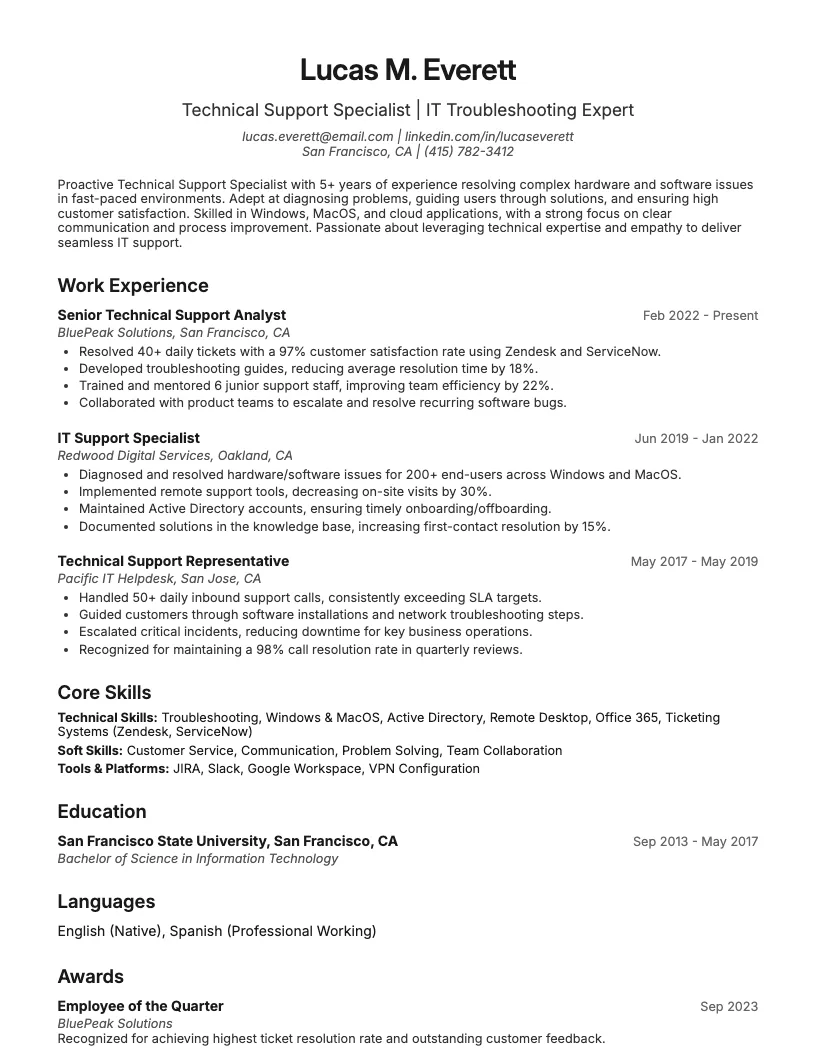
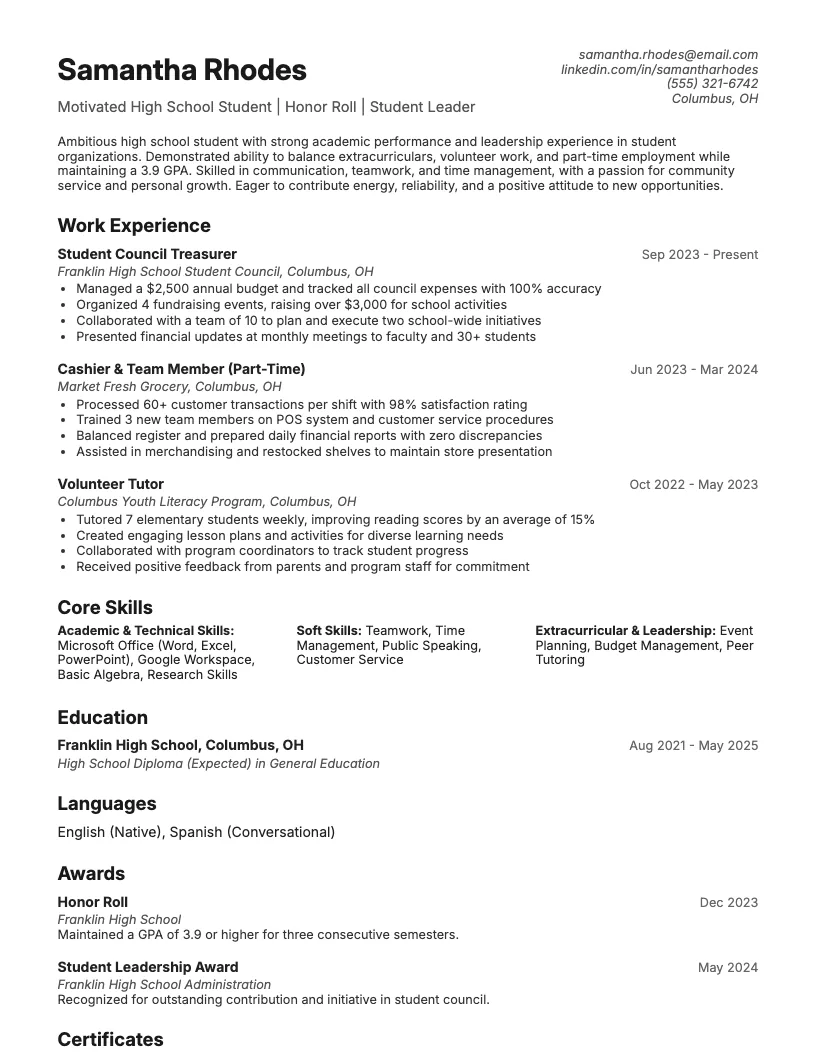
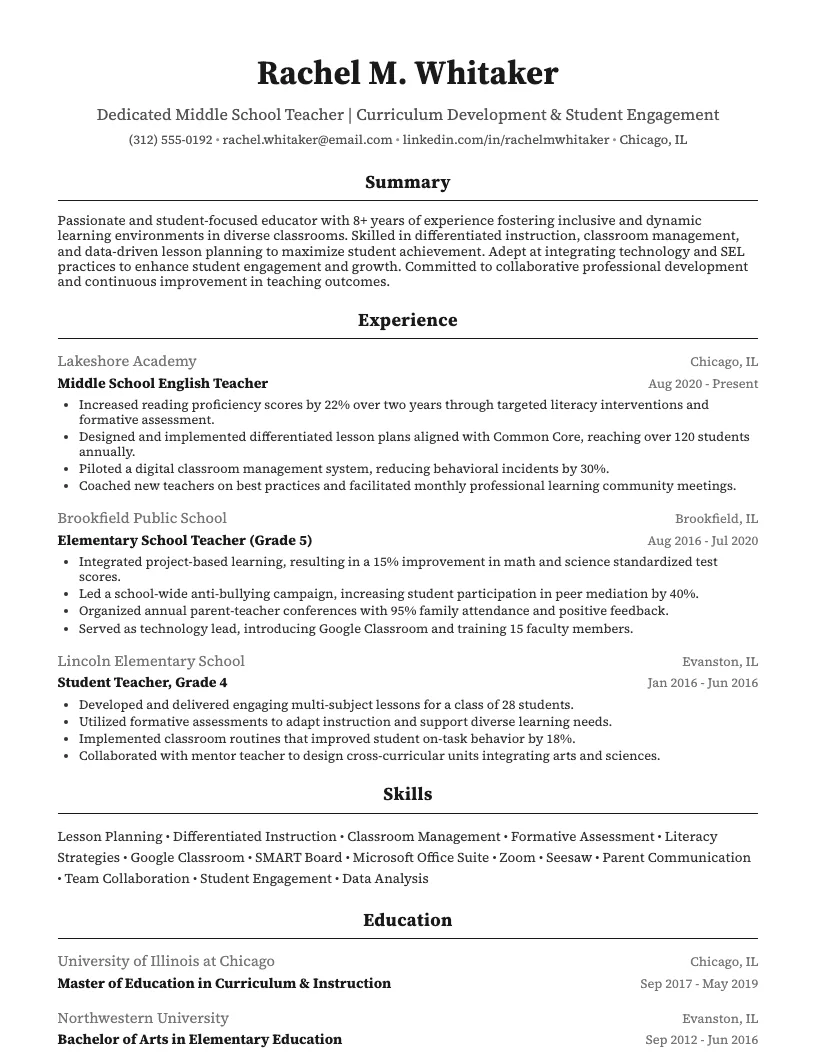
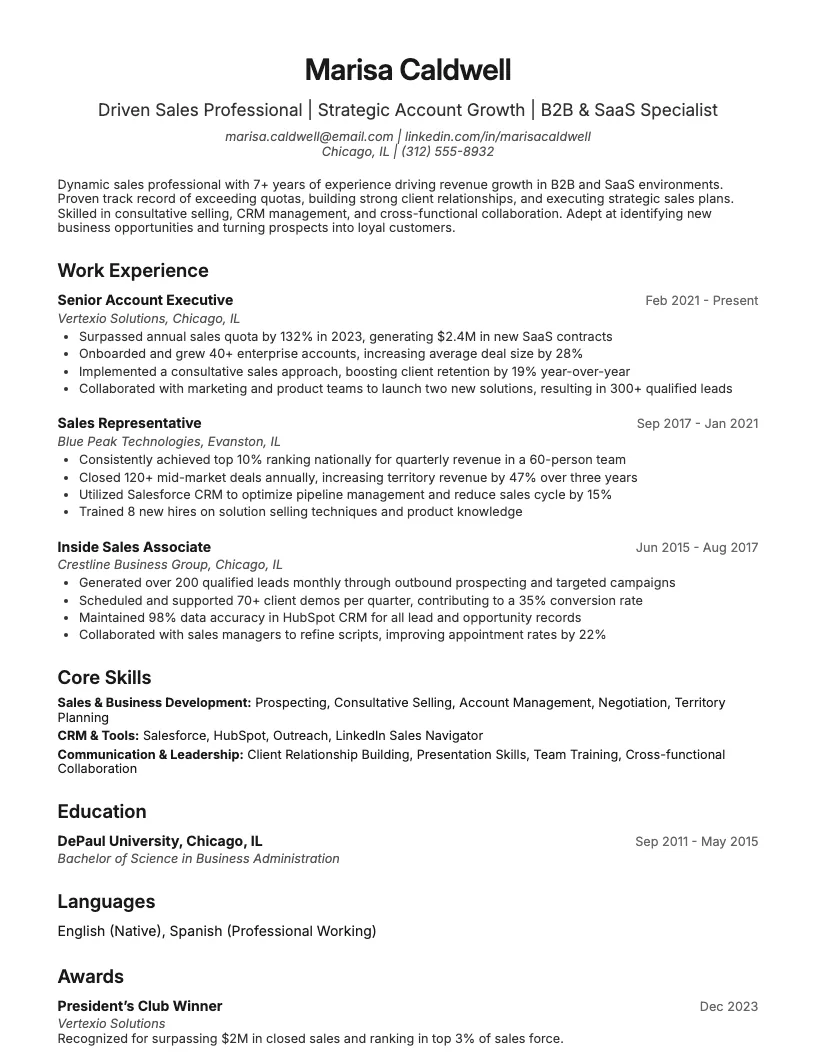
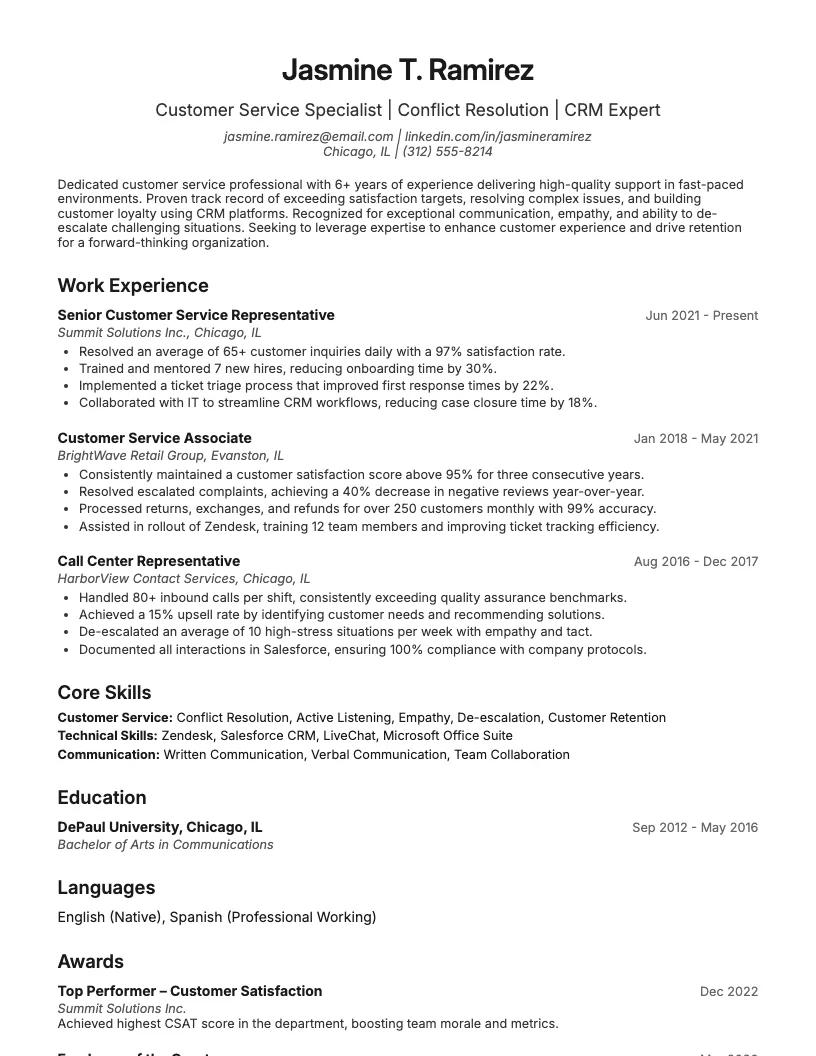
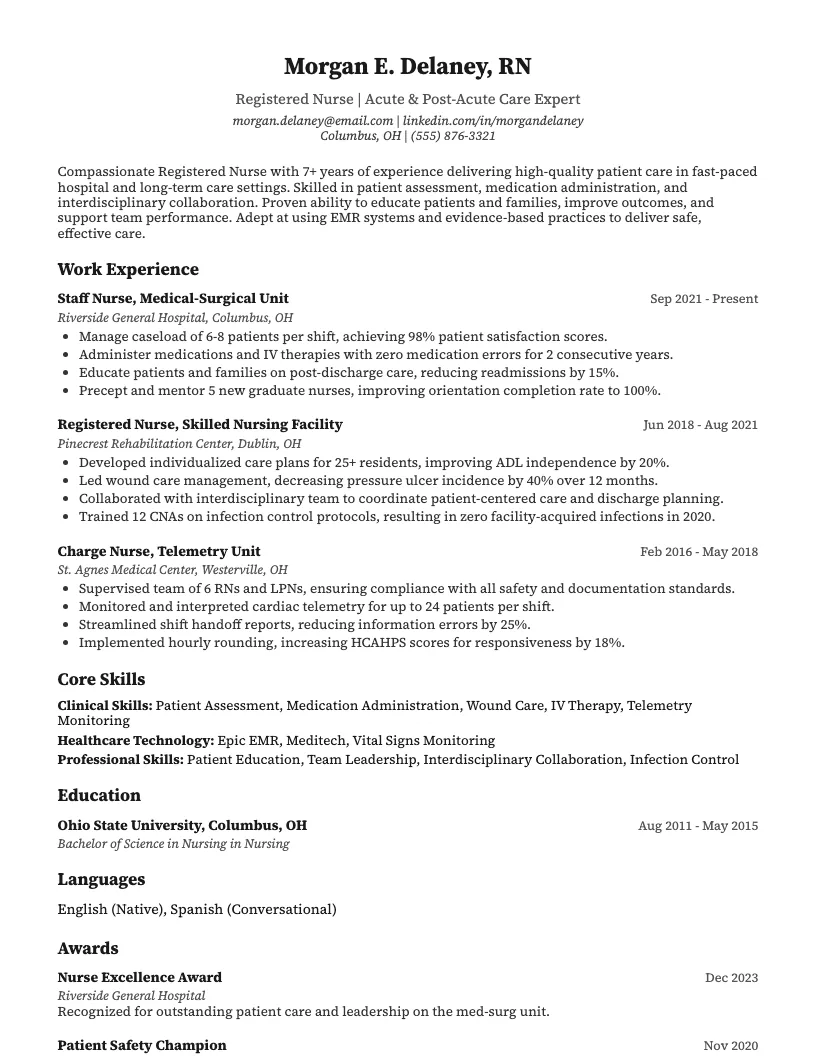
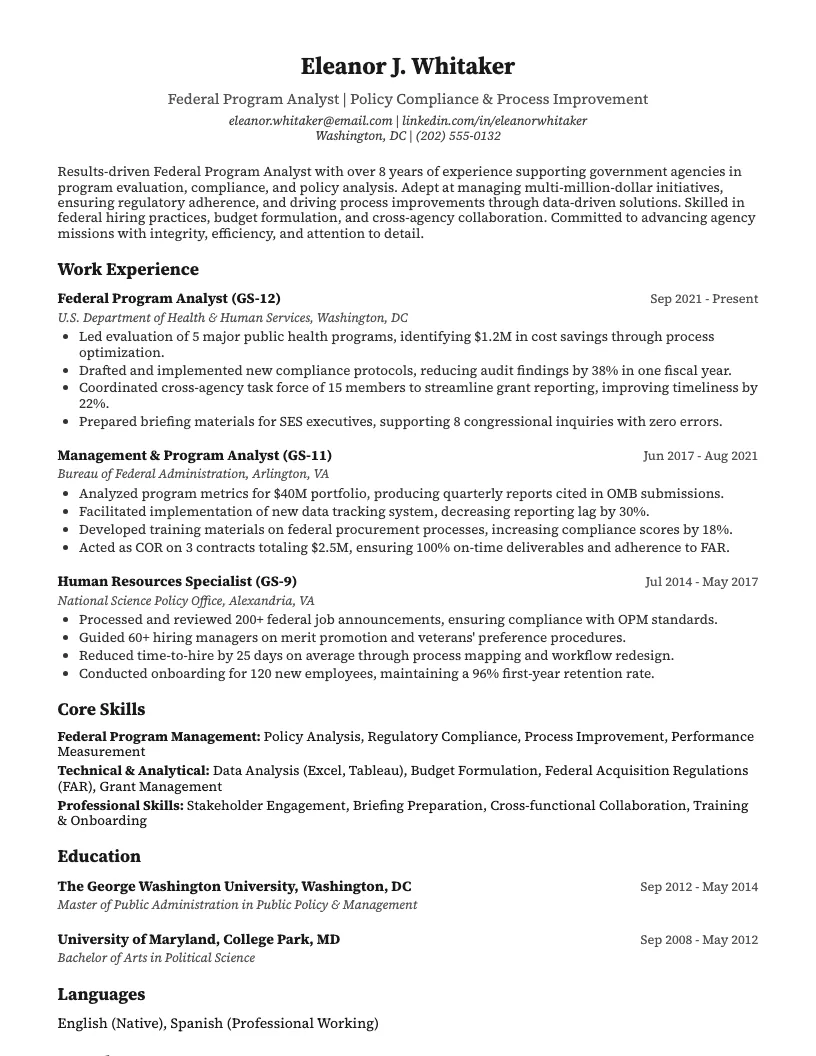
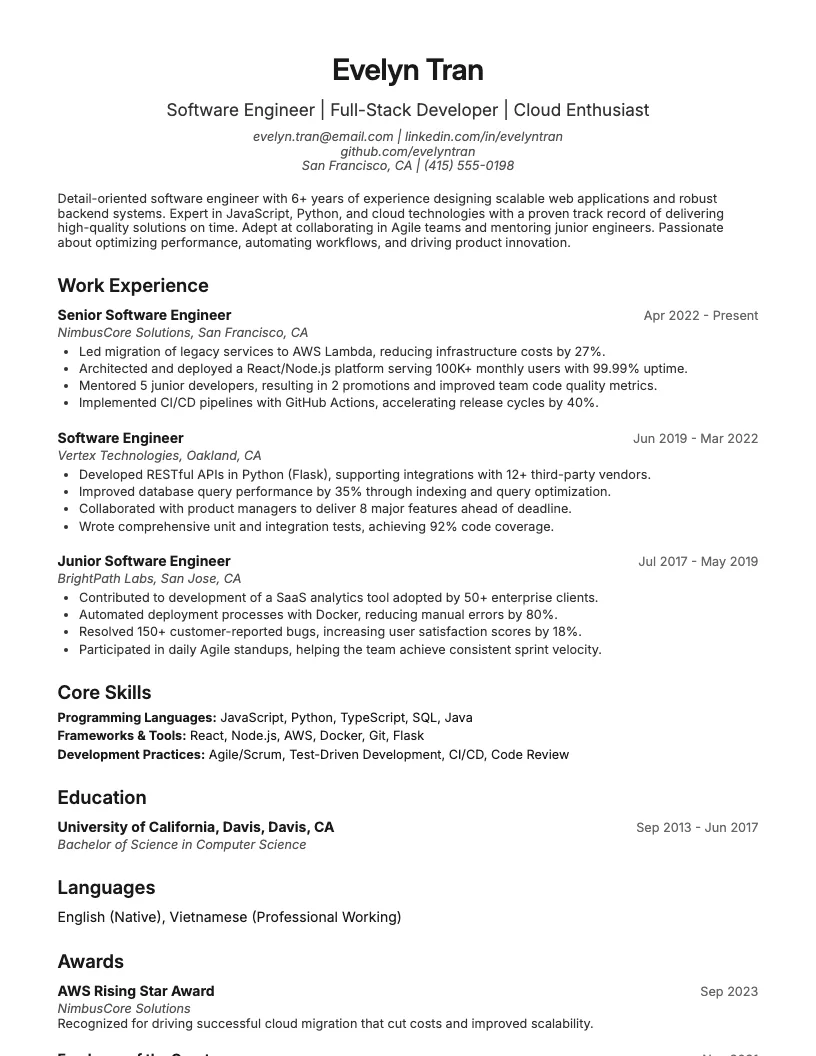
8 examplesStart from an example that already has them, and swap in your own.
Check your resume against the job you want
Scan your resume, see which skills and keywords the posting asks for that you are missing, and fix them before you apply.
Free to use • No credit card required