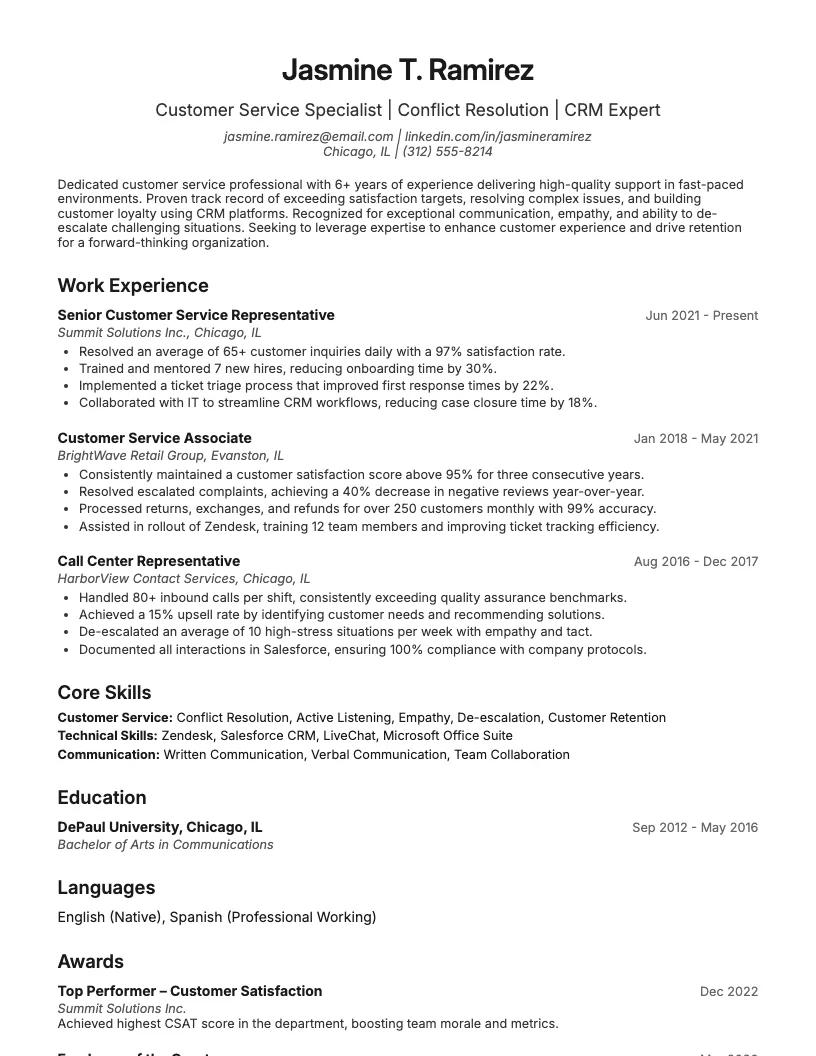
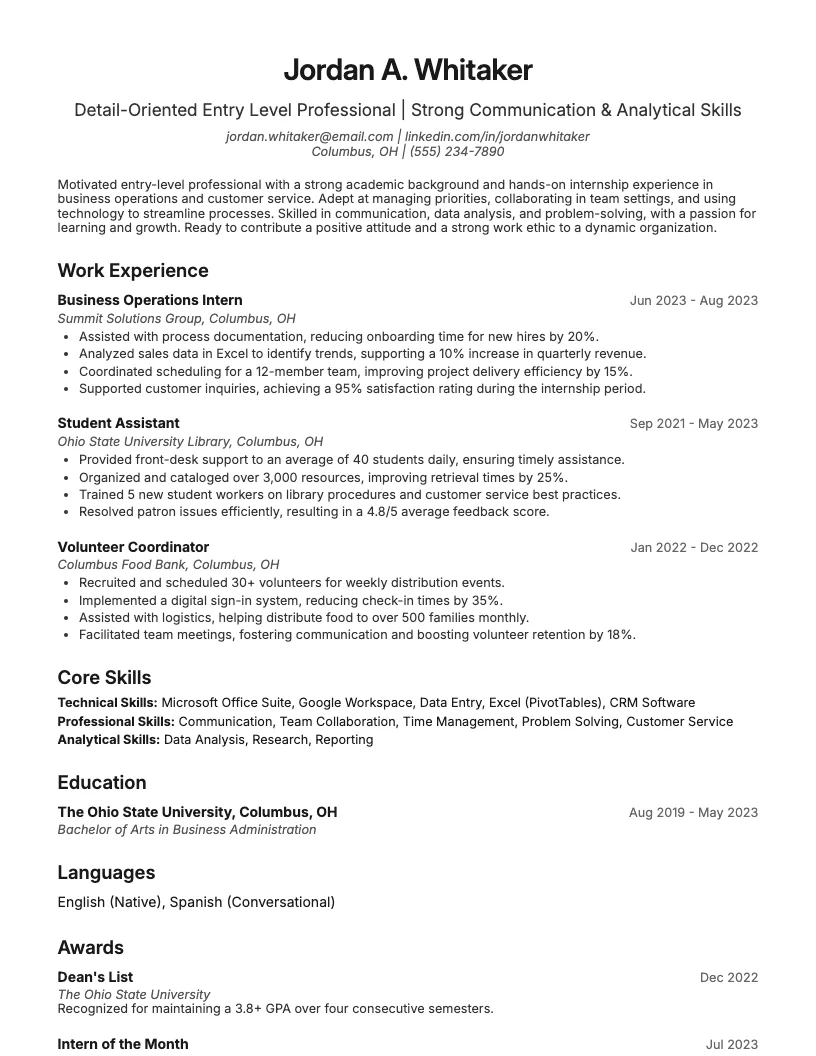
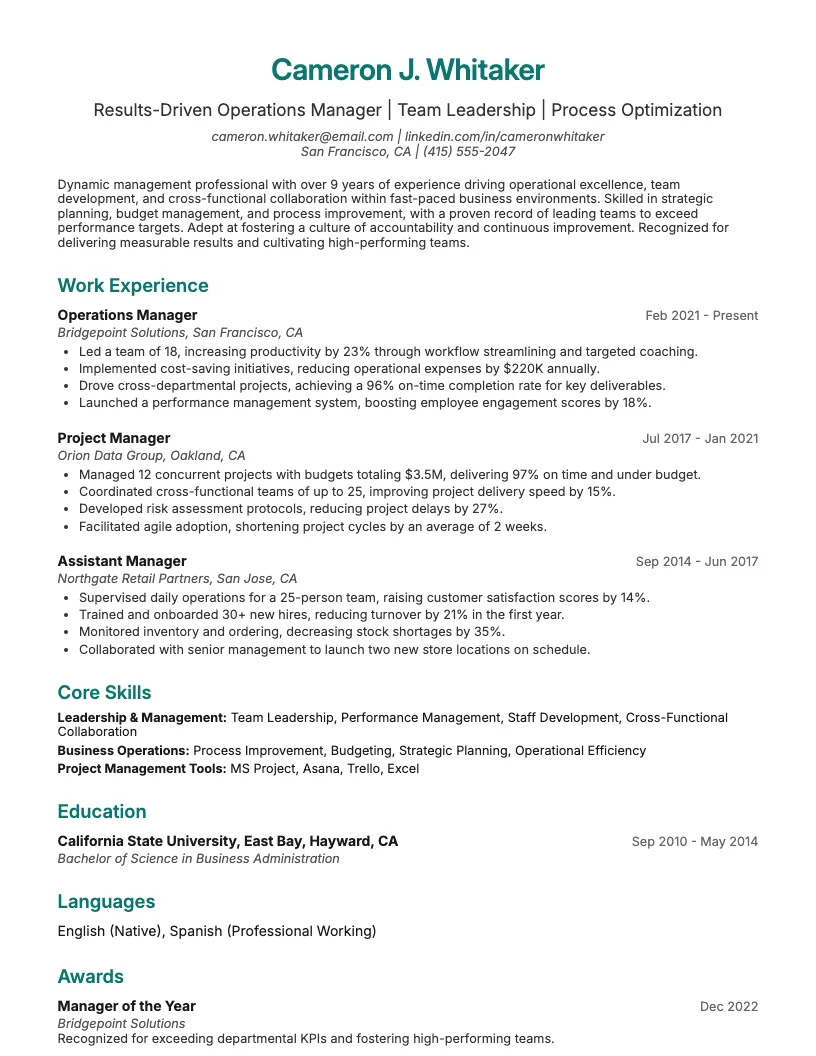
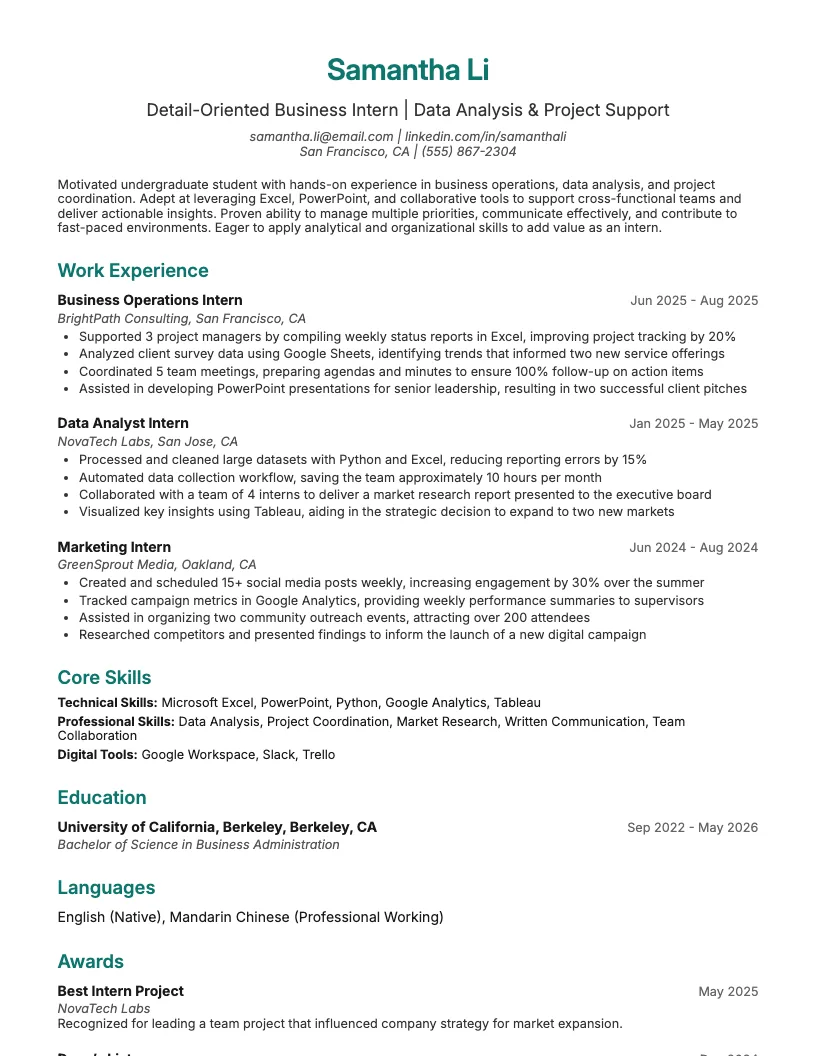
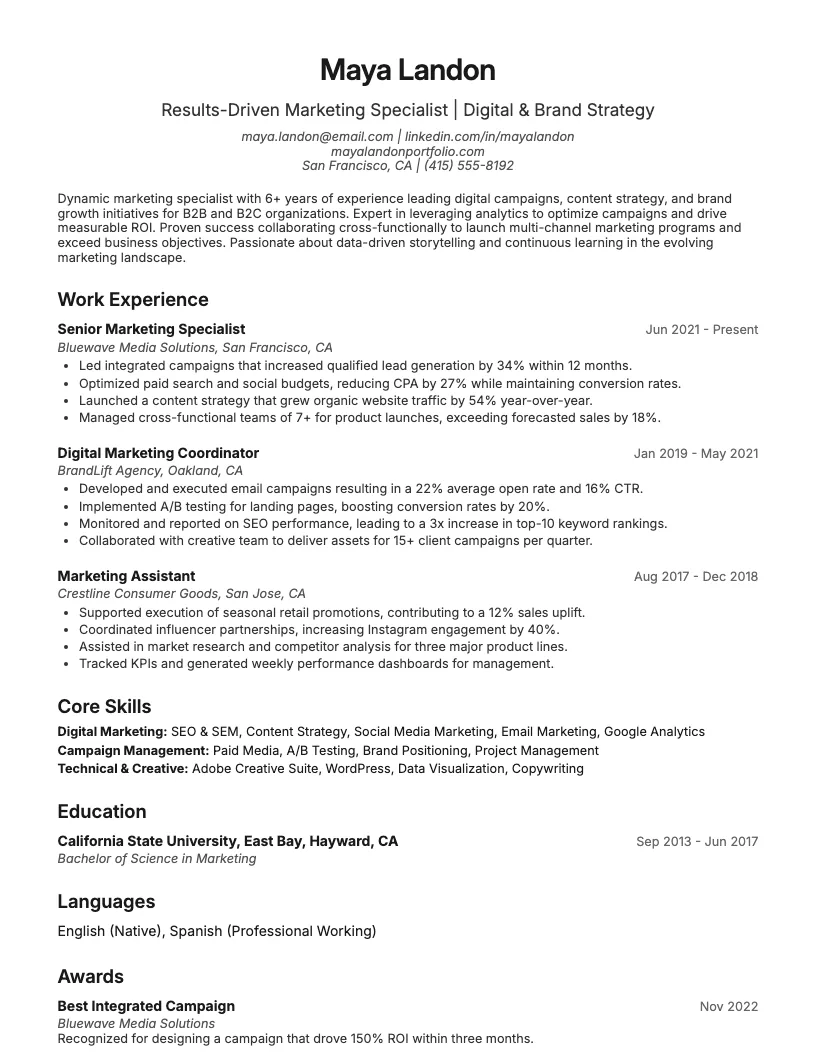
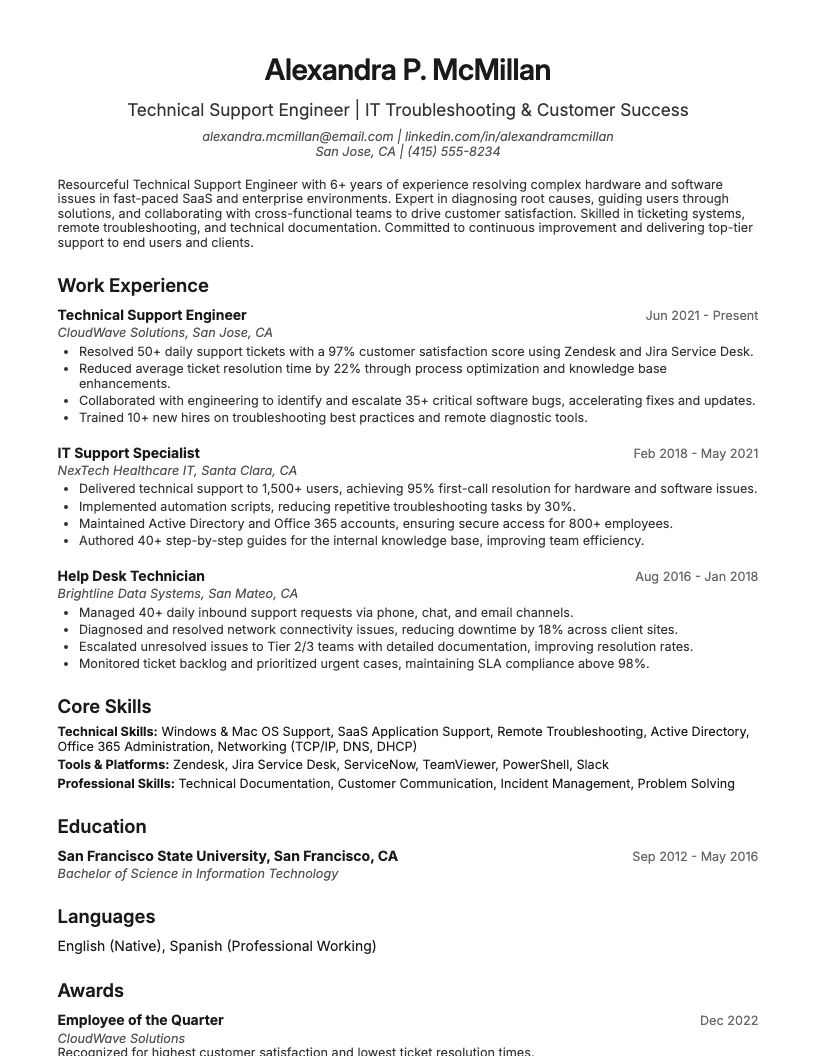
Help Desk Technician Resume Example
See full guide on Help Desk Technician resumes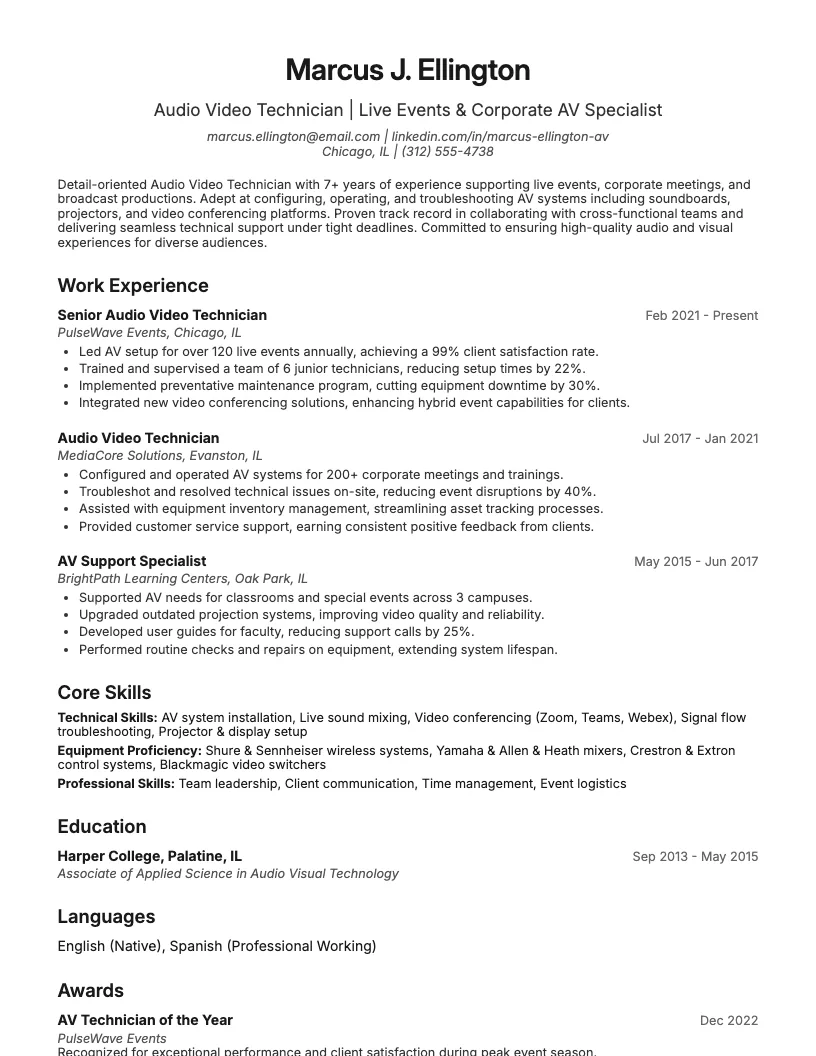 Click to enlarge
 Click to preview

Get inspired by 65+ professional Technical Support resume examples, each written by career experts and optimized to pass ATS scans. Pick a proven template, tailor it to your role, and download a polished resume in minutes.
Pick the specialization closest to your target role and start from a proven resume example.
Technical support covers a lot-hardware, software, networking, and customer service. Each role asks for specific skills and certifications.
Here, I break down resume examples for all experience levels. You’ll find templates for entry-level techs, support engineers, team leads, and more.
If you’re aiming for a Technical Support Specialist role, your resume needs to show strong troubleshooting skills, customer service, and technical know-how. I always focus on real results.
You want to highlight your experience with ticketing systems, remote support, and platforms like Windows, Mac, or Linux. Numbers help-mention how many tickets you resolve daily or your average response time.
It’s smart to spotlight any certifications, like CompTIA A+ or Microsoft Certified. This helps recruiters see you’re serious about your technical growth. Tailor your resume for the job you want.
If you want to work on the front lines of tech support, you’ll probably look at help desk or IT support roles. You deal with tickets, troubleshooting, and user requests daily.
I always highlight strong communication skills and a knack for solving problems fast. For these jobs, 80% of companies want candidates who can explain technical stuff in plain English.
Showcase experience with ticketing systems like ServiceNow or Jira. This helps your resume stand out to hiring managers who handle a high volume of support cases.
Ready to go deeper? The next section focuses on more technical support engineer and analyst roles if you want something a bit more specialized, and you can also review a technical support representative cover letter for additional application tips.
If you’re targeting roles like Technical Support Engineer or Technical Support Analyst, your resume needs to highlight troubleshooting, problem-solving, and technical expertise. Focus on quantifiable results.
I always show off my ability to analyze issues, document solutions, and support users. Mention certifications, like CompTIA or Microsoft, to stand out-over 60% of employers look for them.
You want to list experience with ticketing systems, scripting, or automation tools. Employers love when you include metrics-like resolving 30+ tickets daily or improving system uptime by 15%.
If you lead teams or manage support operations, your resume should highlight leadership, project management, and process improvement. I always recommend quantifying your impact-like leading a team of 15 or raising customer satisfaction by 20%.
Showcase skills in mentoring, performance reviews, and coordinating training. Employers want to see how you inspire growth and keep support teams running smoothly. Use real numbers and specific examples.
Don’t forget to add certifications like ITIL or CompTIA Project+. This helps your resume stand out for technical support manager or team lead roles, and you can strengthen your application with a customer support manager cover letter.
If you're just starting out, highlight your troubleshooting skills and any IT certifications. Even internships or volunteer tech support work count for a lot.
For experienced pros, you want to show off years of hands-on tech support, complex problem-solving, and knowledge of tools like Zendesk or Active Directory.
I always suggest using numbers-like “resolved 30+ tickets daily” or “supported 100+ users”-to make your resume pop and prove your impact.
If you’re looking for desktop support resume examples, you want to show off your troubleshooting, communication, and hardware skills. I see a lot of employers expect experience with Windows and Mac systems.
You should highlight things like ticket resolution rates, remote support experience, and any certifications like CompTIA A+. Numbers matter-mention how many users or devices you support.
These resume examples help you tailor your application for jobs in education, healthcare, or finance. Use them to wrap up your search for technical support resume inspiration!
Technical support jobs need a resume that shows your troubleshooting chops, people skills, and tech know-how. You want to stand out in a sea of applicants.
I focus on the stuff recruiters look for-what makes you a problem-solver, how you handle tough tickets, and the certifications that matter. Let’s break it down step by step.
Start your resume with a strong summary. Mention your job title, how many years of experience you have, and three to four key specialties that fit the job.
I always include highlights like process improvements or working with large teams-say, supporting 500+ users or leading 20 tech reps. This sets the tone fast.
You want your summary to show your impact. Use numbers-like “reduced average ticket time by 30%.” This helps recruiters see your value right away.
Now that you’ve summed up your background, it’s time to show your impact. List your technical support experience using bullet points that focus on achievements, not just daily tasks.
Use specific numbers or percentages. For example, “I resolved over 40 tickets per day with a 95% satisfaction rate.” This shows your results and helps your resume stand out.
Highlight moments where you explain complex stuff to non-tech people or collaborate with other teams. Employers like to see you can work across departments and keep things clear.
Education and certifications matter, but most hiring managers care more about your skills. Still, listing your degree or training shows you’ve got a solid foundation.
Highlight any IT certifications you’ve earned, like CompTIA A+, Microsoft 365, or Cisco CCNA. These show you’re committed to learning and staying current in tech support.
If you’ve finished specialized courses, add them too. Employers spot keywords like “ITIL Foundation” or “Google IT Support” right away. This helps you stand out from other applicants.
Technical support isn’t just about fixing issues. I always mention specific tools I know-like Windows, macOS, ticketing systems, or remote access platforms-to show my hands-on experience.
You should also highlight your communication chops. Describe how you break down complex stuff for non-technical people or keep cool under pressure with frustrated customers. This helps your resume stand out.
There are plenty of ways to show you’re great at both. Include examples of collaborating with teams or supporting hundreds of users. That mix of tech savvy and people skills is key here.
I always include technical support resume skills that match the job description. Keywords like troubleshooting, ticketing systems, and remote support catch recruiters’ attention and help beat applicant tracking systems.
You want to add help desk resume keywords like customer service, Active Directory, and hardware diagnostics. This helps your resume show up in search results and increases your interview chances.
There are plenty of ways to stand out. I suggest scanning several job ads and pulling out the most repeated terms. Use those exact words-it really works.
When you pick a technical support resume template, focus on clarity and easy navigation. Your experience and skills should always stand out, not flashy designs.
Most hiring managers spend about 7 seconds scanning each resume. You want a template that highlights your achievements fast and keeps your details organized.
If you’re looking for more inspiration, you can check out other resume examples in tech roles. I find it helps to see how different skills and experience are listed.
You’ll also find tools and cover letter tips that make the job search easier. There are resources here for every level, from entry-level to senior technical support.
If you're building a technical support resume, you have tons of tools at your fingertips. I always start with a simple template-there are over 100 free options online.
You can use resume builders to auto-format your sections, so you focus on content, not design. This helps you highlight your skills and achievements quickly.
I recommend checking out guides on writing summaries, listing references, and picking the best resume fonts. These small details can boost your chances by up to 60%.
You can boost your application with a technical support cover letter. This is your chance to highlight soft skills and explain how you solve problems for users.
I like to keep cover letters short-under 300 words. Use specific examples, like resolving 50+ tickets weekly or improving customer satisfaction scores.
There are tons of technical support cover letter examples online. Reviewing a few helps you see what works, spot common keywords, and avoid generic phrases.
Take time to personalize each cover letter. This helps you stand out in a stack of over 100 applications, especially when you match your skills to the job description.
If you want more career resources, check out the resume examples above. These give you a full picture-cover letter plus resume-for technical support roles.
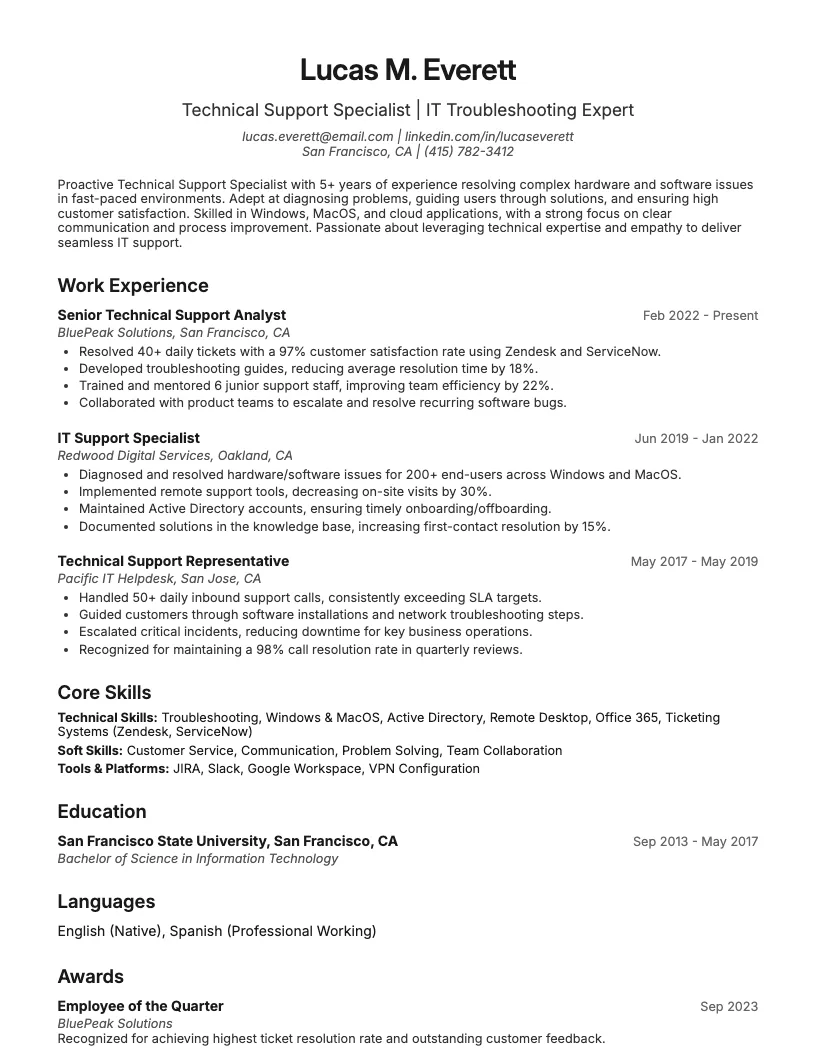
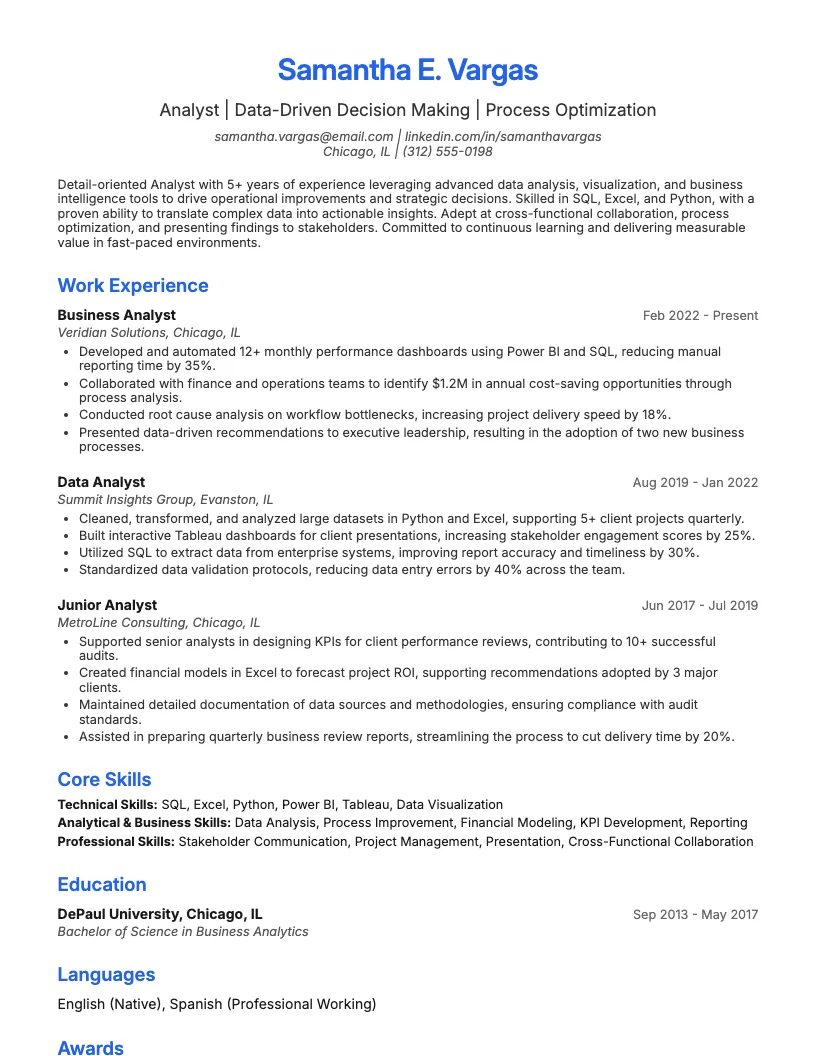
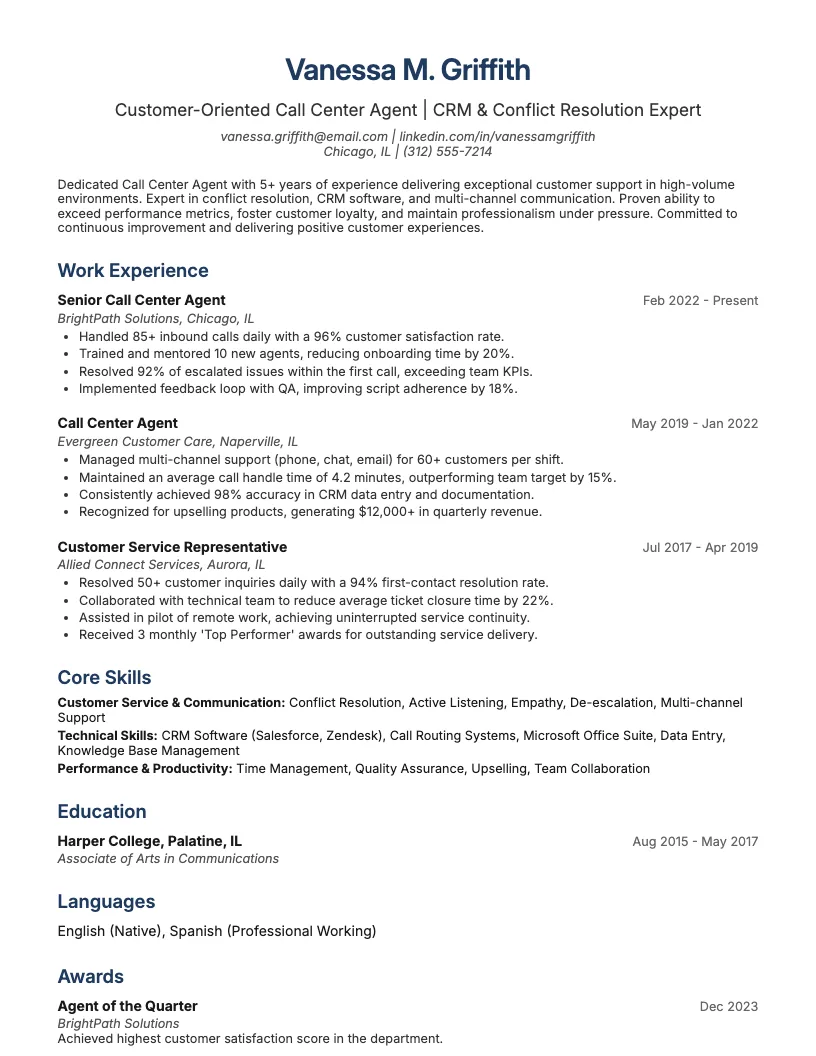
Browse Technical Support resume examples for related roles. Preview any example, open it in the builder, or read its full guide.
Click to enlarge Click to enlarge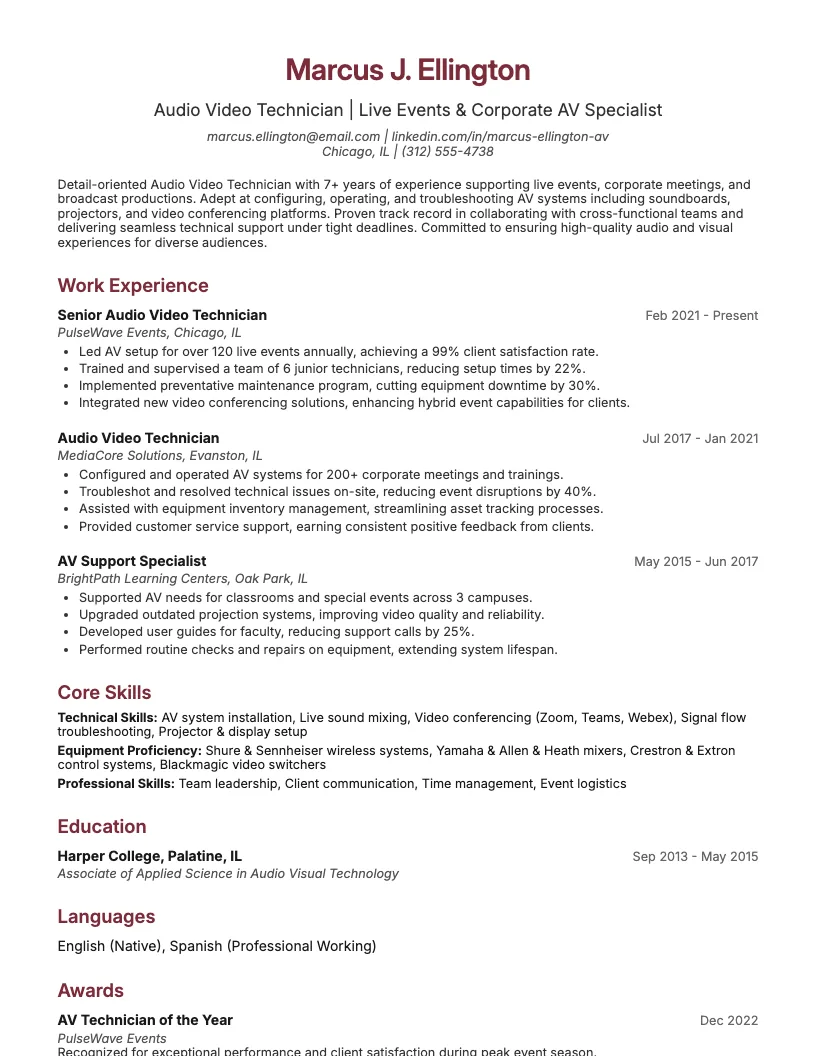 Click to enlarge
 Click to enlarge
 Click to enlarge
 Click to enlarge
 Click to enlarge Click to enlarge
 Click to enlarge
 Click to enlarge
Common questions about Technical Support resumes
A technical support resume template is a pre-designed document tailored to highlight skills, experience, and certifications needed for tech support roles. ResumeJudge makes it easy to showcase your IT troubleshooting abilities to employers.
Yes, ResumeJudge templates are optimized for Applicant Tracking Systems, ensuring your resume gets noticed by recruiters. The clear formatting helps your qualifications pass through automatically.
Use a technical support resume template when applying for roles in IT helpdesk, customer service, or software support across industries like healthcare, finance, or retail. ResumeJudge fits all these job types.
Absolutely! You can easily update ResumeJudge templates with your own skills, certifications, and work history, ensuring your resume matches each job description perfectly.
Technical support templates focus on troubleshooting, communication, and IT skills, while others may highlight project management or creative abilities. ResumeJudge offers templates tailored for each career path.
A technical support resume should generally be one page for early-career professionals, or up to two pages for seasoned experts. ResumeJudge helps you keep content concise and relevant.
Highlight technical troubleshooting, customer service, software proficiency, and communication skills. ResumeJudge templates prompt you to showcase these key strengths effectively.
Yes, adding certifications like CompTIA A+ or Microsoft Certified is highly recommended. ResumeJudge templates provide space for listing your credentials clearly.
While not always required, a tailored cover letter strengthens your application. ResumeJudge offers matching cover letter templates for a polished, professional look.
Yes, ResumeJudge provides templates for both entry-level and experienced professionals, helping you highlight internships, coursework, or transferable skills even if you're new to the field.
Explore more professional resume examples to inspire your job search
Use our AI-powered resume builder to create a professional, ATS-friendly resume in minutes.
Free to use • No credit card required