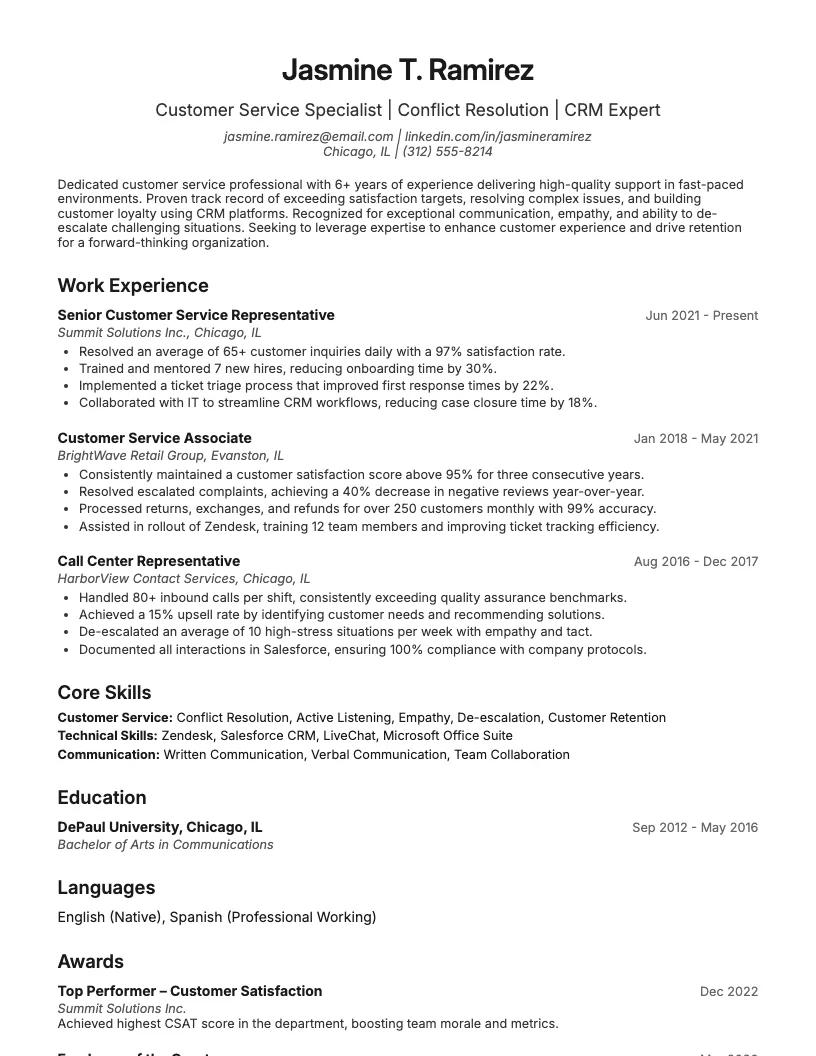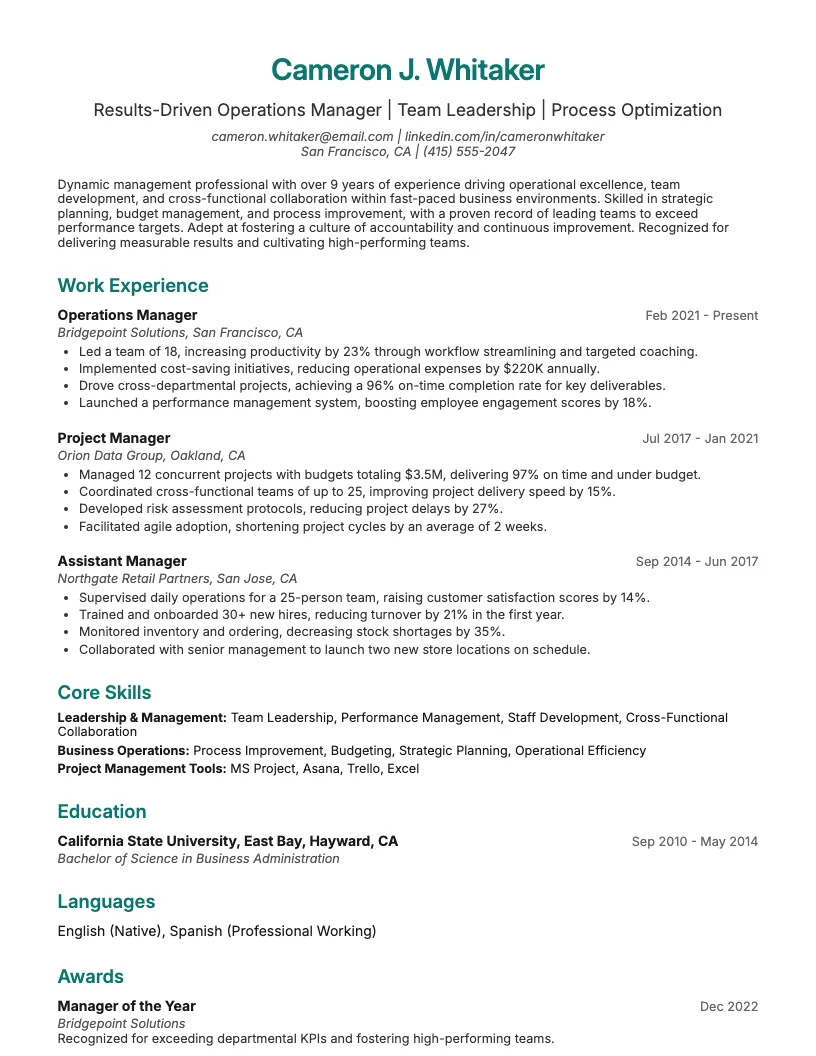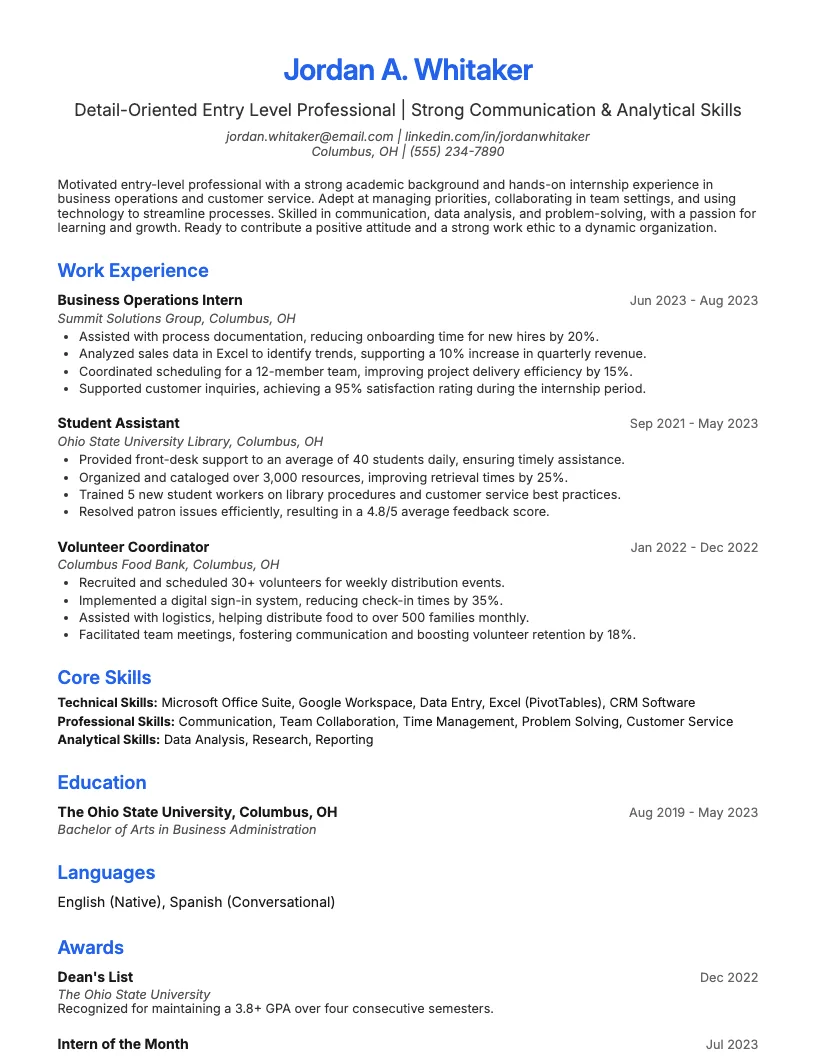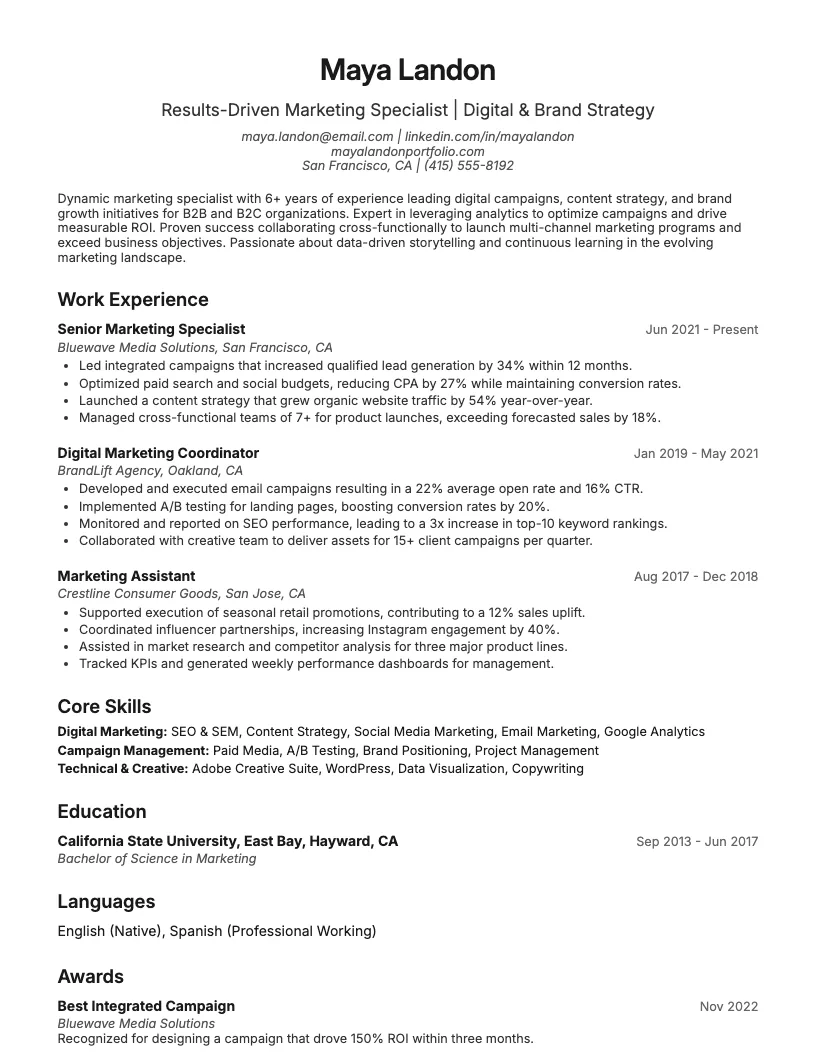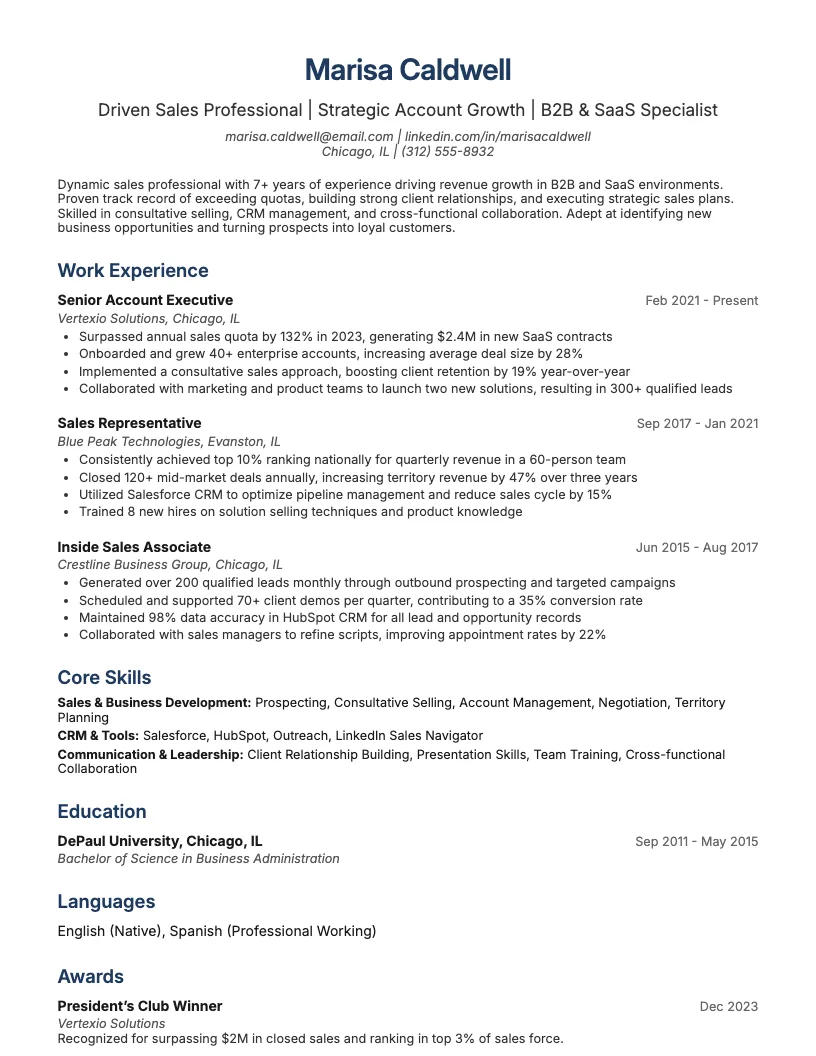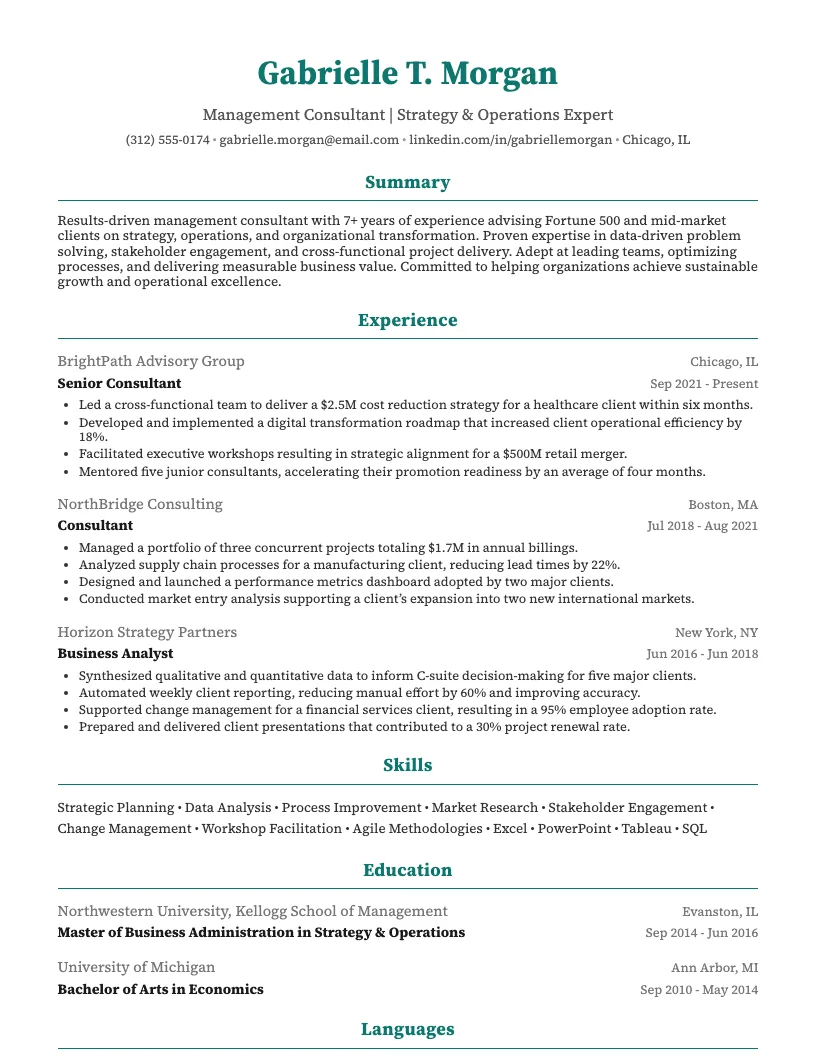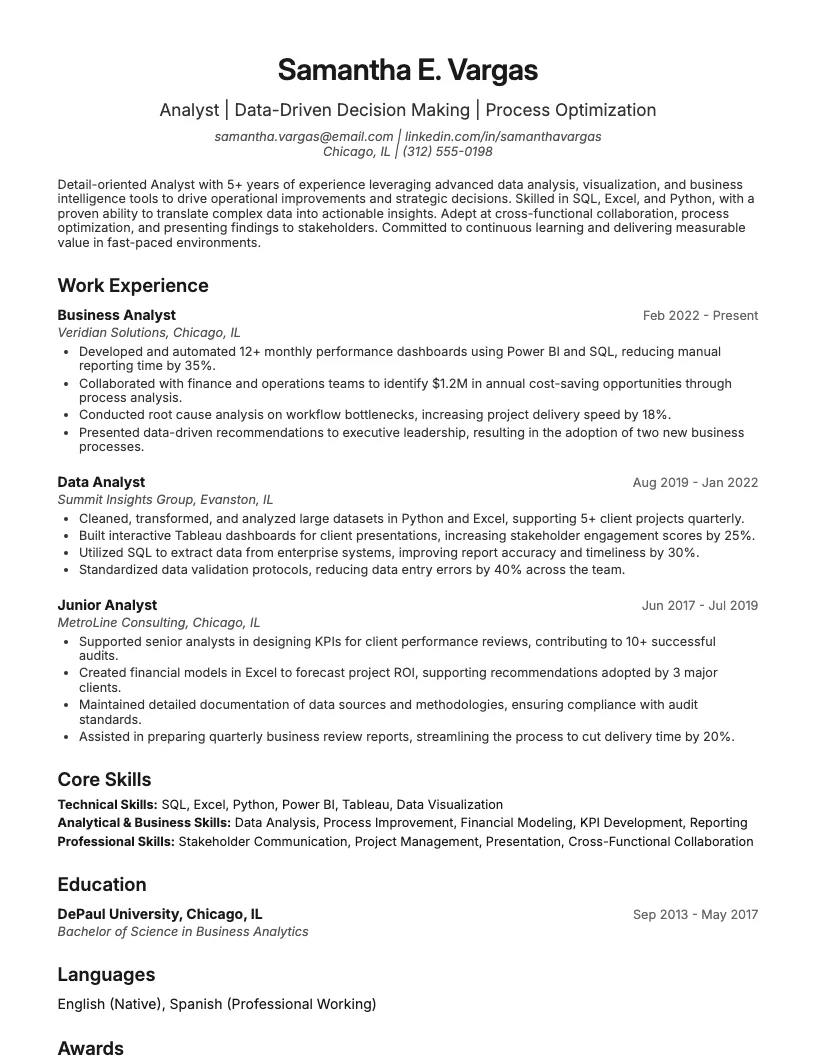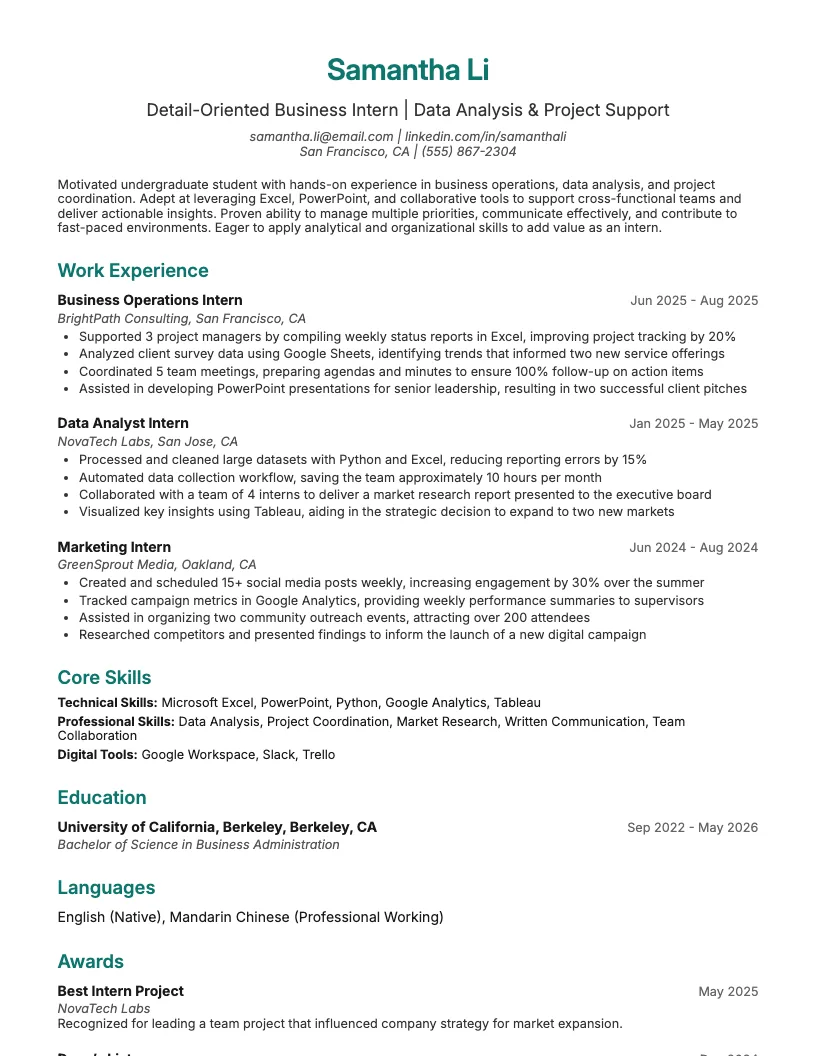
Executive Assistant Resume Example
See full guide on Executive Assistant resumes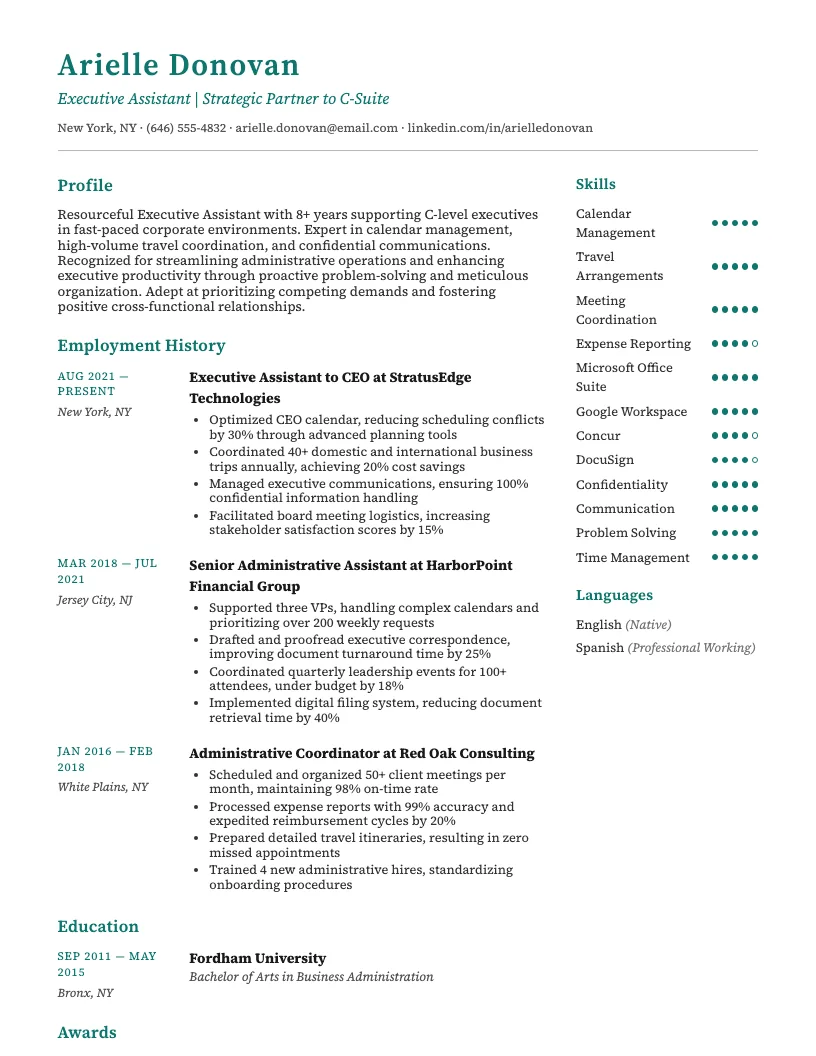 Click to enlarge
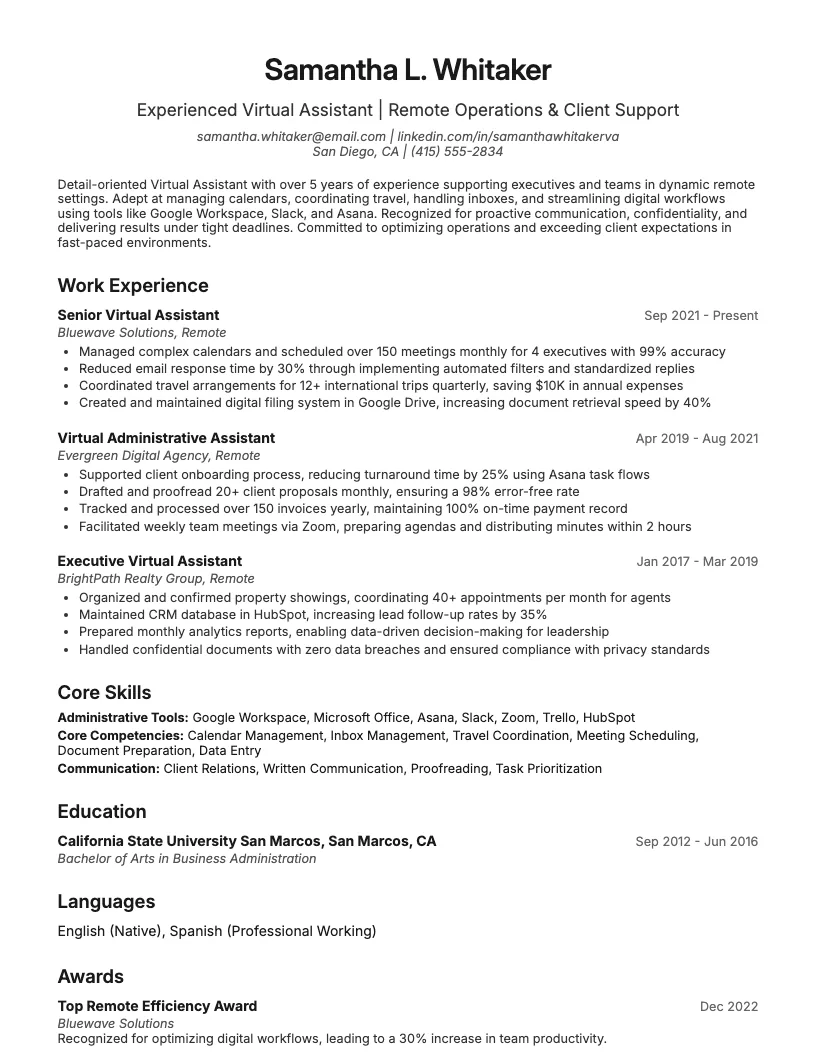 Click to preview

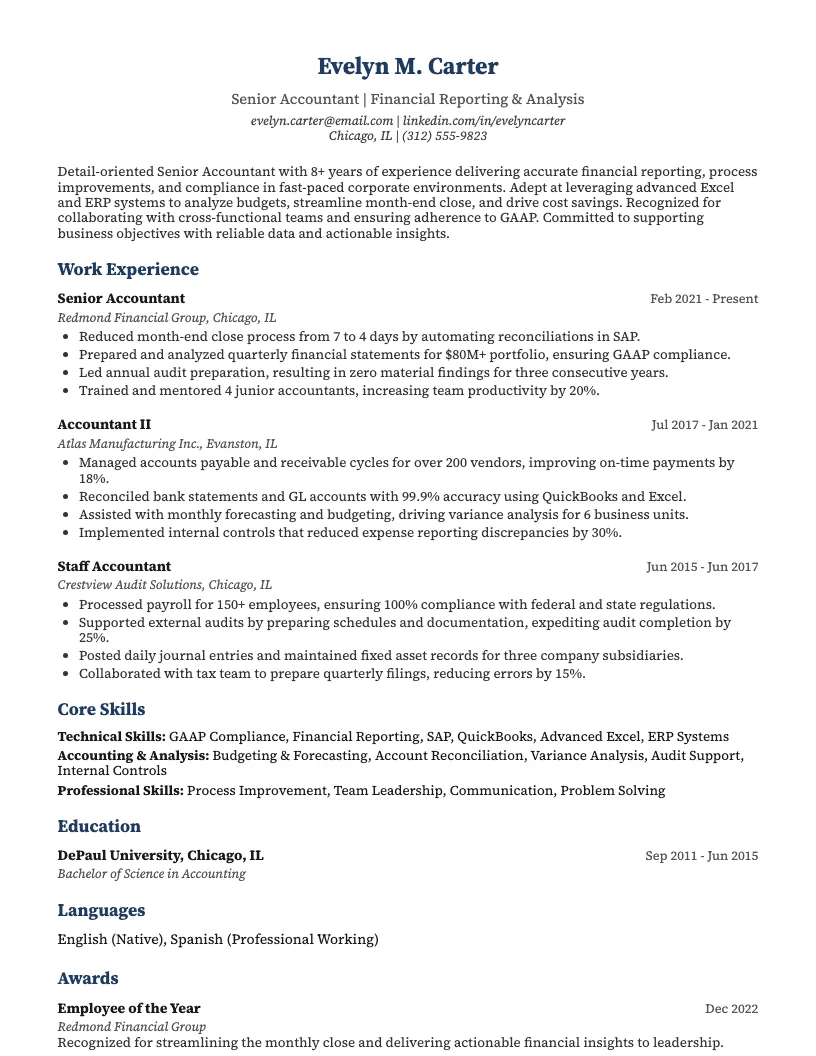
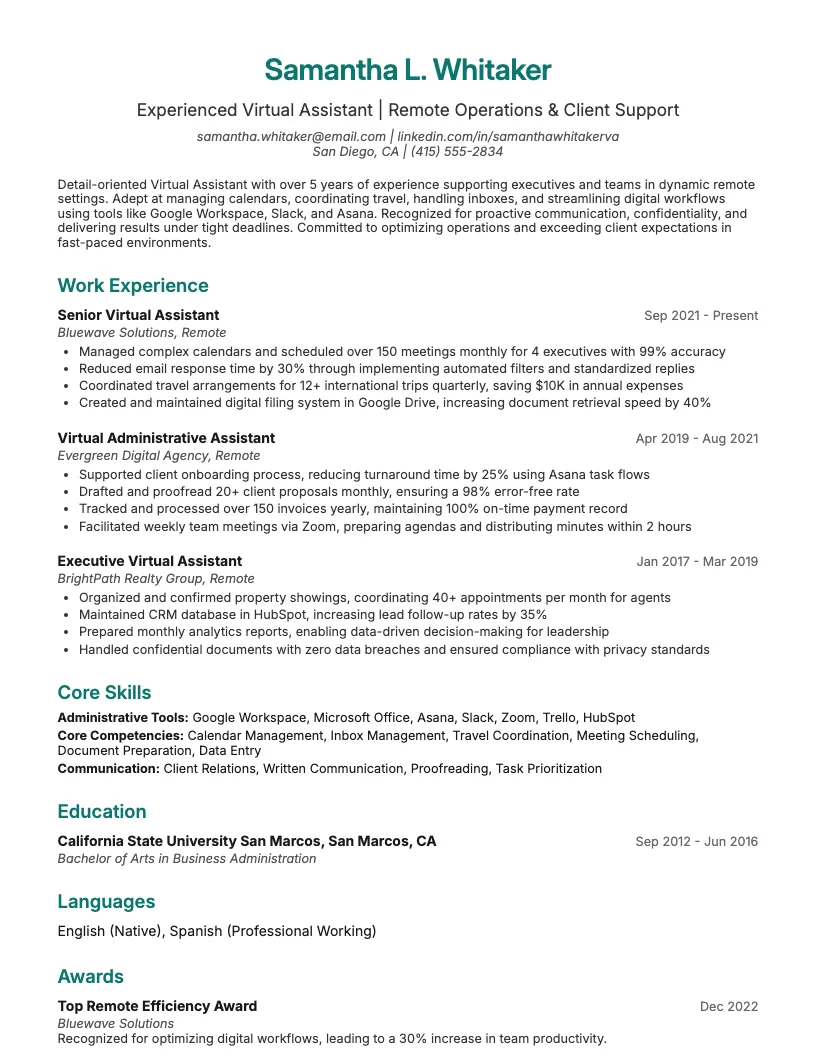
Get inspired by 62+ professional Virtual Assistant resume examples, each written by career experts and optimized to pass ATS scans. Pick a proven template, tailor it to your role, and download a polished resume in minutes.
Pick the specialization closest to your target role and start from a proven resume example.
Virtual assistant jobs cover a lot, from admin support to executive help. You find roles in industries like tech, healthcare, legal, and real estate.
I see hiring managers looking for different skills at each level. Entry-level jobs often want strong communication and organization. Specialized and executive roles need deeper experience and software knowledge.
If you tailor your resume to your experience and industry, you boost your chances. A strong resume helps you stand out, even if you’re just starting out.
Starting as a virtual assistant? Your resume should showcase strong organizational skills, attention to detail, and comfort with remote tools like Google Workspace or Slack.
I always recommend highlighting transferable skills. Think customer service, calendar management, or data entry. Even part-time jobs count if you show what you learned.
You can use numbers to prove impact. For example, “Managed scheduling for 3+ team members” or “Responded to 20+ client emails daily.” This helps you stand out from other newcomers.
When you’ve got 3+ years as a virtual assistant, your resume needs to show more than just basic admin skills. I always highlight project management and client relationship experience.
You want to list metrics: handled 50+ client accounts, reduced scheduling errors by 30%, managed high-volume inboxes. This shows real impact and value to employers.
Include software expertise, like Asana, Slack, and QuickBooks. There are always new tools, so you want to mention recent certifications or process improvements you drive. This helps you stand out.
If you handle C-level schedules or support legal, medical, or tech teams, your resume needs extra detail. I always highlight niche skills and industry tools.
Show off any certifications or project experience. For example, if you manage confidential data or use tools like Salesforce, mention it. This helps recruiters spot your value fast.
You can also add numbers. For example, “Supported 5 executives” or “Reduced scheduling conflicts by 40%” stands out. Quantifying your impact builds credibility and trust.
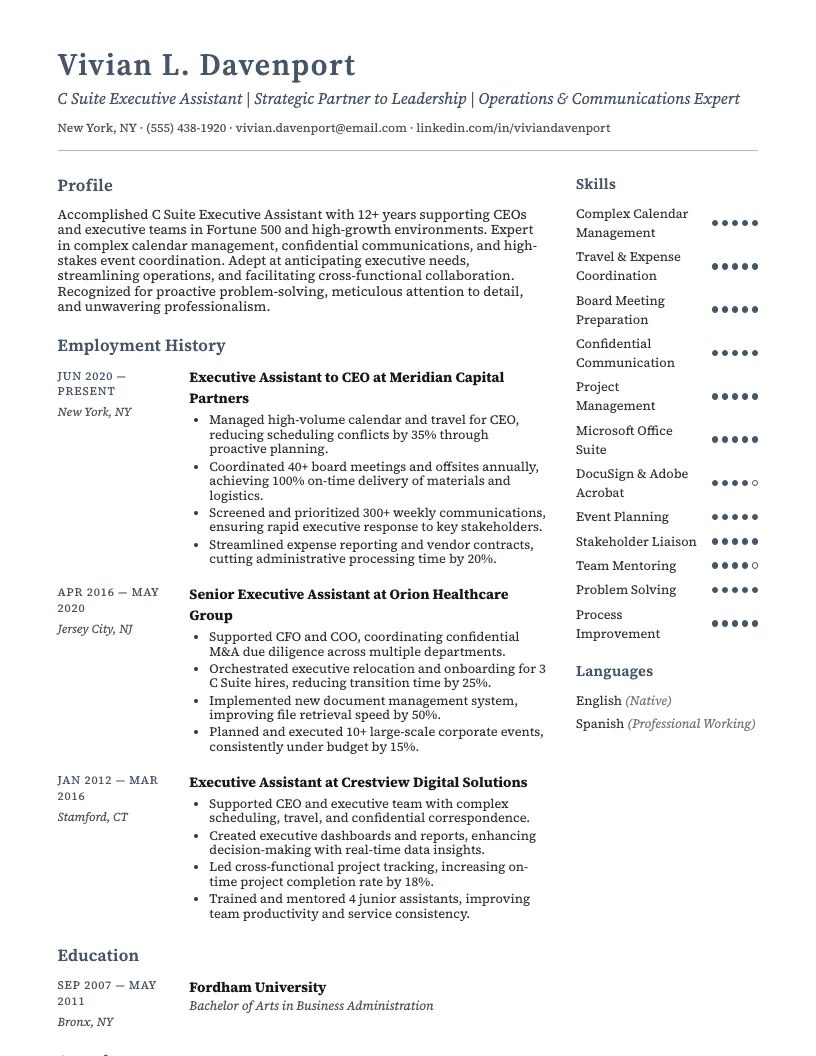
When I look at an executive assistant resume, I expect precision-think clear metrics, like managing 10+ calendars or arranging 50+ meetings a month. Specifics matter here.
Executive assistant cover letter examples often highlight skills like confidential correspondence, travel planning, and executive support for C-level leaders. You want to show you handle high-stakes tasks smoothly.
If you need an executive assistant resume sample, focus on leadership, communication, and software skills. This helps you stand out in industries like finance, law, and tech.
That wraps up my favorite ways to make your virtual assistant resume fit any level-pick the style that suits your experience and industry best.
If you want clients to notice you, your resume needs to stand out. About 75% of recruiters use software to scan resumes before they even read them.
Highlighting your experience, skills, and certifications shows clients what you bring to the table. I focus on clear, easy-to-read sections that get straight to the point.
Your resume should show your value and make hiring you an easy decision. Let’s break down each section so you can build a strong application.
First impressions matter. I always start my virtual assistant resume with a professional summary-just three to five sentences at the top. This helps recruiters quickly see my value.
Focus on remote administrative skills and adaptability. Mention years of experience, industries you know, and core strengths like communication or time management. Personalize this section for each job.
Keep it short but impactful. Use keywords from the job posting, and highlight how you support virtual teams. This instantly tells employers you get what they need.
You want to highlight real results from your work. Employers love seeing numbers, so mention things like "managed 50+ client emails daily" or "cut scheduling errors by 30%."
I always include examples of how I support executives and teams, and I make sure my application includes a cover letter to highlight my fit. If you streamline processes, show how many hours you save or costs you reduce. This makes your impact clear.
Don’t just list tasks-describe how you add value. If you handle multiple projects, say so. Companies look for virtual assistants who keep things running smoothly and communicate well.
You don’t need a specific degree to become a virtual assistant, but listing your high school diploma or college coursework shows you’ve got the basics covered.
Certifications like the Certified Virtual Assistant (CVA) or Google Workspace Certification help you stand out. About 30% of job listings mention these, so they’re worth adding.
If you’re still training, mention any in-progress certifications. This shows you’re always learning-a big plus for clients who want someone proactive.
You want your skills section to stand out. List both technical tools-like Google Workspace and Trello-and soft skills, such as time management and clear communication.
I always match my skills to the job description. This helps with applicant tracking systems (ATS), which filter resumes using keywords from the actual posting. It really increases your odds.
Don’t forget to include proficiencies like calendar management, data entry, and customer support. Keep your list tight-stick to 7-10 of the most relevant skills for the job.
You want your resume to pass both human reviewers and automated systems. Using keywords for executive assistant resume helps you get noticed by recruiters and applicant tracking systems.
Some important keywords include: calendar management, travel coordination, expense reporting, communication skills, and confidentiality. These are what employers search for most often.
I also recommend phrases like meeting scheduling, document preparation, and project support. Scan job postings and pick out repeated terms. This boosts your chances of landing interviews.
That wraps up the essentials for a strong virtual assistant resume. Stick with the tips above, and you’ll stand out from the crowd!
Picking the right resume template matters when you want to stand out as a virtual assistant. You need something that’s easy to read and gets to the point quickly.
I always look for templates with clear sections and lots of white space. A clean layout makes it easier for managers to spot your skills in seconds.
You want a template that’s flexible. Sometimes I need to add sections for specific skills or experience. The best templates let you do that without looking messy.
Once you’ve got the basics, you can start customizing your template for your niche or expertise. That way, your resume fits you and the job perfectly.
You might want to see how other admin roles compare to being a virtual assistant. I find it helpful to look at a variety of office support resumes.
If you’re exploring different options or want to expand your skills, these resources cover roles like executive assistant, receptionist, and office manager. It’s all about finding what fits your path.
If you’re looking for practical virtual assistant cover letter examples, you’re in the right spot. I know writing these can feel tricky, but good ones really stand out.
A strong cover letter highlights your organization, communication, and tech skills. You need to show you can handle remote work and juggle multiple tasks. Recruiters like seeing specific tools you’ve used.
There are tons of virtual assistant cover letter examples out there, but always personalize yours. Mention the job title, company name, and how your skills match their needs. This helps you get noticed fast.
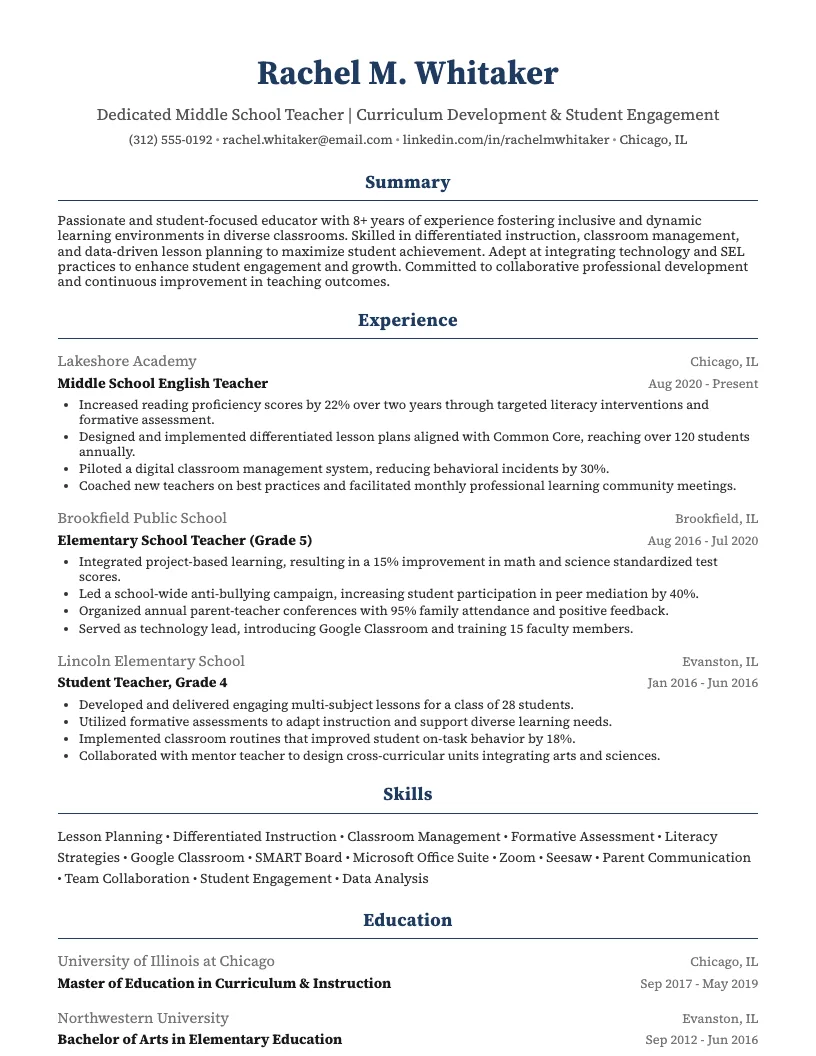
Browse Virtual Assistant resume examples for related roles. Preview any example, open it in the builder, or read its full guide.
Click to enlarge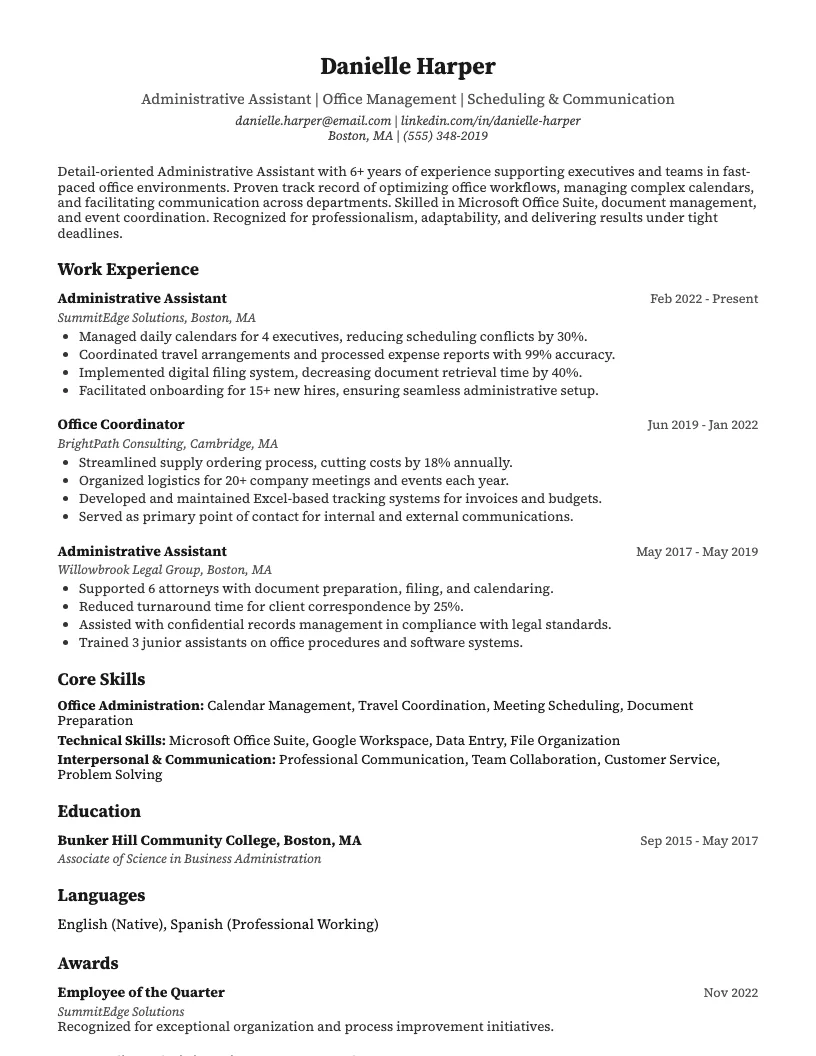 Click to enlarge
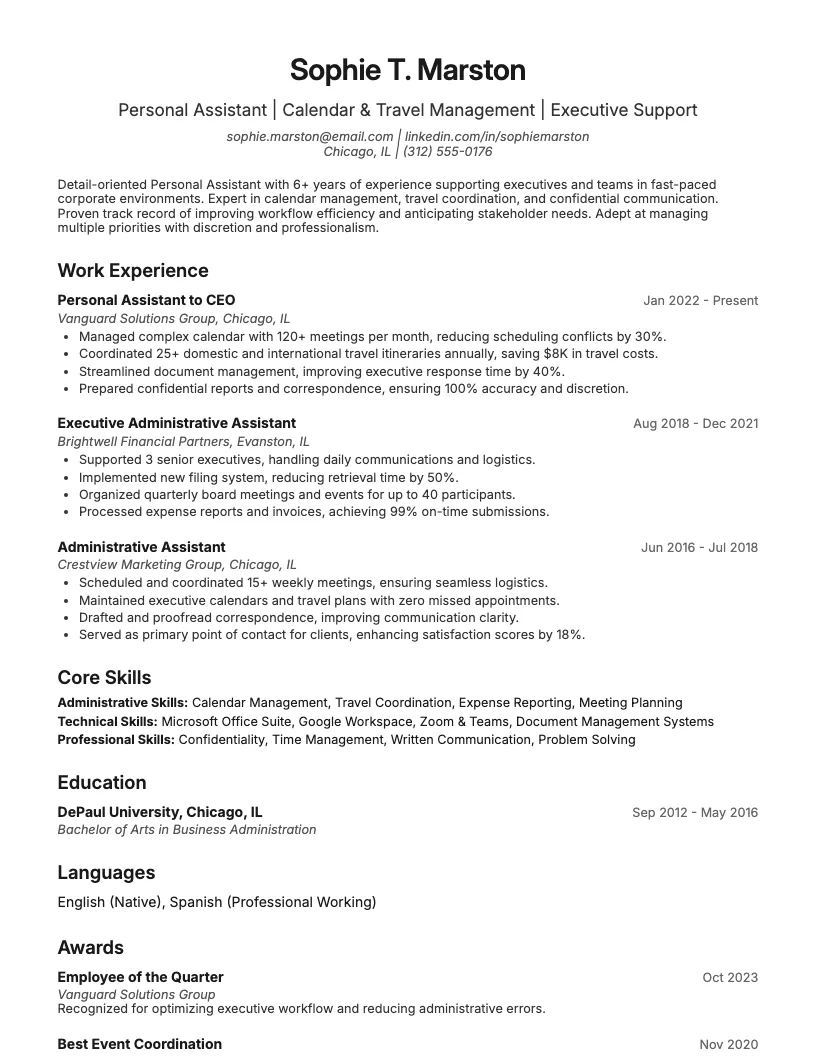 Click to enlarge
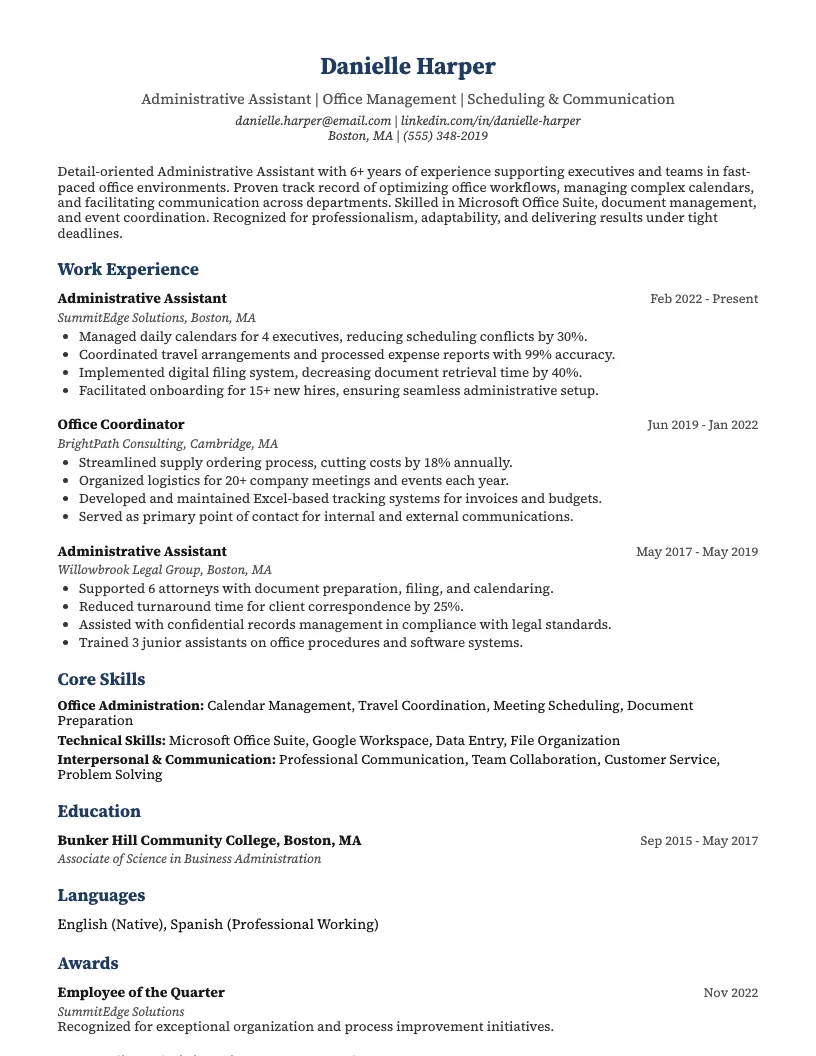 Click to enlarge
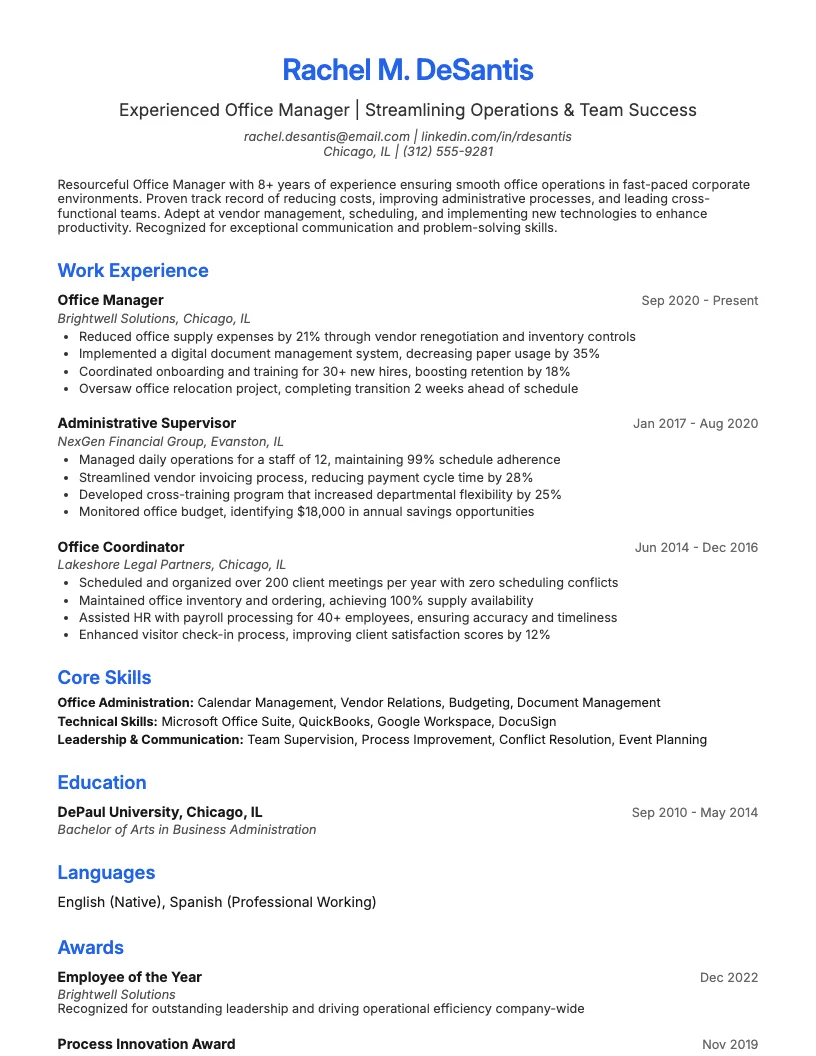 Click to enlarge
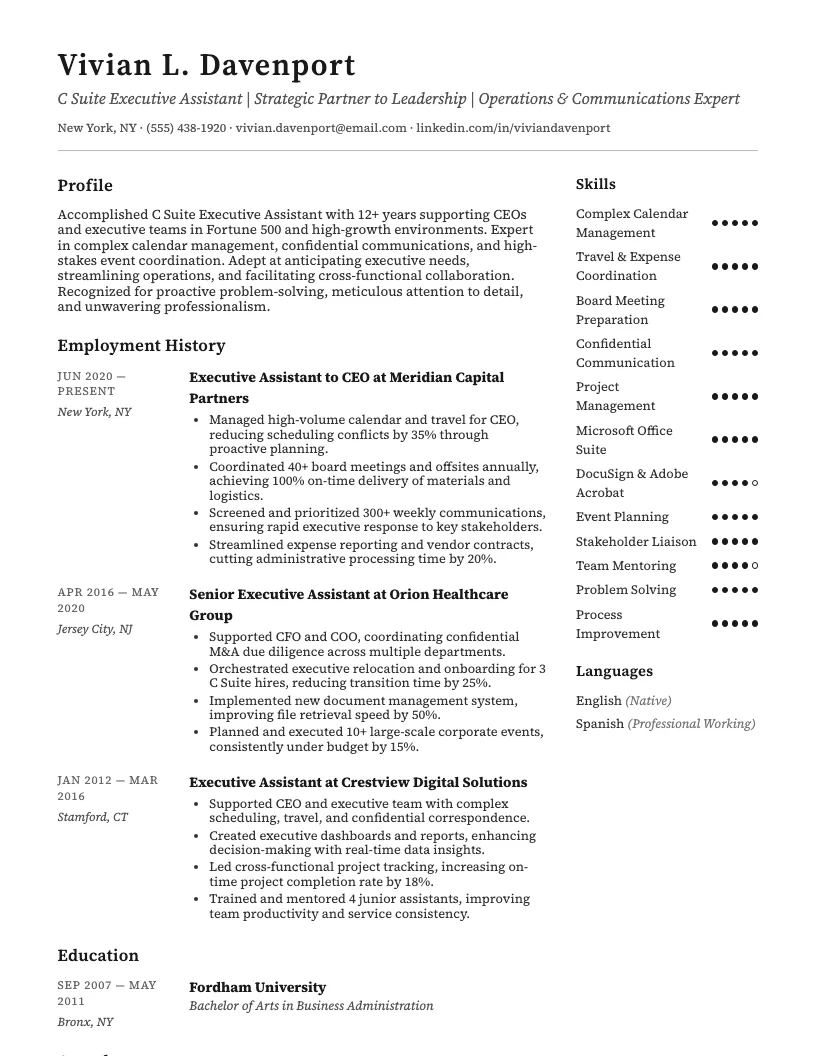 Click to enlarge
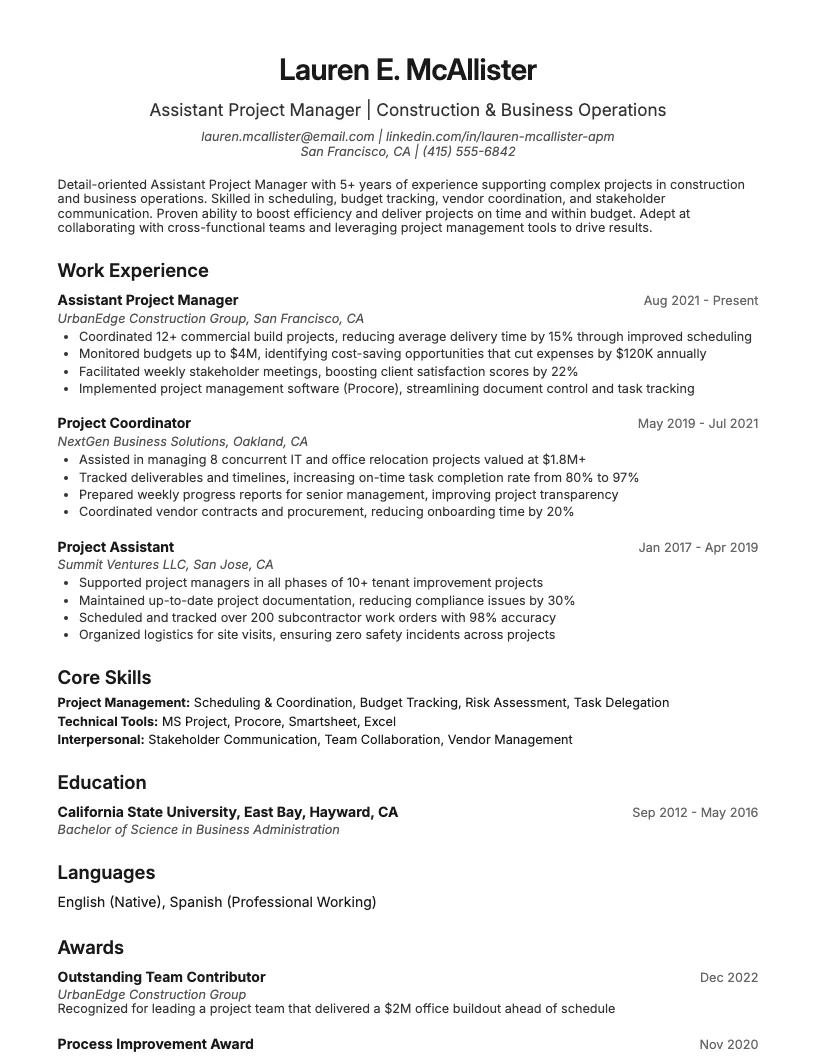 Click to enlarge
 Click to enlarge
 Click to enlarge
Common questions about Virtual Assistant resumes
A virtual assistant resume template is a pre-designed layout tailored to highlight skills like organization, communication, and tech-savviness. ResumeJudge offers user-friendly designs perfect for remote roles.
Yes, most virtual assistant resume templates are ATS-friendly, meaning they pass automated screening systems. ResumeJudge ensures all templates meet ATS standards for better job matching.
Use this template when applying for remote support roles in industries like real estate, e-commerce, or marketing. ResumeJudge templates help you stand out in competitive virtual job markets.
Absolutely! You can edit sections, fonts, and colors to match your experience. ResumeJudge makes it easy to personalize templates for your unique skills and career goals.
Virtual assistant templates highlight remote work skills and digital tools, unlike general templates. ResumeJudge designs specifically for virtual roles, showcasing relevant experience.
A virtual assistant resume should be one page, focusing on key skills and achievements. ResumeJudge templates use concise layouts that keep your information clear and impactful.
Highlight time management, communication, scheduling, and tech skills like Google Workspace or Zoom. ResumeJudge templates include dedicated skill sections to showcase your strengths.
References aren't required on your resume. Instead, mention 'References available upon request.' ResumeJudge templates leave space for more essential information.
Save your resume as a PDF to preserve formatting and ensure ATS compatibility. ResumeJudge lets you export resumes in multiple formats, including PDF.
Yes! Focus on transferable skills like organization or customer service. ResumeJudge templates provide starter content to help beginners build a strong first impression.
Explore more professional resume examples to inspire your job search
Use our AI-powered resume builder to create a professional, ATS-friendly resume in minutes.
Free to use • No credit card required