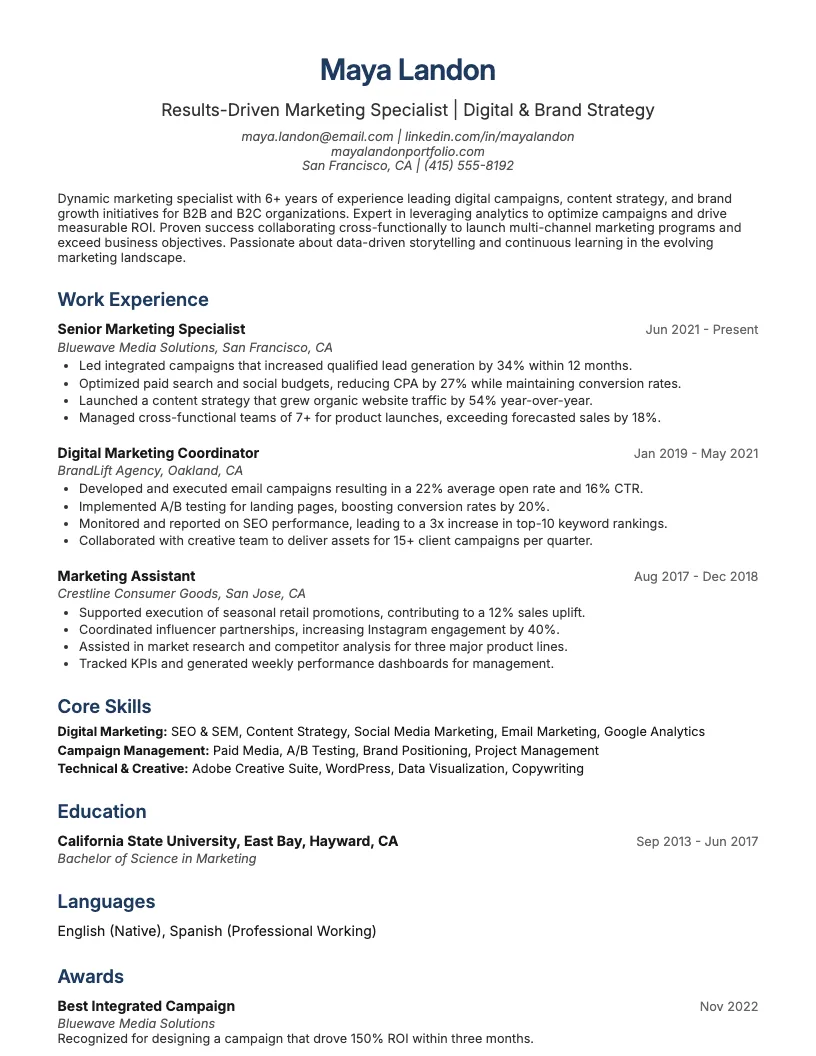
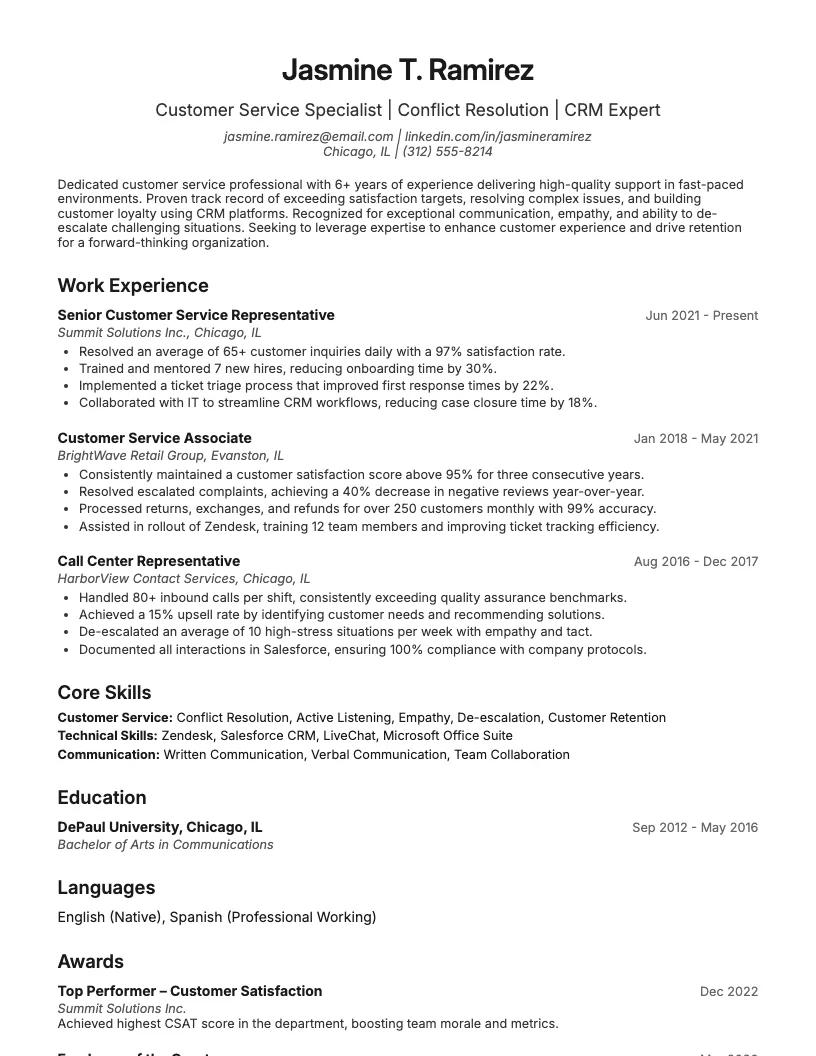
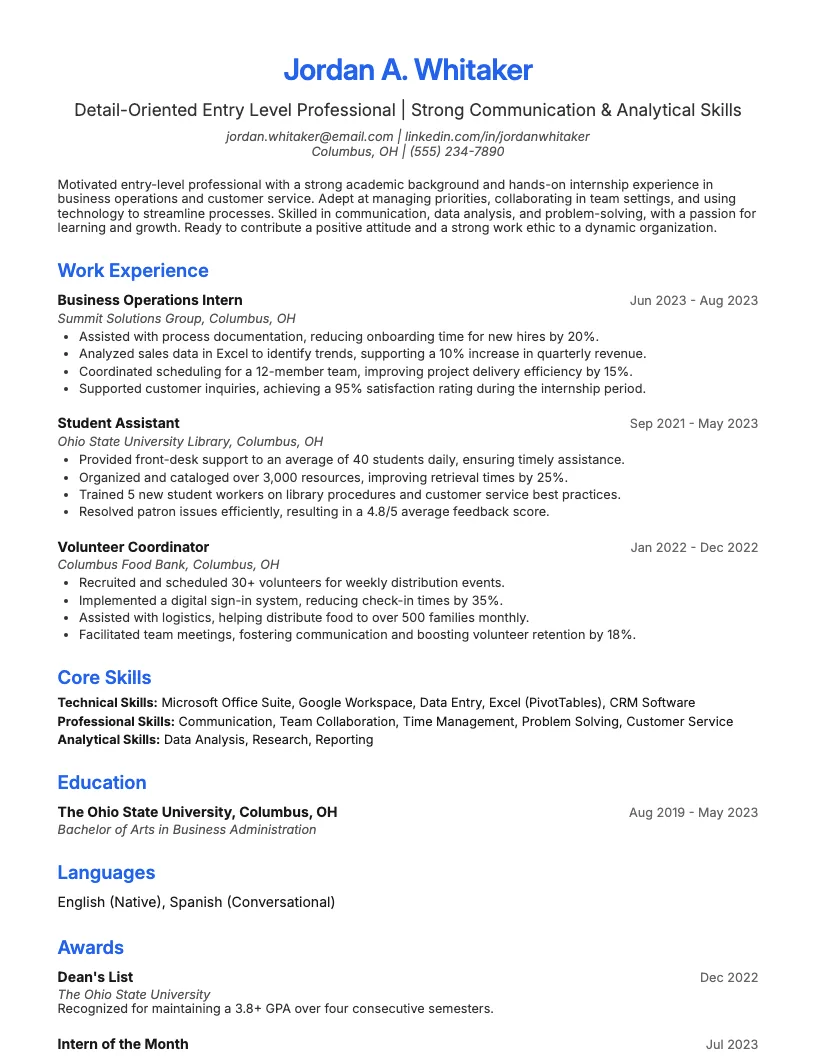
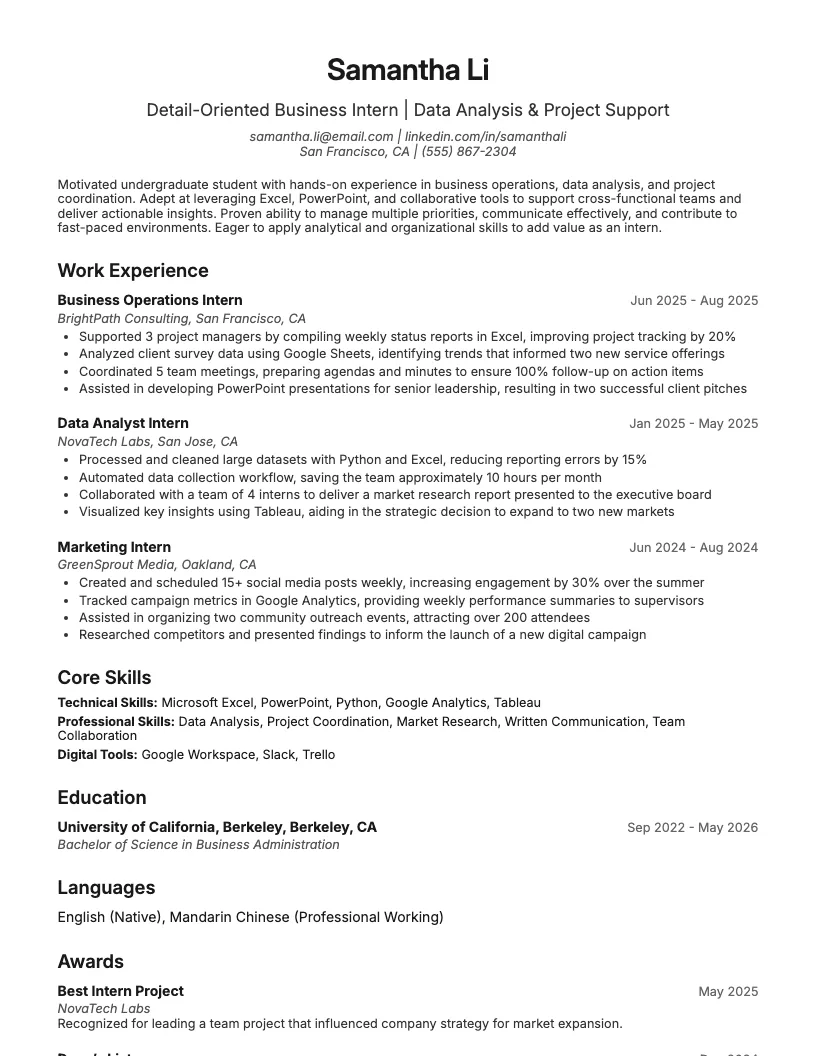
Excel Data Analyst Resume Example
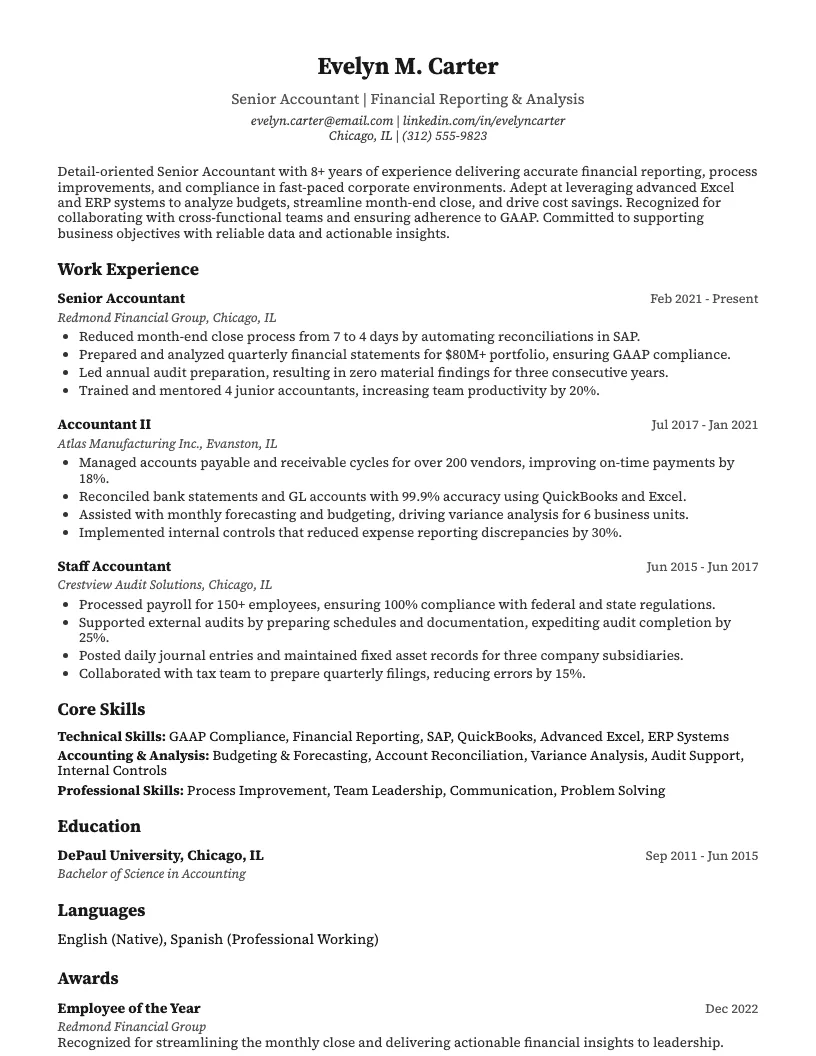
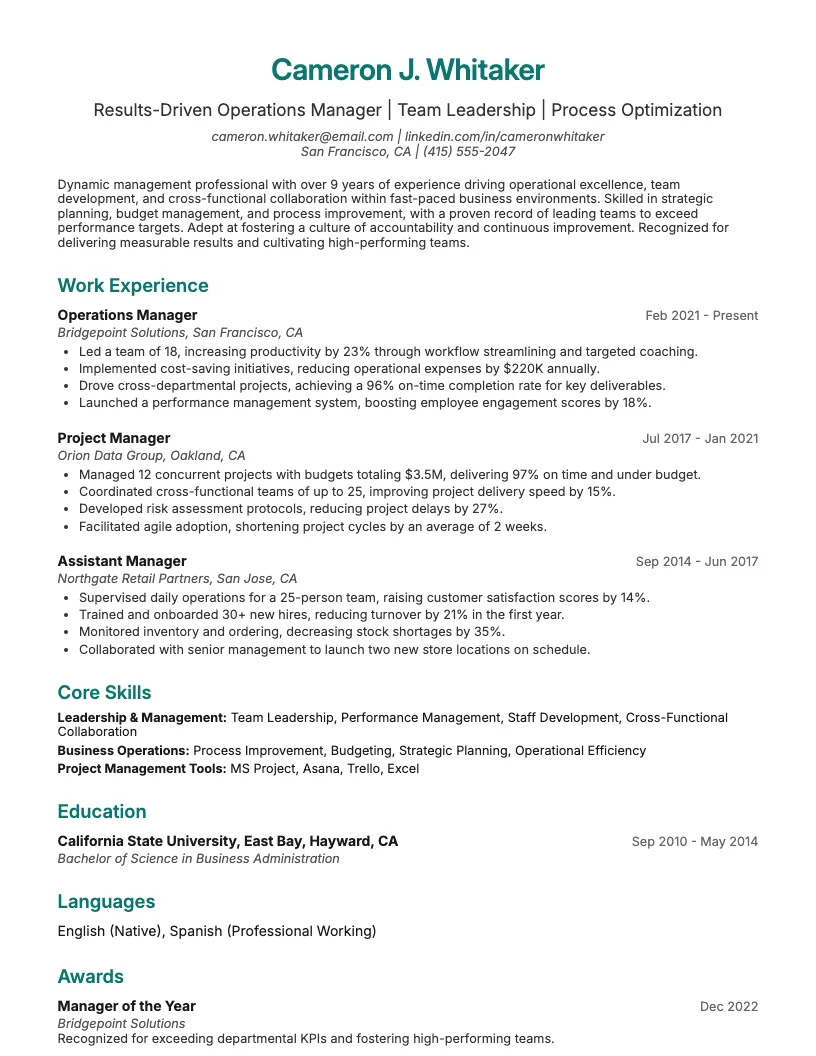
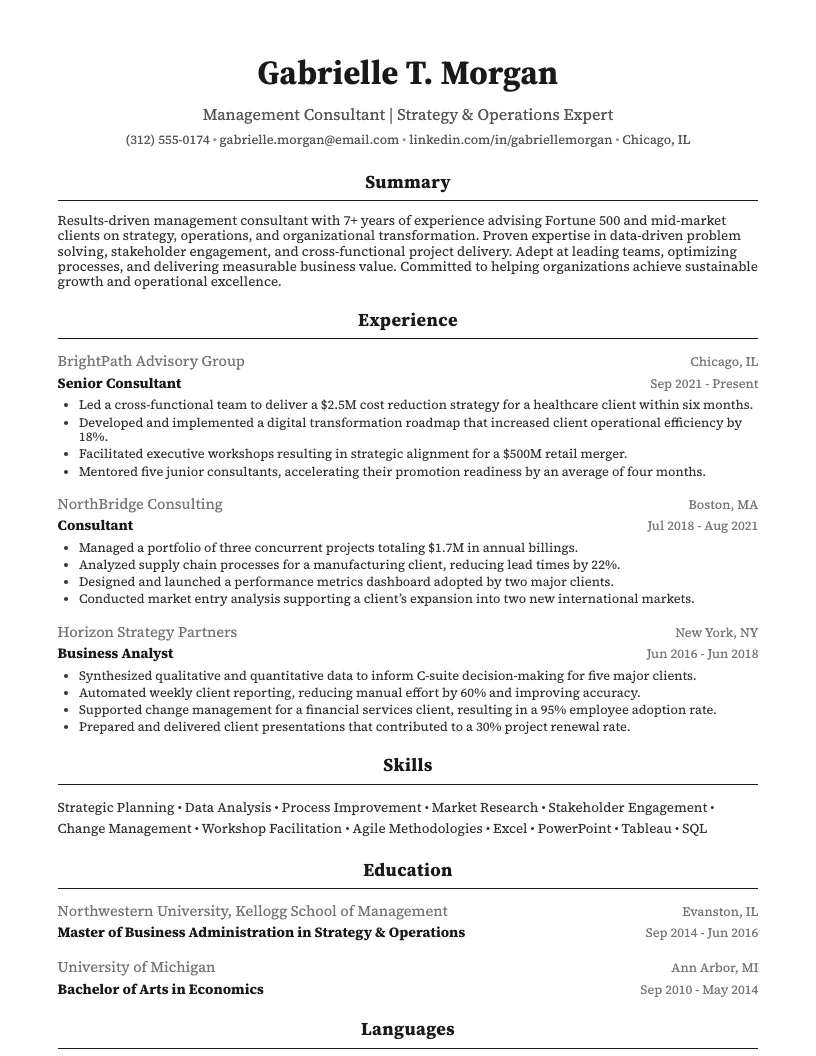
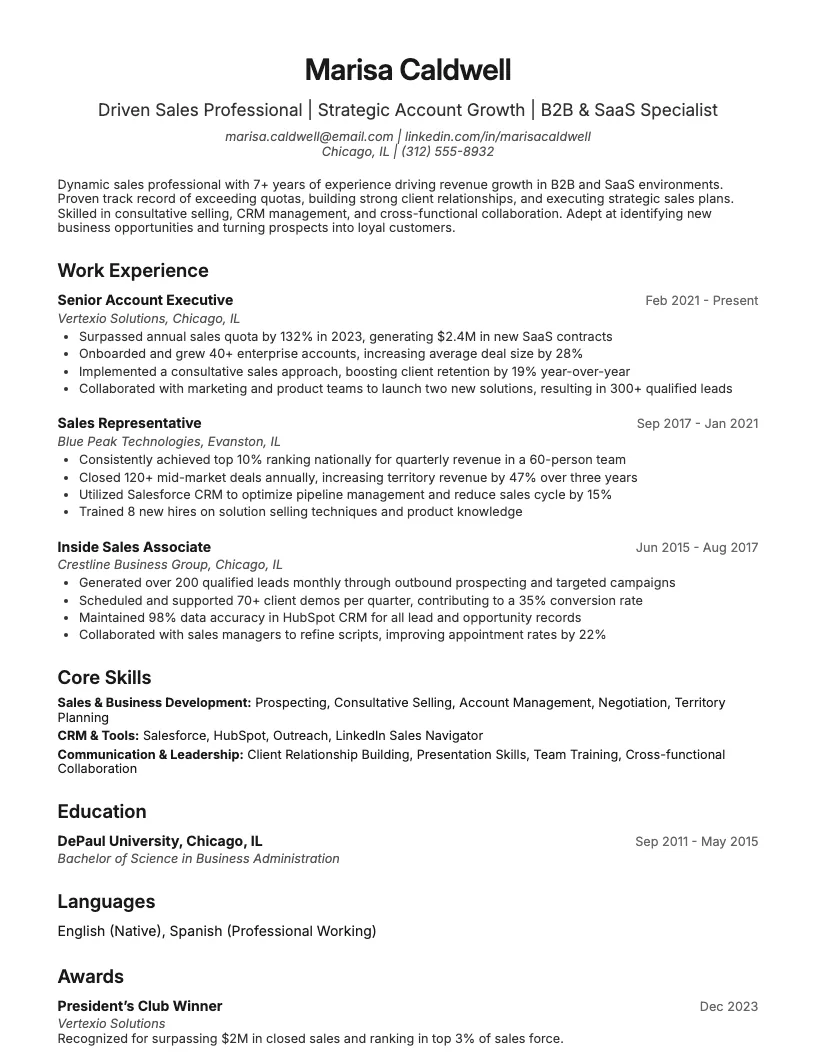
See full guide on Excel Data Analyst resumes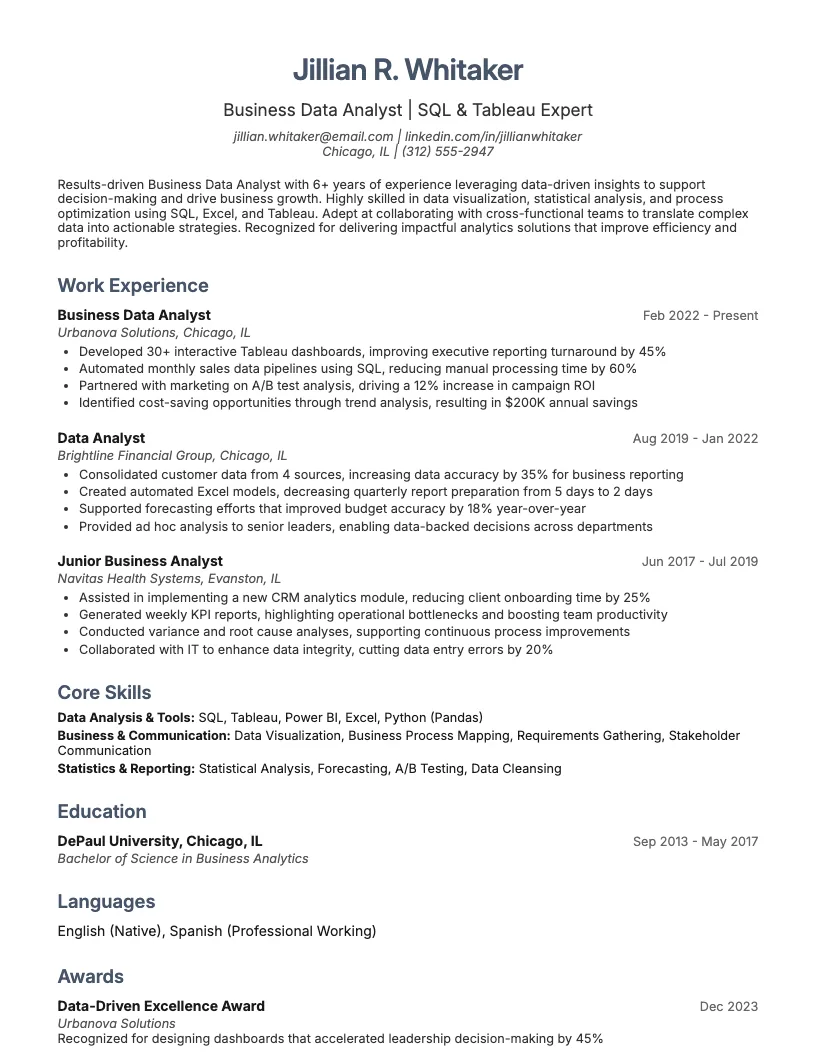 Click to enlarge
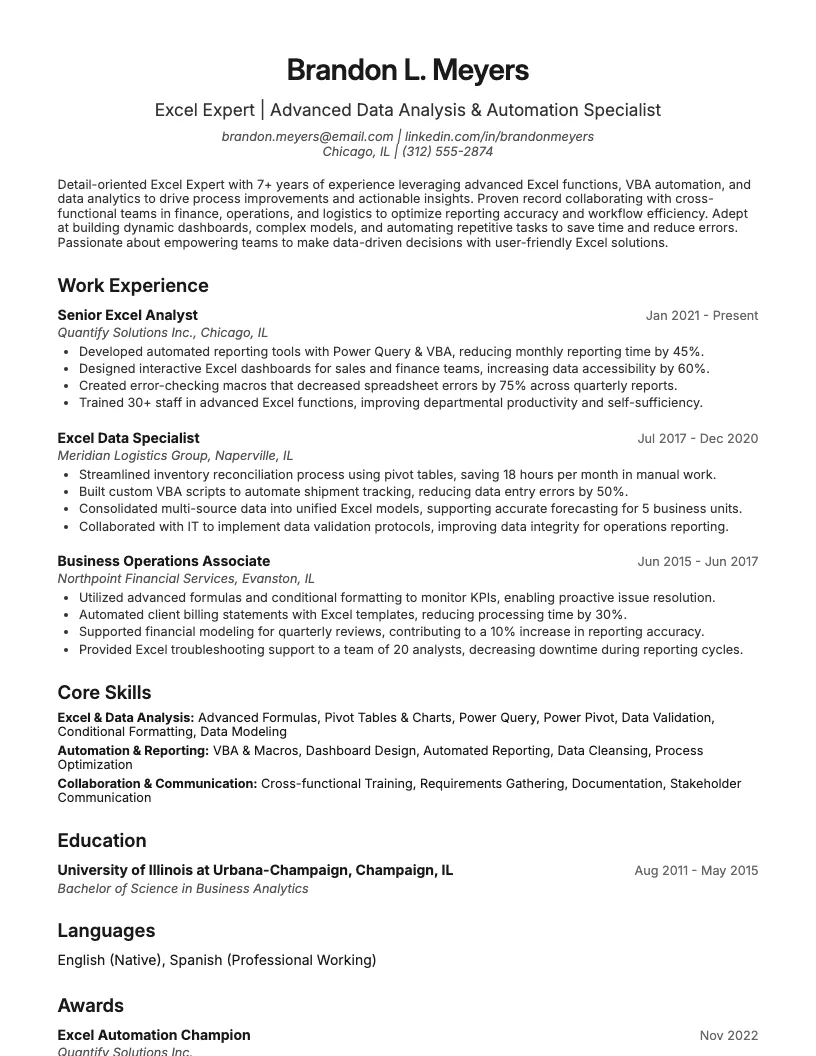 Click to preview

Get inspired by 62+ professional Excel Expert resume examples, each written by career experts and optimized to pass ATS scans. Pick a proven template, tailor it to your role, and download a polished resume in minutes.
Pick the specialization closest to your target role and start from a proven resume example.
Whether you’re just starting out or you’ve spent years in Excel, your resume needs to match your skills.
I’ll break down resume examples for entry-level, mid-career, and senior Excel experts.
See what works at each stage, from basic data analysis to high-level automation and dashboard creation.
Starting out as an Excel expert means showing off your skills with data analysis, pivot tables, and dashboard creation. You want hiring managers to spot those technical abilities right away.
I always focus on measurable results. For example, if you automate a spreadsheet and save 30+ hours a month, mention it. Numbers like that make your impact obvious.
Your resume should highlight academic projects, internships, or any freelance gigs using Excel. This helps you prove real-world experience, even if you're just starting out.
By this point, I’ve usually led cross-functional projects and automated processes using advanced Excel features. I track KPIs, build dashboards, and work with teams outside finance.
You should highlight automation, VBA scripting, and collaboration with IT or business units. Quantify your impact-like reducing errors by 40% or saving 10+ hours weekly through new workflows.
Showcase mentoring or training others on Excel techniques. This helps you stand out as someone who not only uses Excel but drives efficiency across the company.
At the senior level, I focus on leadership, advanced analytics, and process automation. My resume highlights projects where I drive efficiencies and save over 100 hours annually.
You want to show mentoring experience, cross-functional collaboration, and expertise in VBA scripting, Power Query, and enterprise data integration. Numbers and business impact matter here.
Think about listing team achievements and cost savings. Highlight times you train others in Excel or help executives make smarter decisions using dashboards and automation.
If you want a straightforward resume, a text-only template works great. It’s clean, easy to read, and passes most applicant tracking systems. No fancy formatting required.
You just list your skills, experience, and education-nothing extra. Use bullet points for clarity. Quantify your impact where you can, like “reduced processing time by 20%.”
This format lets recruiters scan your info fast. I always suggest customizing each section to match the job description. This helps your resume stand out for Excel roles.

Nailing your Excel expert resume can boost your chances with recruiters. Hiring managers often scan resumes for less than 7 seconds, so clarity matters.
You want to show not just your Excel skills, but also your results. I focus on making each section count, from your summary to your certifications.
Recruiters look for proof, not just claims. Numbers, certifications, and real achievements help your resume stand out from the crowd.
Start your resume strong with a personal summary. I always include my job title, years of experience, and my best Excel skills right up front.
Use numbers to prove your impact. For example, mention how you streamlined a process or improved reporting speed by 30%. This grabs attention fast.
Tailor your summary for each job. Focus on the Excel skills and tools the posting mentions, like VLOOKUP or pivot tables. This helps you stand out right away.
When I write my experience section, I focus on specific results. I mention how I save time, cut costs, or improve accuracy-using numbers whenever I can.
You want to dig into details. For example, say you automated data entry and reduced manual work by 40%. Or maybe you built dashboards that helped teams make decisions faster.
Employers look for people who drive real impact. So, always show how your Excel skills translate to business value. This helps your resume stand out.
I always list my highest degree first, then add any coursework that’s heavy on data or analytics. Hiring managers notice relevant education, even if it’s not Excel-specific.
You should highlight certifications like the Microsoft Office Specialist: Excel Associate or Excel Expert. These are recognized globally and show you’re serious about your skills.
If you’ve finished courses on platforms like Coursera or Udemy, mention them with completion dates. This shows you keep your knowledge fresh and up to date.
You want your resume to make it past the ATS, so I always pack my skills section with targeted Excel keywords. This helps your experience stand out right away.
List skills like advanced formulas, pivot tables, Power Query, VBA scripting, and data visualization. If you’ve automated tasks or handled datasets over 10,000 rows, mention that number to add impact.
Don’t forget soft skills-problem-solving, collaboration, and training others in Excel matter too. Wrapping up your resume with these details shows you’re ready for any challenge.
Picking the right resume template makes a big difference. The layout should be easy to read and help your skills stand out.
You want a simple design with lots of white space. A single-column format works best for most Excel expert resumes.
Focus on structure, not flashy graphics. About 98% of recruiters say clear formatting helps them spot important details faster.
If you want more resume ideas, I’ve pulled together examples from roles that use Excel every day. Each one highlights different skills and backgrounds.
You’ll also find tools and advice that make your job search easier. Whether you’re new to Excel or a real pro, these resources can help you stand out.
If you’re an Excel expert, you’ve got unique skills that really stand out. I always recommend starting with a trusted resume builder-these save time and help you avoid common mistakes.
There are over 50 free templates out there, so you can pick one that fits your style. You want something clean and easy to read, not flashy or distracting.
I find it helps to use bullet points for your Excel achievements. This keeps your resume short but impactful. Always highlight results, like “improved reporting speed by 30%,” to show your value.
I always check out industry-specific job boards like Dice or Indeed. Over 75% of Excel expert roles are posted online first, so it pays to keep an eye out.
You might want to join forums like MrExcel or Reddit’s r/excel. These communities share tips, job leads, and real-world project advice every day.
Professional groups on LinkedIn can connect you with recruiters and other Excel pros. This helps you see what skills are trending and what employers want right now.
If you want to keep growing, look into certifications like Microsoft Office Specialist. Over 90% of hiring managers say certifications help candidates stand out.
That’s a quick roundup of resources. Use these to level up your job search and stay ahead in your Excel career!
Browse Excel Expert resume examples for related roles. Preview any example, open it in the builder, or read its full guide.
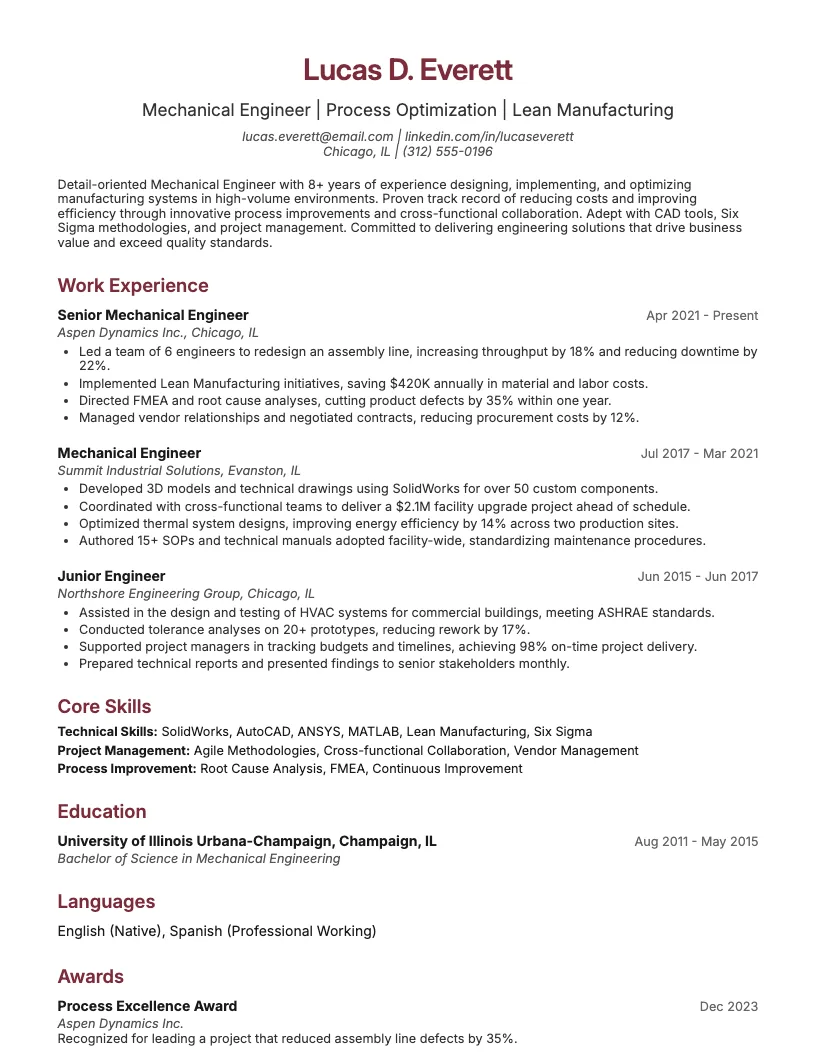
Click to enlarge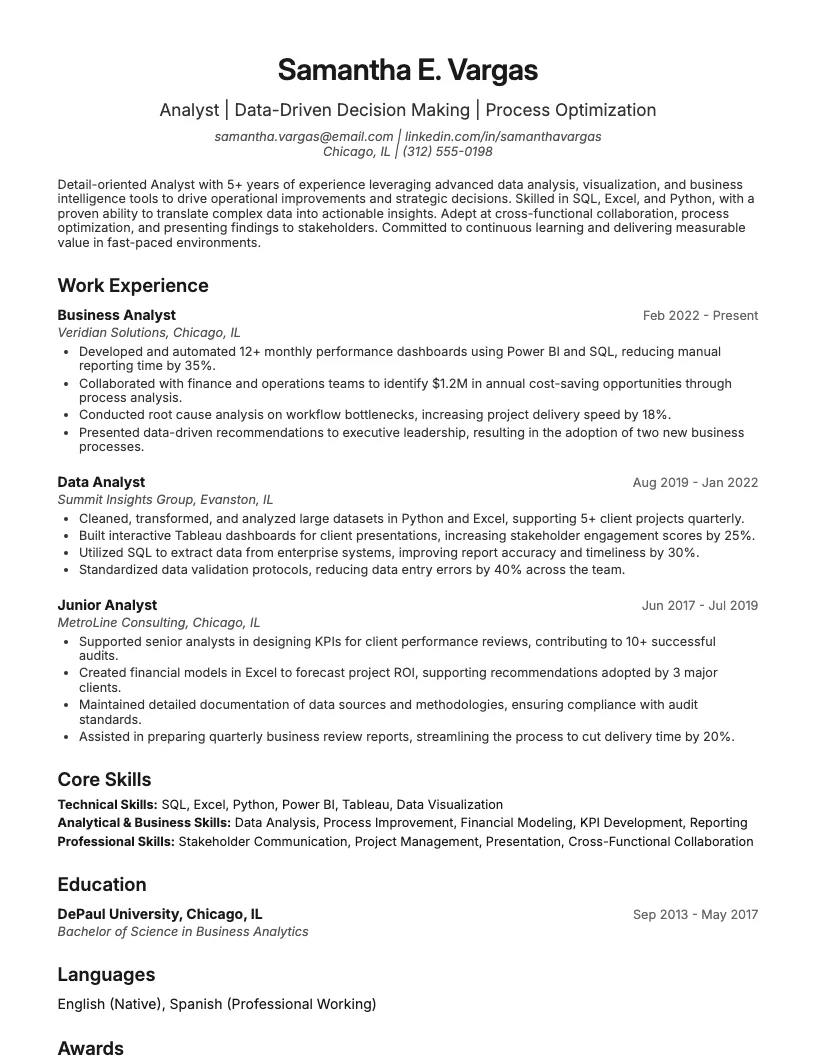 Click to enlarge Click to enlarge
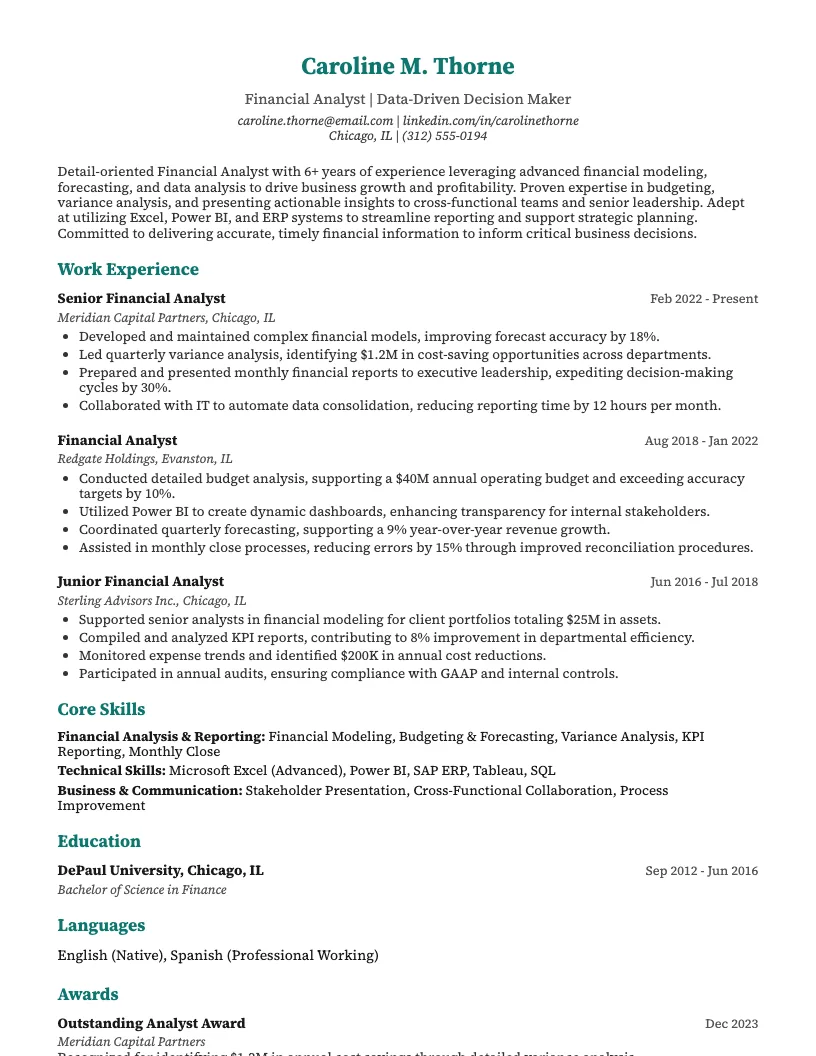 Click to enlarge
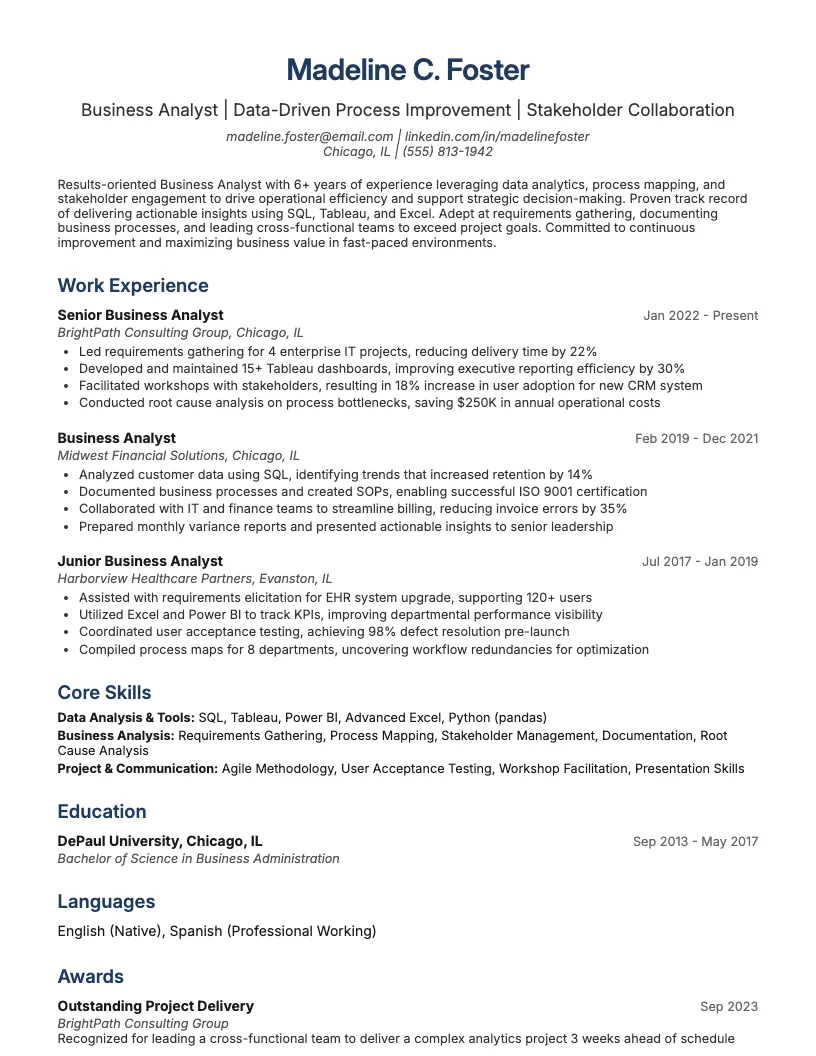 Click to enlarge
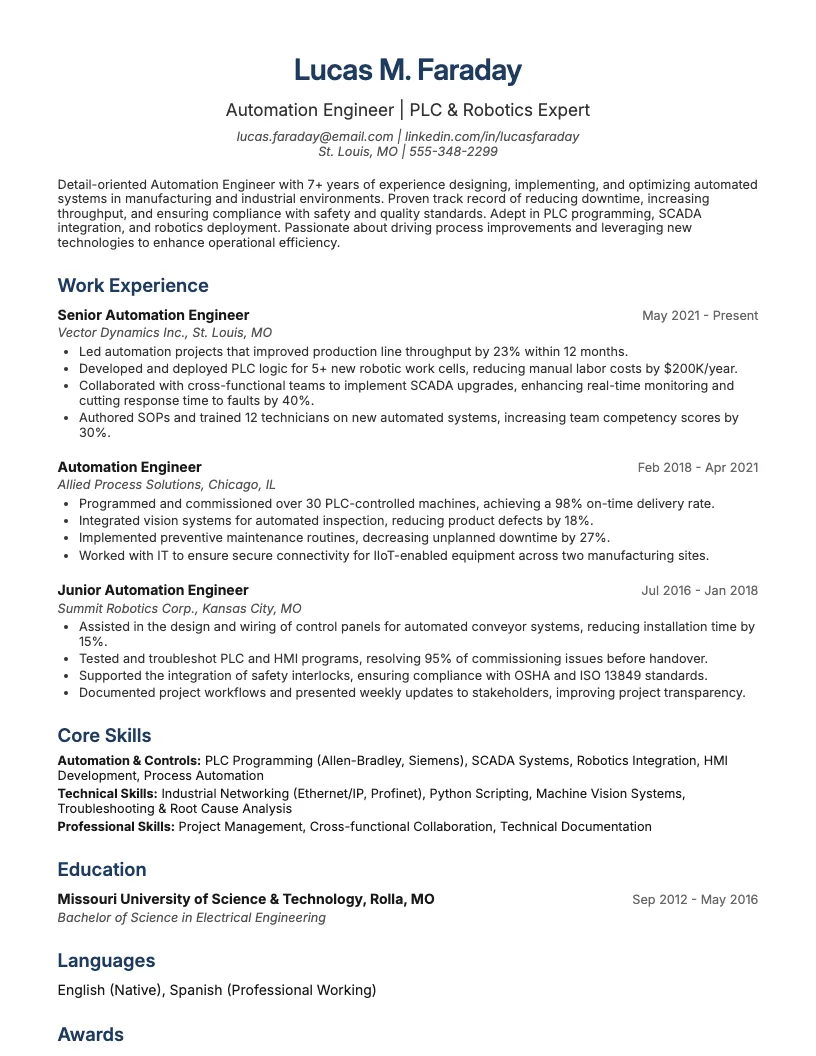 Click to enlarge
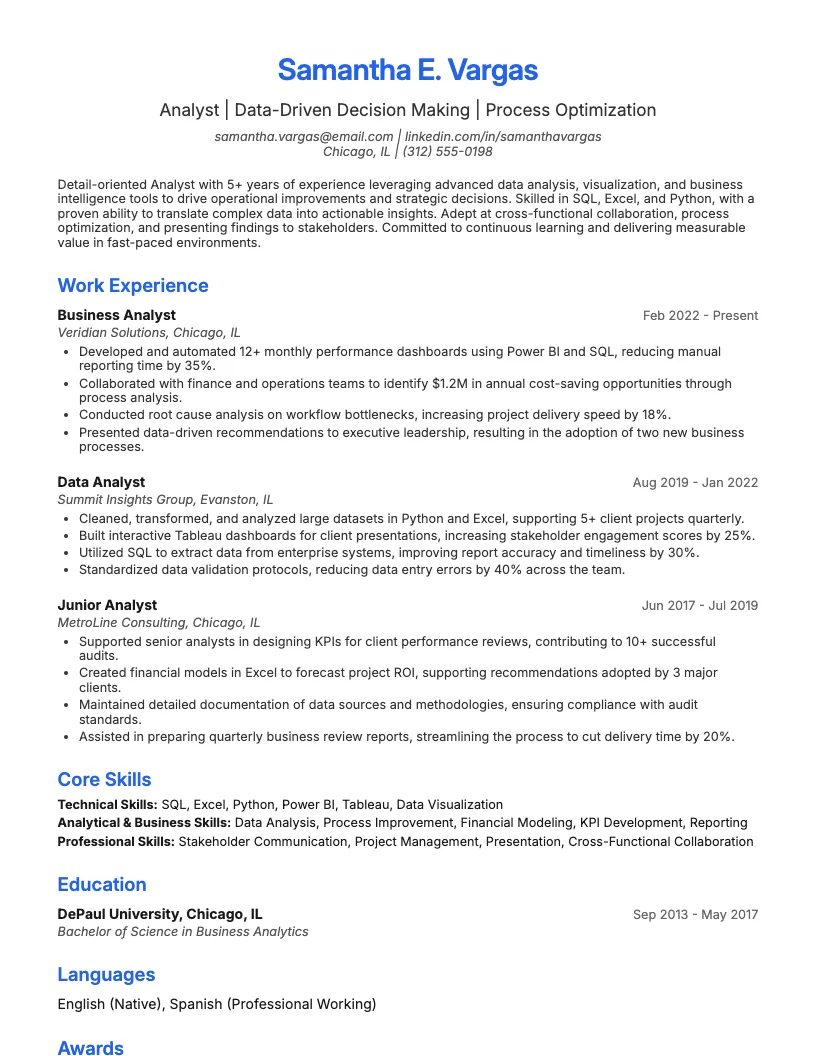 Click to enlarge
 Click to enlarge Click to enlarge
Common questions about Excel Expert resumes
A excel expert resume template highlights advanced Excel skills and related achievements. It’s designed for roles that require data analysis, spreadsheet management, or reporting expertise. ResumeJudge makes it easy to showcase your Excel strengths.
Yes, our Excel expert resume templates are ATS-friendly, meaning they use simple layouts and keywords that help your resume pass automated screening systems. This ensures your application reaches hiring managers.
Use an Excel expert resume template when applying for jobs needing strong spreadsheet skills, like data analyst, finance, or operations roles. ResumeJudge tailors your template to suit industry requirements.
Absolutely! You can personalize sections, fonts, and colors to match your experience and target job. ResumeJudge makes customization quick and easy, so your resume stands out.
An Excel expert resume template focuses on technical Excel skills, certifications, and relevant projects. Other templates may emphasize different abilities. ResumeJudge offers templates for various skill sets.
Aim for a one-page resume if you have less than 10 years’ experience, or two pages for extensive backgrounds. ResumeJudge ensures your template fits your career stage and highlights key Excel accomplishments.
Industries like finance, consulting, logistics, and marketing often require advanced Excel skills. ResumeJudge’s templates are tailored for these sectors, helping you target the right roles.
Yes, entry-level candidates can use these templates to highlight academic projects, internships, or certifications in Excel. ResumeJudge helps you structure your achievements, even with limited experience.
Definitely. You can easily add Microsoft Excel certifications or specialized courses in the skills or education sections. ResumeJudge templates provide clear formatting for showcasing credentials.
ResumeJudge offers professionally designed templates, ATS-friendly formatting, and customization tools. This helps you build a standout Excel expert resume quickly and efficiently.
Explore more professional resume examples to inspire your job search
Use our AI-powered resume builder to create a professional, ATS-friendly resume in minutes.
Free to use • No credit card required