Graphic Design Resume Keywords: 7 Jobs, 5 ATS Mistakes I've Seen
See the exact keywords for 7 design job types, from junior designer to UX, plus the 5 ATS mistakes that get design resumes rejected before anyone reads them.


Written by Sarah Chen
Senior Career Strategist & Resume Expert
Updated August 2026
Reviewed by Marcus Rodriguez
Is your resume ATS-friendly?
Drop your resume in and see which of these skills a scanner can actually read, and which ones the job you want is asking for that you have not listed.
PDF or DOCX. Max 2MB.
We never share your resume or use it to train a model.
In This Guide:
What keywords should a graphic design resume include?
What keywords should a graphic design resume include?

I've read enough graphic design resumes to spot the ones that were written before the job posting was even open. They list "creative," "detail-oriented," and a software name or two, and nothing else.
That's not a keyword problem, it's a specificity problem. An ATS and a hiring manager are both looking for the same thing: proof you've done the actual work the posting describes.
Adobe Photoshop, Illustrator, InDesign
Name these three separately, every time. Don't write "Adobe Creative Suite" and assume it covers you.
An ATS matches software one program at a time, so "Adobe Creative Suite" with nothing underneath it often scores as zero hits on a posting asking for Photoshop specifically.
Figma, Sketch, Canva, Affinity Designer
Figma isn't just a UI tool anymore. I see it on brand and marketing design postings almost as often as Illustrator now.
Canva is worth including if you've used it professionally, but don't lead with it over Adobe tools unless the posting does. Sketch and Affinity Designer are worth naming if you actually use them daily; a posting that mentions either one wants to hear it back.
Typography and layout design
Typography isn't a soft skill, it's a named competency: font selection, spacing, layout, logo design. Say it that way rather than just "good eye for design."
Brand identity and visual identity design
Brand strategy, visual identity, brand guidelines, rebranding - these are the phrases in-house and agency postings actually use. If you've built or maintained a brand system, this is where that experience earns its keyword.
Print production: bleed and trim, CMYK/RGB, pre-press
This is the section most digital-first designers skip, and it's the one that separates you fast on a print-heavy posting. Bleed and trim, CMYK versus RGB, pre-press production - if you've prepped files for a printer, say so in those terms.
It's a smaller list, but it's a specific one, and specific is what gets matched.
Motion graphics: After Effects, Premiere Pro, Cinema 4D
If you've touched any of these, list them by name - don't fold them into "video editing." After Effects and Premiere Pro come up together more often than not; Cinema 4D signals 3D specifically, so only include it if that's real.
Web and UI: HTML, CSS, responsive design, UX
You don't need to be a developer to list HTML and CSS - knowing enough to work with a front-end team or tweak a site counts. Responsive design and UX are worth naming even at a basic level; they tell a hiring manager you think past the static page.
Illustration, photo editing, and color theory
Color theory, composition, illustration, photo editing - these round out the technical list and they're not filler. A posting asking for "strong visual sense" is often really asking for these words, just dressed up.
Once you've pulled your list together, run it against the actual posting: ResumeJudge will tell you which of these it's asking for that your resume doesn't have yet, so you're not guessing.
What soft skills belong on a design resume?
What soft skills belong on a design resume?
Recruiters skim your software list, then your soft skills tell them what kind of designer you actually are to work with. Get those wrong and you look like every other portfolio in the pile.
Creativity
Everyone claims this one, so the word alone does nothing.
Show it instead: brainstorming, originality, and the judgment to balance a client's brand guidelines against a real budget and deadline. That's what "creative" means on the job, not just a nice-looking layout.
Problem solving
Design is negotiation as much as it's aesthetics.
You're weighing what looks good against what actually works, and you're doing it while a client pushes back on your first idea. Words like critical thinking, negotiation, and decision-making earn their keep here - they tell a hiring manager you can hold your ground and still land somewhere everyone's happy with.
Communication with clients and stakeholders
The best designers I've reviewed resumes for can explain a concept out loud before they've drawn a single pixel.
That's active listening, presenting work with confidence, and writing a proposal that gets signed off without three rounds of confusion. If you've pitched concepts to a client or a brand team, say so - it's a stronger line than "strong communicator."
Taking feedback and revisions
Nine times out of ten, the resumes that get flagged for "may be difficult to work with" are the ones missing this entirely.
Revisions are the job, not a failure of the first draft. Frame it as adaptability and receptiveness to feedback - that tells a hiring manager you won't take a redline personally.
Time management across concurrent projects
Most designers I've seen aren't managing one project - they're managing five, on five different deadlines.
Multitasking, prioritization, and reliability are the words that map to that reality. If you've ever estimated a project timeline and hit it, that's worth a line.
Collaboration with marketing, copy, and developers
Your work gets handed off - to a developer who builds it, a copywriter who fills it, a marketer who ships it.
Teamwork and cross-functional collaboration on a resume tell a hiring manager you've survived that handoff without every asset getting rebuilt from scratch.
Attention to detail
Kerning, alignment, color consistency across fifty slides - this is the skill that separates a portfolio piece from a shipped deliverable.
Once your bullets say the right things, run the resume against the actual posting - ResumeJudge will flag any of these it doesn't see in your wording yet, so you're not guessing which ones landed. See how to find the right keywords in the posting itself, or check how many skills to list if you're wondering when to stop.
What keywords should an instructional design resume include?
What keywords should an instructional design resume include?
If you're moving out of the classroom or into a corporate L&D role, your resume needs a different vocabulary than a teaching resume. I've reviewed a lot of these transitions, and the ones that land an interview name tools and methods, not just "curriculum development."
Authoring tools: Articulate Storyline, Rise, Adobe Captivate
Name the specific tool you built courses in. "eLearning software" tells a hiring manager nothing.
Articulate Storyline, Articulate Rise, and Adobe Captivate are the three that show up in postings most often. If you've used more than one, list them separately - a scanner matching against a specific tool name won't credit you for a vague "authoring tools" line.
Learning management systems: Moodle, Canvas, Cornerstone
Same rule for LMS platforms. Moodle, Canvas, and Cornerstone are common enough that a posting will usually name one directly.
If you administered the LMS - uploaded courses, ran reports, managed enrollment - say that, not just that you "used" it.
ADDIE and SAM
These two show up constantly, and I still see resumes that leave them off. ADDIE (Analysis, Design, Development, Implementation, Evaluation) and SAM (Successive Approximation Model) are the frameworks recruiters scan for to confirm you know a real design process, not just PowerPoint with quizzes.
You don't need a paragraph explaining either one. Naming the framework and the project it shaped is enough.
Adult learning theory and Bloom's taxonomy
This is where a teaching background actually helps you. Adult learning theory and Bloom's taxonomy are the terms hiring managers use to check you understand how adults retain information differently than kids do.
Work them into a bullet about how you structured a course, not as a standalone skill listed on its own.
Needs analysis and subject matter expert interviews
Corporate instructional design leans hard on this step, and it's the part most former teachers underplay. If you ever sat down with an expert to figure out what a course actually needed to cover, that's a needs analysis - say so directly.
Storyboarding and scriptwriting
Storyboarding and scriptwriting are the deliverables that prove you can plan a course before you build it. If you wrote a script for a video module or mapped out screens before opening Storyline, name that step.
eLearning standards: SCORM, xAPI, Section 508, WCAG
These four letters and acronyms matter more than they look like they should. SCORM is the packaging standard that gets your course into an LMS at all, and xAPI is the tracking spec that records what a learner actually did; Section 508 and WCAG are the accessibility rules a lot of government and enterprise postings require by name.
If you've published a SCORM package or checked a course against WCAG, that's worth its own line - postings often filter on these terms specifically.
Assessment design and Kirkpatrick evaluation
Anyone can write a quiz. Assessment design and the Kirkpatrick model are the terms that show you measured whether training actually worked, not just whether people finished it.
Once your bullets name the frameworks and tools above, it's worth running the draft against a real posting - ResumeJudge will flag which of these terms the job asks for that your resume is still missing, and rewrite the bullet to fit.
Video and audio production for courses
More instructional design roles now expect basic video and audio work - recording narration, editing screen capture, cutting a short course video. If that's part of your process, list the tools you used, not just "created video content."
How do you find the right keywords in a design job posting?
How do you find the right keywords in a design job posting?
Most postings hand you the keyword list if you know where to look. You don't need to guess.
Copy the exact job title from the posting
If the posting says "Senior Graphic Designer," that's the phrase you use, not "Design Lead" or "Creative Pro." I've seen resumes get skipped over titled roles they were qualified for, just because the title didn't match.
Same goes for instructional design: if they wrote "Instructional Designer" and you wrote "eLearning Developer," fix it.
Pull the named software out of the requirements list
Go line by line through the requirements and pull out every named tool. Photoshop, Figma, Storyline, Moodle, whatever's there.
This is the fastest keyword win on the whole page, and most people skim past it instead of reading slowly.
Match print roles versus digital roles
A posting heavy on bleed, trim, and CMYK is a print role. One heavy on responsive design and UX is not.
Don't pad a digital resume with print terms just because you have them, and don't do the reverse either. See what keywords a graphic design resume should include for the full split.
Spell out Adobe products one by one
This is covered in full under what keywords a graphic design resume should include.
Check the company's own brand language
Look at how the company describes itself on its site and in the posting. If they call their work "brand storytelling," use that phrase, not your own synonym for it.
Once you've pulled all this together, ResumeJudge will scan the posting against your resume, tell you exactly which of these terms are missing, and rewrite the wording into your resume for you.
Where do you put design keywords on your resume?
Where each type of design keyword goes
| Where | What goes there | Why |
|---|---|---|
| Skills section | Software, print/web skills, soft skills grouped by type | Fastest read for a scanner and a hiring manager |
| Summary | Your specialty and top 2-3 tools | First thing a recruiter reads |
| Experience bullets | The same skills shown inside real project work | Proves the skill instead of just listing it |
| Portfolio link | Placed in the header, next to your email | Backs up the list, doesn't replace it |
| Certifications | Adobe certs, UX course, bootcamp | A tiebreaker near the bottom, not the headline |
I've read hundreds of design resumes, and the keywords are usually all there - just in the wrong spot. Placement matters as much as having the words at all.
The skills section, grouped by type
Don't dump everything into one list. Group it: design software, print or web skills, and soft skills as their own line.
A grouped list reads faster for a hiring manager and still gives the scanner every term in plain text.
The summary at the top
Your first two lines should name your specialty and your top two or three tools. "Brand designer, Illustrator and Figma" tells a recruiter more in five seconds than a paragraph of adjectives.
Experience bullets
This is where most resumes fall down. Listing "Photoshop" in a skills section proves nothing - showing it inside a bullet about a real project does.
I cover how to build those bullets in how you write design experience bullets that show the skill.
If you're not sure which words the posting actually cares about, that's exactly what ResumeJudge checks - it compares your resume against the job description and tells you which required skills are missing before you apply.
The portfolio link in your header
Put the link in your header, next to your email - not buried in a "links" section at the bottom. It backs up your skills list rather than replacing it, for the reason covered in why design resumes fail the applicant tracking system.
Certifications and training
Adobe certifications, a UX course, a bootcamp - these go in a short line near the bottom, not the top. They're a tiebreaker, not your headline.
How do you write design experience bullets that show the skill?
How do you write design experience bullets that show the skill?
The bullets almost never say what the person actually did. They list "Photoshop" in a skills box and then write "Responsible for creating marketing materials."
That tells a hiring manager nothing.
Action verbs designers should use: designed, conceptualized, art-directed, animated
Swap "responsible for" and "helped with" for verbs that show ownership: designed, conceptualized, art-directed, illustrated, branded, retouched, animated, produced. Each one tells the reader a different kind of work happened, which matters more than it sounds.
Name the deliverable, not just the task
"Designed marketing materials" could mean anything. "Designed a 12-page product catalog and a matching email campaign" is a deliverable a reader can picture.
Naming the thing also plants keywords from the software list naturally, instead of stuffing them in.
Numbers you can actually use: engagement lift, turnaround time, print run size
Engagement lift, turnaround time, print run size, number of SKUs, campaign reach. You don't need a growth chart - even "cut average turnaround from five days to two" says something a rating bar never could.
Bullets for a designer with no numbers to quote
No numbers on hand? Name the scope instead: how many stakeholders you worked with, how many concepts you presented, how many platforms the assets shipped to.
Scope is still evidence.
Before and after: a weak bullet and a rewritten one
A design experience bullet
Responsible for creating social media graphics.
Designed a 30-post Instagram template system that cut asset production time in half.
Weak: "Responsible for creating social media graphics." Rewritten: "Designed a 30-post Instagram template system that cut asset production time in half."
Same job, completely different resume. If you're not sure which version you've written, ResumeJudge will score the bullet against a real posting and rewrite the weak ones for you.
Which keywords matter for your specific design job?
Is your resume good enough?
Drop your resume in and see which of these skills a scanner can read, and which ones the job you want is asking for that you have not listed.
Upload your resumeFree. PDF or DOCX. We never share your resume or use it to train a model.
The keyword list above is a starting point. What actually gets you a callback depends on which of these seven jobs you're chasing.
Junior or entry-level graphic designer
If you don't have much work history yet, lead with your software list and your school or internship projects, not a job title you haven't held.
Name the tools by their full name (Adobe Photoshop, not just "Adobe"), and list any class project where you did real layout or brand work. Hiring managers reading junior resumes are checking for proof you can use the tools, not proof you've managed anyone.
Senior designer and art director
Nine times out of ten, a senior resume that reads like a junior one is why it gets passed over. At this level the keywords that matter are the ones about leading: team size, creative direction, brand strategy, mentoring.
Software still belongs on the page, but it's not the headline anymore. Your track record is.
Freelance designer
I've seen a lot of freelance resumes organized by client instead of by skill, and it's a mistake - a hiring manager skimming for keywords won't dig through five client names to find "brand identity" or "print production."
Organize by project type and name the deliverables (logo suites, packaging, campaign assets) so the keywords surface fast.
In-house brand designer
This role lives or dies on brand identity and visual identity design work - call it out by name, and mention any brand guidelines or style guide you built or maintained.
Marketing and social media designer
Here the keywords shift toward output speed and channel knowledge: social templates, campaign assets, ad creative, and any of the motion graphics tools you've used for short-form video.
UX and product designer
Pull in the web and UI keywords here - Figma, prototyping, responsive design, UX research - and drop the print-only vocabulary. A resume aimed at a UX role that leads with pre-press terms sends the wrong signal before anyone reads a bullet.
Instructional designer moving from teaching
This is its own keyword set, and it's covered in full under what keywords an instructional design resume should include.
Once you've got the right list for your role, running it against the actual posting is where ResumeJudge earns its keep: it scans the job description, tells you exactly which of these keywords you're missing, and rewrites your bullets to include them in the right section.
Why do design resumes fail the applicant tracking system?
I've rejected more design resumes for formatting than for weak work, and it's almost always one of five things.
Skills shown only in an image or graphic
If your skills live inside a designed graphic, a logo lockup, or an embedded PDF snapshot, the scanner sees nothing there.
Every skill you want matched needs to exist as real text somewhere on the page.
Multi-column layouts the scanner reads out of order
Side-by-side columns look great to a human eye and terrible to a parser, which often reads straight across both columns and scrambles your sentences into nonsense.
One column, top to bottom, is the safe choice for the resume itself.
Icons and rating bars instead of words
A five-dot bar next to "Illustrator" tells a person you're strong in it. It tells a parser nothing, because there's no word for "strong" attached to it.
Write the skill and the level out, or leave the level off entirely.
A portfolio link with no text skills list
Your portfolio link belongs in the header, no argument there. But if that link is the only place your skills live, the ATS never sees them, since it can't open outside links or read images inside your site.
List your skills as plain text too, in the skills section.
Software abbreviated instead of named in full
"PS" and "AI" as shorthand for Photoshop and Illustrator might read fine to another designer, but a keyword scanner is matching against the full product name in the posting.
Spell each one out on its own, the way I cover in pulling software out of a job posting.
How much design your resume should actually have
Nine times out of ten, the strongest signal you can send with a design resume is restraint: clean type, one column, generous white space. Save the creative swing for your portfolio, where it belongs.
Before you send it, run the resume against the actual posting - ResumeJudge will flag exactly which of these formatting issues and missing keywords are costing you a match, before an ATS ever gets the chance to drop you.
Frequently Asked Questions
How many skills should a design resume list?
Somewhere around 8 to 12 skills, mixing software, design principles, and a couple of soft skills, is usually the right range - fewer looks thin, and cramming in twenty makes it read as a keyword dump. The right number really depends on the job posting in front of you; ResumeJudge can scan your resume against that posting and tell you which of your skills actually match what the role is asking for and what's missing. Keep the list specific rather than generic - naming "Adobe Illustrator" tells a hiring manager more than "design software."
Should I put Canva on my resume?
Yes, list Canva if you actually use it, especially for social media, marketing, or in-house roles where teams work in Canva day to day. For agency or brand-identity jobs that expect fluency in Adobe Creative Suite, Canva alone can read as underqualified, so pair it with Illustrator, Photoshop, or InDesign rather than listing it in their place. Match what you list to what the specific posting asks for.
Do I need Adobe certification to list Adobe skills?
No, most graphic design jobs don't require a certification before you can list Adobe software - real project experience with the tool is what employers are actually checking for. A certification like Adobe Certified Professional can still help if you're early in your career and don't have much portfolio work yet, since it gives a hiring manager some proof you know the software. If you list a program, be ready to talk through real projects you made in it.
Should my resume design match my portfolio design?
Not exactly - your portfolio can show off your visual style and creativity, but your resume should stay clean, readable, and easy to scan, since it's often the first thing a hiring manager or applicant tracking system opens. Overdesigning the resume itself, with heavy graphics, unusual layouts, or decorative fonts, can work against you if it makes the document harder to parse. Save the personality for the portfolio, and let the resume prove you can communicate clearly.
Do I list software I only used at school?
Yes, if you used it seriously on a real class or personal project, not just opened it once - name the software and where you used it, like "InDesign - editorial layout project, junior year." Just don't claim professional-level proficiency in something you only touched briefly, since that gap tends to show up fast in an interview or portfolio review. It's a reasonable way to round out your skills list early in your career, before you have much job experience.
Should I put my portfolio link on the resume or just apply with the portfolio?
Put the portfolio link on the resume - recruiters and applicant tracking systems screen the resume first, so work that only sits in a separate portfolio often goes unopened. The section above on why design resumes fail the applicant tracking system covers what the link can and can't do for you once it's there. If you're applying to a lot of postings, ResumeJudge can tailor a resume and cover letter to each specific job and send the application out for you.
Are graphic design and instructional design keywords interchangeable?
No, they overlap on a few tools but the core keywords are different - graphic design keywords center on visual output like branding, typography, and layout, while instructional design keywords center on learning outcomes, curriculum, and platforms like Articulate or Captivate. Using one field's keyword list for a job in the other will read as a mismatch, even if you have relevant experience. Check the actual posting for the role you're applying to rather than assuming the two fields share a keyword list.
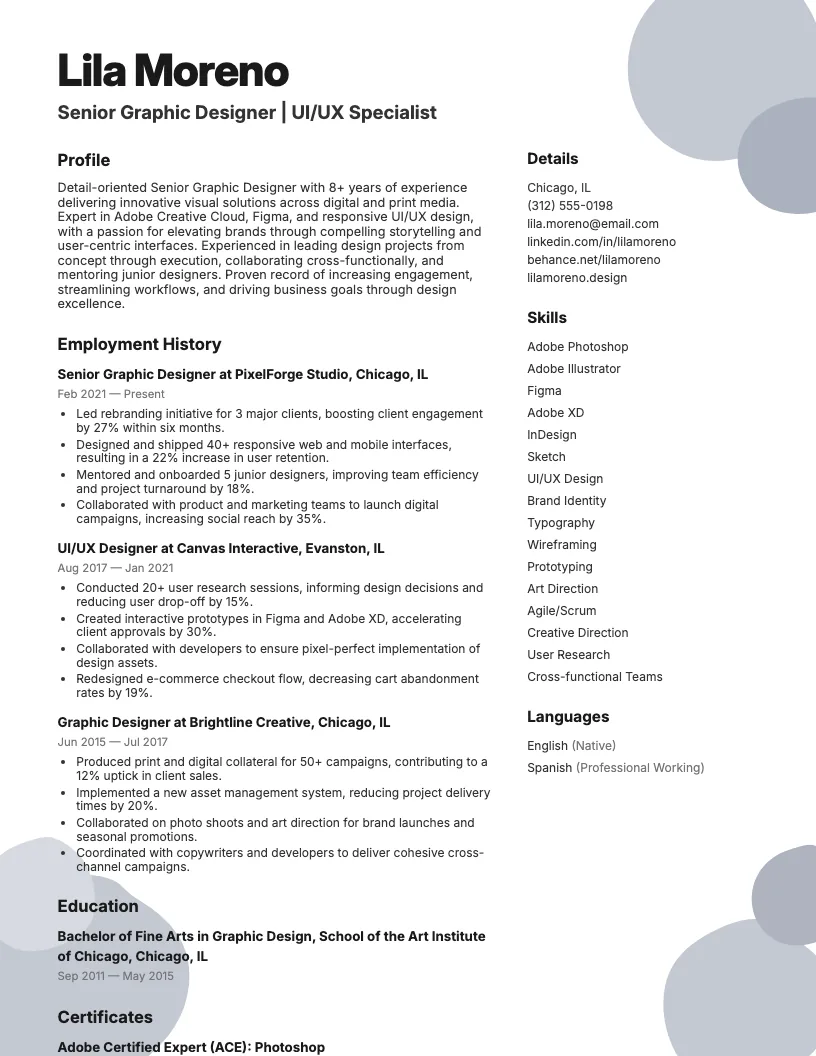
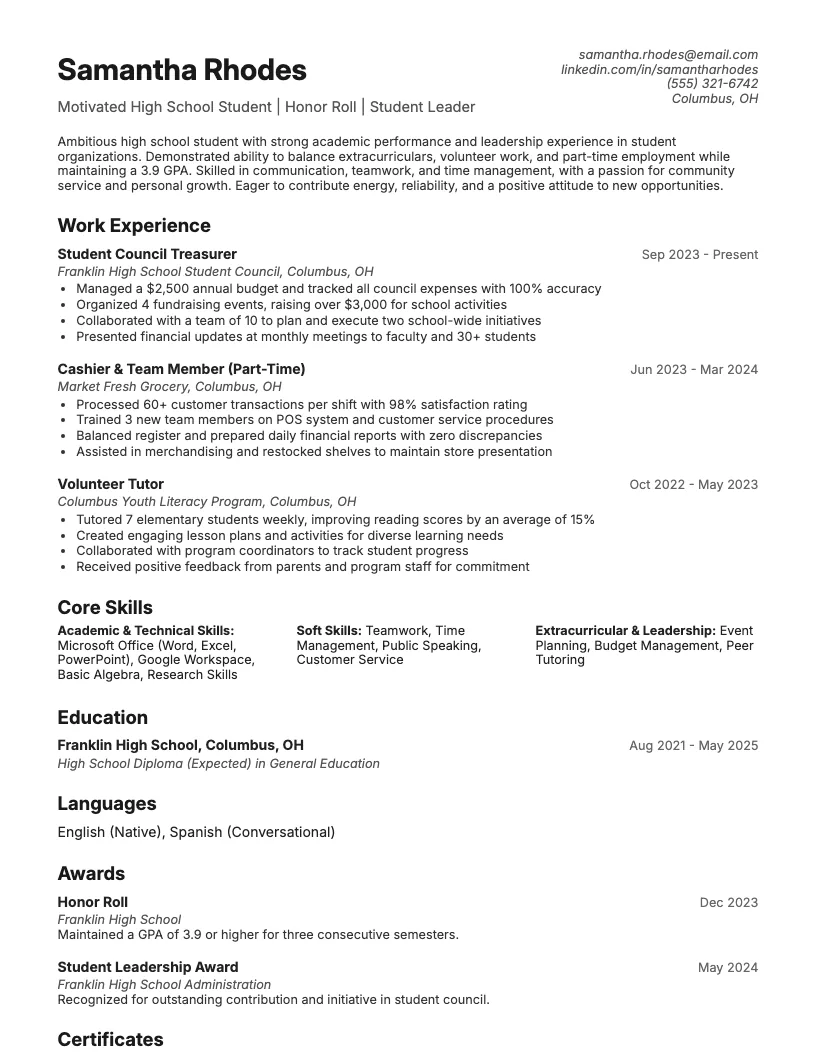
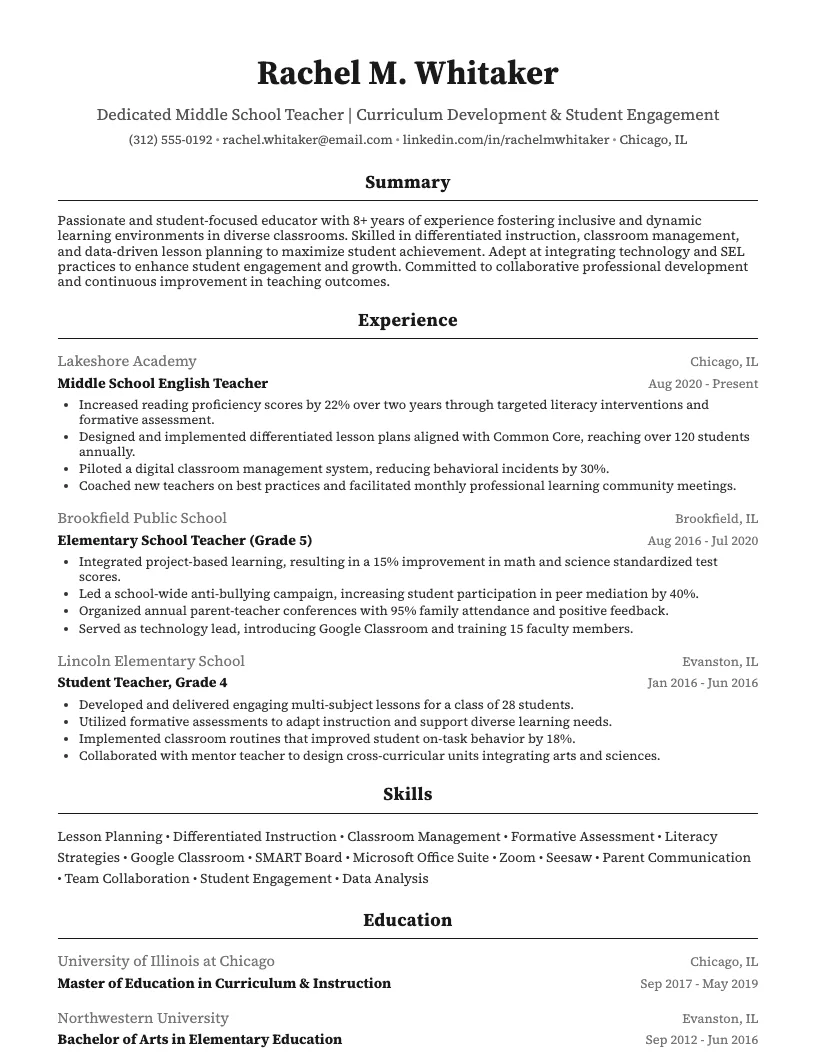
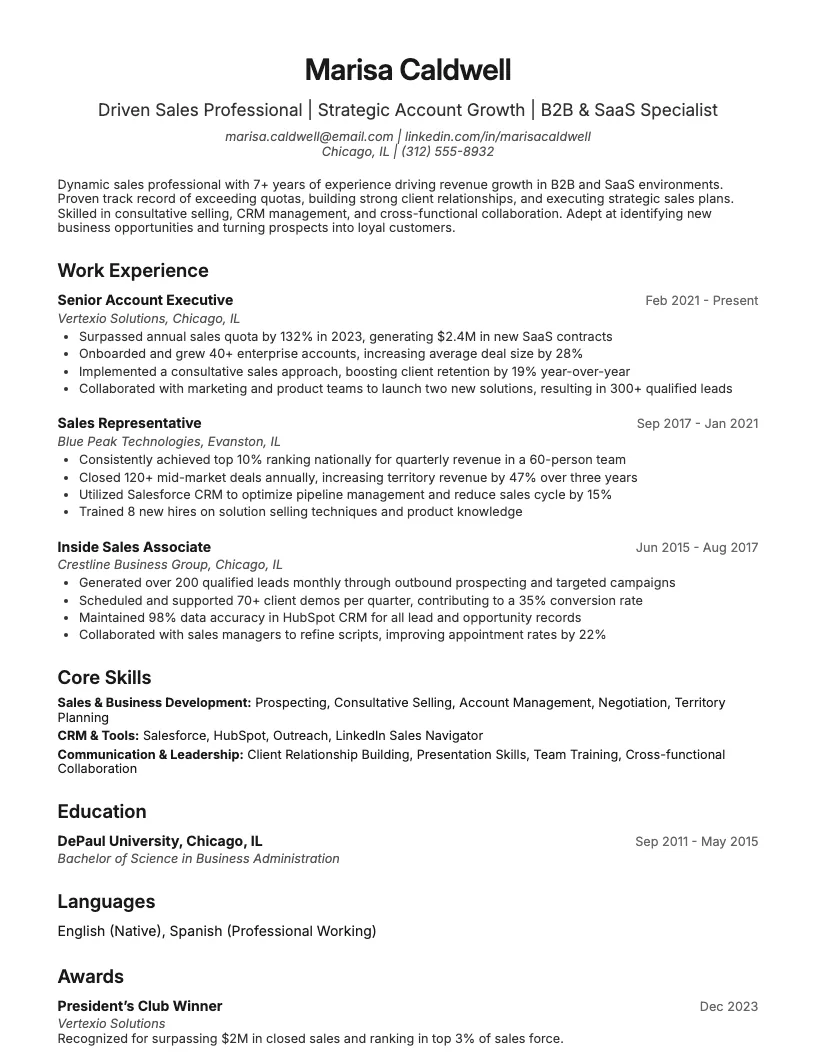
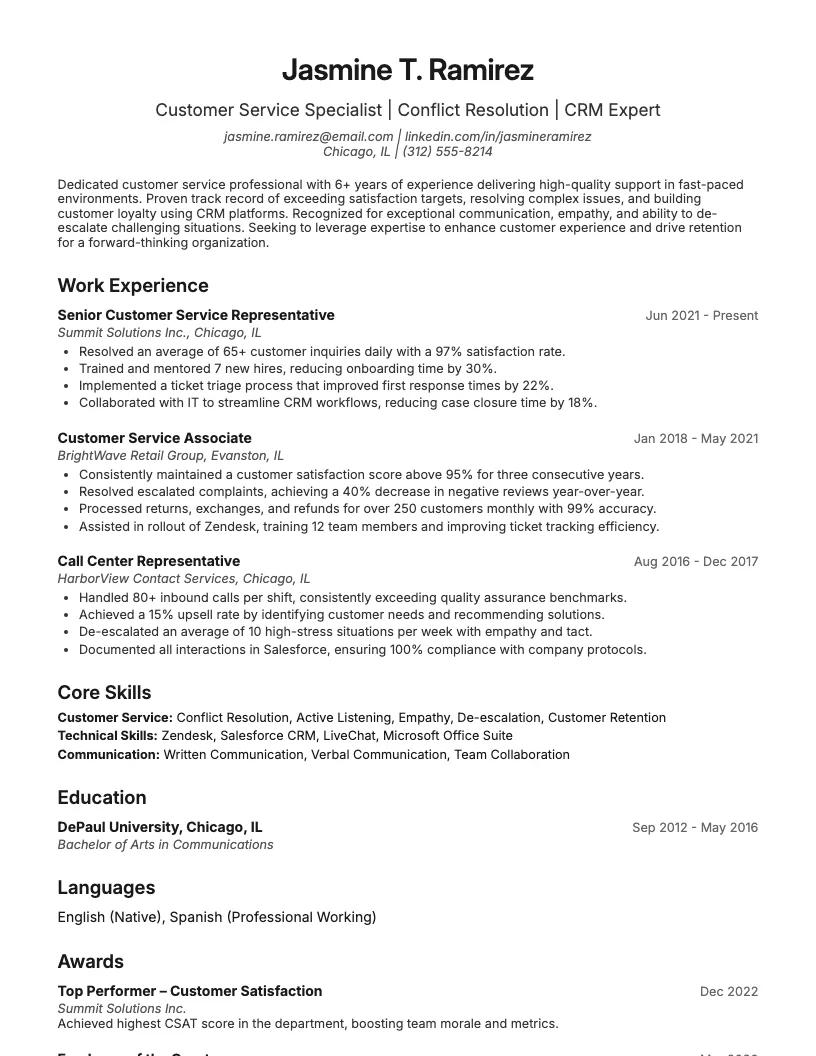
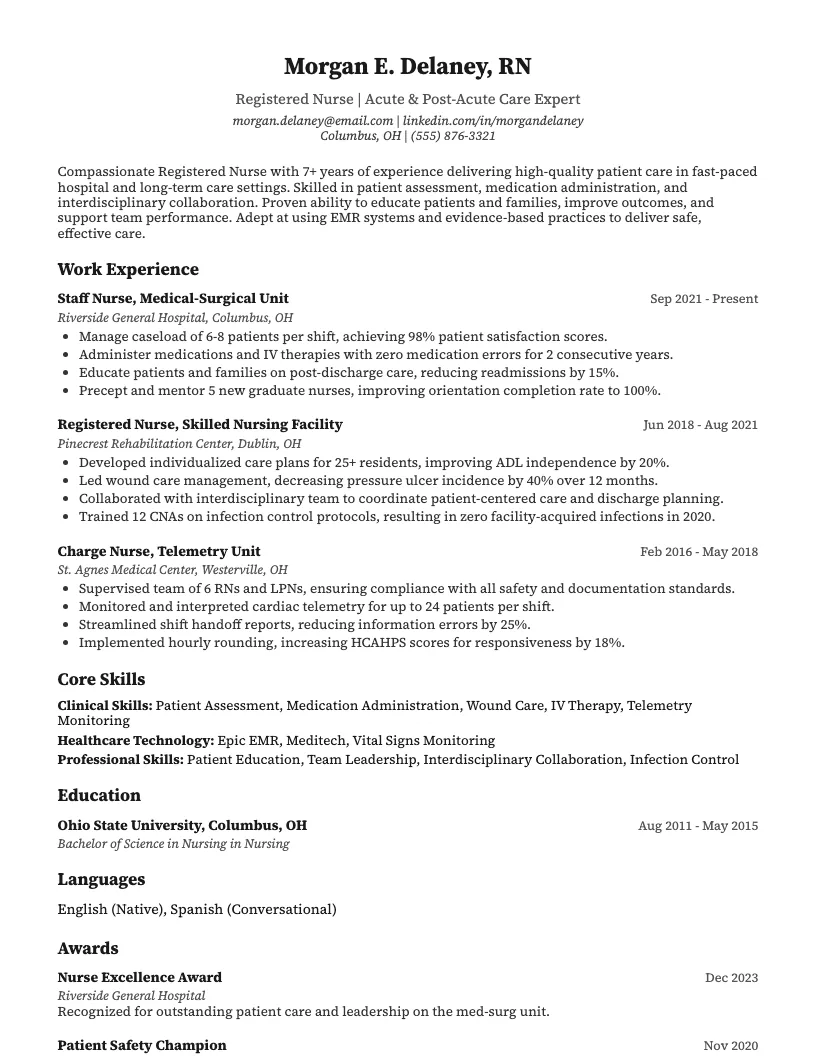
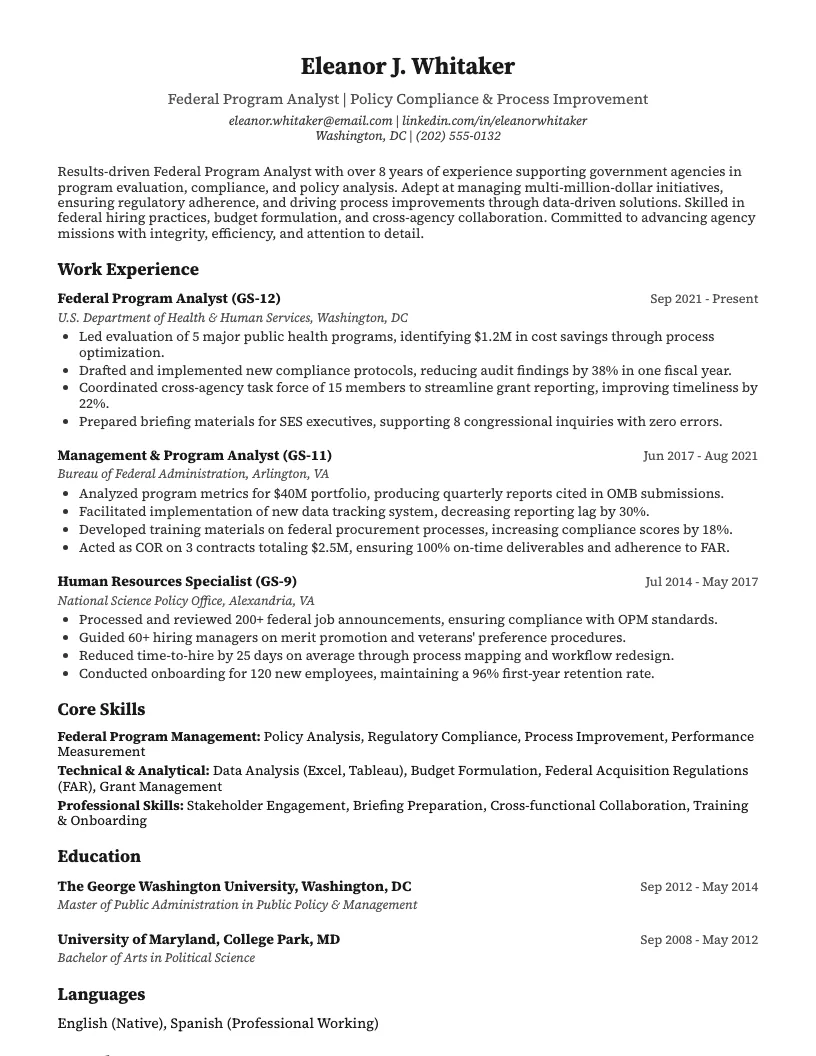
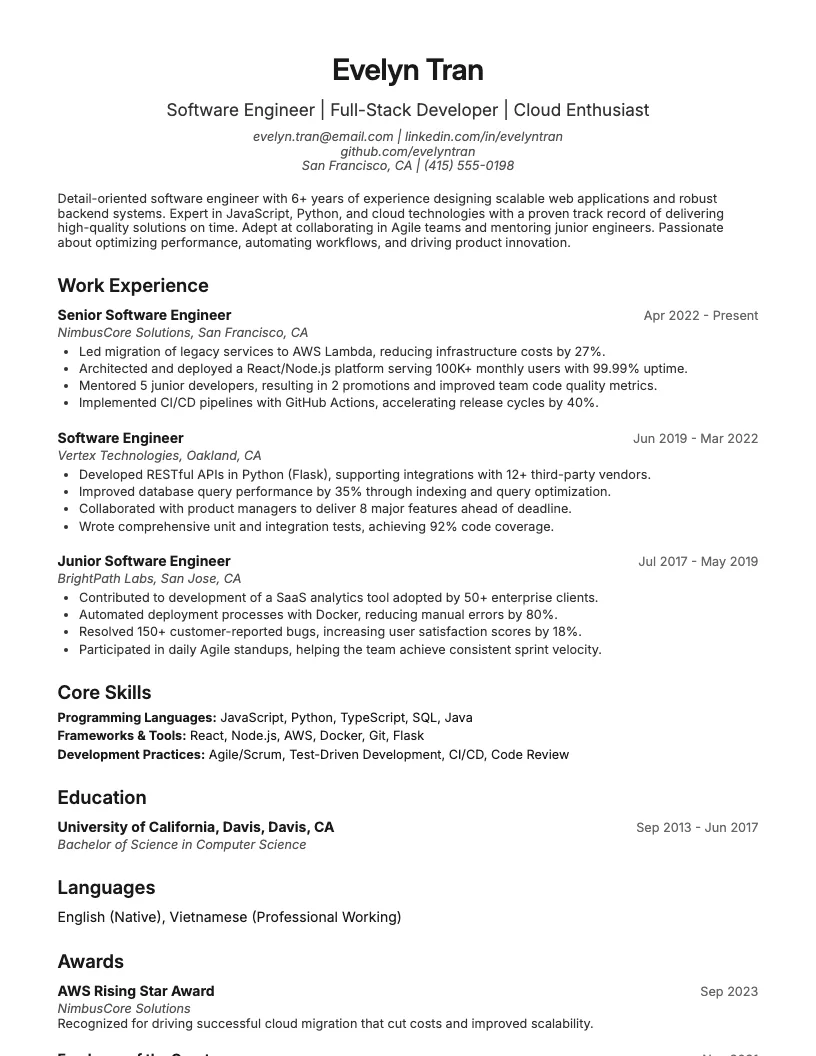
See these skills on a real resume
8 examplesStart from an example that already has them, and swap in your own.
Check your resume against the job you want
Scan your resume, see which skills and keywords the posting asks for that you are missing, and fix them before you apply.
Free to use • No credit card required