Keywords for Administrative Assistant Resumes: 10 to Add, 6 to Avoid
The 10 keywords an administrative assistant resume needs, the software and soft skills to name, plus the 6 mistakes that get admin resumes rejected fast.


Written by Sarah Chen
Senior Career Strategist & Resume Expert
Updated August 2026
Reviewed by Marcus Rodriguez
Is your resume ATS-friendly?
Drop your resume in and see which of these skills a scanner can actually read, and which ones the job you want is asking for that you have not listed.
PDF or DOCX. Max 2MB.
We never share your resume or use it to train a model.
In This Guide:
What keywords should an administrative assistant put on a resume?
What keywords should an administrative assistant put on a resume?

I've read hundreds of admin assistant resumes, and the ones that get interviews all do the same thing: they name the actual work, not a vague summary of it. "Handled office tasks" tells a recruiter nothing.
The ten things below are what your day probably looks like - use the ones that are true for you.
Calendar management
Not "scheduling" - say calendar management. It's the term postings use, and it signals you own someone's calendar end to end, not just book the odd meeting.
Meeting coordination
This covers prepping agendas, booking rooms, sending invites, and chasing people down when they don't show. If you've done any of that, say meeting coordination, not "helped with meetings."
Travel coordination
Booking flights, hotels, and itineraries for one exec or a whole team both count. Say travel coordination or travel arrangements - postings use both.
Data entry
Every list I've seen this drawn from puts data entry near the top, and for good reason - it's one of the most literal matches an ATS scanner checks for. Don't dress it up.
Records management
Filing, digital recordkeeping, document retention - all of it falls under records management. If your system is half paper and half digital, that's still records management.
Document preparation
Drafting letters, formatting reports, editing before something goes out the door. Say document preparation, and if you touched contracts or legal documents, name that too.
Expense reporting
If you've processed reimbursements or reconciled a corporate card, this is expense reporting. Pair it with a number if you can - how many reports a month, that's covered later in how you put numbers behind an admin keyword.
Invoice processing
Different from expense reporting - this is vendor invoices, purchase orders, payment tracking. Don't collapse the two into one line; list both if you did both.
Vendor management
Ordering supplies, comparing vendors, managing a purchasing relationship - that's vendor management, and it shows up on almost every list I checked for this role.
Front desk and reception support
Greeting visitors, answering the multi-line phone, managing sign-in - even if it was a fraction of your job, name it. A lot of postings still ask for it explicitly.
One thing I'd push back on: don't just copy this list onto your resume. Check it against the actual posting first - ResumeJudge will scan the job description and tell you exactly which of these it's asking for and which ones your resume is missing.
Which software should you name on the resume?
Which software should you name on the resume?
Saying "proficient in office software" tells a hiring manager nothing. Naming the actual tools tells the ATS everything - it's matching on exact product names, not vibes.
Microsoft Outlook
This is the one almost every admin posting mentions, and the one I see people forget to spell out. Don't just write "Outlook" - say what you did in it: calendar management, meeting scheduling, inbox triage for an executive or a team.
Microsoft Excel
Everyone claims Excel. What separates a real claim from a filler one is naming a function - pivot tables, VLOOKUP, formulas for tracking budgets or invoices. If you can't explain what you wrote, a follow-up question in the interview will find that out fast, so only name the pieces you've actually used.
Microsoft Word and PowerPoint
Word covers document formatting and mail merge - useful shorthand if you've prepped mass mailings or templated reports. PowerPoint is worth naming if you've built slide decks for meetings, not just opened one someone else made.
Google Workspace
Docs, Sheets, Slides, Calendar, Drive, Forms - name Workspace as a whole, then call out whichever piece you used most. A lot of small offices run entirely on this instead of Microsoft, so don't assume Office is the only stack worth listing.
Microsoft Teams, Zoom and SharePoint
These three cover meeting hosting and shared file storage. If you've coordinated meetings across time zones or managed a shared drive, this is where that experience earns its keyword.
Salesforce and HubSpot
Only list these if you've actually touched a CRM - logging contacts, pulling reports, updating records. A posting that names one of these by name is telling you it matters to them specifically.
QuickBooks, SAP and Concur
These show up on postings tied to expense reporting and invoice processing - QuickBooks and SAP for the books, Concur for expense submissions. Naming one signals you've handled real financial admin work, not just filing.
Workday and ADP
HR and payroll systems. If your role has touched onboarding, PTO tracking, or payroll support, these are worth the line - they rarely apply to a pure front-desk role.
Calendly and travel booking tools
Scheduling software matters most for travel coordination and calendar-heavy roles. If a posting mentions booking travel or managing external meeting requests, this is the software category it's testing for.
One thing I tell people constantly: name the tool, not the category. If you're not sure your list matches what a specific posting wants, running your resume through ResumeJudge against that job description will show you exactly which named tools it's missing before you hit submit.
Which soft skills belong on an administrative assistant resume?
Which soft skills belong on an administrative assistant resume?
I've read hundreds of admin resumes, and the soft skills section is where most of them go generic. "Team player" and "hard worker" tell a hiring manager nothing.
The ones that get an interview name a specific behavior.
Attention to detail
Admin postings do ask for this, and the mistake I see most often is people writing the phrase without proof. Pair it with what you check - error rates on data entry, proofreading before documents go out, catching scheduling conflicts before they become a problem.
Time management
Not "manages time well." Say how many calendars, inboxes, or deadlines you're juggling at once.
That number does the convincing for you.
Prioritization
Time management and prioritization get used interchangeably, but a hiring manager reads them as two different skills: one is keeping the trains running, the other is deciding which train goes first when three people need you at once.
Written and verbal communication
List both, not just "communication skills." Verbal covers phone and in-person; written covers email, memos, and meeting minutes - and postings often ask for one specifically, so naming both closes the gap either way.
Phone etiquette
Small phrase, but it shows up constantly in postings for front-desk and reception-heavy roles, and it's one of the easiest keywords to drop by accident because it feels too minor to list.
Discretion and confidentiality
If you've handled payroll files, HR records, or executive calendars, say so. This is the phrase that signals you can be trusted with things that aren't public.
Customer service
Nine times out of ten, admin roles involve some public-facing piece - visitors, vendors, patients, clients - even when the job title doesn't say it. If yours does, name who you served.
Cross-team coordination
This is the keyword for admins who work across departments rather than for one manager. If you scheduled between finance and legal, or fielded requests from five different teams, that's coordination, and it's worth its own line.
Process improvement
Even a small fix counts - a new filing system, a faster intake form, a template that cut a task in half. Once you've got the wording for this section down, pulling the rest straight out of the posting is the faster way to fill in what's missing, and ResumeJudge will flag any of these nine it doesn't find in your draft when you check it against a real listing.
Which keywords change with the industry you're applying to?
What changes by industry
| Industry | Software to name | Terms to use |
|---|---|---|
| Medical office | Epic, Cerner | patient scheduling, HIPAA compliance |
| Law firm | Westlaw, LexisNexis | e-filing, legal document preparation |
| Corporate/executive | - | stakeholder management, audit support |
| Schools/universities | - | student records coordination |
| Finance/operations | QuickBooks, SAP | AP/AR support, reconciliations support |
| Government/nonprofit | - | grant support documentation, procurement assistance |
Same job title, different resume, depending on who's hiring. I've reviewed admin assistant resumes for six or seven different industries, and the ones that get callbacks always speak the employer's language, not a generic one.
Medical office
Put HIPAA compliance front and center - it's non-negotiable in healthcare. Name the system you've used (Epic and Cerner are the two you'll see most), and use "patient scheduling" instead of just "scheduling."
If you've handled referrals or insurance claims, say so by name.
Law firm
Legal hiring managers scan for e-filing, case management software, and legal document preparation. If you've touched Westlaw or LexisNexis, that's a keyword worth its own line.
"Confidentiality" means something sharper here than in most offices - tie it to client files, not just general discretion.
Corporate and executive support
This is where onboarding packet prep, expense coordination, and audit support come up again and again. Corporate roles also reward stakeholder management language - you're not just booking meetings, you're coordinating across departments.
Schools and universities
Student records coordination and office operations are the phrases I see education postings repeat. Scheduling still matters, but frame it around academic calendars and faculty support rather than executive calendars.
Finance and operations
Lean into invoicing, reconciliations support, and AP/AR support - these three show up in nearly every finance-adjacent posting I've read. If you've worked with QuickBooks or SAP, that belongs in the software section too.
Government and nonprofit
Grant support documentation and procurement assistance are the two terms that separate a generic resume from one built for this sector. Once you've matched the industry language, run it against the actual posting - ResumeJudge will flag any sector-specific term you're still missing before you submit.
Which keywords change with your experience level?
What changes by experience level
| Level | Keywords to lead with |
|---|---|
| Entry-level/receptionist | reception, phone answering, basic data entry |
| 2-4 years admin | calendar management, travel coordination, process improvement |
| Senior/office manager | budget management, team supervision, vendor negotiation |
| Executive assistant | executive calendar, board support, C-suite support |
Your keyword list should get bigger and more specific as your title does. A resume that lists "office manager" duties for an entry-level job looks padded, and one that undersells ten years of C-suite support looks junior.
Match the words to the years.
Entry-level and receptionist
Lead with reception, phone answering, greeting visitors, mail distribution, filing and basic data entry. Name the Microsoft Office tools you actually know rather than writing "computer skills" - that phrase gets ignored by both software and people.
Administrative assistant with 2-4 years
Now you add calendar management, travel coordination, meeting coordination, vendor coordination and process improvement. This is the tier where most postings sit, so it's worth pulling the exact terms from the one you're applying to - see how to pull keywords from a posting.
Senior administrative assistant and office manager
Budget management, team supervision, vendor negotiation and facilities management belong here. I've seen a lot of senior admins undersell this stage by still writing like a coordinator - if you're negotiating contracts or running a budget, say so plainly.
Executive assistant and C-suite support
Executive calendar, board support, C-suite support and international travel are the terms that separate this tier from the rest. If you're not sure which of these you can honestly claim yet, ResumeJudge will check your resume against a specific executive assistant posting and tell you exactly which of its keywords you're missing before you apply.
How do you pull the right keywords out of a job posting?
How do you pull the right keywords out of a job posting?
Step 1: Paste the posting into a document
Copy the whole posting into a doc you can mark up. Not just the "requirements" line - the intro paragraph and the "about the role" section usually name tools and duties too.
Step 2: Mark the phrases the posting repeats
Anything said twice is a keyword. If "calendar management" shows up in the summary and again under responsibilities, that's not filler - that's the posting telling you what it cares about most.
Step 3: Sort what you marked into duties, tools, skills and industry terms
Four buckets: what you'll do, what software you'll touch, what soft skills got named, and what's specific to that industry. This is the same split the keyword and software sections above use.
Step 4: Keep only the 15-30 you can back up
You'll mark more than that. Cut it down to the ones you've actually done - a resume that claims all of them and can't back one up in an interview does more damage than one with fewer.
Step 5: Rewrite the summary and top bullets around them
Put two or three of the strongest in your summary, the rest across your first several bullets. If you'd rather skip the manual sort, ResumeJudge reads the posting and your resume together and tells you exactly which of these are missing, then rewrites the wording in for you.
Where do these keywords go on the resume?
Where do these keywords go on the resume?
The summary
Your first three lines get scanned before anything else. Put your job title, your years of experience, and two or three of your strongest keywords right there - calendar management, travel coordination, whatever the posting leans on hardest.
I've read summaries that go five lines without naming a single tool. That's a wasted shot.
The skills section
This is where the software and soft skills live - grouped, not dumped in one long line. Split it into something like scheduling tools, office software, and core skills, so a scanner and a human can both make sense of it fast.
Experience bullets
This is where a keyword earns its place. One or two per bullet, tied to an action verb - scheduled, coordinated, processed - not eight crammed into one line hoping something sticks.
If you're not sure which bullets are missing what a posting wants, that's exactly what ResumeJudge checks - it reads your resume against the job description and tells you which of its keywords never show up in your experience.
Certifications
If you hold one - Microsoft Office Specialist, CAP, PACE - list it near your skills or education, not buried at the bottom in a font nobody reads.
What does a keyword look like in a real bullet point?
Is your resume good enough?
Drop your resume in and see which of these skills a scanner can read, and which ones the job you want is asking for that you have not listed.
Upload your resumeFree. PDF or DOCX. We never share your resume or use it to train a model.
I've read enough of these to spot a keyword-less bullet in about two seconds. It's the one that tells me what someone was responsible for instead of what they did.
Calendar and meeting bullets
"Coordinated executive calendars in Outlook, managing scheduling and last-minute changes across three time zones."
That's calendar management and meeting coordination doing real work, not just sitting in a skills list.
Records and data entry bullets
"Maintained document control systems and performed high-accuracy data entry in Excel, supporting weekly reporting."
Notice the tool is named.
Travel and vendor bullets
"Managed travel coordination for leadership, including itinerary planning, and tracked vendor invoices through to payment."
Two keyword groups in one sentence - that's normal, not stuffing, as long as both actually happened.
Expense and invoice bullets
"Processed 250+ vendor invoices monthly in QuickBooks with 99.8% accuracy." Numbers plus tool names plus the keyword itself - that's the formula I'd build every bullet around.
The same bullet written without keywords
A calendar bullet, with and without keywords
Responsible for calendar and helped with office tasks.
Coordinated executive calendars in Outlook, managing scheduling and last-minute changes across three time zones.
Here's the version I see nine times out of ten: "Responsible for calendar and helped with office tasks." No tool, no scope, no verb doing anything.
It reads like a job title, not proof of one.
If you're not sure which version you've written, run the resume against the actual posting - ResumeJudge will flag exactly which of these keywords the listing wants and your bullets are missing.
How do you put numbers behind an admin keyword?
How do you put numbers behind an admin keyword?
"Managed calendars" tells a hiring manager nothing. "Managed calendars for 8 executives across 3 time zones with zero scheduling conflicts" tells them exactly what you can handle.
Every bullet under calendar and meeting or records and data entry gets stronger the moment you drop a number into it.
Count the calendars you manage
How many people's schedules do you own? One executive, or eight across three time zones?
Say the number.
Count the calls and appointments per day
Front desk and phone work is invisible until you put a volume on it. "50+ calls a day" or "coordinated 15 meetings weekly" gives the reader a scale they can picture.
Count the invoices or expense reports you process
I've seen this one undersold constantly. A monthly invoice count says far more than "handled expense reports," and it's usually a number you already know off the top of your head - the expense and invoice bullet above shows one written out in full.
Give the accuracy rate
If you process expense reports or invoices, you probably have an error rate near zero - say so. "99.5% accuracy" or "zero scheduling conflicts over 18 months" is the kind of line that separates a careful admin from an average one, and it costs you nothing to add if it's true.
Give the time or cost you saved
"Reduced scheduling conflicts by 40% through proactive calendar coordination" beats "responsible for calendar management" every time. If a process you built or fixed saved hours a week, or cut a turnaround time, that's the number to lead with.
Typing speed
Most administrative postings don't ask for this anymore, so treat it as a bonus line rather than a must-have. Leaving it off costs you nothing if the job doesn't mention it; putting an average number on the page costs you a line that could carry a real keyword instead.
Only include it if the posting mentions it, or if you're genuinely fast - north of 70 WPM is worth a line, anything average isn't worth the space.
Not sure which of your own numbers actually matter for a specific posting? ResumeJudge scans your resume against the job description and tells you exactly which of these are missing before you hit apply.
What keyword mistakes get an admin resume rejected?
I've rejected - or watched a hiring manager reject - the same handful of resumes over and over. Here's what actually kills them.
Stuffing every keyword you can find
Some candidates paste every tool and duty they can think of into the skills section, whether they've done it or not.
A recruiter reads that list in five seconds and can tell. If you can't back a word up in an interview, take it off - pull the real ones from the posting instead of guessing.
Leaving out software the posting names
The posting says Concur. Your resume says "expense reporting software." The scanner doesn't connect those two phrases, so you look like you've never touched it.
Nine times out of ten, the fix is just copying the exact product name from the posting into your resume - see the software list above for the ones that come up most.
Saying 'computer proficiency' instead of naming the tool
"Computer proficiency" and "office work" tell a hiring manager nothing. Name Excel. Name Outlook. Add your typing speed if it's strong - a number always beats an adjective.
Bullets with no action verb
This is the mistake written out in full under the same bullet written without keywords, with the fixed version next to it.
Using executive assistant keywords for an assistant job
If you're applying to an administrative assistant role, don't borrow language built for executive assistant and C-suite support. It reads as a mismatch, not an upgrade.
Tables, columns and graphics that hide your keywords
Tables, text boxes, multi-column layouts, icons, borders - a lot of scanners can't read any of it. The keyword might be right there on the page and still never make it into the system.
If you're not sure your resume is even parsing cleanly, run it against the actual posting - ResumeJudge will score it and flag exactly which required keywords didn't make it through before you hit apply.
Frequently Asked Questions
How many keywords should I put on my resume?
Aim to naturally cover the main skills and tools the posting mentions rather than hit a fixed count - most administrative assistant resumes end up with 15 to 30 keyword phrases spread across the summary, skills section, and bullet points. Trying to hit an exact number leads to stuffing words in without context, which reads as unnatural to a human reviewer even after it passes a scanner. If the posting names a tool, a duty, or a piece of software, that's a keyword worth including - once you've covered those, you're in a good range.
Should I copy the exact wording from the job posting?
Yes, when the wording matches something you've actually done - applicant tracking systems often search for exact phrases, so if the posting says "accounts payable" and your resume says "AP," switching to the posting's exact term helps you get found. Don't copy full sentences or claim experience you don't have; the goal is matching the specific nouns and skill names, not mirroring the whole posting.
What if I don't have every keyword the posting asks for?
Prioritize the ones you can back up with real experience, and for the rest, use the closest thing you've actually done - if a posting wants "expense reporting" and you've only tracked petty cash, list that instead of a term you can't defend in an interview. A resume doesn't need to match every keyword to get through; it needs enough overlap on the core responsibilities to look like a fit. ResumeJudge compares your resume against the posting and shows you exactly which keywords are missing, so you know which gaps to close instead of guessing.
Do keywords matter more than experience?
No, experience matters more - keywords just get your resume in front of a person so that experience can be seen. A resume packed with keywords but no real accomplishments behind them won't survive an interview, while strong experience described in the wrong language may never get opened in the first place. The two work together: real experience, described using the words the posting uses.
Should I repeat the same keyword more than once?
Yes, if it's central to the job - repeating an important term two or three times across your summary, skills section, and a bullet point shows it's a consistent part of your background, not a one-off mention. Don't repeat it twice in the same sentence or force it into places it doesn't fit; natural repetition across different sections reads fine, cramming it into one line doesn't.
Which certifications are worth listing?
The Certified Administrative Professional (CAP) designation and the Microsoft Office Specialist (MOS) certification are the two most recognized for this role, and either is worth a line in your header or skills section if you hold it. Beyond those, office administration certificates and customer service or business communication training can help if the posting specifically calls for them. Only list what you've actually completed - an unearned certification is one of the fastest ways to get caught out in an interview.
I'm changing careers - which keywords can I honestly use?
Focus on the transferable skills behind your past work, not your old job title - if you managed schedules, budgets, or communication in a different role, terms like "scheduling," "data management," "customer communication," and "process coordination" are honest even without "administrative assistant" in your work history. Look for the overlap between what you actually did and what the posting is asking for, and describe that overlap in the posting's own words. Once you've named that overlap honestly, ResumeJudge can write the cover letter that connects your background to this specific role, which does more for a career change than the resume alone.
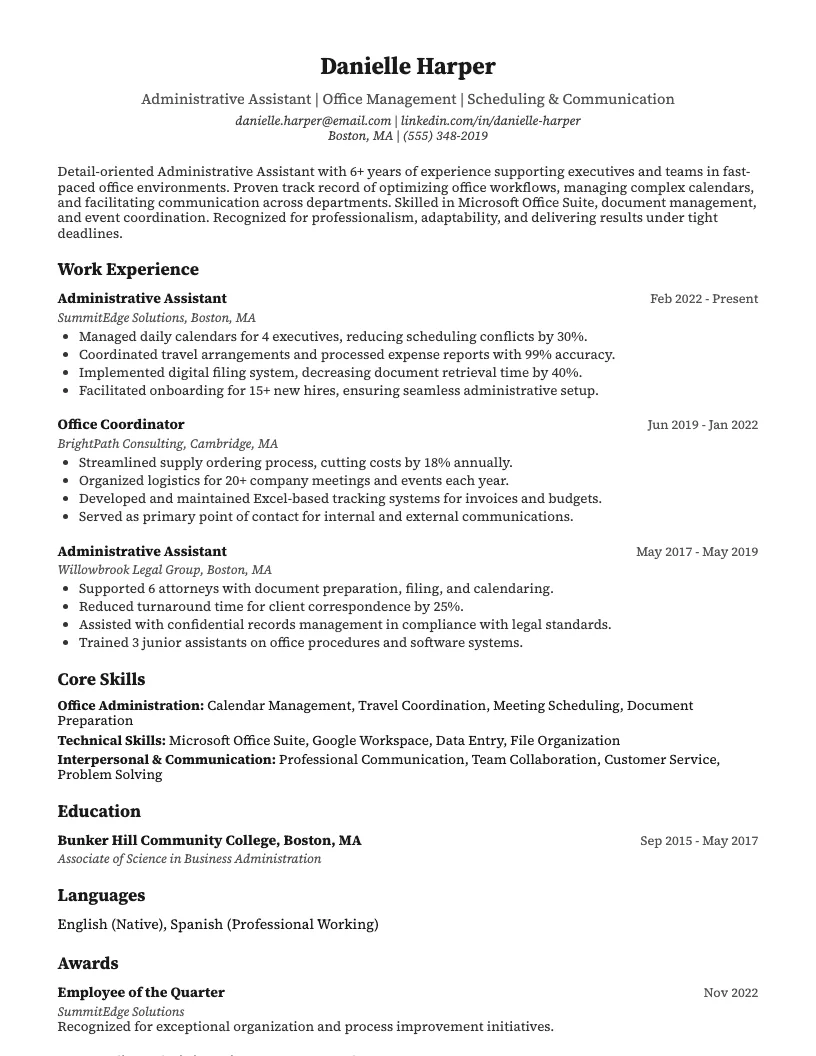
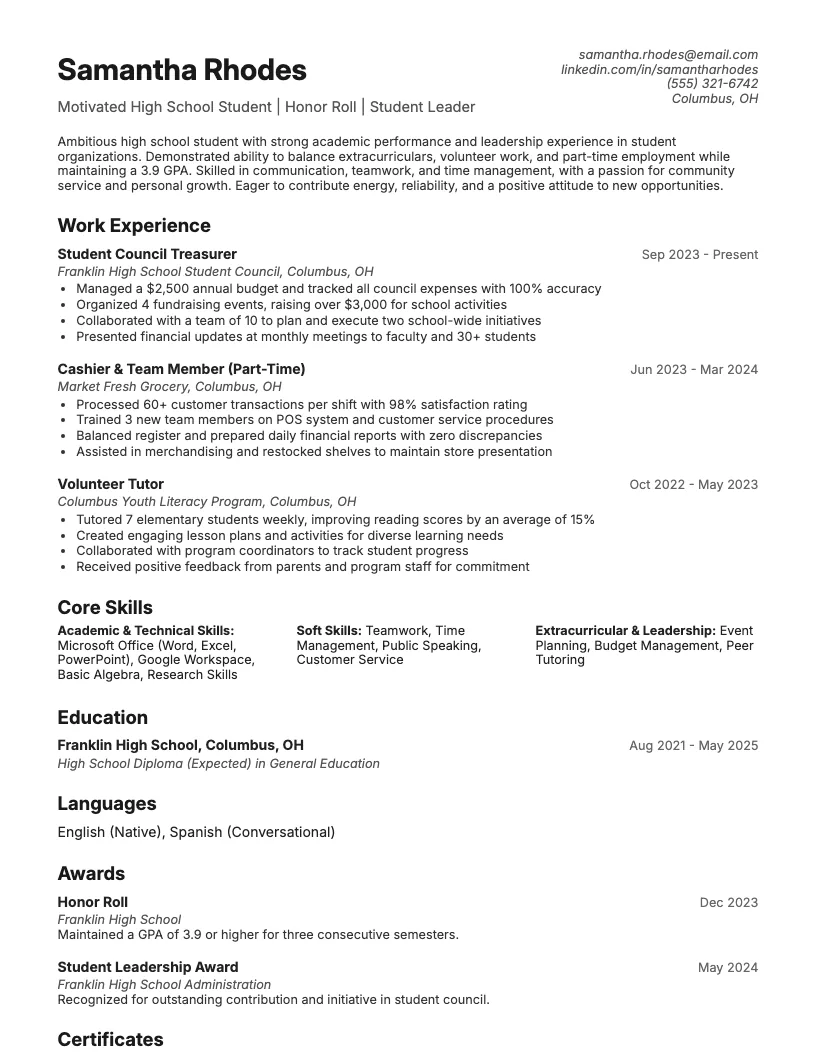
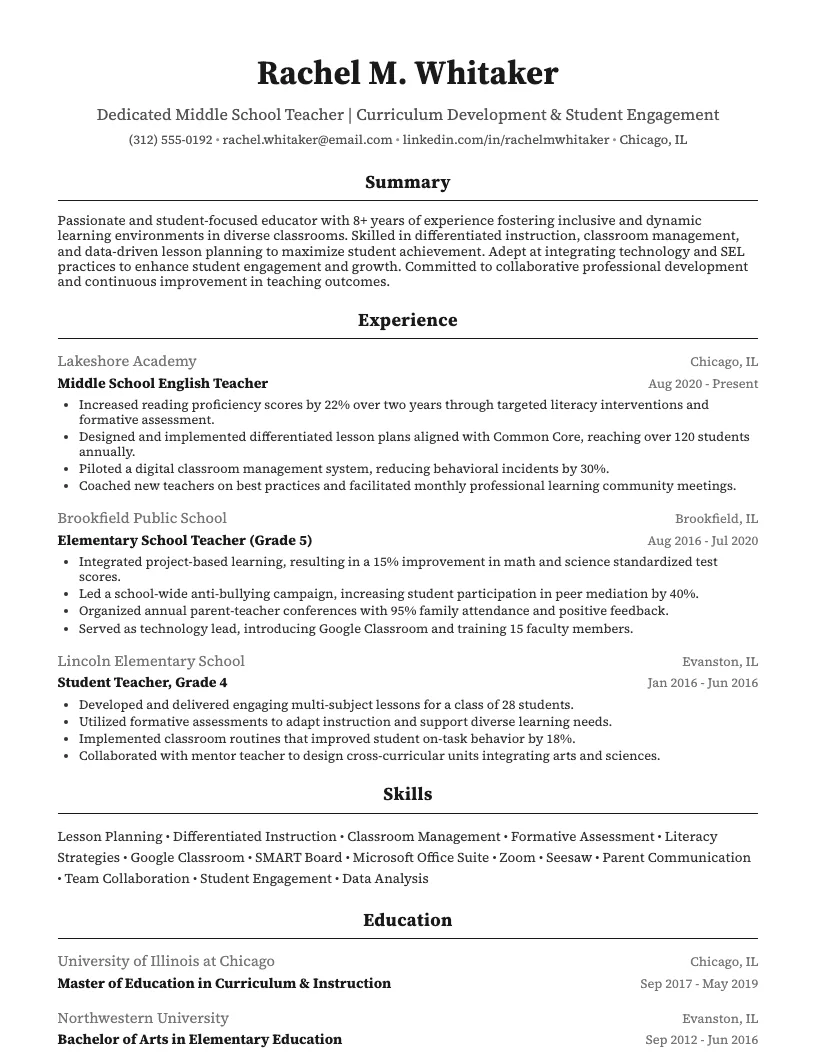
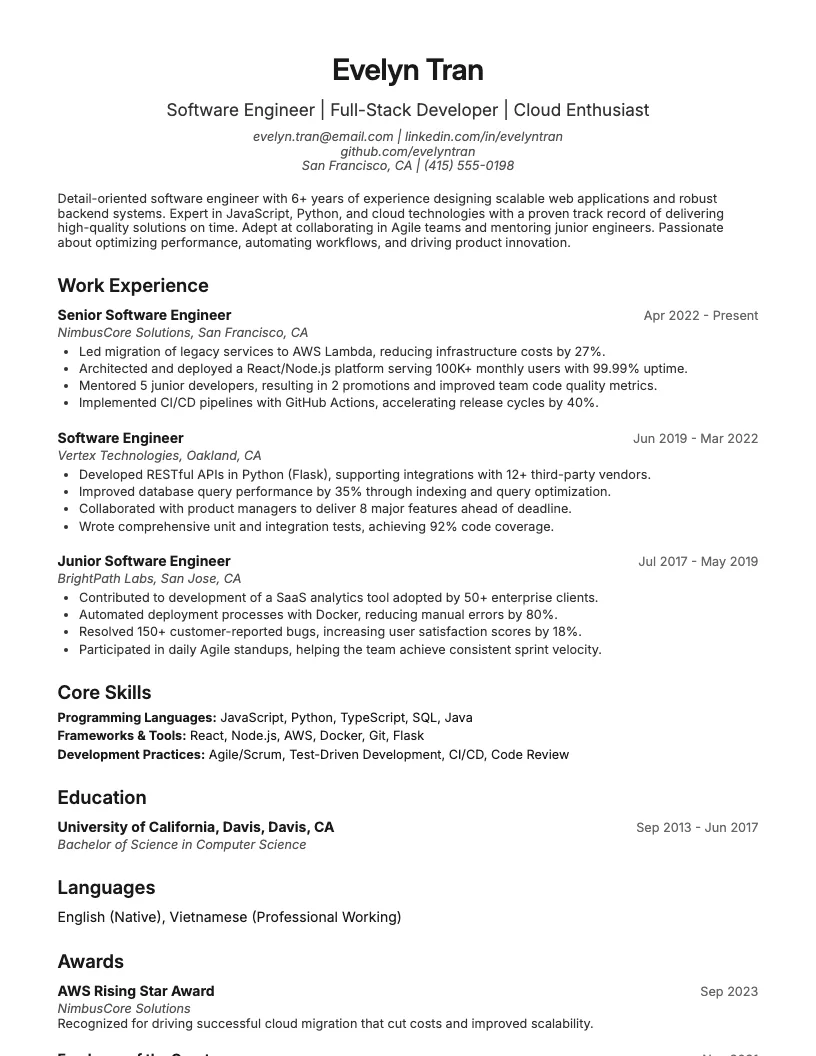
See these skills on a real resume
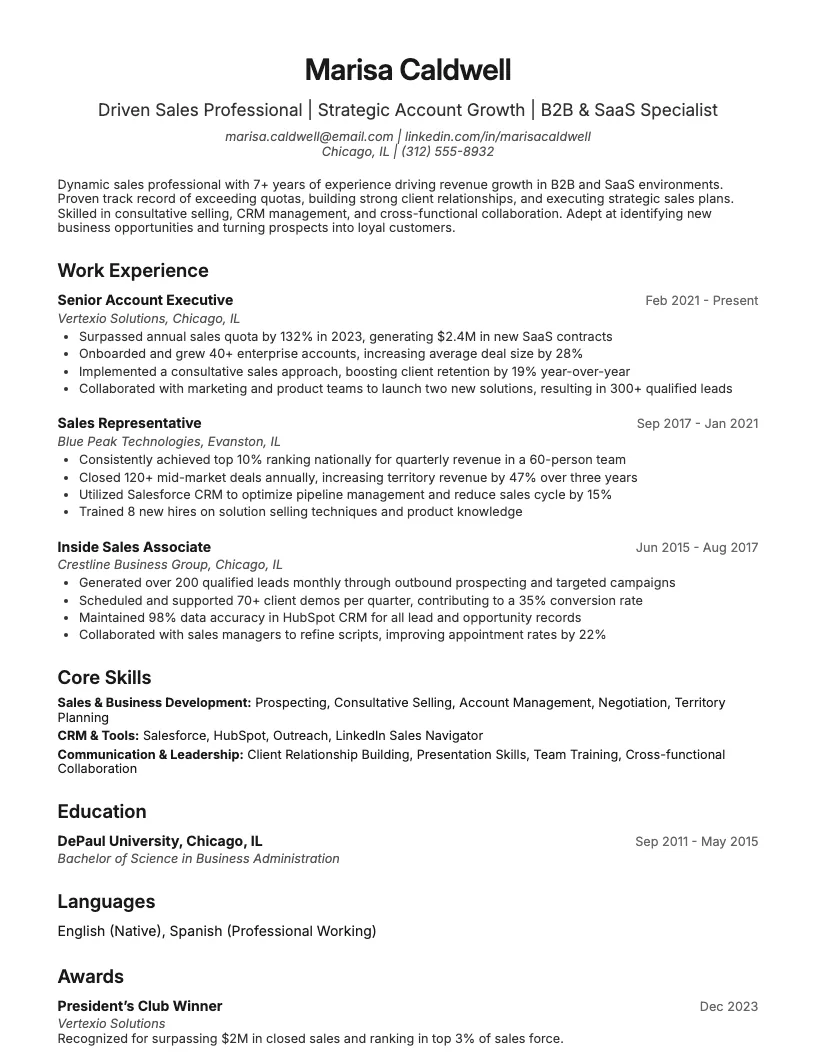
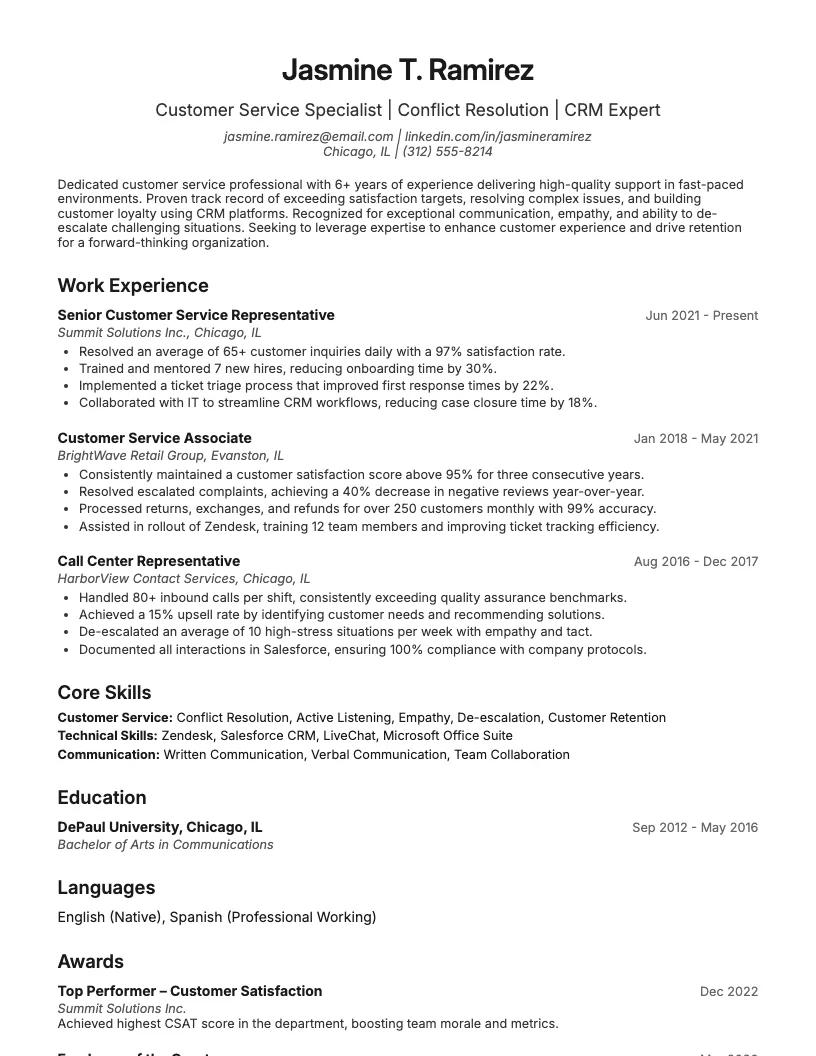
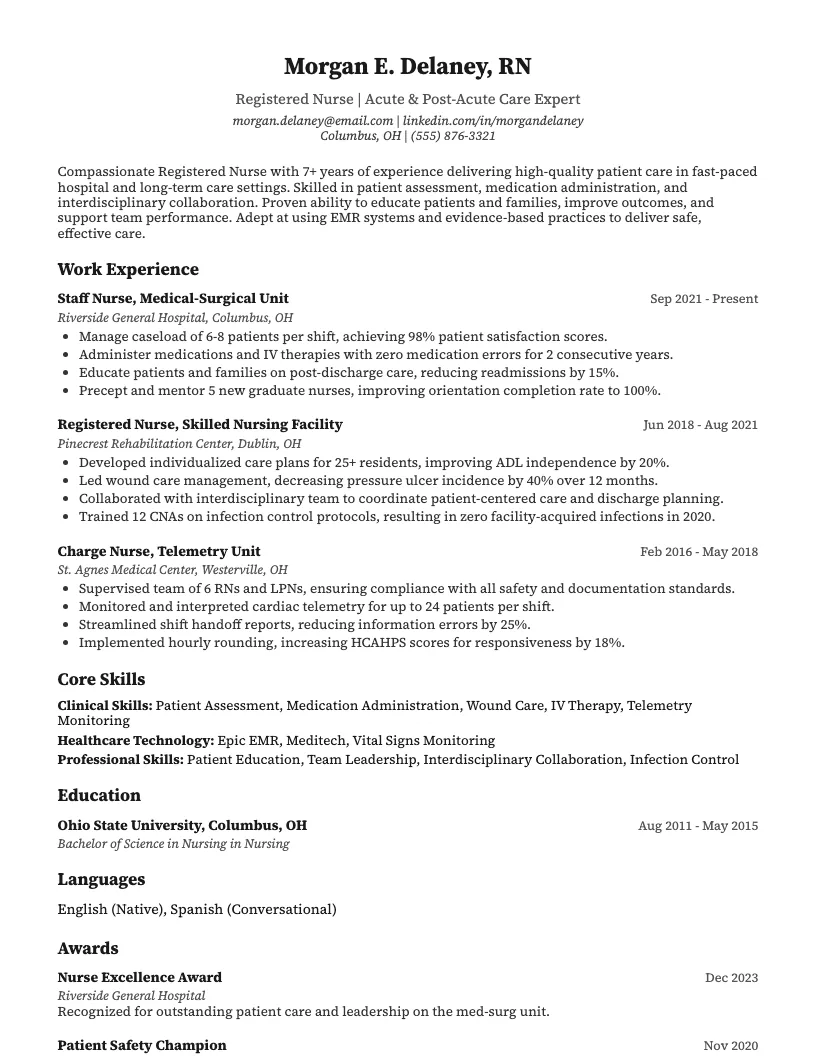
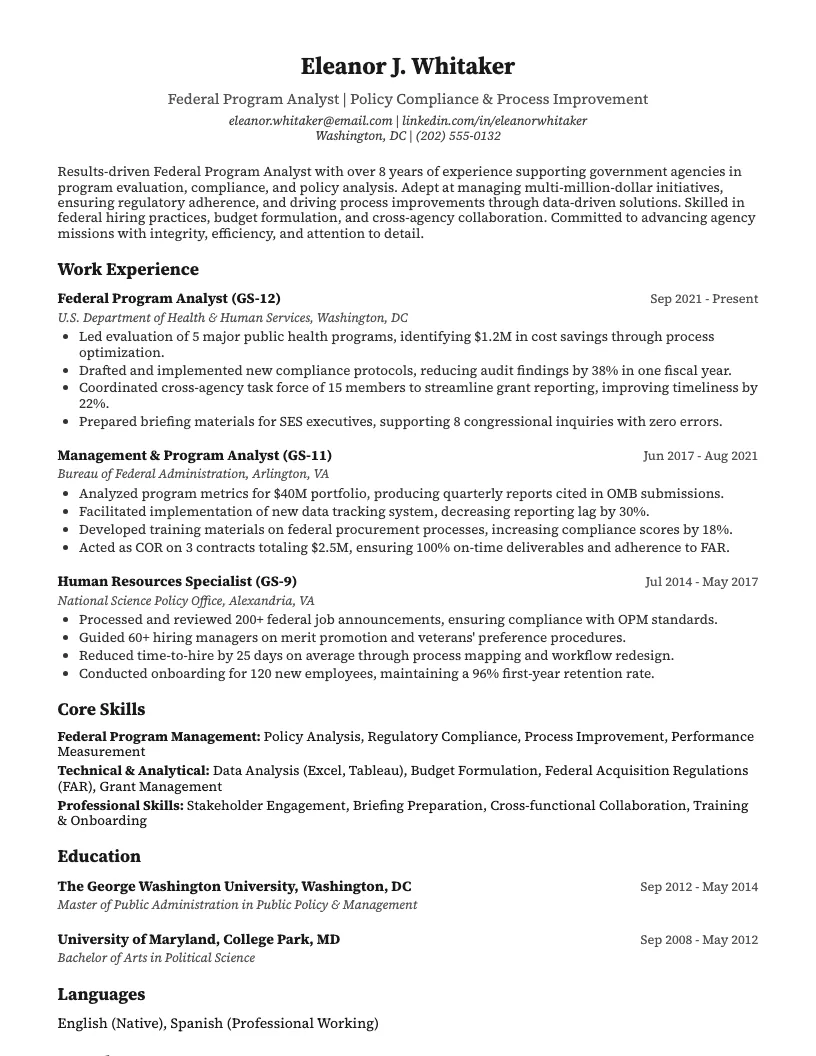
8 examplesStart from an example that already has them, and swap in your own.
Check your resume against the job you want
Scan your resume, see which skills and keywords the posting asks for that you are missing, and fix them before you apply.
Free to use • No credit card required