Accounts Payable Resume Keywords: 12-20 Terms for 4 Job Levels
The invoice-processing, software, and job-level keywords AP postings actually ask for, and where to place them so an ATS and a hiring manager both catch them.


Written by Marcus Rodriguez
ATS Optimization Specialist & Career Coach
Updated August 2026
Reviewed by Dr. Priya Sharma
Is your resume ATS-friendly?
Drop your resume in and see which of these skills a scanner can actually read, and which ones the job you want is asking for that you have not listed.
PDF or DOCX. Max 2MB.
We never share your resume or use it to train a model.
In This Guide:
What keywords do accounts payable job postings ask for?
What keywords do accounts payable job postings ask for?

I've read enough AP job postings to know they're not written by marketers trying to sound original. Almost every one is a variation on the same list, because the job itself doesn't change much from company to company.
Nine times out of ten, if you name the actual steps in the AP cycle instead of writing "handled accounts payable duties," you'll match most of what the posting is scanning for.
Invoice processing
This is the phrase itself, not a description of it. Write "invoice processing," not "I processed invoices" - the exact noun phrase is what a scanner and a hiring manager are both looking for.
Three-way matching
Say "three-way matching" by name if you've done it - matching the invoice, the purchase order, and the receiving document before anything gets paid. I still see resumes that describe this process in a full sentence and never use the term, which means it doesn't register as a match.
Purchase orders and non-PO invoices
If you've only ever worked with POs, say so - but if you've also handled invoices that come in without one, say that too. Non-PO invoices show up in almost every posting I've seen, and it's a different skill: you're the one deciding where it gets coded and who approves it.
GL coding
GL coding - assigning the right general ledger account to each invoice - is one of the terms that separates a clerk resume from a specialist one. If your job included judgment calls on where a cost belongs, use the term.
Don't bury it inside "data entry."
Vendor management
Vendor management covers onboarding new vendors, resolving payment disputes, and answering vendor questions about where their money is. If a posting mentions vendor relationships at all, this is the phrase it's built on.
Account and bank reconciliation
These are worth naming separately: account reconciliation is comparing a balance in your books against an independent source - a sub-ledger, a vendor confirmation, a statement - and bank reconciliation is the version of that which uses the bank statement. A resume that only says "reconciliation" loses some of that specificity - say which kind you did.
Month-end close
Month-end close is where AP work gets tied to accruals, variance checks, and reporting deadlines. If you had a hand in closing the books on a schedule, that's worth its own line - it signals you're not just processing invoices as they land, you're working against a calendar.
Expense reports
Expense reports get their own mention in nearly every AP posting I've looked at, separate from vendor invoices. If you reviewed or approved employee expense reports - through Concur, Expensify, or by hand - name that specifically rather than folding it into "invoice processing."
Aging reports
Aging reports track which invoices are coming due and which are already late. If you ran these, or used them to prioritize payment runs, that's a concrete, specific line - much stronger than "prioritized payments."
Check runs and payment batches
Check runs and payment batches are the terms for the actual act of paying - batching approved invoices and releasing payment on a schedule. If you owned this step, from selecting what's ready to pay through releasing the batch, that ownership is worth calling out on its own, not folded into "processed payments."
Once you've got a posting in front of you, the fastest way to check yourself is to run your resume against it directly - ResumeJudge will tell you which of these terms the posting is actually asking for and which ones your resume is missing, so you're not guessing.
Which software and systems should you name on an accounts payable resume?
Which AP system fits which company
| System | Where it's used | Category |
|---|---|---|
| SAP | Large enterprise | ERP |
| Oracle / NetSuite | Large or mid-size | ERP |
| QuickBooks / Xero | Small business | Accounting software |
| Dynamics / Workday | Mid-size to enterprise | ERP |
| Coupa | Procurement automation | AP automation |
| Concur / Expensify | Expense reports | Expense software |
| Bill.com | Small teams | Payments |
I've read enough AP resumes to know the software line gets rushed. Don't rush it - this is where an ATS decides whether you even match the role.
SAP
SAP still shows up in more AP postings than anything else, especially at larger companies.
If you've worked in it, name it plainly: "SAP," not "enterprise resource planning software." That's the phrase the scanner is looking for.
Oracle and NetSuite
Oracle and NetSuite are the next tier down, and they get lumped together a lot because NetSuite is an Oracle product.
List them separately if you've used both - a posting asking for NetSuite won't always credit you for Oracle experience, and vice versa.
QuickBooks and Xero
Smaller companies and startups run on QuickBooks or Xero far more often than SAP.
If your background is small-business AP, lead with these instead of burying them under the bigger ERP names - they're the ones the posting will actually mention.
Microsoft Dynamics and Workday
Dynamics and Workday come up constantly in mid-size and enterprise postings, and I still see resumes that skip them entirely because the candidate assumes "ERP experience" covers it.
It doesn't, to a scanner. Name the system.
Coupa, Concur, Bill.com and Expensify
These four are the automation and expense side of AP, and they've gotten more common in postings every year I've looked at this.
Coupa handles procurement and invoicing, Concur and Expensify handle expense reports, Bill.com handles payments for smaller teams. If you've touched any of them, they belong on the page.
Excel: pivot tables, VLOOKUP and XLOOKUP
Almost every AP posting assumes Excel, but "proficient in Excel" tells a hiring manager nothing.
Name the functions instead: pivot tables, VLOOKUP, XLOOKUP. That's the level of detail that separates someone who reconciles aging reports in Excel from someone who just opens spreadsheets.
How to show your level with each one
Naming software on a resume
SAP
Processed 200+ vendor invoices weekly in SAP
Nine times out of ten, I tell people to attach the system to the task, not to a standalone skills list. "Processed 200+ vendor invoices weekly in SAP" tells a reader more than "SAP" sitting alone in a bullet.
That also ties back to the numbers you should be attaching to bullets - software plus a real figure is what reads as actual experience instead of a checklist.
Never list software you have not used
This is the mistake I see most often: someone pastes every tool from the job posting into their skills section, including systems they've never opened.
It backfires in the interview the moment someone asks a follow-up question. If you want to know exactly which systems a specific posting expects before you touch your resume, that's the kind of gap ResumeJudge finds for you - it scans your resume against the job description and flags the tools it asks for that you haven't listed, so you're not guessing which ones matter.
Which keywords match your level: clerk, specialist or manager?
Keywords by AP job level
| Level | Core keywords | Also include |
|---|---|---|
| Clerk / Assistant | Data entry, invoice coding, document matching | Vendor setup, filing, payment support |
| Specialist | Three-way matching, batch posting, AP auditing, variance investigation | Bank reconciliation, named ERP |
| Supervisor | Supervised, reconciled | Team management proof |
| Manager | Team supervision, workflow optimization, internal controls, KPI tracking | Process improvement, audit support |
I've reviewed enough AP resumes to know the single biggest mistake: someone three years into the job still lists "data entry" and "filing" as their top skills. Wrong words for the level you're at, and it reads that way immediately.
Entry-level AP clerk and AP assistant
If you're an AP clerk or assistant, lead with data entry, invoice coding, and document matching. Add vendor setup, filing, and payment processing support underneath.
Excel and basic communication skills round it out - you don't need SAP or NetSuite yet, and never list software you have not used.
Accounts payable specialist
Specialist is where the vocabulary gets sharper. Most of the AP cycle terms above - three-way matching, reconciliation, aging reports, month-end - land at this level, and on top of them you want batch posting, AP auditing, and variance investigation.
That last one especially, because it signals you catch problems rather than just processing what lands in front of you. Name your ERP here too: SAP, Oracle, or NetSuite.
Accounts payable supervisor
Supervisor postings want proof you've managed people alongside the numbers. Verbs like "supervised" and "reconciled" carry weight, and if your experience is still thin, put your education higher on the page rather than burying it.
Accounts payable manager
Manager-level keywords shift almost entirely to leadership: team supervision, workflow optimization, process improvement, internal controls, audit support, policy implementation, KPI tracking, monthly reporting. I've seen managers lose interviews by leaving their old clerk-level keywords in the skills section - it undersells everything else on the page.
Keywords for AP inside a broader accounting job
Plenty of postings bundle AP into a wider role - bookkeeper, staff accountant, controller. In that case, treat AP as one column of your keyword set, not the whole page: pair invoice processing and reconciliations with close and general ledger terms so the resume matches the full job, not just a slice of it.
Newer terms in 2026 postings: AP automation, OCR invoice capture, electronic invoicing, SOX compliance
I'm seeing these show up fast: AP automation tools, OCR invoice capture, electronic invoicing, cloud-based AP systems, SOX compliance, audit trail maintenance, high-volume invoice processing. If you've touched any of them, name them - they're still rare enough on resumes to make you stand out.
See pulling terms from the posting for how to find which of these a specific ad asks for.
How do you put these keywords into your resume so they count?
How do you put these keywords into your resume so they count?
Knowing the right words doesn't help if they sit in the wrong place, or don't sit anywhere at all. I've reviewed AP resumes where every keyword from the posting was technically present - buried in a skills list at the bottom, never touched again.
That resume still loses. Here's where each one actually needs to go.
Step 1: Pull the terms out of the job posting itself
Open the posting and read the requirements section twice - once for the general shape of the job, once with a highlighter.
Circle every specific term: the systems named, the tasks named, the certifications named. That list is your resume's checklist, not the one from a generic guide, this posting's own words.
Step 2: Put your target job title at the top
If the posting says "Accounts Payable Specialist," your resume header should say the same thing, not "Finance Professional" or "AP/AR Associate."
Applicant tracking systems match job titles literally. A mismatch here can cost you before a human ever opens the file.
Step 3: Write a summary that carries your main keywords
Your summary is three or four lines, and it should hold your strongest four to eight keywords along with your title and years of experience.
Something like: "Accounts Payable Specialist with 5 years processing high-volume invoices, three-way matching, and vendor reconciliations in SAP." That's not filler - it's doing real work, because scanners and recruiters both read the top of the page first.
Step 4: Mirror the posting's wording in your skills section
If the posting says "three-way matching," write "three-way matching," not "invoice verification." If it says "GL coding," don't swap in "general ledger entries."
This is the section where you match the posting's exact language, not your own preferred phrasing. Once you've done that, run the resume against the actual posting and you'll see immediately what's still missing - that's a faster check than guessing which synonyms count.
Step 5: Work the keywords into your experience bullets
This is where most resumes fall apart. A skills list full of keywords with zero appearing in your job history reads as padding, and experienced reviewers notice.
Every core term - invoice processing, reconciliation, vendor management - should show up at least once inside a bullet describing something you actually did.
Step 6: Attach a number to each bullet - invoice volume, accuracy rate, days to close
A bullet without a number is a claim. A bullet with one is proof.
Invoice volume, accuracy percentage, days to close, dollar amounts processed - pick whichever you have and put it in. Nine times out of ten, the resume that gets the callback is the one with numbers next to every task, not the one with the fanciest verbs.
Weak bullet vs. rewritten bullet
An AP experience bullet
Handled invoices and payments.
Processed 500+ invoices monthly using SAP, performing three-way matching between PO, packing slip, and vendor invoice while maintaining 98% accuracy and supporting month-end reconciliation.
Weak: "Handled invoices and payments."
Rewritten: "Processed 500+ invoices monthly using SAP, performing three-way matching between PO, packing slip, and vendor invoice while maintaining 98% accuracy and supporting month-end reconciliation." Same job, completely different resume - one names the system, the process, and the result; the other names nothing.
Action verbs for AP bullets: processed, reconciled, matched, coded, audited, resolved
Lead every bullet with a verb that says what you actually did: processed, reconciled, matched, coded, audited, resolved, disbursed.
Skip "responsible for" and "helped with" - those are the phrases I flag most often, because they describe a job description, not an accomplishment.
How many keywords is enough
Somewhere around 12 to 20 keywords pulled from the posting, spread across your summary, skills, and bullets, is the range that tends to work.
Fewer than that and you risk looking like a mismatch. More than that, crammed in without context, starts to look like the next problem.
What keyword stuffing looks like to a human reader
A skills section listing forty terms with nothing behind them. A bullet that repeats "reconciliation" three times in one sentence.
A summary that reads like a list, not a sentence.
Repeating a keyword naturally across a few bullets is fine - it's expected. What reads badly is repetition with no supporting detail behind it, and once you've reworked your wording this heavily, it's worth checking a how many is enough count against the actual posting one more time before you send it.
ResumeJudge will take your resume and the job description together and rewrite the wording itself, so you're not guessing where each term should land.
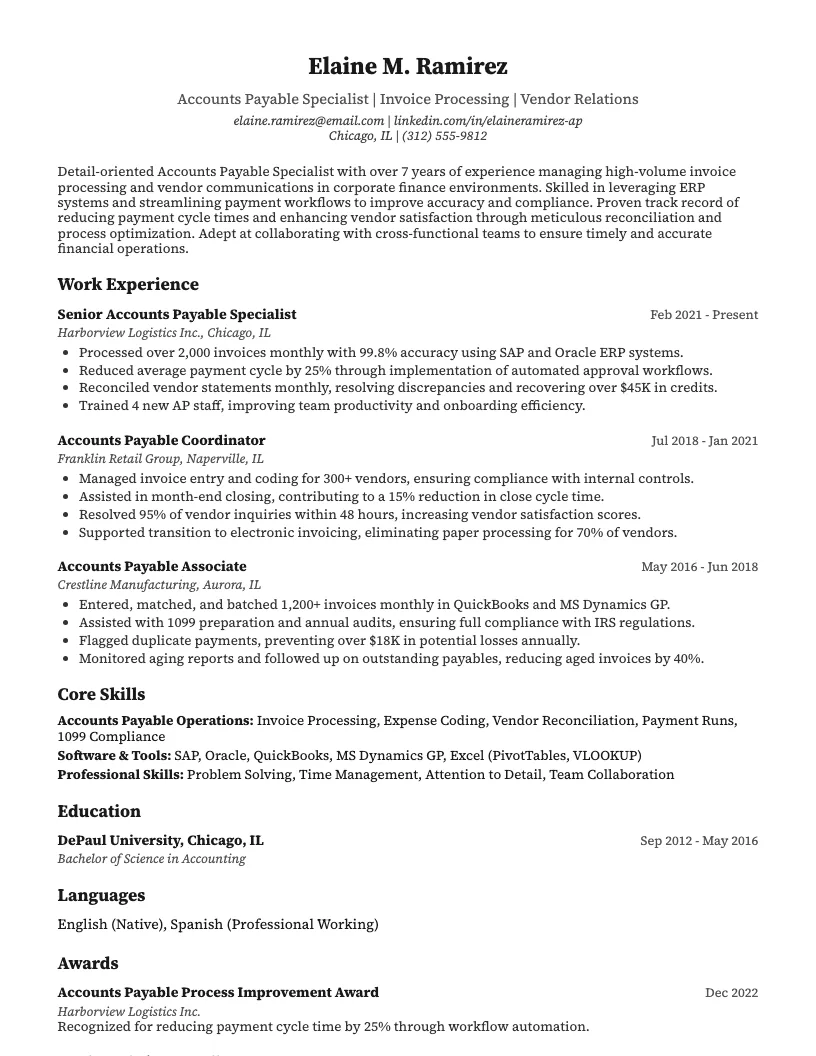
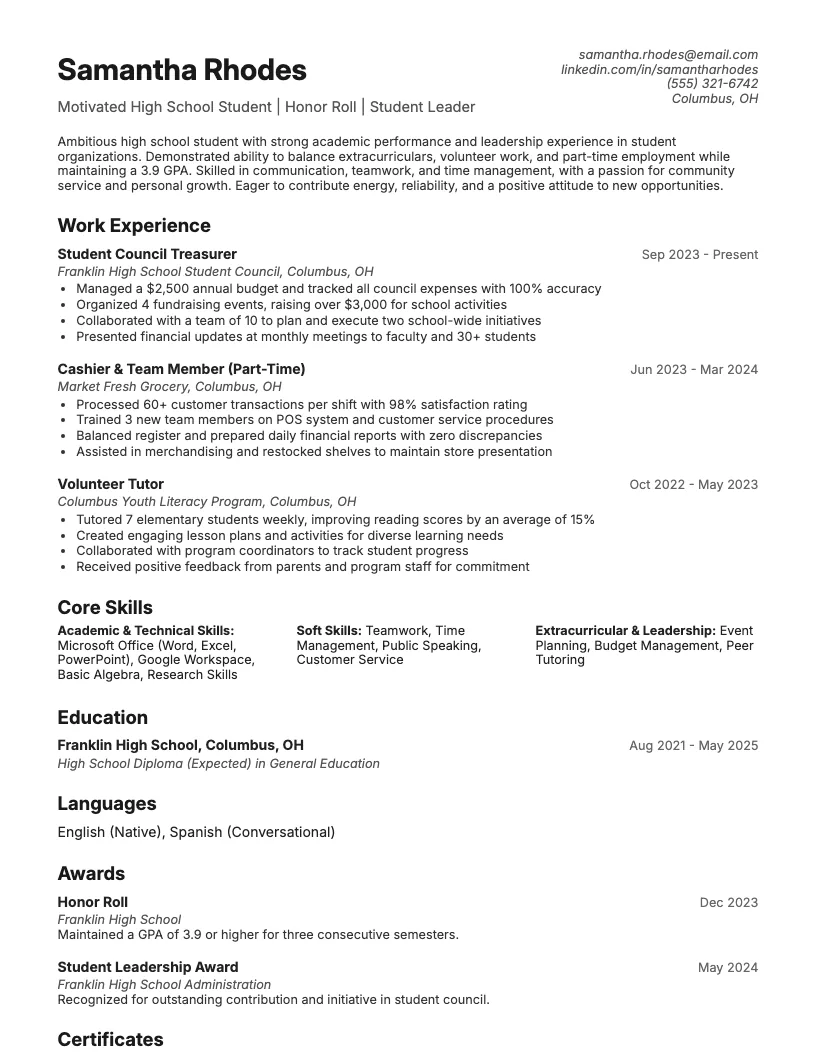
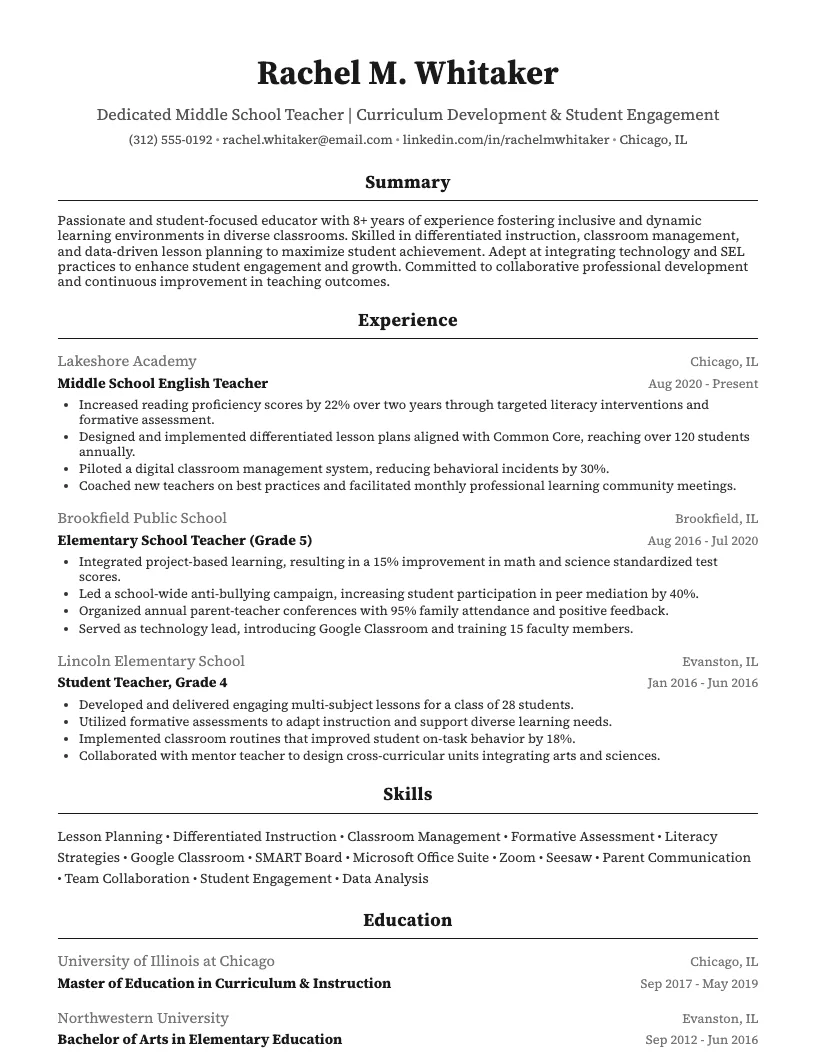
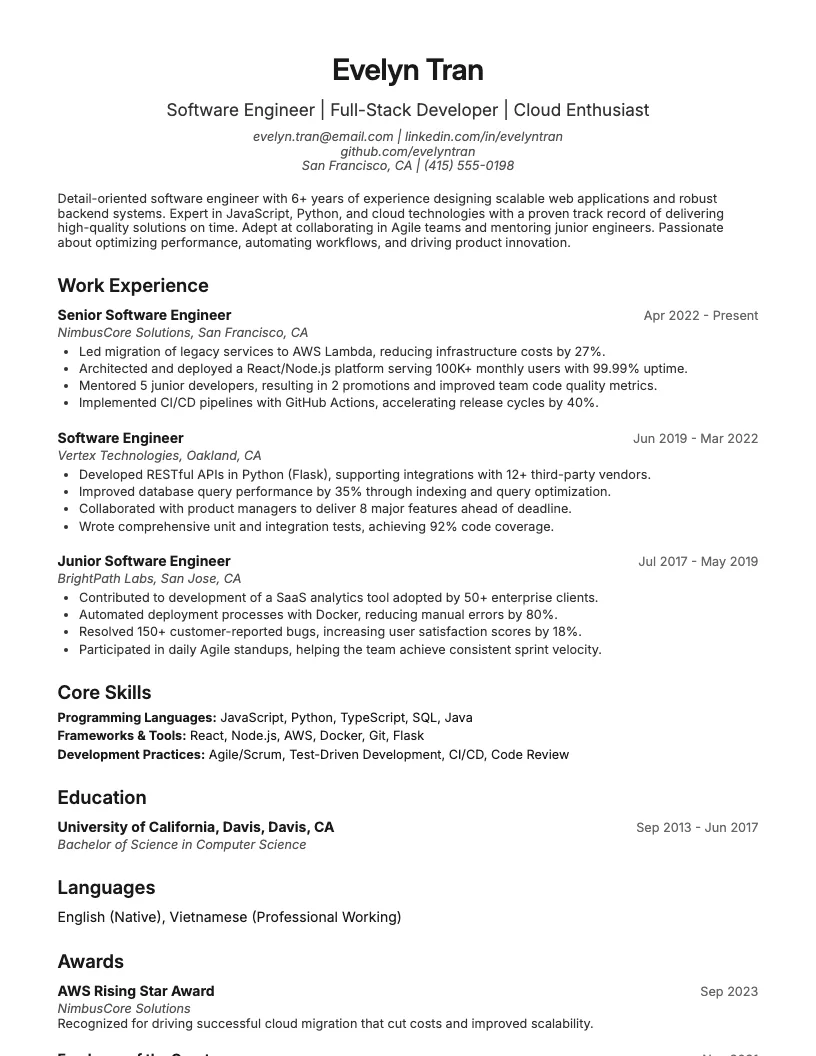
See these skills on a real resume
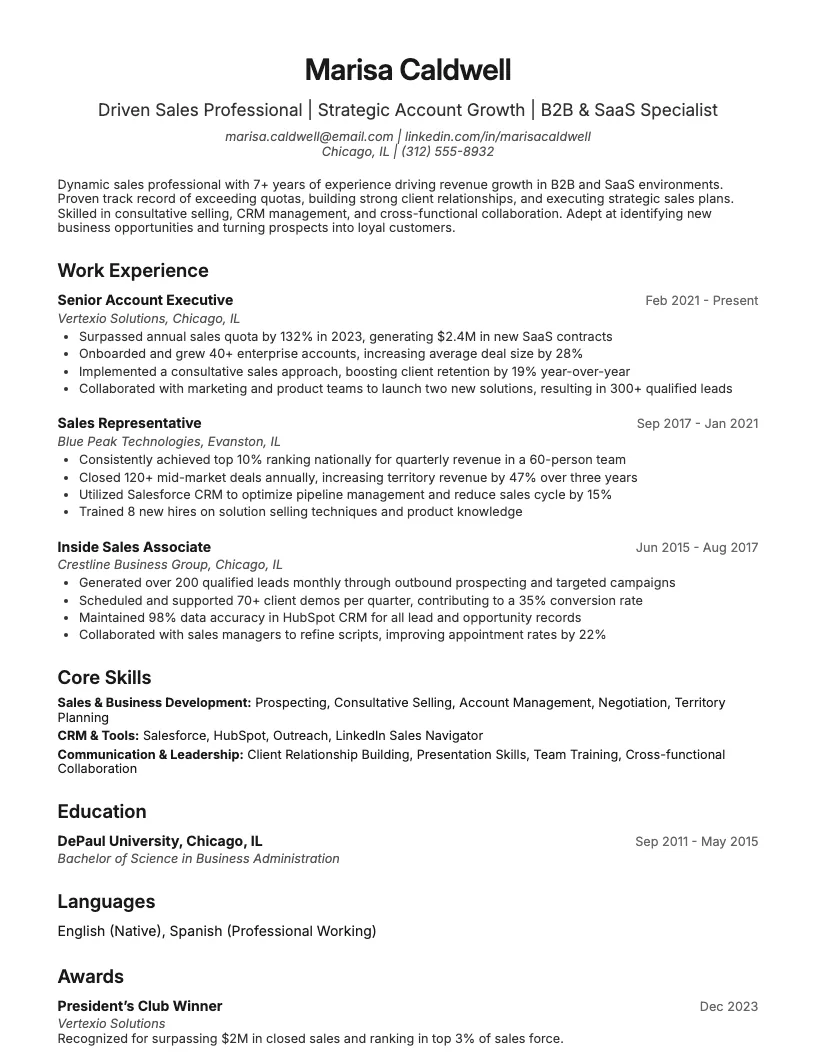
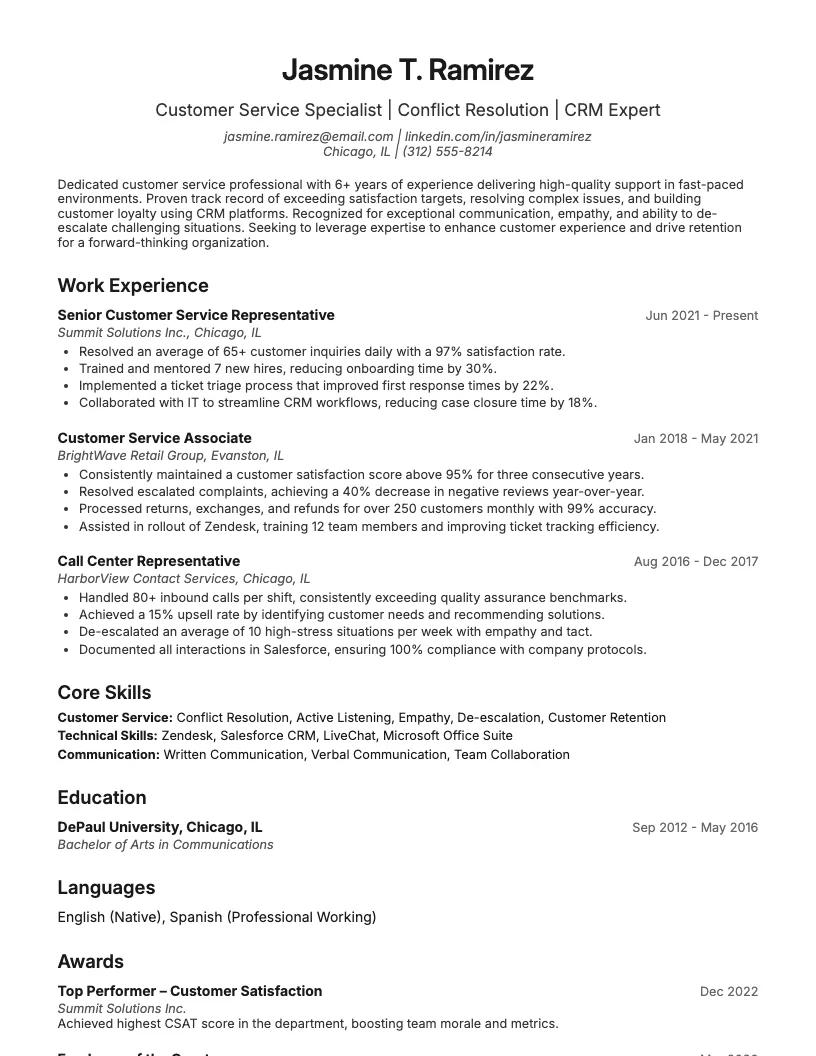
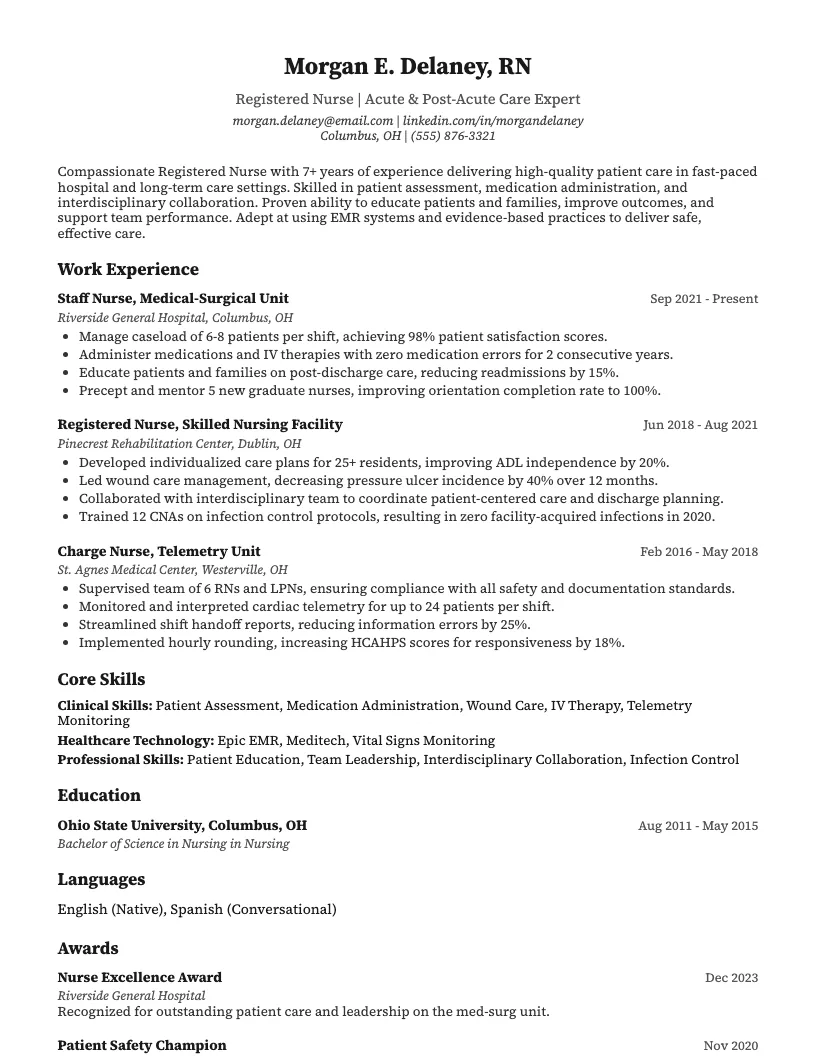
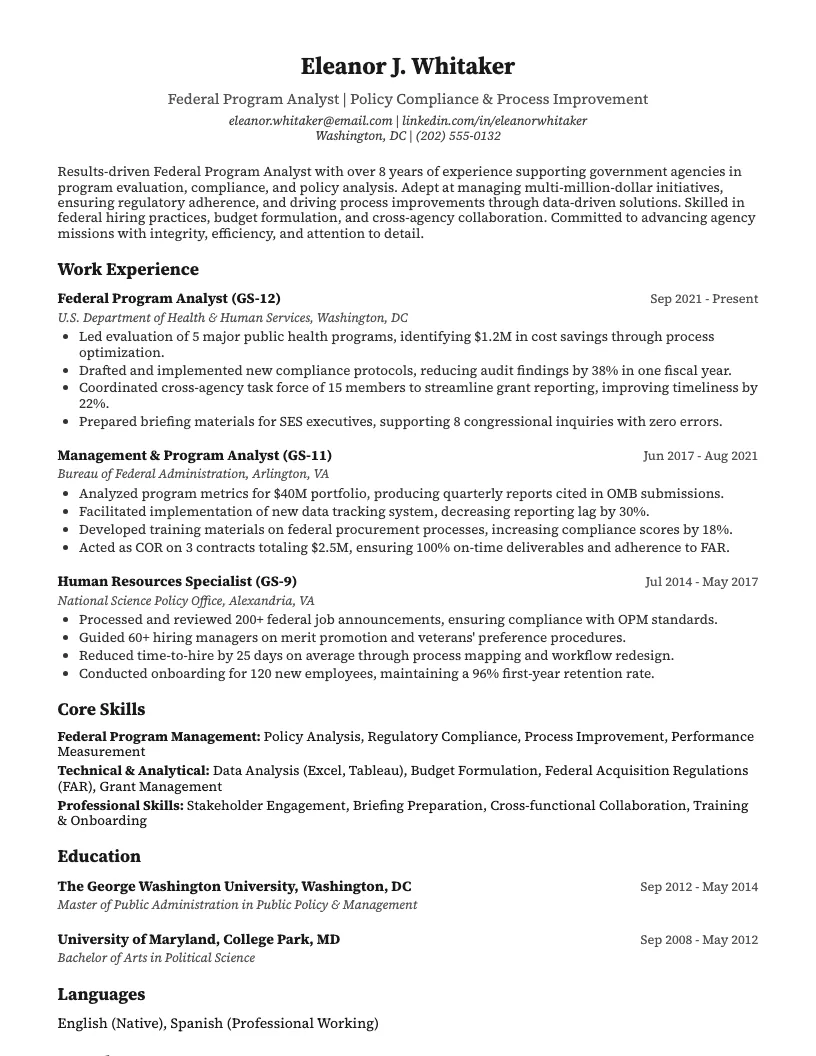
8 examplesStart from an example that already has them, and swap in your own.
Check your resume against the job you want
Scan your resume, see which skills and keywords the posting asks for that you are missing, and fix them before you apply.
Free to use • No credit card required