Office Skills for Resume: 9 Word + 9 Excel Skills Worth Listing
9 Word skills, 9 Excel skills, and which ones 10 different jobs actually ask for - plus how to word an office skill so it doesn't get skipped by a scanner.


Written by Dr. Priya Sharma
Career Development Expert & Resume Analyst
Updated August 2026
Reviewed by Sarah Chen
Is your resume ATS-friendly?
Drop your resume in and see which of these skills a scanner can actually read, and which ones the job you want is asking for that you have not listed.
PDF or DOCX. Max 2MB.
We never share your resume or use it to train a model.
In This Guide:
What counts as an office skill on a resume?
What counts as an office skill on a resume?

Two very different things get lumped under "office skills," and mixing them up is the biggest reason this section of a resume reads flat.
One is software you can name and get better at. The other is a habit - staying organized, hitting deadlines - that doesn't have a version number.
I've reviewed enough resumes to know most people write "Microsoft Office" and stop there, when the posting is really asking about five or six separate programs.
Microsoft Word
Word is the one nobody thinks to mention, because everyone assumes you already know it.
Say so anyway if you've used styles, templates, or track changes - that's a level above "typed a document," and it's the level most jobs actually test for.
Microsoft Excel
Excel is the one worth being specific about, because "Excel skills" can mean typing numbers into cells or building a pivot table that runs a department's reporting.
Those are not the same skill, and a hiring manager reading "advanced Excel" wants to know which one you mean.
PowerPoint
If you've built decks that other people actually presented from - not just slides for yourself - say that.
It's the difference between "used PowerPoint" and "built the deck the VP presented to the board."
Outlook
Outlook rarely gets its own line, and that's usually right - everyone can send an email.
It's worth naming only if you've managed a shared inbox, scheduled for other people, or run rules and folders for a high-volume mailbox.
Microsoft Teams
Teams is newer to resumes than the rest of this list, and I still see people leave it off entirely.
If the role is hybrid or remote, name it - it tells the employer you already run meetings and share files the way they do.
Access, OneNote and Publisher
These three are the ones I'd only list if you've genuinely used them - building an Access database, running shared notes in OneNote, laying out a flyer in Publisher.
Listed without real use, they read as padding, and an interviewer who asks one follow-up question will find out fast.
Data entry
Data entry is a real, listable skill, especially paired with a speed or accuracy number if you have one.
"Data entry" alone is thin. "Data entry, 99% accuracy, 10,000+ records" is a resume line.
Filing and record keeping
This one sounds old-fashioned, but it's still asked for constantly in admin and legal roles - physical filing, digital record systems, or both.
Name the system if you've used one; "filing" alone tells an employer nothing they didn't already assume.
Scheduling and calendar management
Managing your own calendar isn't a resume line. Managing someone else's - or several people's, with conflicts and travel worked in - is.
Say whose calendar and how many, if you can.
Bookkeeping and invoicing software
QuickBooks shows up on almost every list of hard office skills for a reason - it's the tool employers actually name in postings.
If you've used it, or a similar invoicing tool, name it directly rather than folding it into "bookkeeping."
Phone, email and front-desk work
Front-desk work is a real skill set - call volume, visitor handling, first point of contact - and it's worth its own line, not a footnote under "communication."
Office skills that are software vs. office skills that are habits
Once you've split your list this way, the next question is which of these a specific job actually wants - see which office skills your job actually asks for.
ResumeJudge will scan your resume against that job description and tell you exactly which programs and habits from this list you're missing before you hit apply.
Which office skills does your job actually ask for?
Which office skills to lead with, by role
| Role | Lead with | Skip |
|---|---|---|
| Administrative assistant | Outlook, Word, scheduling | - |
| Accountant / bookkeeper | Excel (pivot tables, VLOOKUP), QuickBooks | Leading with Word |
| Financial analyst | Financial modelling in Excel | Basic formulas |
| Marketing and sales | PowerPoint | Deep Excel skills |
| Legal assistant | Word (track changes), scheduling | PowerPoint |
| Teacher | Word, PowerPoint, Excel | - |
The Microsoft Office skills worth listing change depending on what you actually do all day. A receptionist and a financial analyst both use Excel, but not the same three functions of it.
Administrative assistant and receptionist
This is the role where office skills are the job, not a bonus. I'd put Outlook, Word, and scheduling and calendar management at the top, then filing and record keeping right under it.
If the posting mentions a phone system or a front desk, name that too - see phone, email and front-desk work.
Accountant and bookkeeper
Every accounting posting I've read wants Excel, and not the basic kind. Pivot tables, VLOOKUP or XLOOKUP, and a bookkeeping or invoicing tool like QuickBooks belong on this resume before Word does.
Financial analyst
Financial modelling and forecasting is the Excel skill that gets you shortlisted here, not SUM and AVERAGE. If you build models for a living, say so - "built a three-statement forecast model in Excel" does more than "strong Excel skills" ever will.
Data analyst
Pivot tables and Power Query show up in almost every data analyst posting I've seen, and Access still turns up more than people expect when the employer runs an older system. Lead with those instead of a generic "proficient in Excel" line.
Marketing and sales
PowerPoint carries more weight here than in most other office roles - you're building the deck that goes in front of a client or a VP. Excel matters too, mostly for pulling numbers into a report rather than building a model.
Human resources
HR postings ask for Word for policies and job descriptions, Excel for headcount and comp tracking, and PowerPoint for training decks. I've seen HR resumes skip Excel entirely because it feels like an accounting skill - don't; nine times out of ten it's in the posting.
Legal assistant
Word is the whole job here - track changes, comments, and templates for contracts and filings - plus the scheduling and calendar management that keeps a legal office running. Skip PowerPoint unless the posting names it.
Project coordinator
Excel for tracking budgets and timelines, PowerPoint for status updates, and enough scheduling skill to run a shared calendar across a team. Naming the tool you tracked things in - Excel, not "project tracking software" - reads as more credible.
Customer service representative
Outlook or a similar email tool, data entry, and the phone and front-desk skills you'd expect. I've seen customer service resumes stack five Office skills nobody asked for; two or three that match the posting beat that every time.
Teacher
Word for lesson plans and handouts, PowerPoint for lessons, and Excel for gradebooks - plus Google Workspace if the district runs on it rather than Microsoft. Say which one the school actually uses if you know it.
How to read the job posting and pick from it
Skip to the requirements and the day-to-day description, not the intro paragraph - that's where the actual tools show up. Whatever's named twice is the one to lead with; a specialist tool that isn't mentioned at all - Access, Publisher, a niche invoicing package - is one you can probably leave off, though the core programs like Word and Excel are safe to keep either way.
This is the exact thing ResumeJudge does for you: feed it the posting and your resume, and it tells you which of these skills the job is asking for that your resume doesn't have yet, before you spend an evening guessing.
Which Microsoft Word skills are worth listing?
Which Microsoft Word skills are worth listing?
I've read enough Word-heavy resumes to know most people list the same three words - "proficient in Word" - and skip past everything that actually matters.
Formatting and styles
This is the floor, not the ceiling: font control, spacing, headings, bullet lists. Worth naming only if you go further - using the Styles panel to keep a 40-page document consistent is what separates basic from advanced.
Templates
Building or customizing a template is a real skill, not busywork. If you've set one up that a whole team reused - for reports, proposals, onboarding packets - say so.
That kind of reuse is what a hiring manager pictures when they read "template creation."
Track changes and comments
If you're not sure whether to list this, check the posting for the word 'redline' instead of 'track changes' - that's the term legal and publishing postings use, and it's easy to miss if you're only scanning for the Microsoft name. Same skill, different word.
Any role with reviewers, legal sign-off, or shared drafts touches this daily. I'd list it if you've managed a document through several rounds of edits with more than one person marking it up.
Mail merge
Underused on resumes and underrated by candidates. If you've ever pulled a mailing list into Word to send personalized letters or labels at volume, that's worth a line - it's a concrete, checkable skill.
Tables and charts
Inserting a table is basic. Formatting one so it survives a PDF export, or embedding a chart that updates with the data behind it, is not - that's the version worth writing down.
Table of contents and indexing
This one signals long-document experience - manuals, contracts, dissertations. An auto-generated table of contents that updates itself, built with heading styles rather than typed by hand, is the detail that proves you know the tool.
Headers, footers and page setup
Small, but it shows up constantly in admin and legal roles: page numbering, section breaks, different headers for different chapters. Not a headline skill, but fine to fold into a bullet about document prep.
Macros
Nine times out of ten, someone who lists macros has automated something repetitive - a formatting pass, a report they used to build by hand. Say what the macro did and how often you ran it.
Accessibility features like alt text
More employers ask for this now, especially in government, education and larger companies with compliance requirements. Alt text on images, proper heading structure, accessibility checker use - worth a mention if it's part of your job.
Skills to pair with Word
Word skills read stronger next to the soft skills they actually produce: attention to detail, document collaboration, proofreading. Pairing them also matters because most job postings don't say "Word" - they say "prepare reports" or "manage correspondence."
Match your resume's wording to the posting's, not just the skill list; ResumeJudge will scan a job description and tell you exactly which of these to name and where they're missing from your resume, rather than you guessing.
Which Microsoft Excel skills are worth listing?
Which Microsoft Excel skills are worth listing?
I've read hundreds of resumes that just say "Excel" and stop there. That tells a hiring manager nothing - everyone can open a spreadsheet.
What gets you noticed is naming the actual skill inside Excel that matches what the posting is actually asking for.
Basic formulas: SUM, IF, AVERAGE
These are the floor, not the ceiling. If SUM, IF and AVERAGE are the extent of what you can do, don't lead with them - pair them with something else on this list, or they read as entry-level even for an entry-level role.
VLOOKUP, XLOOKUP and INDEX-MATCH
This is the one that actually separates people. Anyone can total a column; pulling a value from one sheet into another without it breaking when a row gets inserted is a different skill entirely.
XLOOKUP is the newer, more forgiving version of the same idea - if you know it, say XLOOKUP, since that's what more companies are standardizing on now.
Pivot tables
Nine times out of ten, when a posting says "reporting" or "data analysis," it means pivot tables. Say what you built with one - a weekly sales summary, a headcount report - not just that you "know" them.
Sorting and filtering
Fine to drop if you've already listed pivot tables or a lookup skill; it's assumed at that point. List it on its own for admin and entry-level roles, where the job really is keeping a list clean.
Conditional formatting
A small skill that reads well specifically for roles built around flagging exceptions - stock below a threshold, an invoice overdue. Skip it if the role has nothing to do with flagging anything.
Charts and dashboards
If you've built something a manager actually looked at to make a call, put it near the top of your list, not the bottom. Dashboards signal you can turn numbers into something someone else can act on.
Macros and VBA
Worth listing if you've genuinely automated something - a report that used to take an hour and now runs itself. Skip it if you've only ever recorded a macro once; it invites a follow-up question you can't answer.
Power Query
Less common on resumes, which is exactly why it stands out when it's there. If you've pulled and cleaned data from multiple sources with it, say so - it signals you're past basic Excel and into what analysts actually use day to day.
Financial modelling and forecasting
This is the one skill on this list I'd think twice about listing if you can't defend it on the spot - a finance interviewer will ask you to walk through a model, in a way they usually won't for pivot tables or VLOOKUP.
This belongs on finance, accounting and analyst resumes specifically - a model that projects revenue or cost isn't a general office skill, it's a professional one, and wording it with a real result attached makes it land.
Skills to pair with Excel
Excel rarely stands alone on a strong resume. Pairing it with SQL, Power BI or Tableau tells an employer you can go further than a spreadsheet, and pairing it with attention to detail or an analytical mindset backs the technical skill with the soft skill that makes it useful.
If you're not sure which of these your target job actually wants, that's what ResumeJudge is for - feed it the posting and your resume, and it tells you which Excel skills are asked for and missing, then rewrites your bullets to include them.
How do you say what level you're at?
What each skill level looks like
| Level | Word | Excel |
|---|---|---|
| Basic | Typing, spacing, spell check | Entering data, simple sums |
| Intermediate | Styles, templates, track changes | SUM, IF, sorting, filtering, basic charts |
| Advanced | Mail merge, macros, TOC from headings | VLOOKUP/XLOOKUP, pivot tables, macros |
Don't just write "Excel" and leave it there. Say where you land, because the person reading knows the difference between someone who can sort a spreadsheet and someone who can build one.
Basic
You can open the program, do the obvious thing, and not break anything. Fine to list for an entry-level role, but don't dress it up as more.
Intermediate
You've built things other people use, not just filled in something someone else made. This is where most office workers actually sit.
Advanced
You can do the parts that make other people ask you for help - what each level looks like in Word and in Excel name which features that means. If you're not sure whether you're advanced, you're probably intermediate - I've seen that mistake more than any other on this page.
What each level looks like in Word
- Basic: typing, spacing, spell check
- Intermediate: styles, templates, track changes
- Advanced: mail merge, macros, table of contents built from headings
What each level looks like in Excel
- Basic: entering data, simple sums
- Intermediate: SUM, IF, sorting, filtering, basic charts
- Advanced: VLOOKUP or XLOOKUP, pivot tables, macros
What happens when you overstate it
Nine times out of ten, "advanced" turns out to mean "I've used it." That gap shows up fast in a skills test or your first week, and it costs you more trust than just writing "intermediate" would have.
Before you commit to a level, run your resume against the actual posting - ResumeJudge will flag it if the job wants skills your wording doesn't back up, so you're not guessing at how to phrase it.
Where do office skills go on your resume?
Where do office skills go on your resume?
Most people dump every office skill into one place and call it done. That's the mistake I see most often - the same three tools sitting alone in a skills section, never showing up anywhere else on the page.
The skills section
This is where an applicant tracking system looks first, so it's non-negotiable. Keep it short: the program name and, if the job asks for it, the level - "Excel (advanced)" beats a paragraph.
The professional summary
Only earn a spot here if the tool is central to the role. An operations coordinator who lives in Excel and PowerPoint should say so in the first two lines; a warehouse associate who opens Word twice a month shouldn't.
Work experience bullets
This is the section that actually convinces someone. "Used Excel to analyze monthly performance data" proves the skill was applied instead of assumed.
I'd rather see one strong bullet like that than five bare tool names.
An achievements section
Worth building only when Office work produced a real result you can put a number on - templates that cut formatting time by 40%, a dashboard that shortened a reporting cycle. No number yet?
Skip this one and lean on the bullets instead.
A certifications line
A Microsoft Office Specialist credential goes near your education or in its own short line, not buried in the skills list - a hiring manager scanning fast should be able to spot it in a second.
When to name the tool in more than one place
Repetition isn't padding here - it's proof. Naming Excel in your skills section, then again in a bullet with a number attached, tells the scanner and the human the same true thing twice.
If you're not sure your bullets reflect the wording a posting actually uses, that's the gap ResumeJudge closes - it rewrites the resume against that posting, matching tools and phrasing before you send it.
How do you word an office skill so it doesn't get skipped?
Is your resume good enough?
Drop your resume in and see which of these skills a scanner can read, and which ones the job you want is asking for that you have not listed.
Upload your resumeFree. PDF or DOCX. We never share your resume or use it to train a model.
The words you use for an office skill matter as much as the skill itself.
I've read resumes where someone can build a full pivot table from scratch, and all it says on the page is "Microsoft Office." That line does nothing for them.
"Proficient in Microsoft Office" and what to write instead
"Proficient in Microsoft Office" is the single most common phrase I see on a resume, and it's the least useful one.
It names no program, no task, no proof. Write the tool you actually used and what you did with it - "Built Excel dashboards with pivot tables to track KPIs" tells a reader something.
"Proficient in Microsoft Office" tells them nothing.
Name the tool, the task, and the result
Every strong office skill line has three parts: the tool, the task, and what came of it.
Drop any one of the three and the line goes soft. Drop all three and you're back to "Microsoft Office resume skills" as a bare label instead of a claim.
Wrong and right: Microsoft Word
Listing a Word skill
Skilled in Microsoft Word.
Built standardized Word templates that cut document turnaround time.
Wrong: "Skilled in Microsoft Word."
Right: "Built standardized Word templates that cut document turnaround time." Same skill, but only one version proves it.
Wrong and right: Microsoft Excel
Listing an Excel skill
Excel skills.
Advanced Excel - pivot tables, VLOOKUP, formulas - used to automate reports and cut manual data entry by 25%.
Wrong: "Excel skills."
Right: "Advanced Excel - pivot tables, VLOOKUP, formulas - used to automate reports and cut manual data entry by 25%." Ms Excel resume skills read stronger the moment a real feature and a real number show up.
Wrong and right: PowerPoint and Outlook
Listing PowerPoint or Outlook
Familiar with PowerPoint and Outlook.
Designed executive presentation decks in PowerPoint.
Wrong: "Familiar with PowerPoint and Outlook."
Right: "Designed executive presentation decks in PowerPoint" or "Managed a shared team calendar and 200+ weekly emails in Outlook." Name what you actually built or ran.
Numbers you can put on an office skill: time saved, errors cut, people trained
Four kinds of number carry an office skill: time saved, errors cut, money saved, and people trained or onboarded.
"Reduced processing time by 40%." "Improved accuracy by 25%."
"Saved $50,000 a year through automated reporting." Pick the one you actually have - don't reach for one you don't.
Using the same tool names the job posting uses
If the posting says "Microsoft Suite," write "Microsoft Suite" somewhere on your resume, not just "Office." Scanners match on the words in front of them, not the words you meant.
This is the one place I'd lean on a tool rather than guesswork - ResumeJudge reads the posting against your resume, flags the exact wording it's missing, and rewrites your skill lines to match it, so you're not guessing which phrase to use.
Listing every program in the suite
Six programs with no detail behind any of them reads as padding, not proficiency. Two or three named well beat six named flat.
Listing tools the job never mentions
If the posting never mentions Access or Publisher, leave them off. A resume full of tools nobody asked for buries the ones that matter.
What can you list if you have no work experience yet?
What can you list if you have no work experience yet?
No job history yet doesn't mean no office skills. I've reviewed plenty of resumes from first-time applicants, and the good ones always have something real to point to - it's just not a job title.
Skills from coursework and class projects
A research paper is a Word formatting exercise. A group project spreadsheet is Excel practice.
If you built a budget, a schedule, or a slide deck for a class, that's a skill, not homework - write it that way.
Skills from a part-time or summer job
Retail, food service, camp counselor - doesn't matter. If you scheduled shifts, logged inventory, or emailed a manager, you used office tools.
Name the tool and what you did with it.
Skills from volunteering or a club
Treasurer for a club? That's Excel and bookkeeping.
Ran a newsletter or event sign-up sheet? That's Word or Outlook.
Unpaid work counts exactly as much as paid work here.
A student's list
Keep it close to the classroom: document formatting, basic formulas, slide design, email etiquette. Don't reach for tools you've only seen a demo of.
An intern's list
You've likely touched a shared calendar, a tracked-changes document, or a simple pivot table. List those specifically instead of "Microsoft Office" - specific is what gets read.
A first-job list
One role in, you should have real examples: a report you formatted, a spreadsheet you maintained, a meeting you scheduled. Lean on those over anything from school.
How to show a skill you taught yourself
Self-taught is fine - I see it constantly - but it needs proof, not just a claim. A personal project, a practice file, a free course certificate all work.
If you're not sure which self-taught skills are worth including, run your resume against a real job posting in ResumeJudge and it'll tell you which ones the posting actually wants and which you're missing.
How do you back up an office skill you've claimed?
How do you back up an office skill you've claimed?
Anyone can write "advanced Excel" on a resume. What separates the people who get hired is proof they can back it up when someone actually asks.
Microsoft Office Specialist certification
Microsoft Office Specialist is the credential a hiring manager actually recognises. It isn't one exam per program: for the Associate version you pass three exams in three different programs, and there's an Expert version for Word and Excel that you can only earn once you already hold the Associate.
I'd rather see one MOS badge on a resume than five vague "proficient in" lines.
Free and paid courses
You don't need to pay for this. Microsoft's own free tutorials cover most of what a posting asks for, and paid platforms go deeper into things like pivot tables or mail merge if you want a certificate at the end.
Either way, finish something and put the finish date on your resume, not just the topic.
Practising on real data sets
Reading about VLOOKUP and using it are different skills. Pull a messy dataset from somewhere like Kaggle or a government open-data site and clean it, pivot it, chart it - that's the practice that shows up when someone hands you real numbers in an interview.
Keyboard shortcuts and templates
Speed is its own proof. Someone genuinely fluent in Word or Excel doesn't reach for the mouse every third click, and building your own templates is a fast way to learn the shortcuts by using them for real.
Volunteering to get hands-on practice
If you don't have office experience yet, unpaid work is the fastest way to get some - see skills from volunteering or a club, which covers the same club spreadsheet, mailing list and newsletter work and how to write it up.
What to do when an employer tests you
More employers now run a short Word or Excel test before they'll interview you, especially for admin and data roles. Before you sit one, check your claims against the posting - ResumeJudge scores your resume against the job description so you're not walking in having overstated a skill you'd have to prove on the spot.
When you do sit the test, work at your normal pace rather than rushing; a clean, slightly slower result beats a fast one full of errors.
Frequently Asked Questions
Should I put Microsoft Office or just Excel on my resume?
Put Excel on its own line if that's the skill the job actually calls for, and use "Microsoft Office" as shorthand for the rest of what you use day to day. Employers scanning for spreadsheet skills look for "Excel" by name, so burying it inside "Microsoft Office" makes it easy to miss, especially if you know pivot tables, formulas, or data analysis. Use both when you have depth in more than one program: Excel called out on its own, and "Microsoft Office" or "Word, PowerPoint, Outlook" for everything else.
Should I list Microsoft Office if the job posting doesn't mention it?
Yes, it's safe to list even when the posting doesn't ask for it, since almost every office job assumes some baseline comfort with these programs. Leave it off only if space is tight and you have stronger, more specific skills to show instead. It won't win you the job on its own, but leaving it out can look like a gap on postings that expect it.
Does Google Workspace count as office skills?
Yes, Google Docs, Sheets, and Slides sit in the same category as Word, Excel, and PowerPoint, just from a different company. List it by name, "Google Workspace" or "Google Sheets," rather than folding it into "Microsoft Office," since that phrase specifically means Microsoft's programs. If a posting asks for Google Workspace and you've only used Microsoft's tools, say so anyway. The two overlap enough that hands-on experience with one usually carries over to the other.
Should my LinkedIn list office skills the same way as my resume?
No, treat them differently. Your resume should name the specific tool and what you did with it, tied to the job you're applying for. LinkedIn's skills section gets searched more broadly, so it's fine to add wider terms like "Microsoft Office Suite" or "MS Office" alongside specific ones like "Excel," since recruiters search LinkedIn with different words than a job posting uses.
How many office skills should I list?
Three to six is normally enough, and which ones depends on the role. Listing every program you've ever opened dilutes the entry; a hiring manager wants to see the specific tools and skill level that matter for the job. Group them on one line, like "Word, Excel (pivot tables, VLOOKUP), Outlook," rather than giving each one its own bullet.
Should I write my resume in Word or send a PDF?
Write it in whatever program you're comfortable with, but send the finished file as a PDF unless the application says otherwise. A PDF keeps your formatting locked in place across devices, while a Word file can shift depending on the software opening it. Some applicant tracking systems ask for a DOCX file instead so they can parse the text, so check the posting first - ResumeJudge builds your resume and exports it as either PDF or DOCX, so you're not stuck picking one format upfront.
See these skills on a real resume
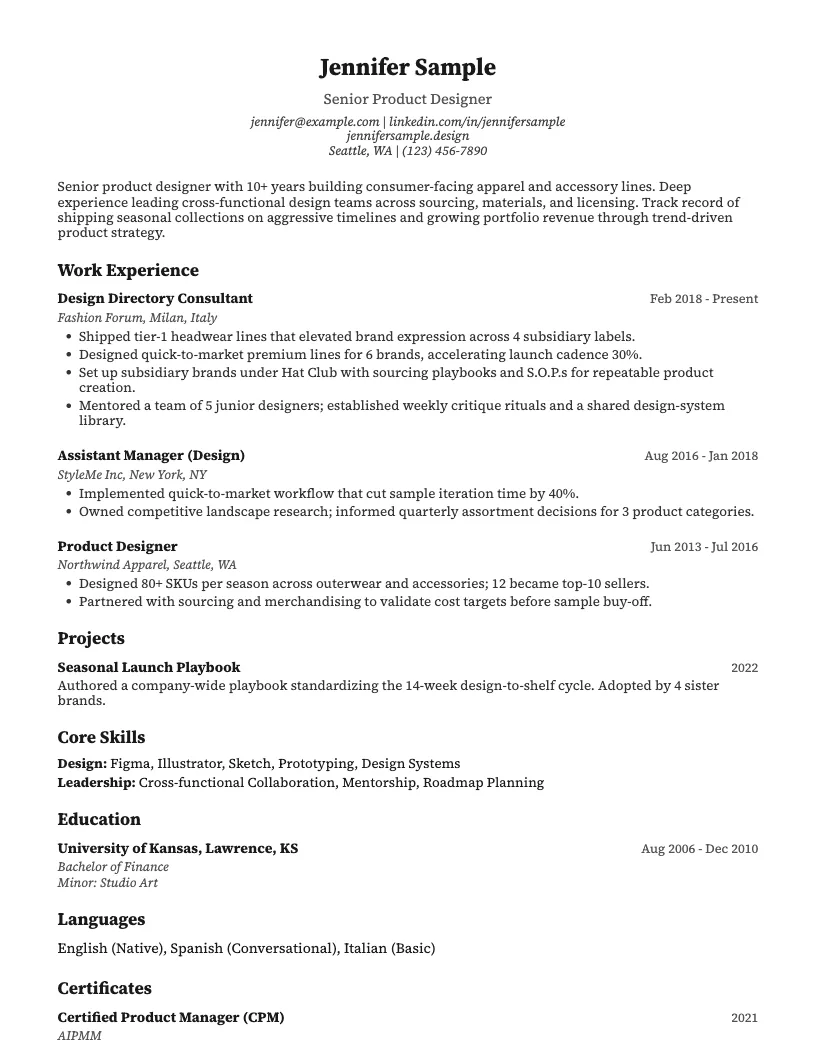
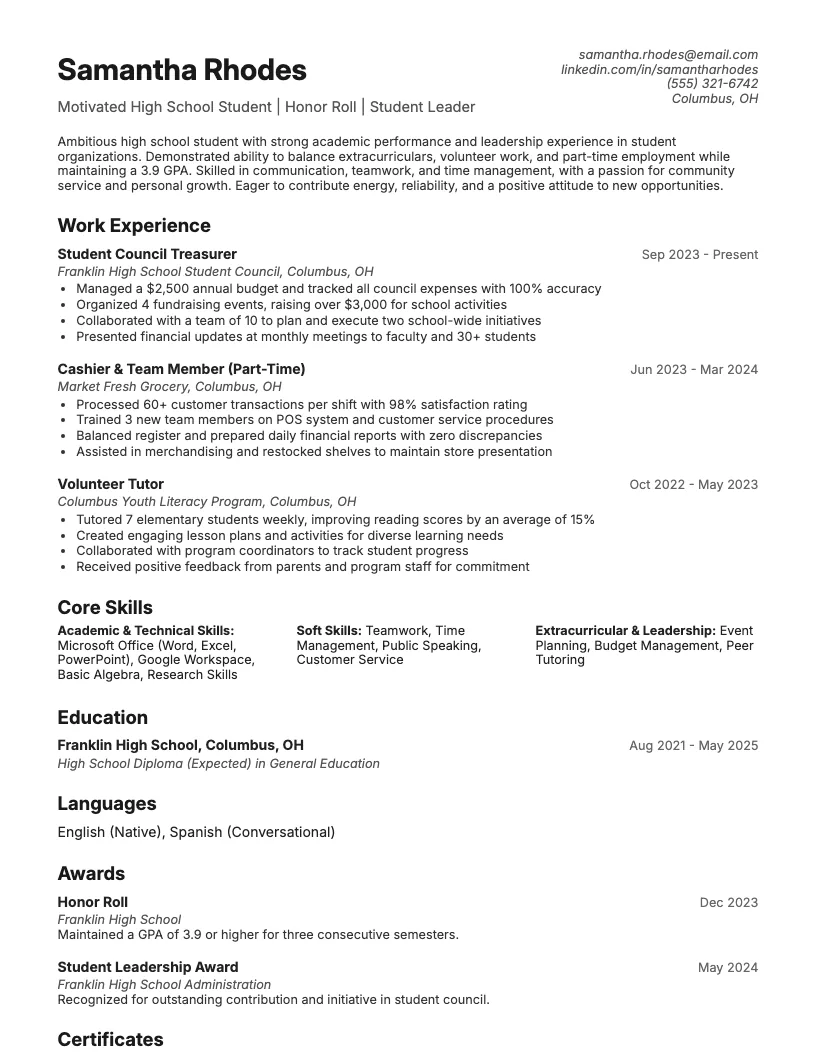
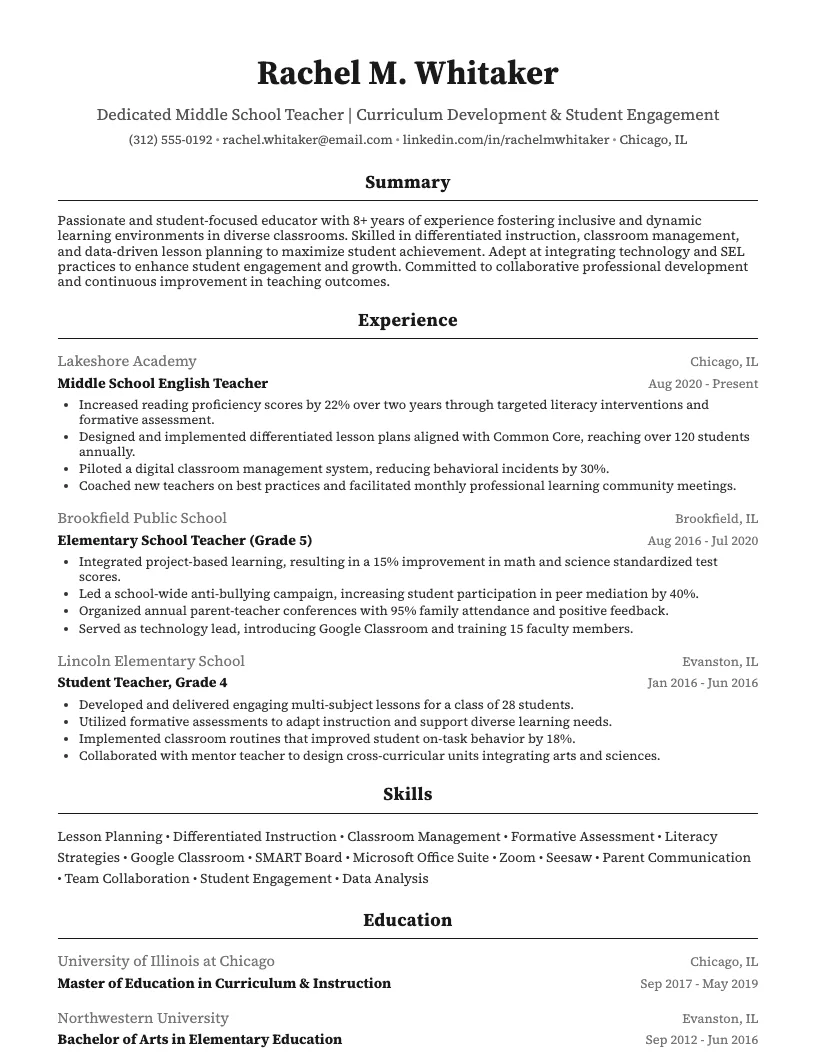
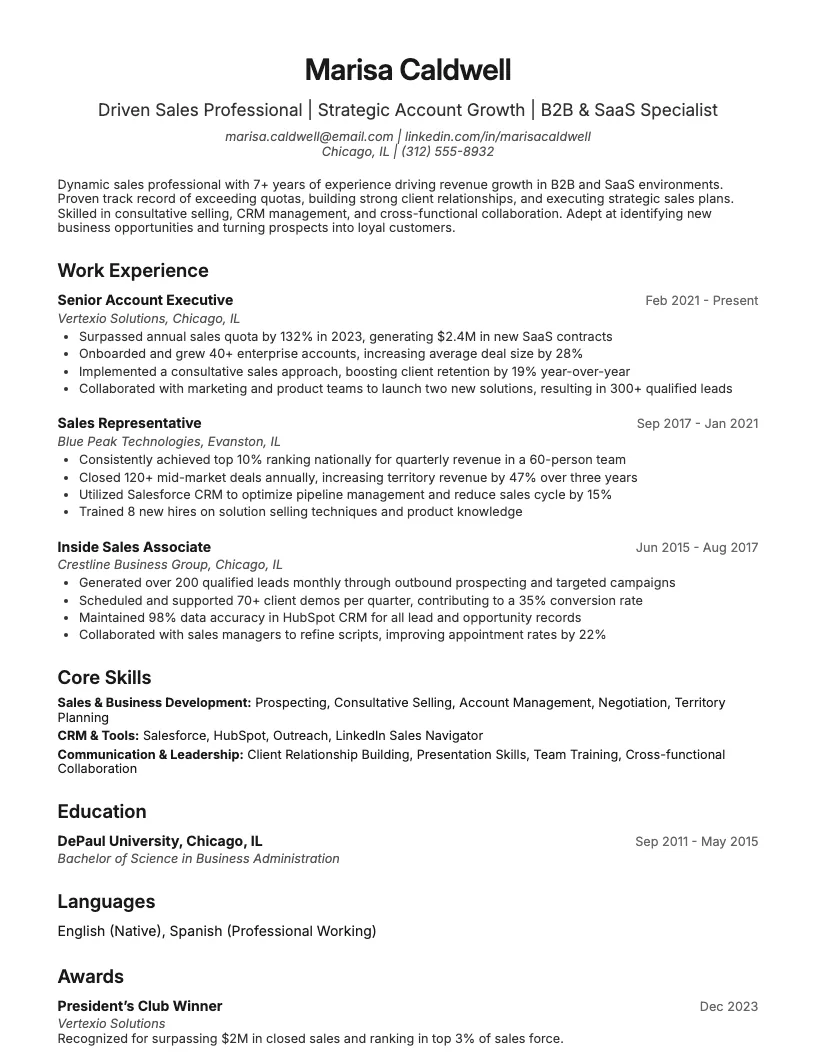
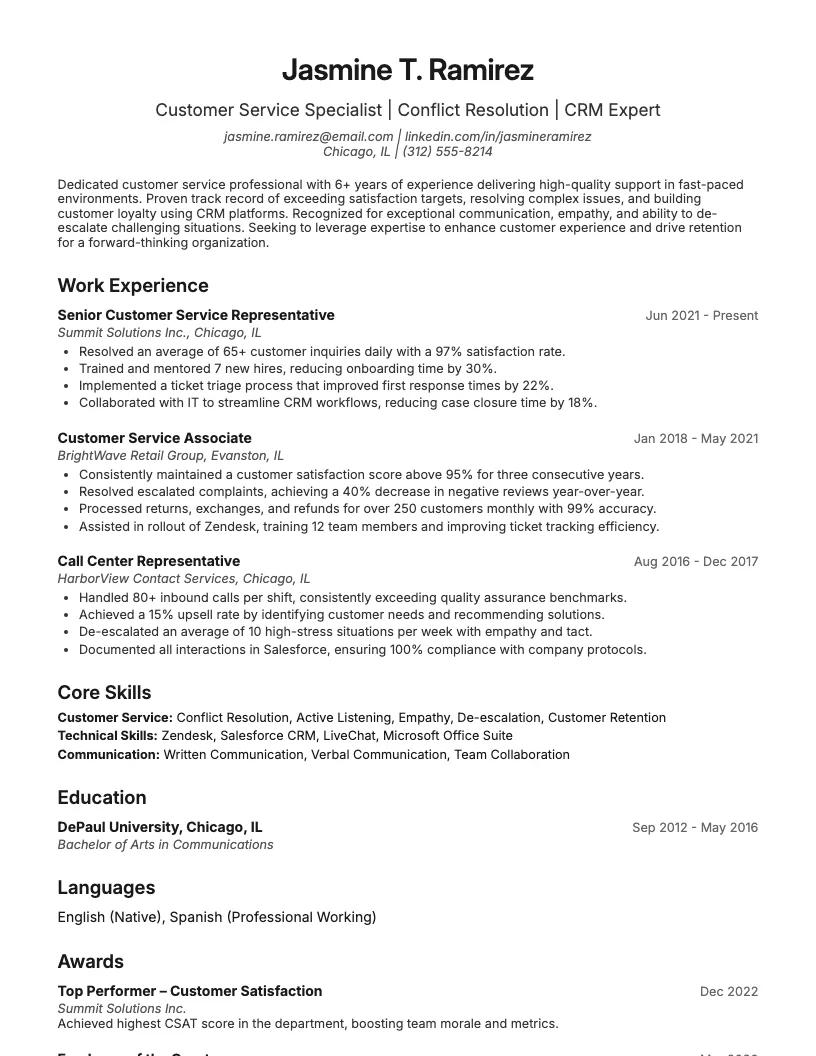
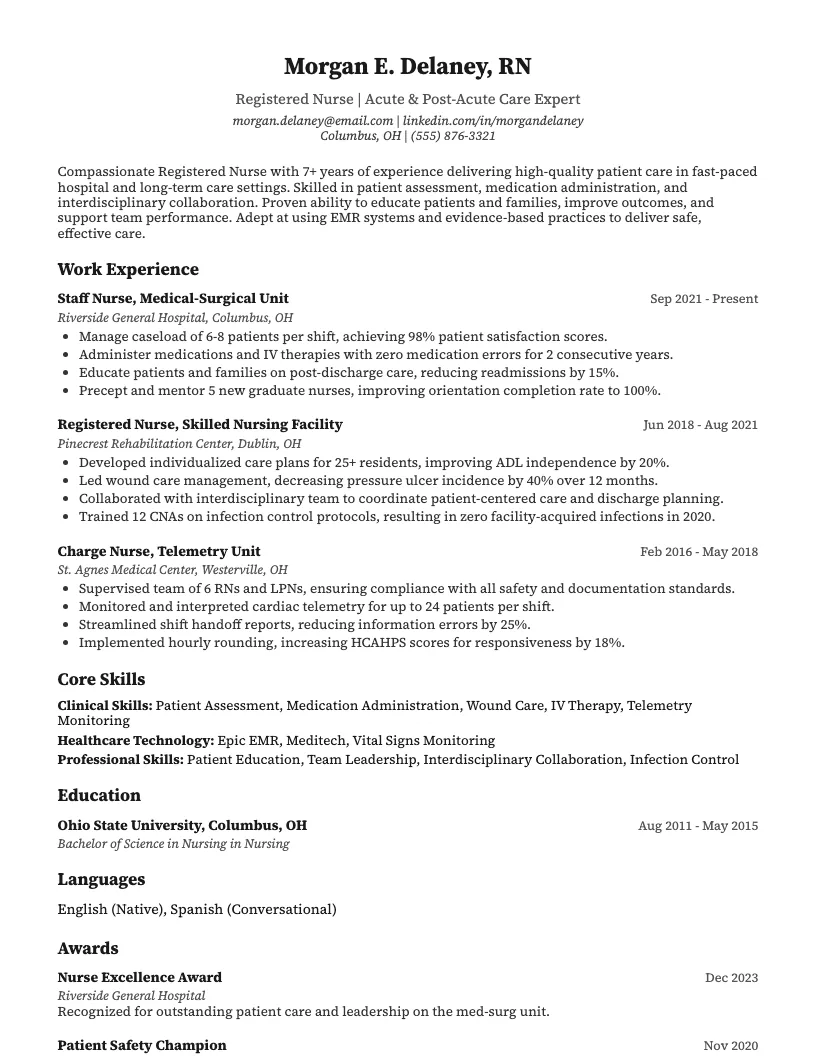
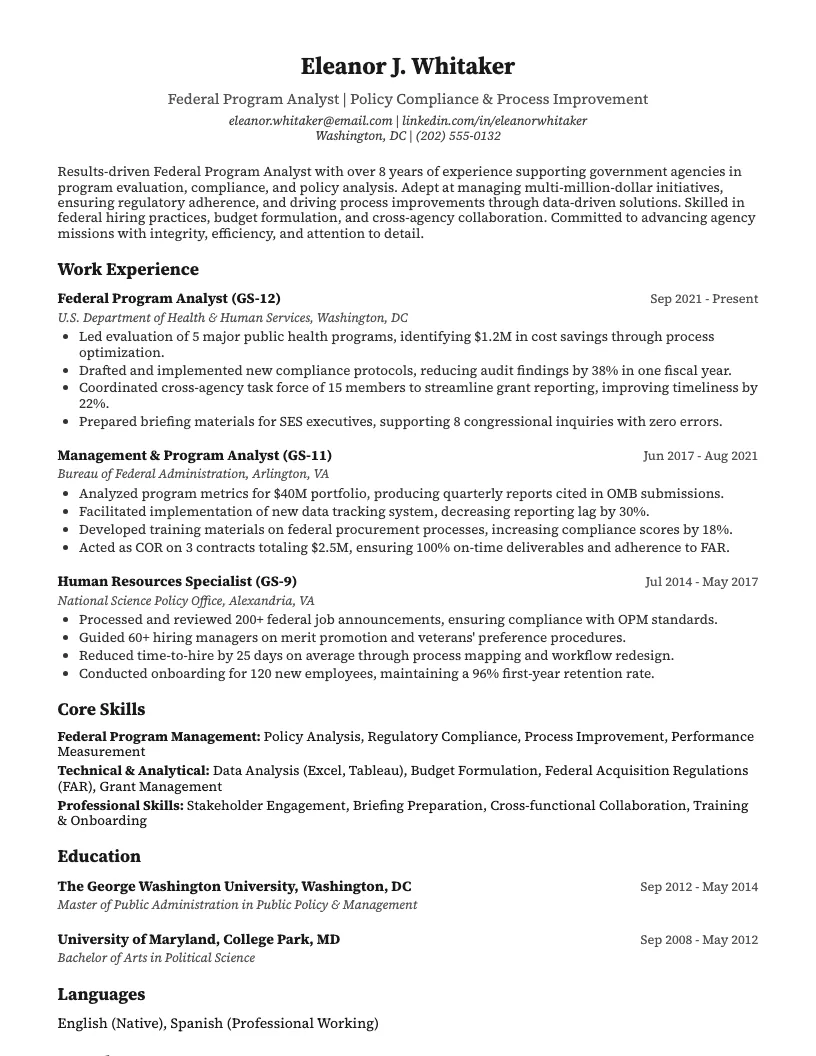
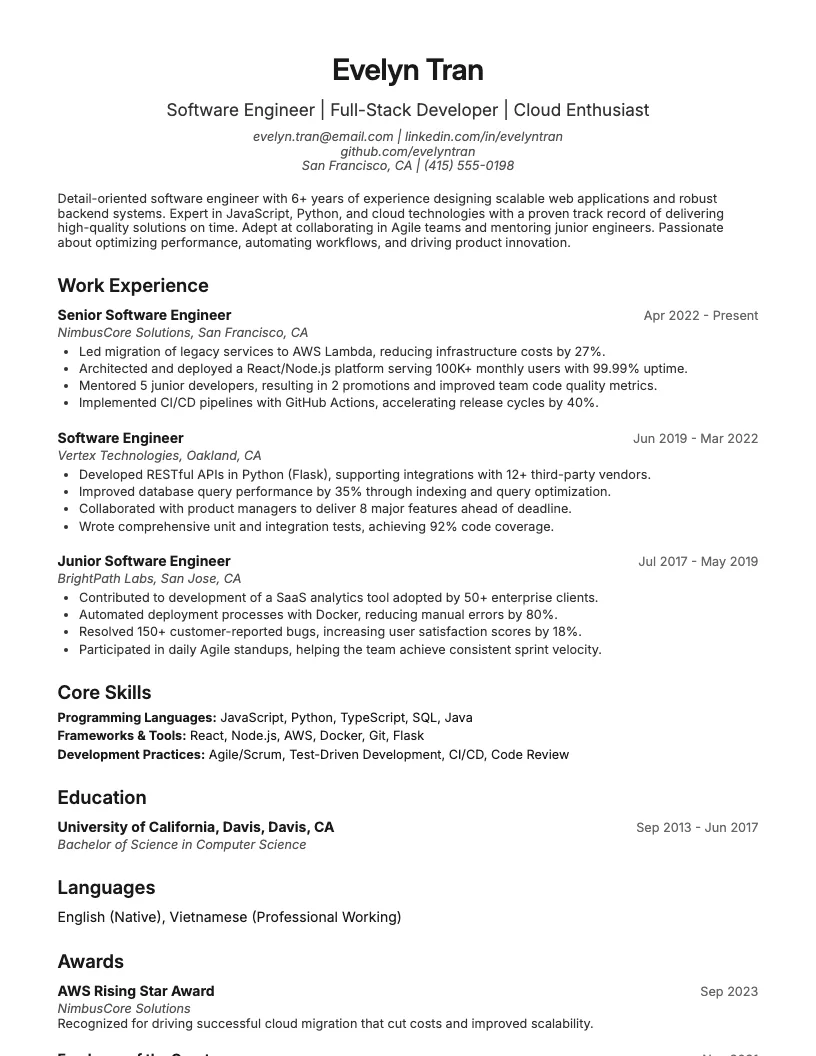
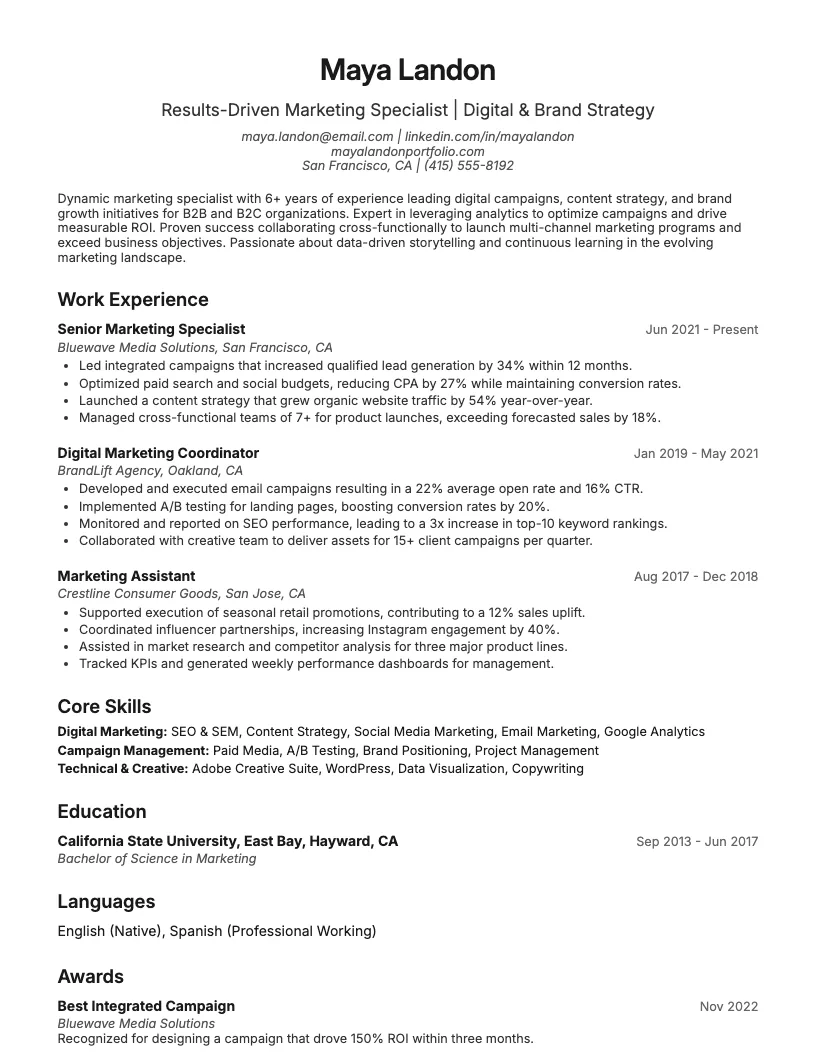
8 examplesStart from an example that already has them, and swap in your own.
Check your resume against the job you want
Scan your resume, see which skills and keywords the posting asks for that you are missing, and fix them before you apply.
Free to use • No credit card required