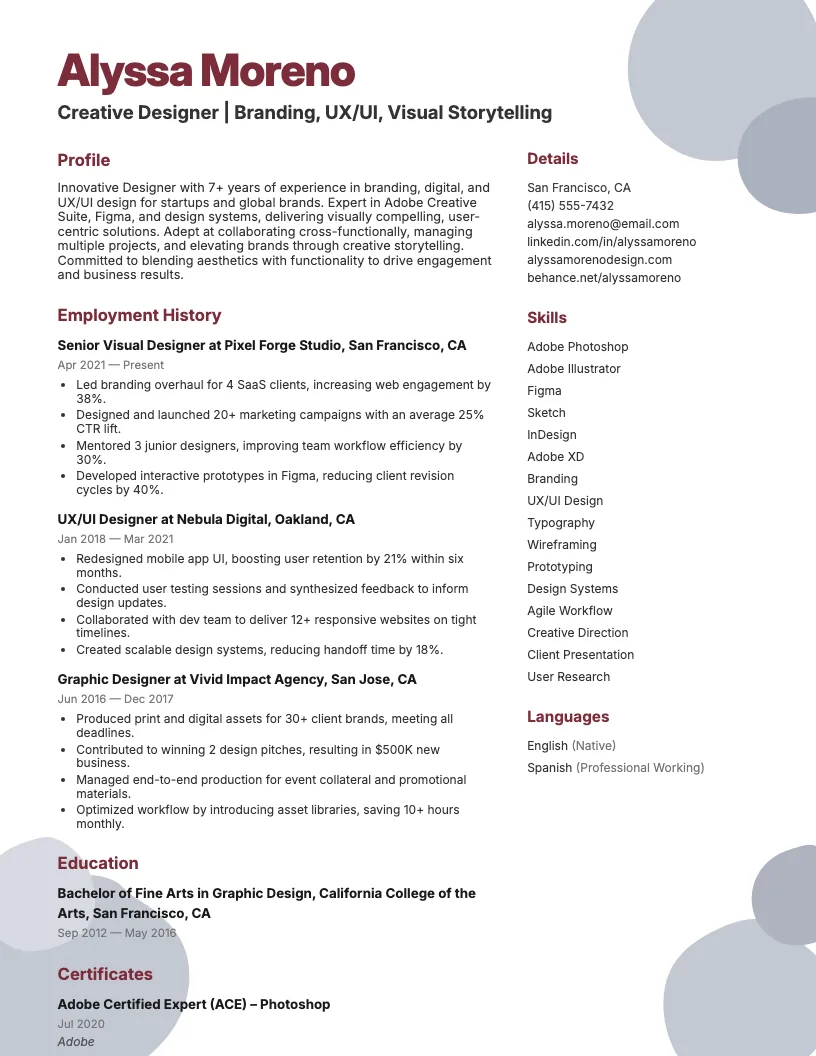
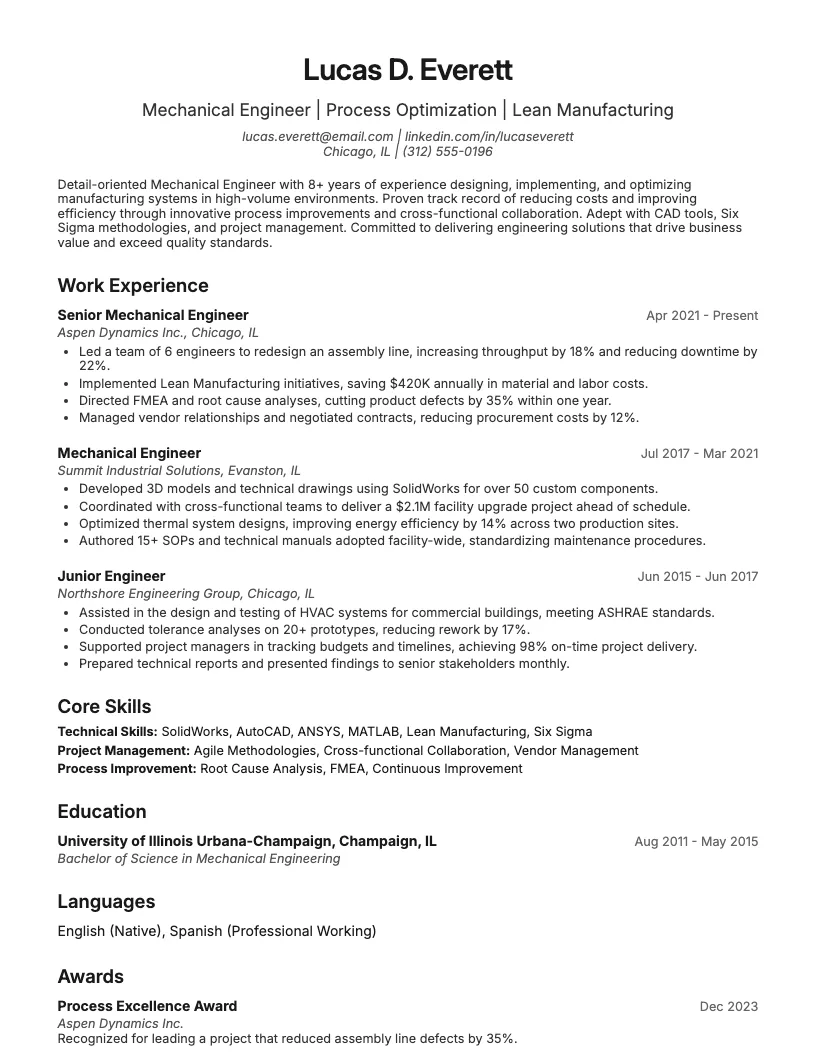
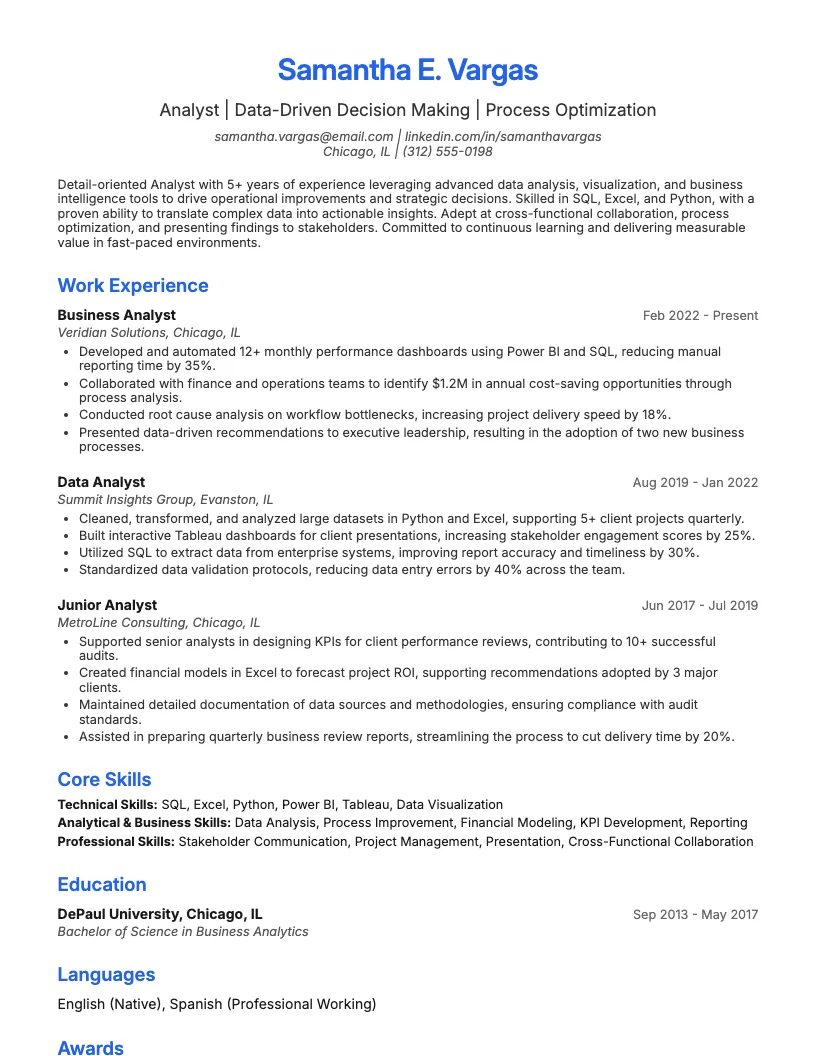
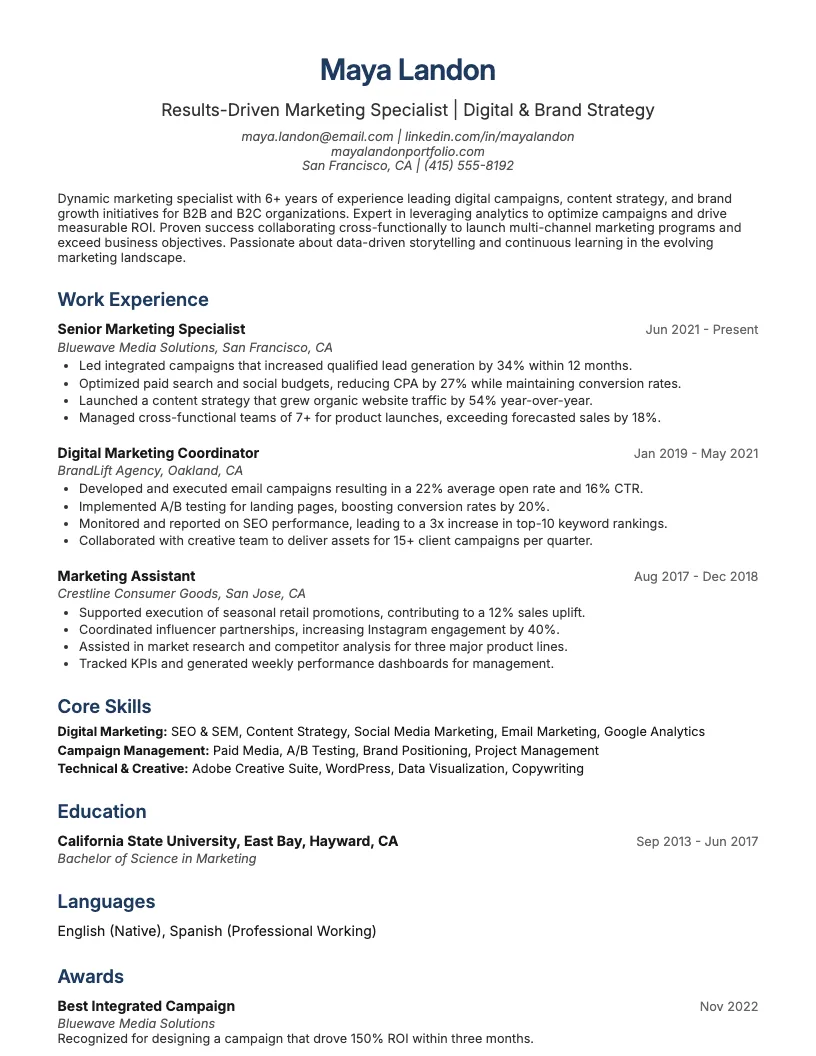
Front End Developer Resume Example
See full guide on Front End Developer resumes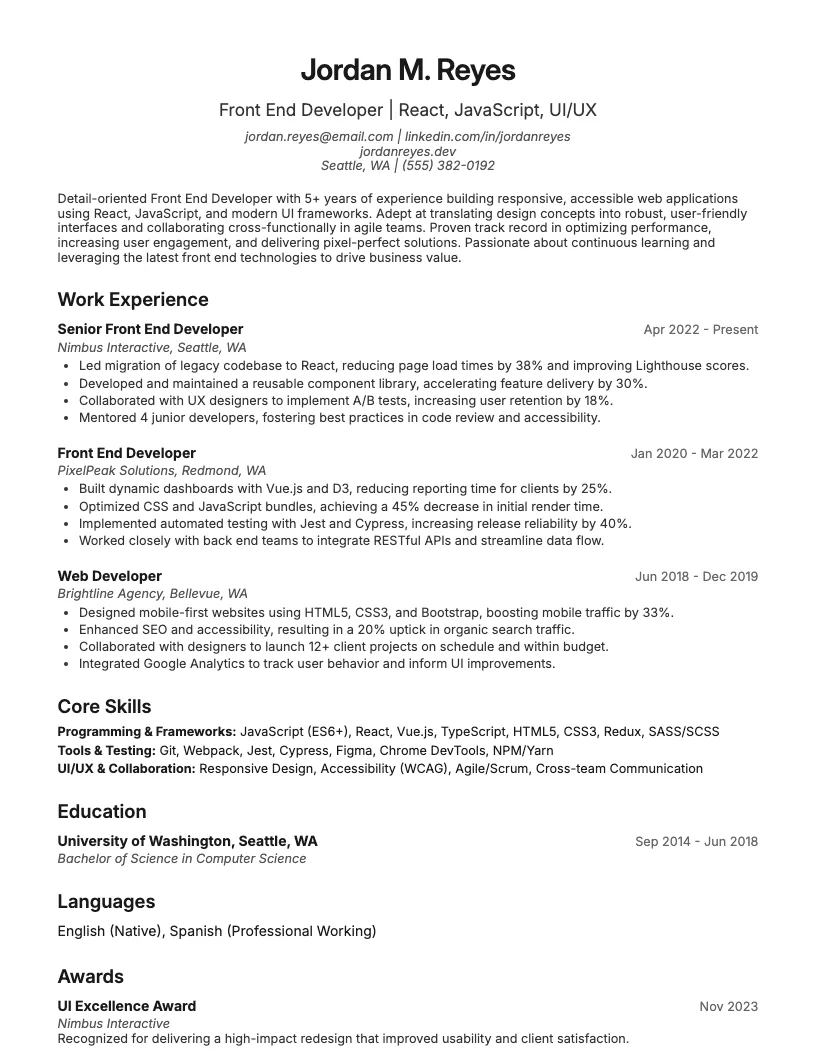 Click to enlarge
 Click to preview

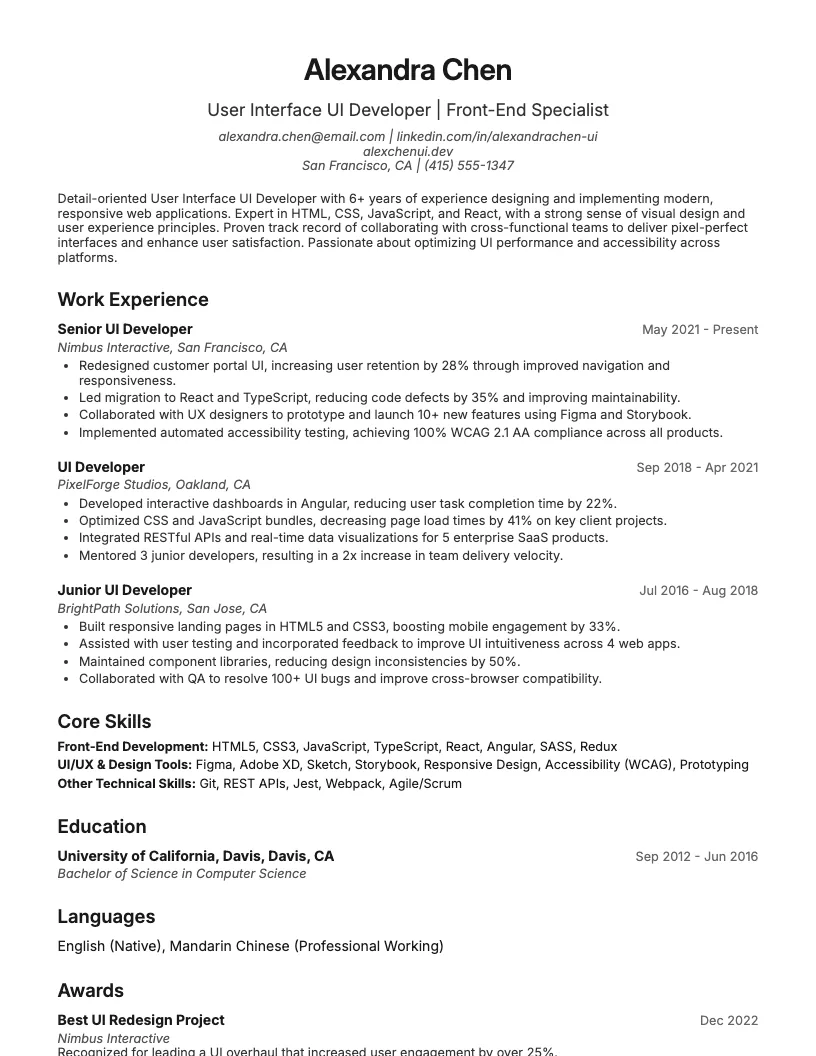
Get inspired by 50+ professional User Interface Ui Developer resume examples, each written by career experts and optimized to pass ATS scans. Pick a proven template, tailor it to your role, and download a polished resume in minutes.
Pick the specialization closest to your target role and start from a proven resume example.
If you’re looking for a user interface developer job, your resume needs to show your technical skills and real project impact. I know recruiters scan for results fast.
I break down resume examples for entry-level, mid-career, and senior UI developers. Each example highlights what hiring managers want at every career stage.
If you’re just starting out as a UI developer, your resume should highlight relevant projects, internships, or coursework. Focus on skills like HTML, CSS, JavaScript, and frameworks such as React or AngularJS.
I always recommend you list concrete achievements-like shipping a group project or improving a website’s load time by 20%. This shows employers what you can actually do, even without years of experience.
You want to keep things practical. Entry-level resumes get noticed when you show teamwork, problem-solving, and a willingness to learn. Include numbers if possible-think “supported a team of 5” or “improved user ratings by 15%.”
At this stage, I focus on showcasing complex projects and leadership experience. Listing team collaboration and mentoring new developers helps highlight growth since entry-level roles.
You want to detail skills with frameworks like React, Vue.js, or Angular. Quantify achievements-say, “improved user satisfaction by 30%” or “cut page load times by 40%.”
Include cross-functional teamwork. I suggest listing projects where you partner with UX designers—reviewing a cover letter for inspiration can help you describe this collaboration—or back-end engineers. This demonstrates your ability to drive complete product experiences.
If you’re senior-level, your resume needs to show off leadership, project management, and deep technical chops. I focus on quantifiable impact-think “boosted user engagement by 30%” or “led teams of 10+.”
You want to highlight advanced frameworks, cross-functional collaboration, and mentoring. Hiring managers expect to see experience with large-scale apps, accessibility, and performance optimization.
Keep your resume results-driven. Use bullet points to call out big wins-like launching enterprise platforms or driving UX strategy. This helps recruiters quickly spot your value.
If you want a simple way to showcase your UI skills, a text-only resume template keeps things clean. It’s easy to update and works well for online applications.
Start with your contact info and a short professional summary. Focus on your strongest skills, like HTML5, CSS3, JavaScript, or frameworks-be specific about tools you use.
List your work experience in reverse-chronological order. Highlight projects that improved user experience or boosted engagement by a percentage, if you can quantify it.
Don’t forget to add your education, certifications, and any awards. Recruiters like seeing clear, organized information-it helps them scan your resume fast.
That wraps up the resume examples by career level. Use these tips to build a resume that matches your experience and stands out to hiring managers.

Recruiters spend less than 7 seconds scanning a resume. You want your skills and experience to stand out right away.
I focus on clear, concise language and real results. You should show your UI developer background in a way that’s easy to skim.
It helps to start with a strong profile. After that, you can dive into your experience, education, and technical skills that really matter for UI roles.
Start your resume with a short, punchy profile. Mention your job title, years of experience, and a few core skills that match the job description.
Include specific achievements-like boosting user engagement by 20%-to show real impact. This helps prove your value and grabs the reader’s attention right away.
Use active language to highlight your user-focused mindset and technical expertise. A strong summary sets the tone for your whole resume.
Showcase your UI projects with real numbers. I mention things like reducing user errors by 25% or boosting page load speed by 40%. This grabs attention fast.
Focus on impact, not just tasks. Instead of "designed screens," say "designed and launched 10+ user dashboards used by 5,000+ clients daily." That helps your achievements stand out.
Highlight how you work with others, too. Talk about collaborating with designers, testers, or product teams. Clear communication matters as much as your technical chops.
I always list my highest degree first, especially if it’s in computer science, web development, or design. Employers look for those connections right away.
You don’t need a master’s to get noticed, but relevant certifications help. I include things like Google UX Design Certificate or NN/g UX Certification if I have them.
There are plenty of bootcamps, too-think General Assembly or Springboard. These show you’re dedicated to learning new skills and keeping up with industry trends.
I always make sure to feature core skills like HTML5, CSS3, JavaScript, and React. These are baseline requirements for most UI developer roles and top keywords for ATS filters.
You want to highlight technical skills like version control (Git), responsive design, cross-browser compatibility, and RESTful APIs. Listing tools like Figma or Sketch also helps.
There are soft skills that matter too-think problem-solving, collaboration, and attention to detail. This helps show you’re not just technical, but also a team player.
Bringing your skills section together like this rounds out your resume. It helps recruiters see your full value at a glance.
You want a resume template that’s clean and easy to read. I always look for layouts that keep things simple and let my skills stand out.
Hiring managers spend about six seconds scanning each resume. If your template is cluttered or flashy, important details can get lost fast.
Focus on templates that organize your experience and achievements clearly. This way, your UI expertise and accomplishments take center stage.
If you’re working on your UI developer resume, you probably want to see what works for similar roles. I know it helps to compare real examples.
You can also dig into resources for front-end developers, user experience designers, and other tech jobs. These examples and tips give you a bigger picture of your options.
If you’re building a UI developer resume, I recommend checking out related examples. Seeing different formats and styles helps you figure out what really stands out.
There are resume templates for roles like user experience designer, web developer, and even cybersecurity. These samples show real skills and achievements employers want.
You can pick up ideas for phrasing, layout, and highlighting your strengths. This saves you time and keeps your resume competitive in today’s job market.
I always check out industry blogs and portfolio sites to keep up with trends. Sites like Smashing Magazine and Awwwards showcase real UI projects and practical advice.
You should join online communities, like Stack Overflow or Reddit’s r/webdev. These spots give you real-time feedback, job leads, and answers to weird coding questions.
Certifications help too. Around 60% of UI developers list at least one tech certification on their resume. This boosts credibility and can open up more job opportunities.
If you're searching for front end developer resume examples or want to see a strong cover letter, you're in the right spot. I see a lot of overlap with UI skills-think JavaScript, CSS, and responsive design.
You want your resume to call out hands-on experience and measurable impact. For example, highlight improving load times by 30% or collaborating with cross-functional teams.
There are tons of ways to show off your front end expertise. Make sure to focus on recent frameworks, code samples, and project results. This wraps up our related resume resources.
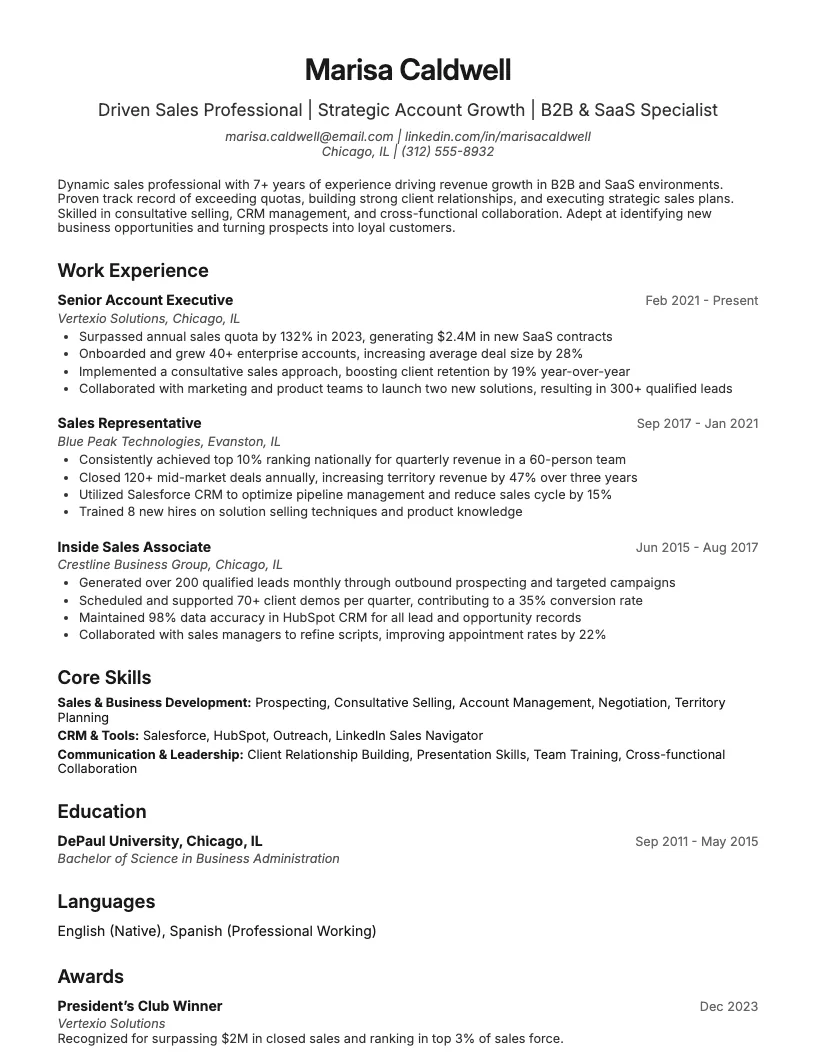
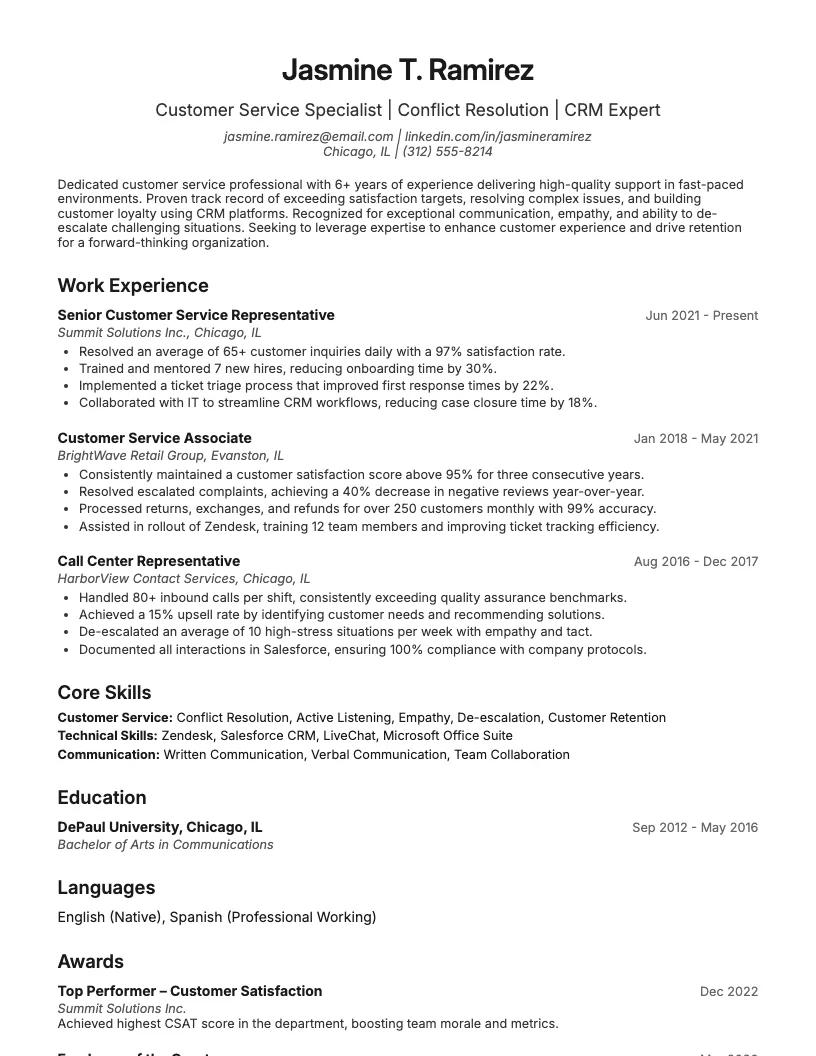
Browse User Interface Ui Developer resume examples for related roles. Preview any example, open it in the builder, or read its full guide.
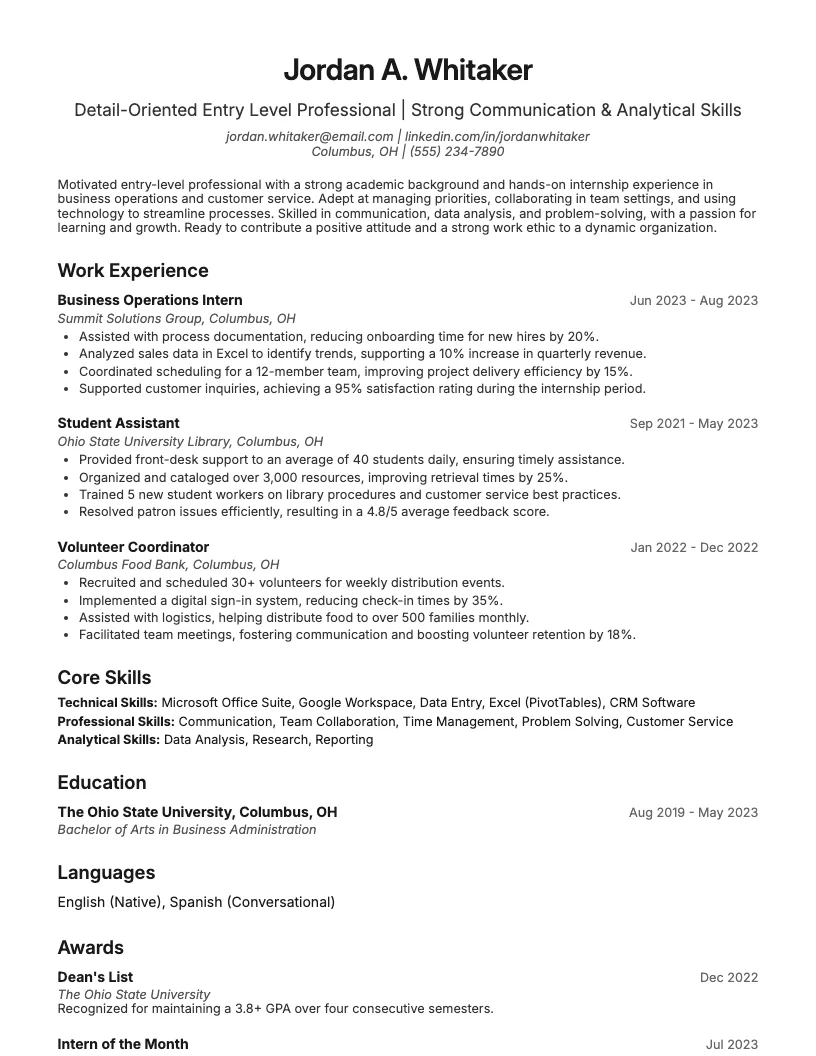
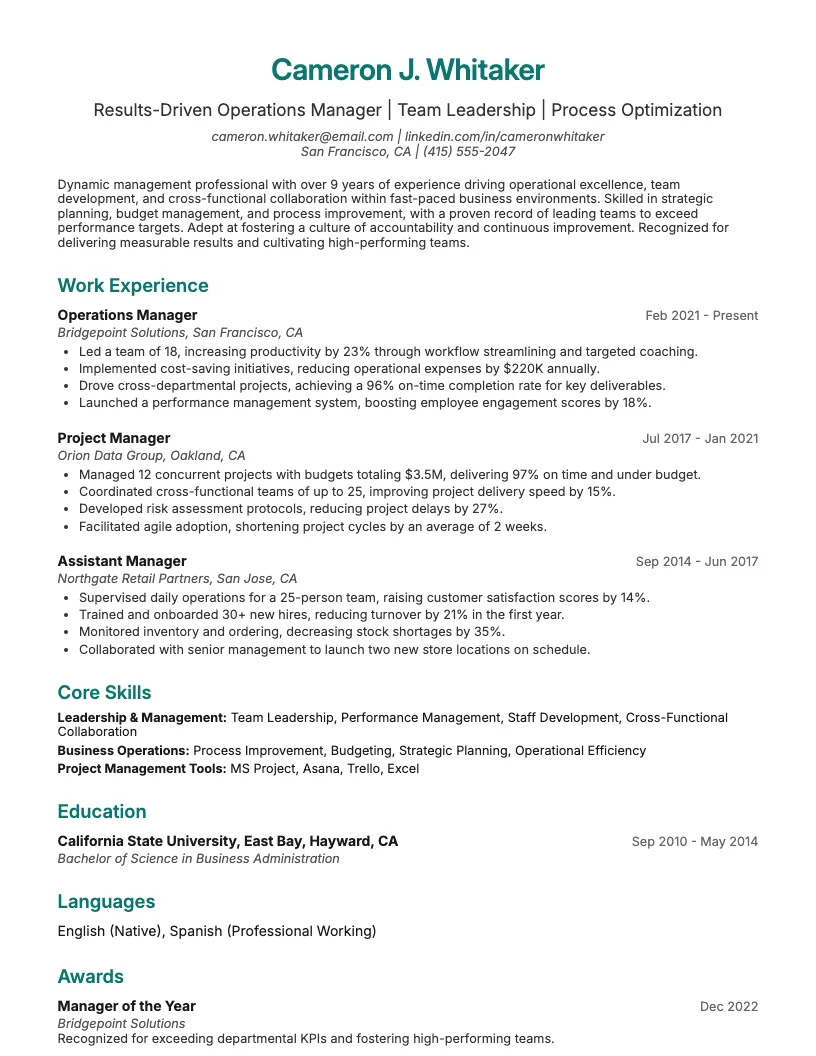
Click to enlarge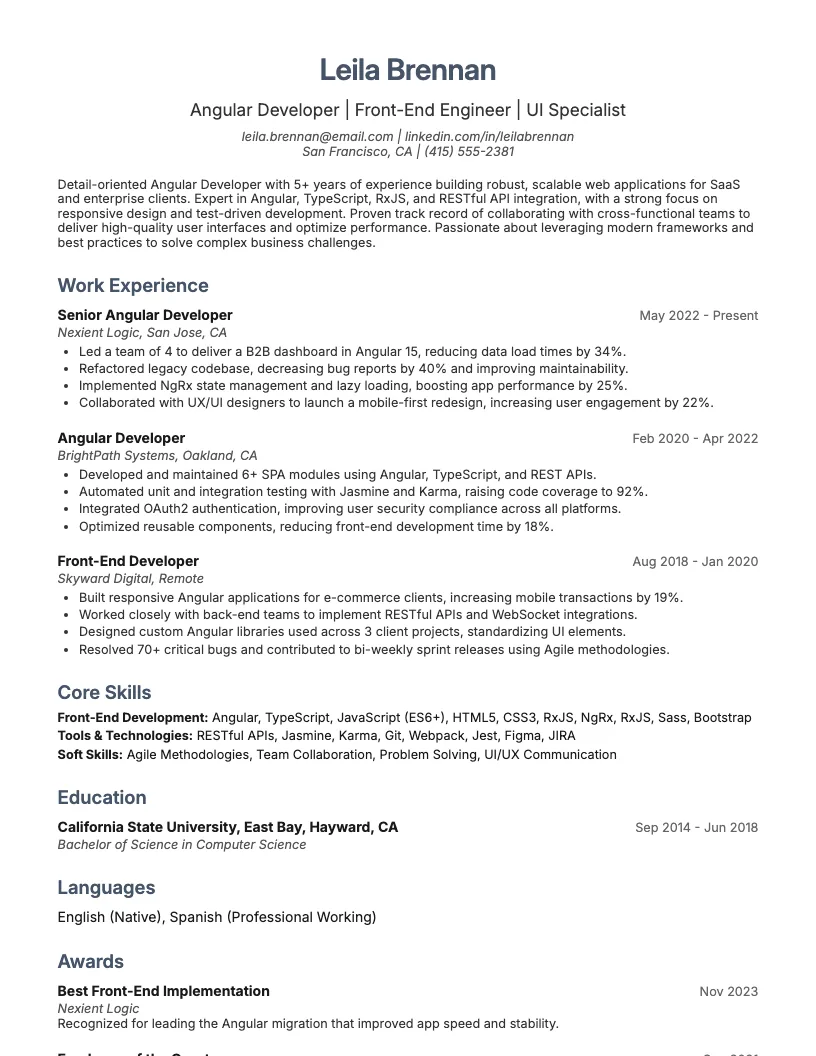 Click to enlarge
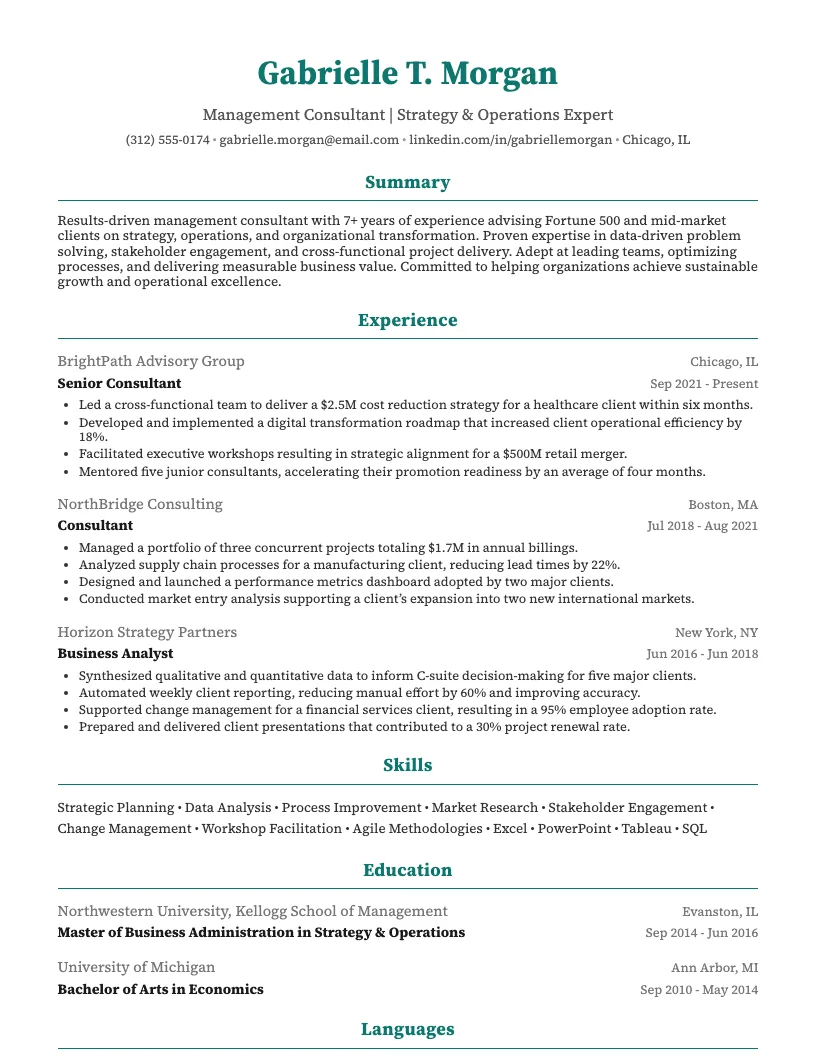
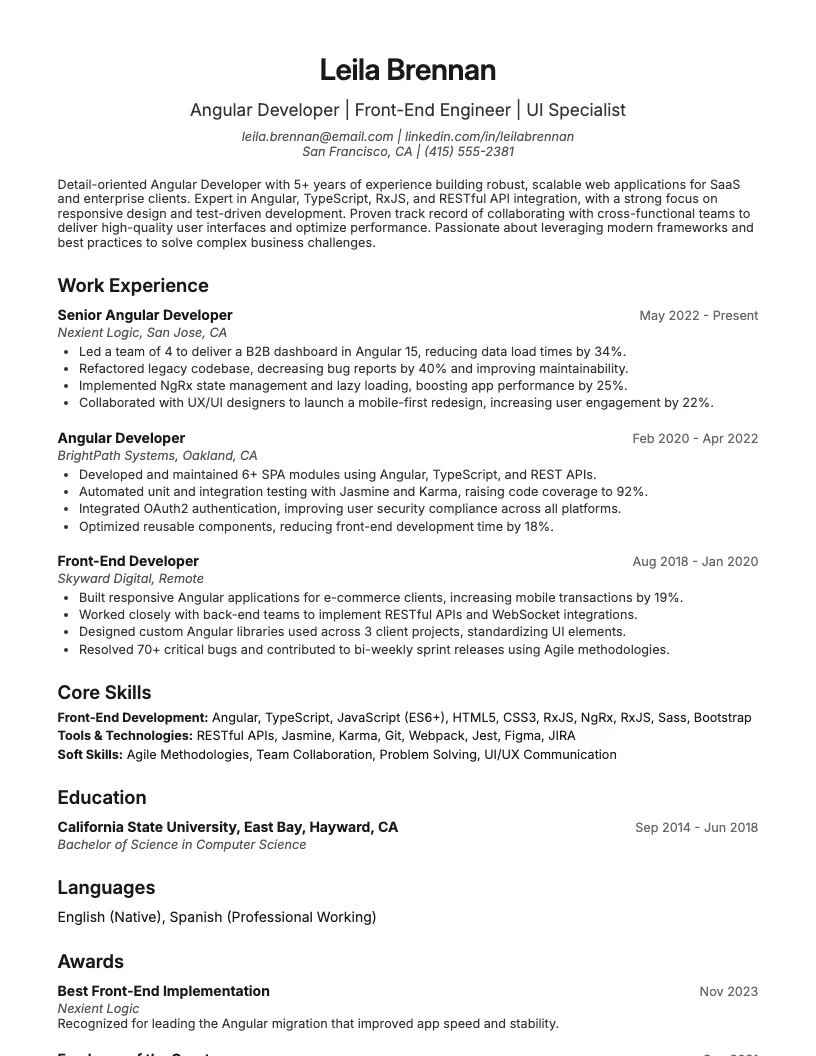 Click to enlarge
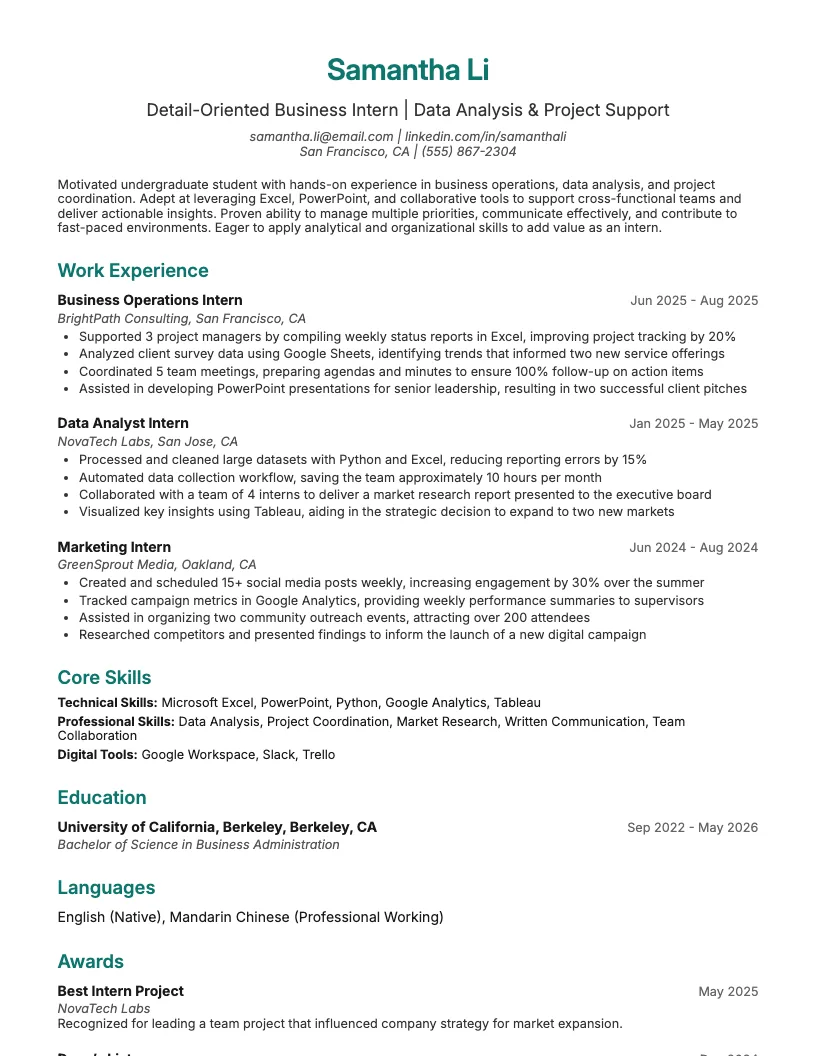
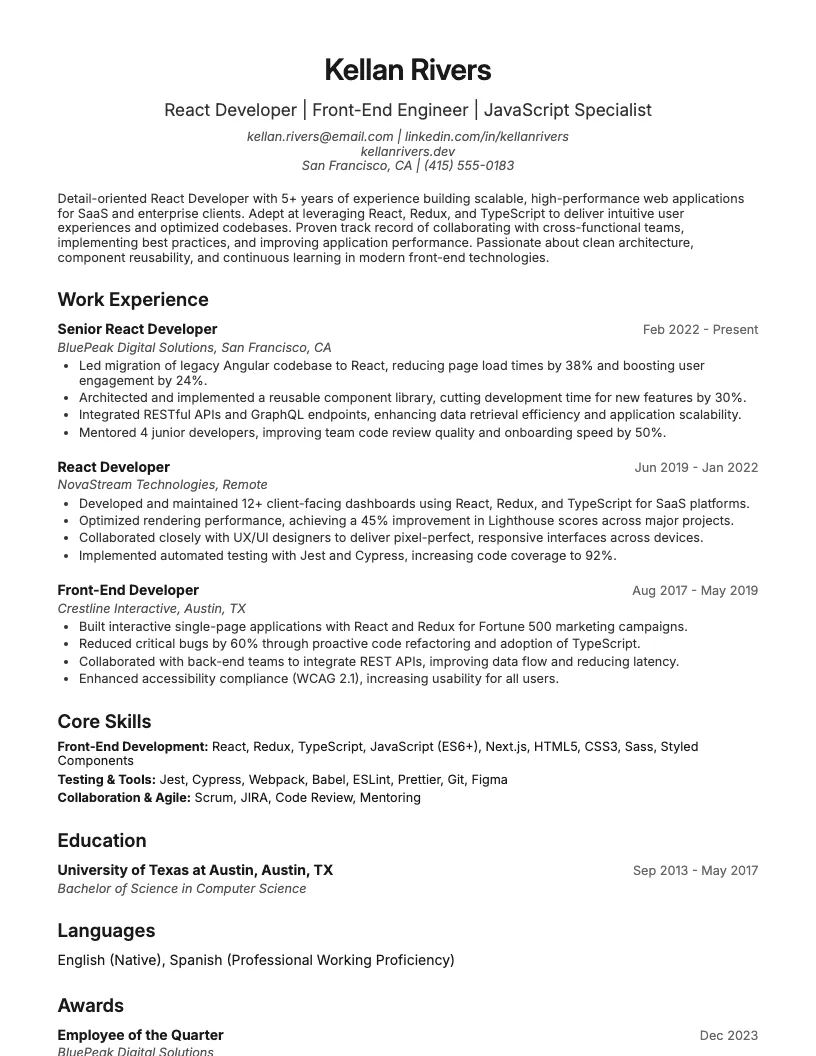 Click to enlarge
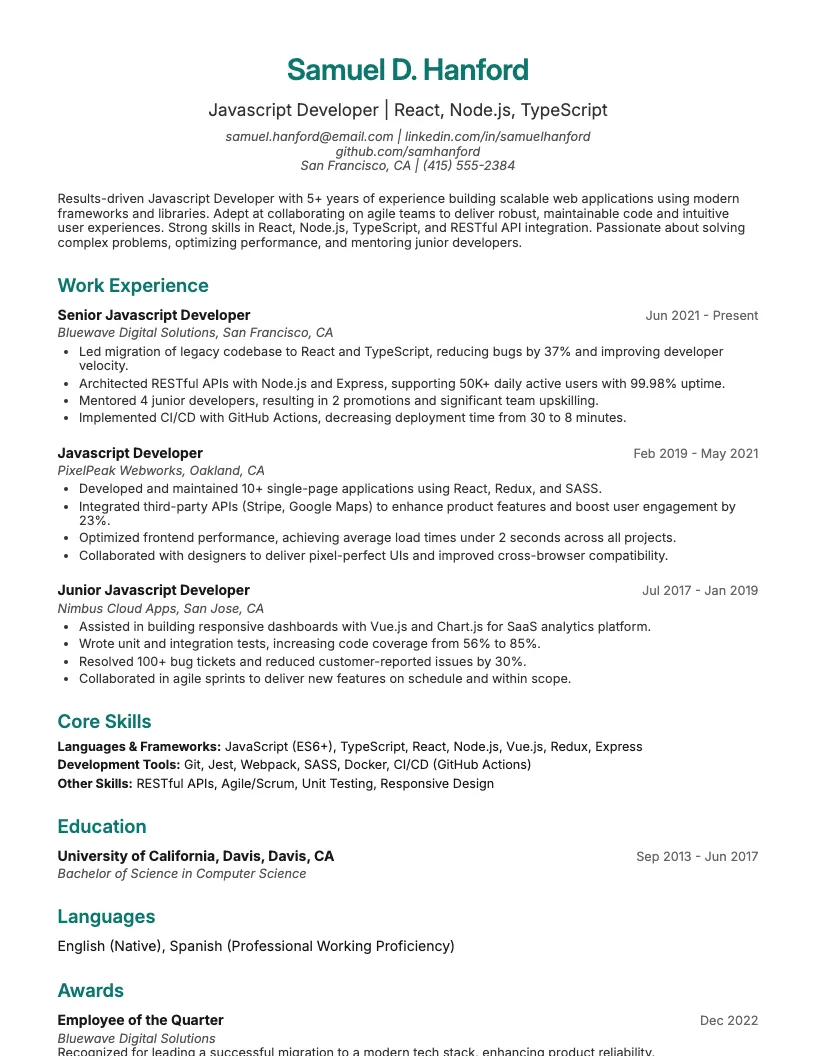 Click to enlarge Click to enlarge Click to enlarge
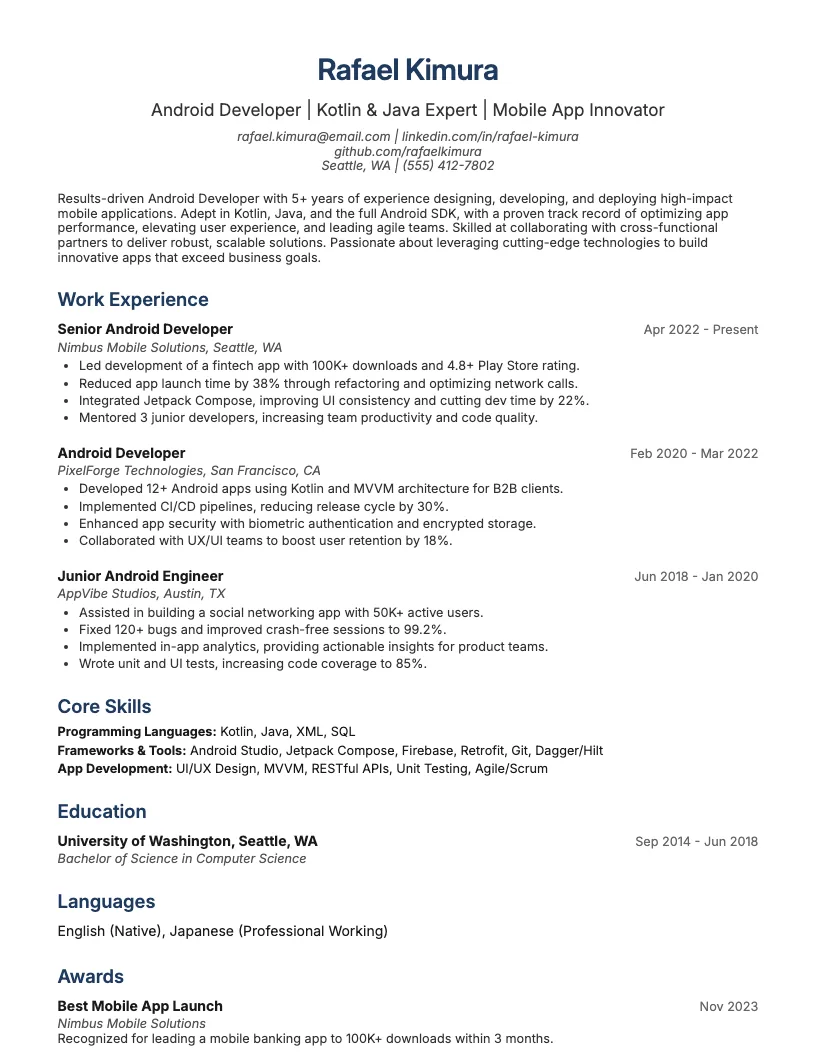 Click to enlarge
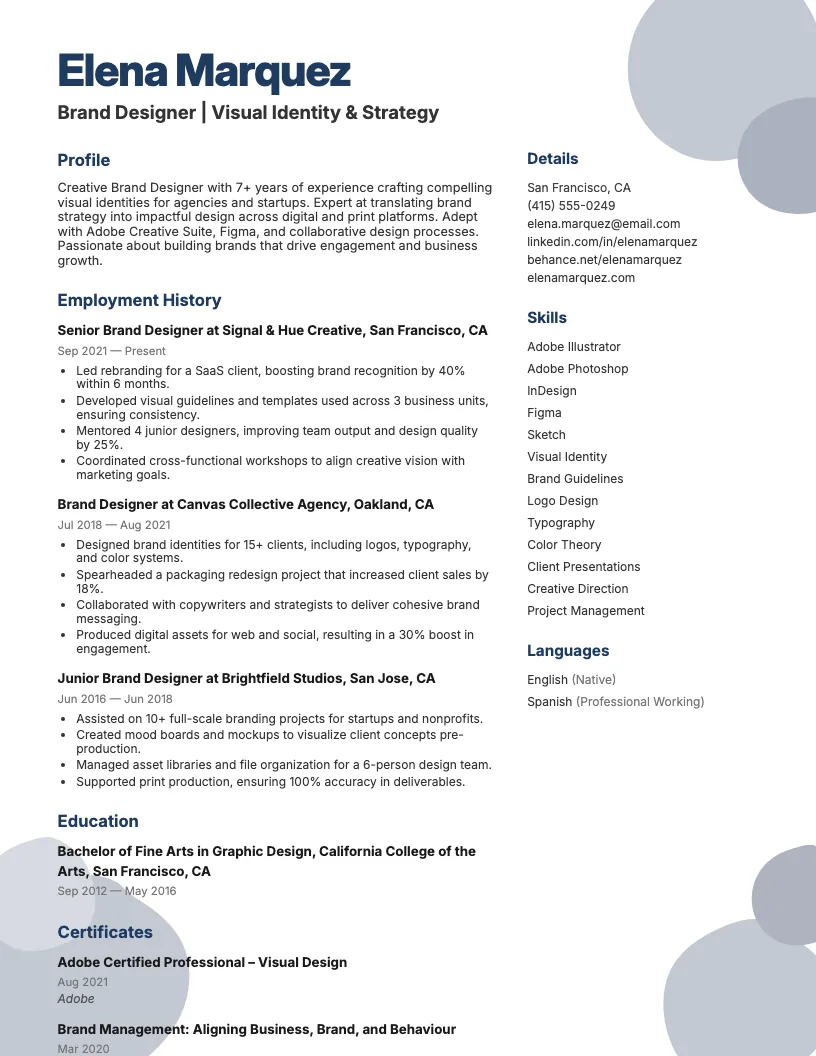 Click to enlarge
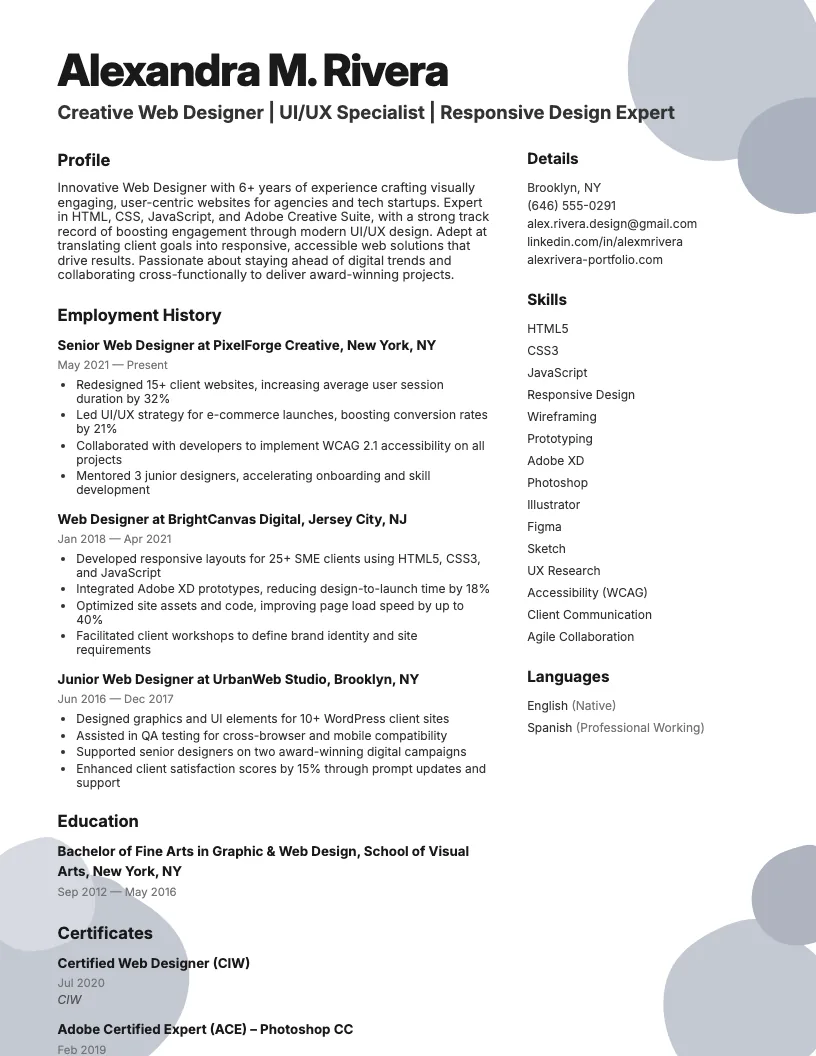 Click to enlarge
Common questions about User Interface Ui Developer resumes
A user interface UI developer resume template is a pre-designed layout tailored to showcase your skills, experience, and achievements in UI development. It highlights technical proficiencies and design projects to help you stand out to employers.
Yes, ResumeJudge offers ATS-friendly UI developer templates, ensuring your resume passes applicant tracking systems. This increases your chances of getting noticed by recruiters and landing interviews.
Use a UI developer resume template when applying to roles in tech, software, gaming, or web design industries. It's ideal for showcasing design and coding skills in a visually appealing way.
Absolutely! ResumeJudge templates are fully customizable, so you can adjust colors, sections, and fonts to match your personal brand or the company’s style requirements.
UI developer templates focus on visual design, coding skills, and portfolio links, while others may emphasize different skills. ResumeJudge ensures you highlight what matters most for UI roles.
Keep your UI developer resume to one page if you have less than 10 years of experience. Use concise bullet points and highlight key design projects for maximum impact.
Include skills like HTML, CSS, JavaScript, UX principles, prototyping tools, and responsive design. ResumeJudge templates help you feature these skills in dedicated sections.
Yes, adding a portfolio link is highly recommended. ResumeJudge templates include space for links so you can showcase your best UI projects to employers.
Yes, ResumeJudge offers templates suitable for entry-level UI developers. You can focus on projects, internships, and relevant coursework to demonstrate your potential.
Highlight unique projects, quantify achievements, and use a clean, modern layout. ResumeJudge templates are designed to help your application look polished and professional.
Explore more professional resume examples to inspire your job search
Use our AI-powered resume builder to create a professional, ATS-friendly resume in minutes.
Free to use • No credit card required