UX Designer Resume Example
See full guide on UX Designer resumes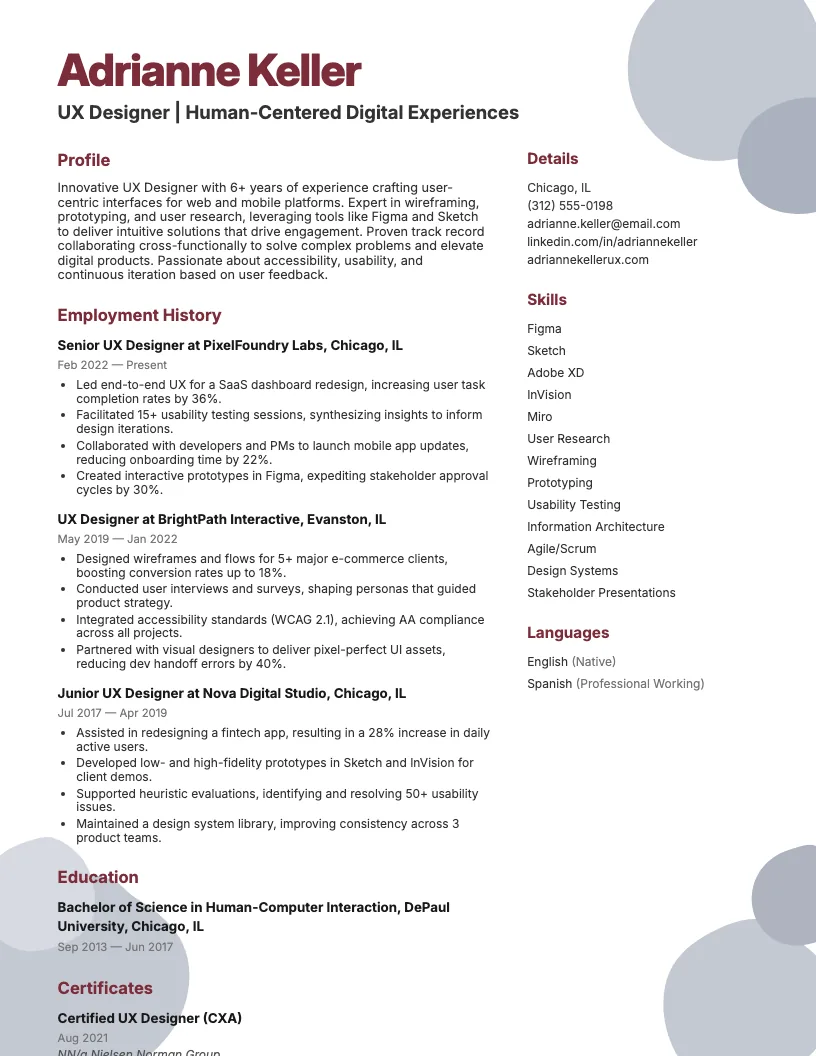 Click to enlarge
 Click to preview

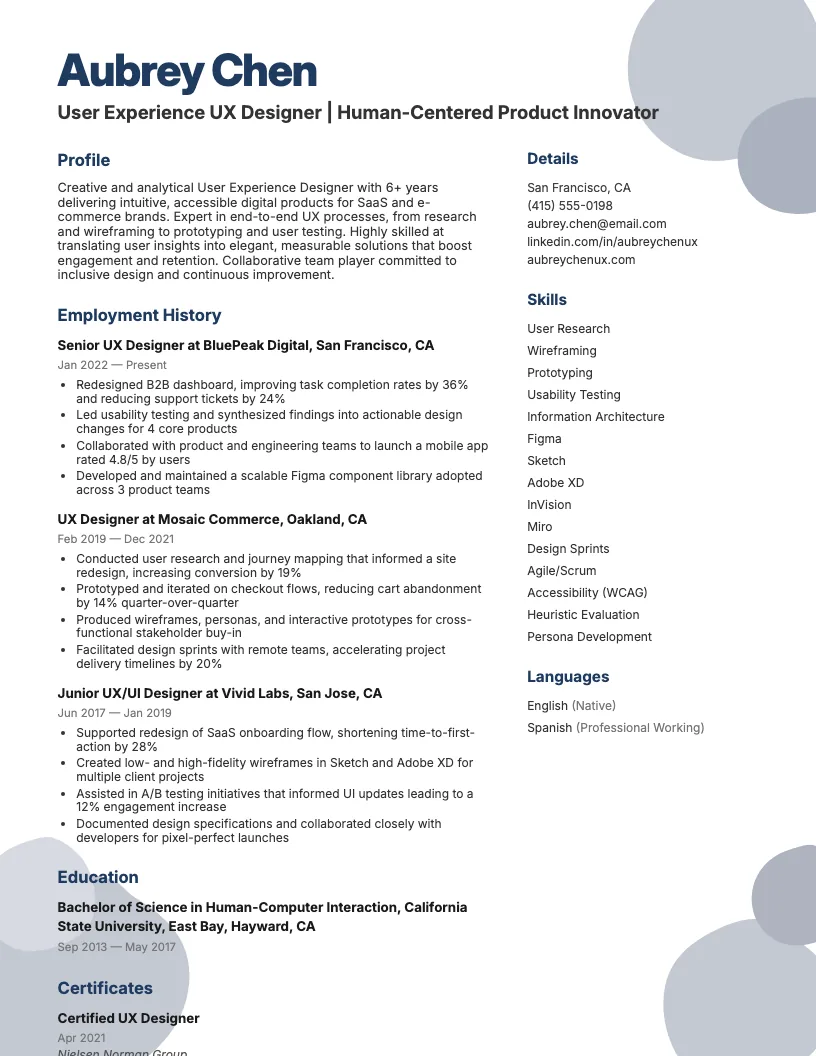
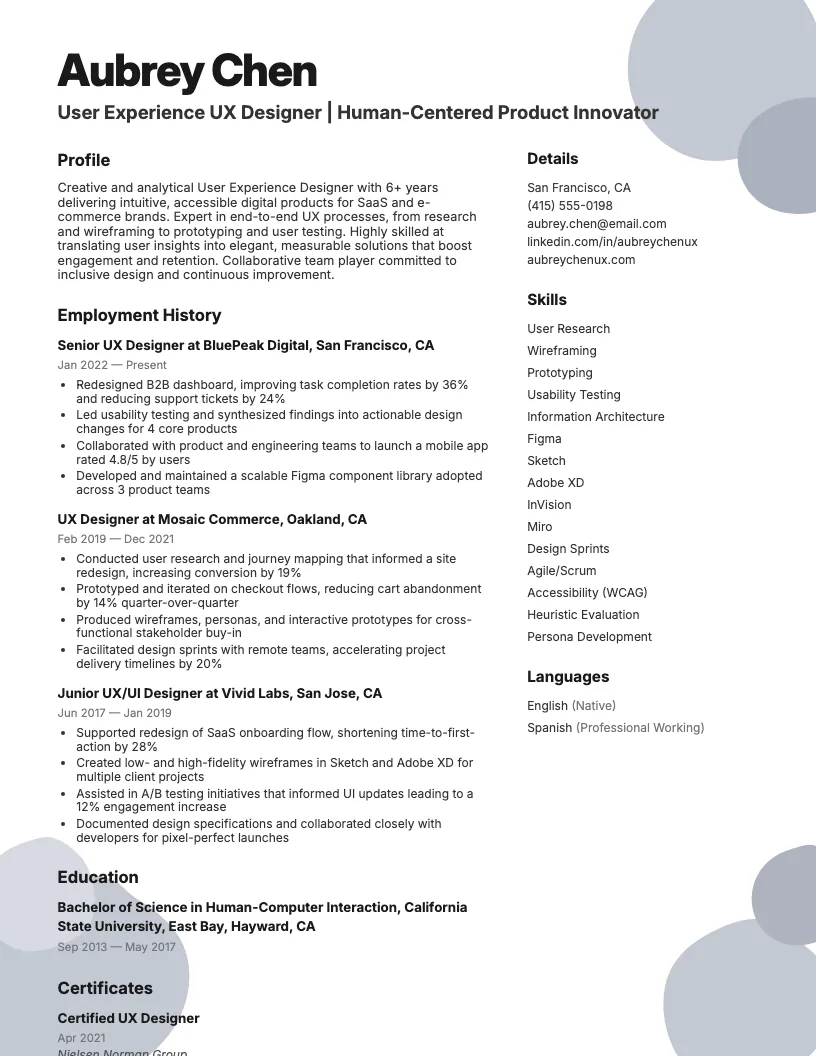
Get inspired by 50+ professional User Experience Ux Designer resume examples, each written by career experts and optimized to pass ATS scans. Pick a proven template, tailor it to your role, and download a polished resume in minutes.
Pick the specialization closest to your target role and start from a proven resume example.
UX design covers a lot, from research to prototyping to testing. I see job titles change fast, and each one asks for its own set of skills.
Here, you’ll find resume examples for entry-level, senior, and specialized UX roles. These will help you figure out what hiring managers look for in different UX positions.
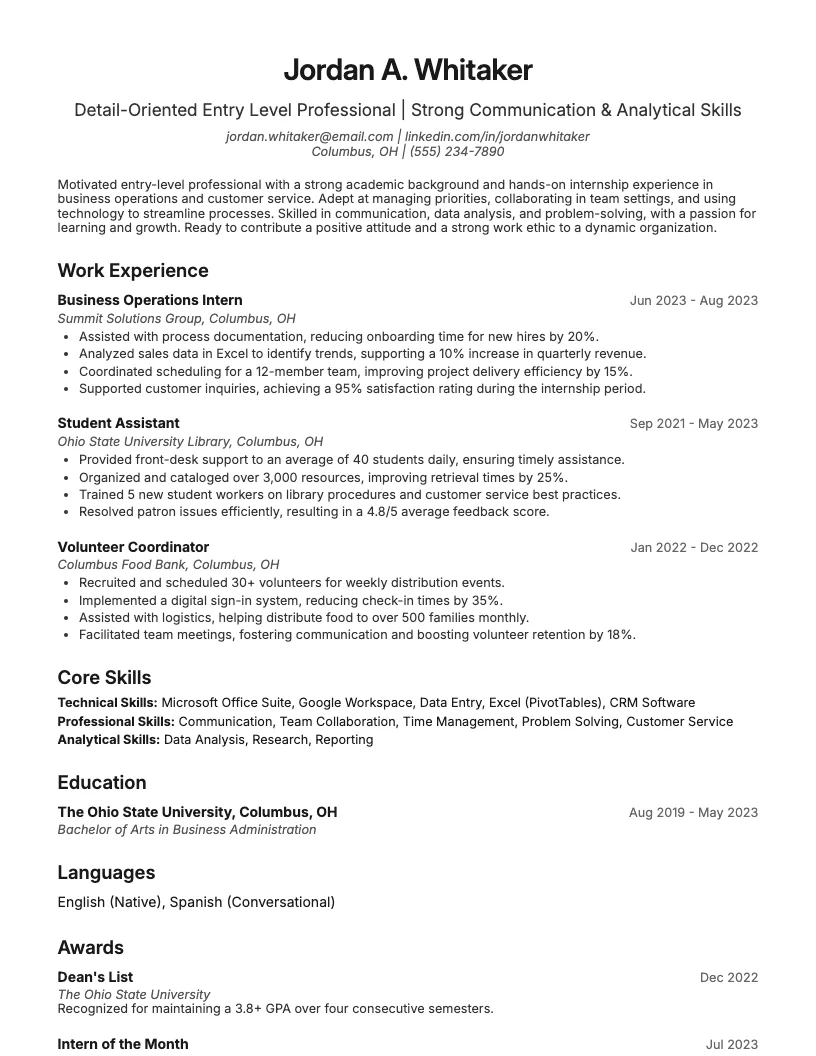
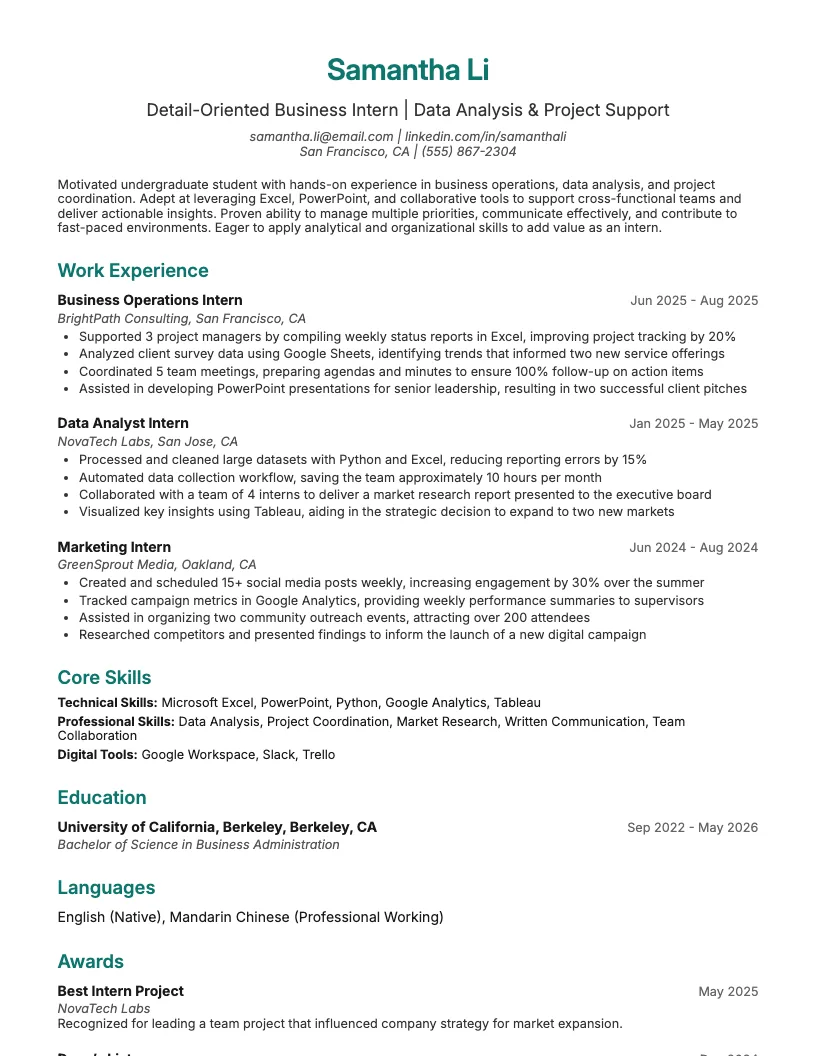
Starting out as a UX designer? You want your resume to focus on projects, internships, and any freelance gigs. I always highlight skills like prototyping and usability testing.
You don’t need years of experience. Show how you use tools like Figma or Sketch. List measurable outcomes-for example, “improved user satisfaction scores by 20%.”
Make sure you mention teamwork, and consider including a cover letter to further highlight your collaboration skills. Collaborating with developers or marketers, even on class projects, counts. This helps you stand out, especially when you’re just beginning your career.
If you’re aiming for senior or lead UX roles, your resume needs to show impact. I focus on metrics-like boosting user satisfaction by 30% or reducing churn.
You want to highlight leadership, cross-functional teamwork, and decision-making. For me, it’s all about showing how I drive design strategy, mentor teams, and manage big projects.
Make sure you quantify results, use action verbs, and list tools like Figma, Sketch, and Jira. This helps recruiters see your influence at a glance.
Sometimes you focus on a specific area, like user research or accessibility. If you do, your resume needs to highlight those skills and any relevant certifications.
I like to list out tools I’m great at, like Axure, Figma, or usability testing suites. Quantify your impact-say you improved accessibility scores by 40% or ran 50+ user interviews.
There are tons of UX specialties-service design, e-commerce, healthcare, B2B platforms. Tailor your resume for each. This helps recruiters quickly see you’re a strong fit.
Mobile UX designer resume examples focus on skills like responsive design, touch interface optimization, and app usability testing. You want to highlight projects on both iOS and Android.
I always showcase metrics, like boosting app engagement by 20% or reducing user errors. Recruiters love to see quantifiable results and real-world impact from your mobile UX work.
If you're building your resume, keep it concise. Prioritize mobile-first design experience, collaboration with developers, and familiarity with tools like Figma or Sketch. This wraps up all the key UX designer resume types.
Recruiters spend less than 8 seconds scanning each resume. You need a UX designer resume that grabs attention fast.
I focus on showing my impact, not just listing tasks. Hiring managers want to see measurable results and skills that match the job description.
You want to start strong with a summary, highlight your biggest wins, and back up your experience with education and certifications. Your skills section also matters a lot.
Start your resume strong with a short, impactful summary. I usually highlight my years in UX, my go-to design tools, and one or two big wins.
Keep it under four sentences. Use active language and mention specific skills or metrics. For example, “I boost user engagement by 30% with research-driven interfaces.”
This section isn’t about listing every job. It’s your quick pitch-show what sets you apart as a UX designer right at the top.
This is where I let my impact shine. I focus on outcomes, not just tasks. Did I boost conversions by 25%? Improve user satisfaction scores? That’s what I highlight.
Use action verbs and numbers to show real results. Instead of “designed wireframes,” I write “launched new checkout flow, reducing cart abandonment by 18%.” This helps employers see value fast.
You can also mention specific project wins, collaborations, or tools you used. Keep it clear, concise, and always tie it back to measurable business goals.
Employers often screen for degrees or certificates in UX design, HCI, or related fields. I always check the job post to see which credentials they want.
List your highest degree first, then any relevant certifications like Google UX Design or NN/g Certification. About 70% of UX job ads mention specific education or training.
If your degree is in something like fine arts or psychology, that’s still valuable. Just show how it connects to your UX work. This helps round out your qualifications.
I always make sure to include relevant UX skills. This helps resume screening software-like ATS-spot me faster. Employers scan for tools, design methods, and soft skills.
Technical abilities like wireframing, prototyping, and usability testing matter a lot. You also want to show experience with tools like Figma, Sketch, or Adobe XD.
Don’t forget soft skills-empathy, collaboration, and communication. I like to match my skills list to the job description, and I reference an interaction designer cover letter to see how others highlight similar skills. This gives me the best shot at landing an interview.
Picking the right resume template matters. Your layout should make your skills and experience stand out, not get lost in flashy graphics.
I always look for templates that balance creativity with clarity. As a UX designer, you want your resume to look good, but be easy to read.
If you use tools like Figma or Adobe Illustrator, you can find templates that let you customize every detail. That helps you showcase your design skills without sacrificing readability.
You want hiring managers to notice your qualifications first. A great template draws attention to your work, not just the design.
If you're building your UX designer resume, it helps to see real examples from similar roles. I find that comparing different design resumes gives new ideas and clarity.
You might also want resources that cover career growth, skills, and industry trends. I always check these out when I want to stay up to date or improve my applications.
If you’re exploring design careers, you’ll want to check out resume samples and cover letter examples for jobs like graphic designer, web designer, or animator. These help you compare roles and skill sets.
I like digging into different templates because each job-whether it’s art director or fashion stylist-needs its own focus. This gives you ideas for how to tailor your own resume.
You can use these examples to highlight key software skills, project experience, or even industry certifications. This approach makes your application stand out in a crowded field.
I always check out industry blogs, UX podcasts, and sites like UX Collective. These give you real-world examples and keep you updated on trends and tools.
You can join UX-focused groups on LinkedIn or attend online meetups. Networking with other designers opens doors to jobs, mentorship, and project inspiration.
There are over 20 top-rated UX certifications online. If you want to boost your resume, consider courses from Google, Nielsen Norman Group, or Coursera. This helps showcase your commitment.
Browse User Experience Ux Designer resume examples for related roles. Preview any example, open it in the builder, or read its full guide.
Click to enlarge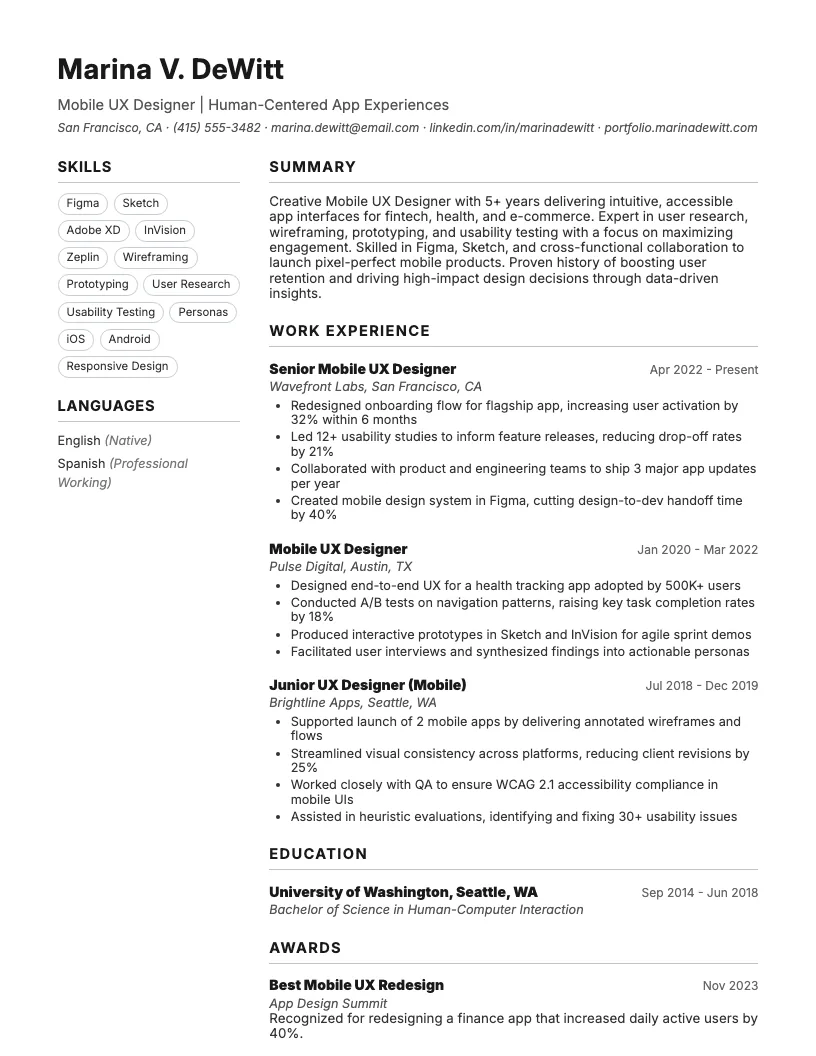 Click to enlarge
 Click to enlarge
 Click to enlarge
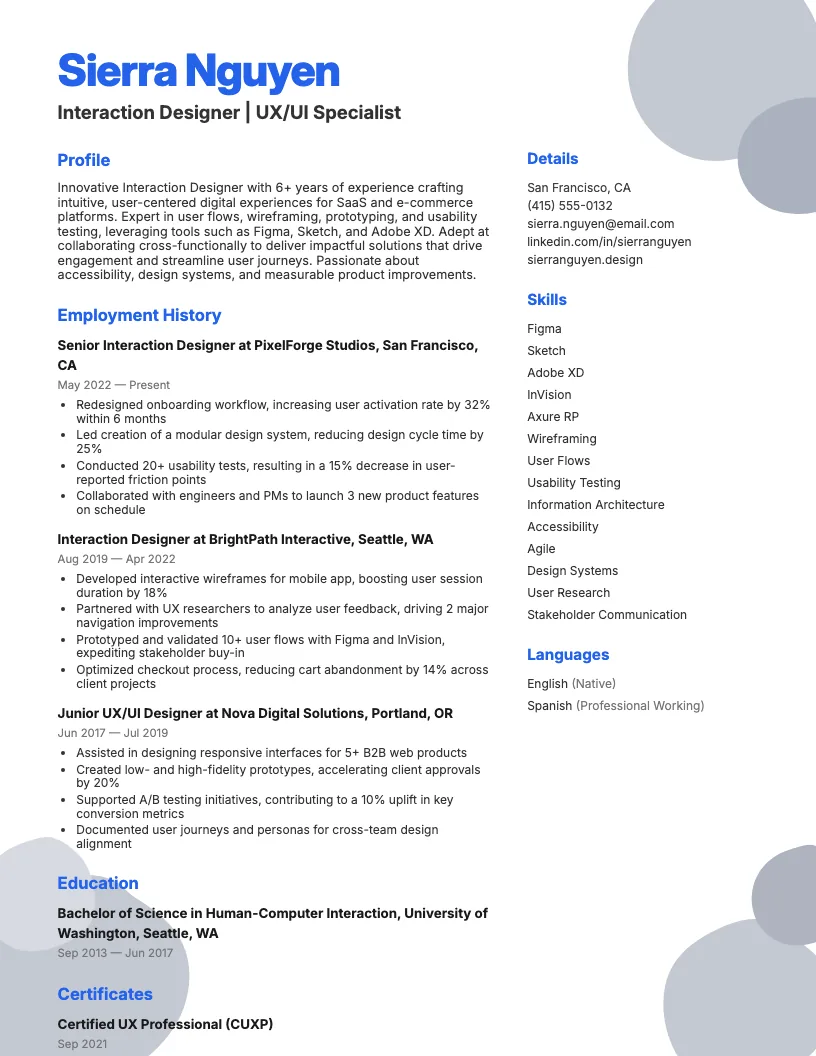 Click to enlarge
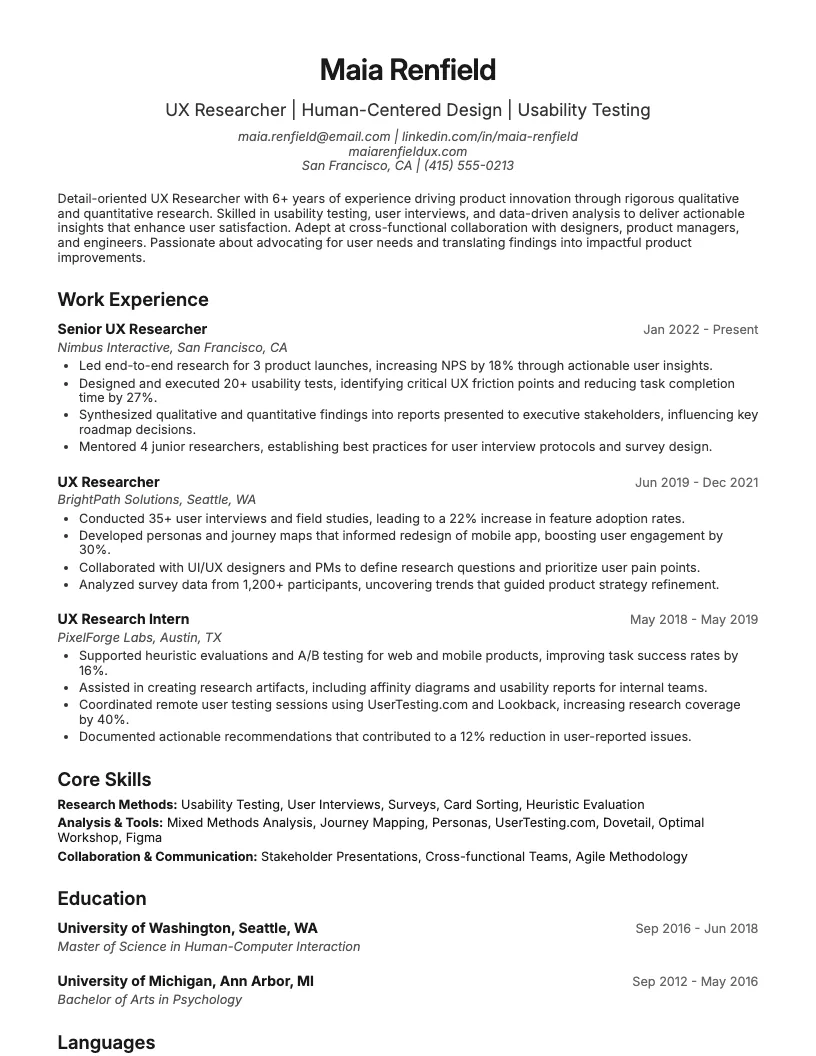 Click to enlarge Click to enlarge
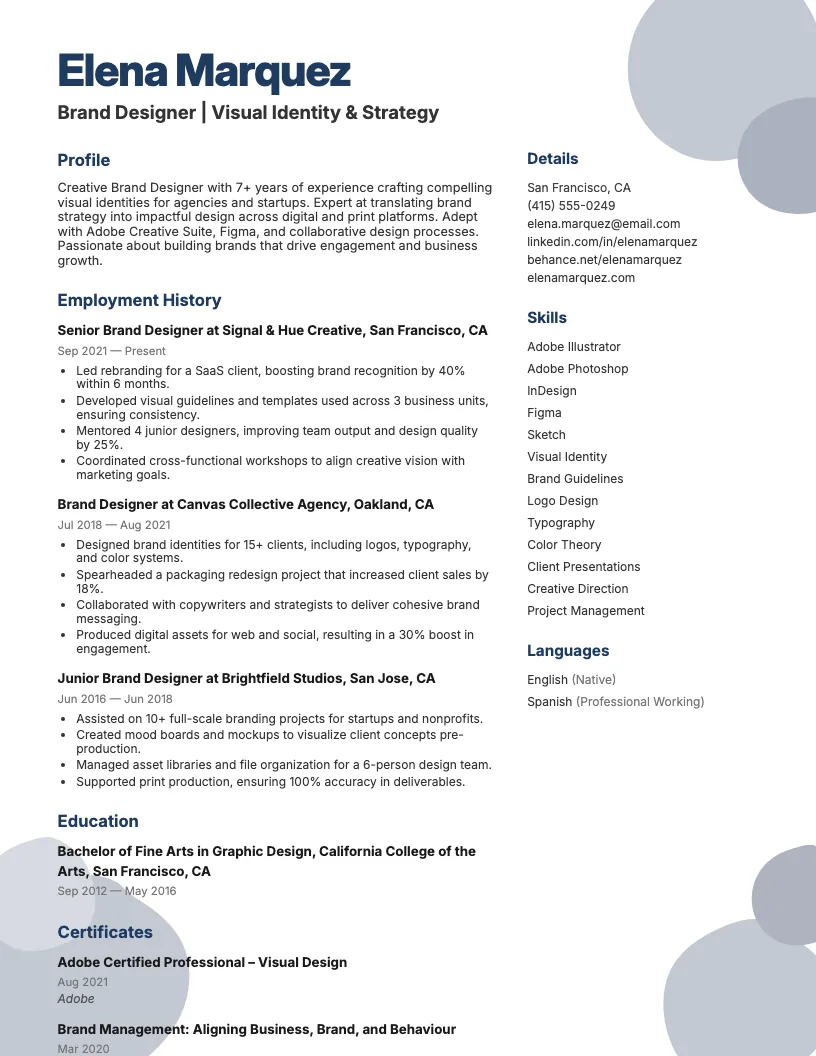 Click to enlarge Click to enlarge
Common questions about User Experience Ux Designer resumes
A user experience UX designer resume template is a pre-designed format that highlights UX skills, projects, and tools. It helps you present your design expertise in a clear, professional way. ResumeJudge offers templates tailored for UX roles.
Yes, most UX designer resume templates from ResumeJudge are ATS-friendly, ensuring your application gets through automated systems. They use clean layouts and standard fonts to avoid parsing errors.
Use a UX designer resume template when applying to roles in tech, product design, or digital agencies. It's ideal for showcasing portfolios or case studies. ResumeJudge templates suit both entry-level and senior positions.
Absolutely! You can edit headings, colors, and sections to reflect your personal brand and unique experiences. ResumeJudge makes customization easy for a tailored, standout resume.
UX designer templates focus on design skills, portfolios, and user-centered achievements, unlike generic templates. ResumeJudge provides sections for tools and methodologies relevant to UX.
Keep your UX designer resume to one page if you're early in your career, or two pages for senior roles. Focus on key projects, skills, and results. ResumeJudge helps you format content concisely.
Yes, many templates include dedicated sections for showcasing portfolio links and key projects. ResumeJudge templates make it easy to highlight your best work.
Definitely! UX designer templates are great for freelancers to display diverse project work and client testimonials. ResumeJudge templates help freelancers organize achievements clearly.
Yes, you can use these templates for remote or hybrid roles across industries like SaaS, e-commerce, or agencies. ResumeJudge ensures your resume meets remote job requirements.
Use action verbs, quantify achievements, and list relevant UX tools for better impact. ResumeJudge offers expert tips and sample content to help your resume stand out.
Explore more professional resume examples to inspire your job search
Use our AI-powered resume builder to create a professional, ATS-friendly resume in minutes.
Free to use • No credit card required