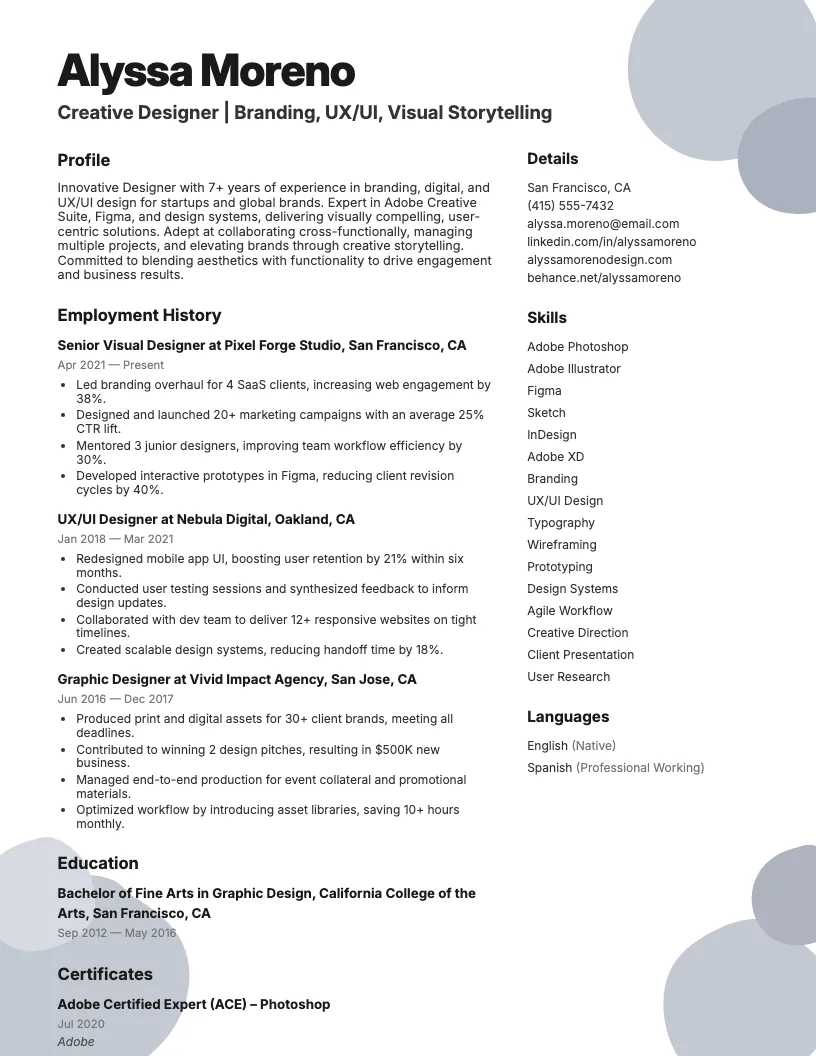
Ux Designer Resume Example
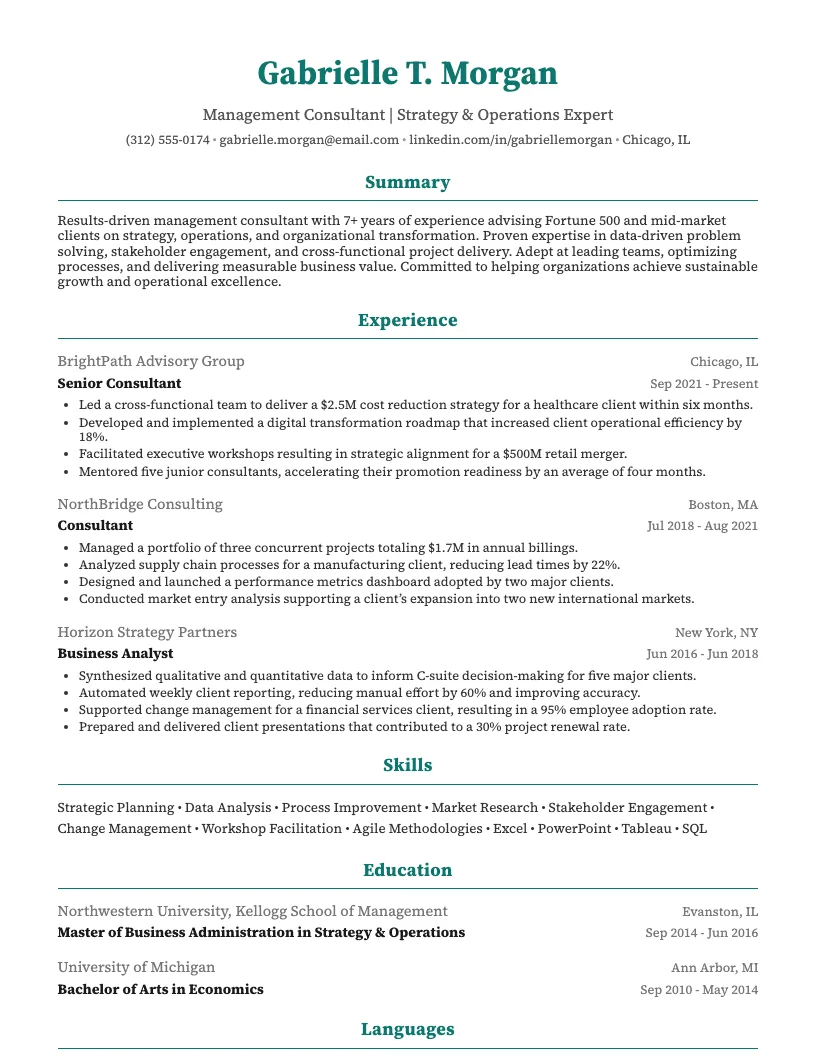
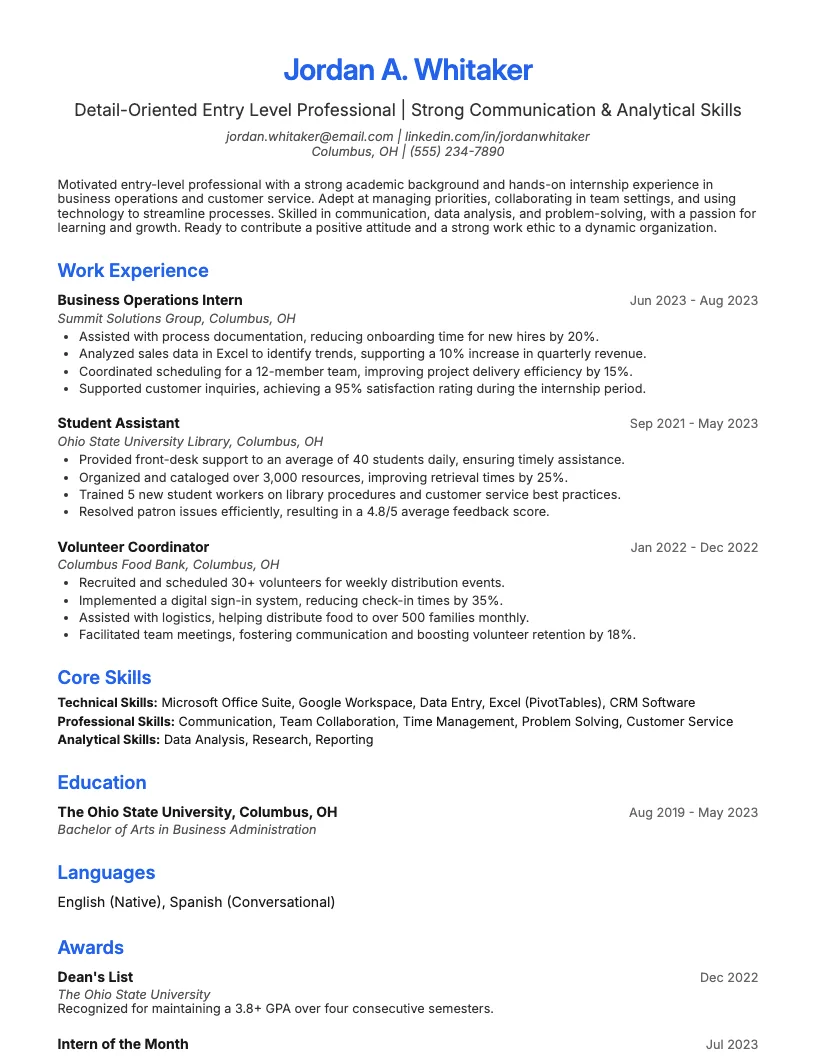
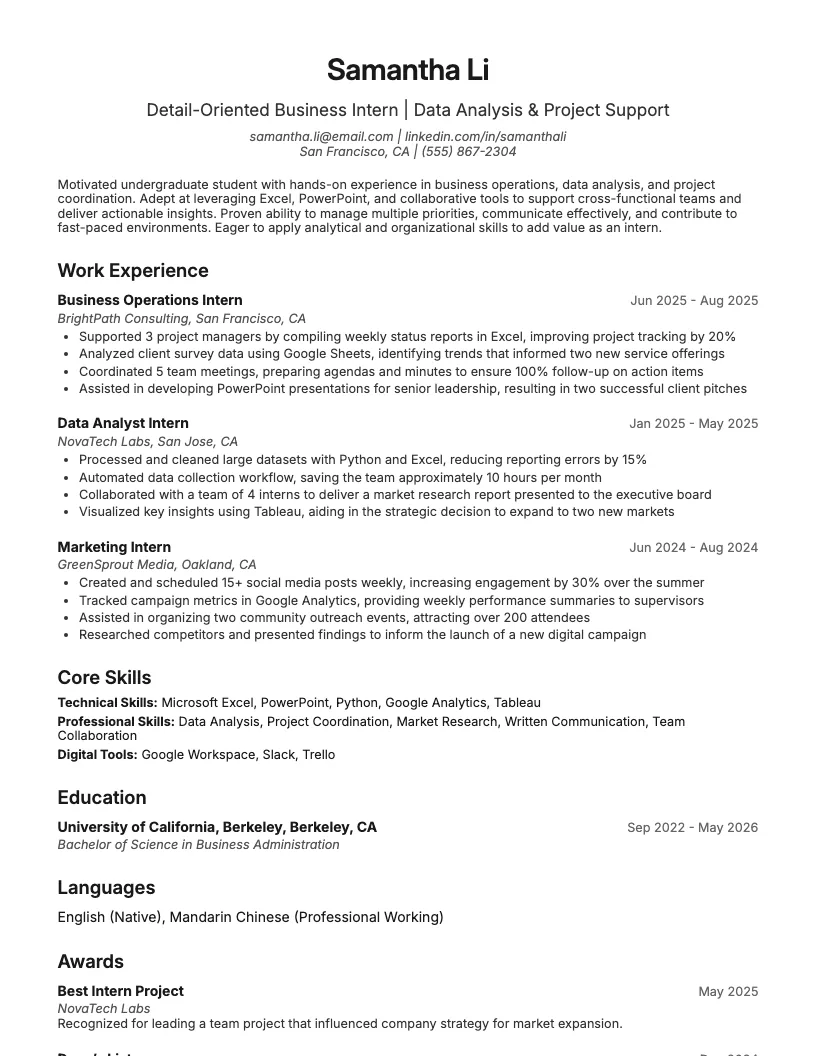
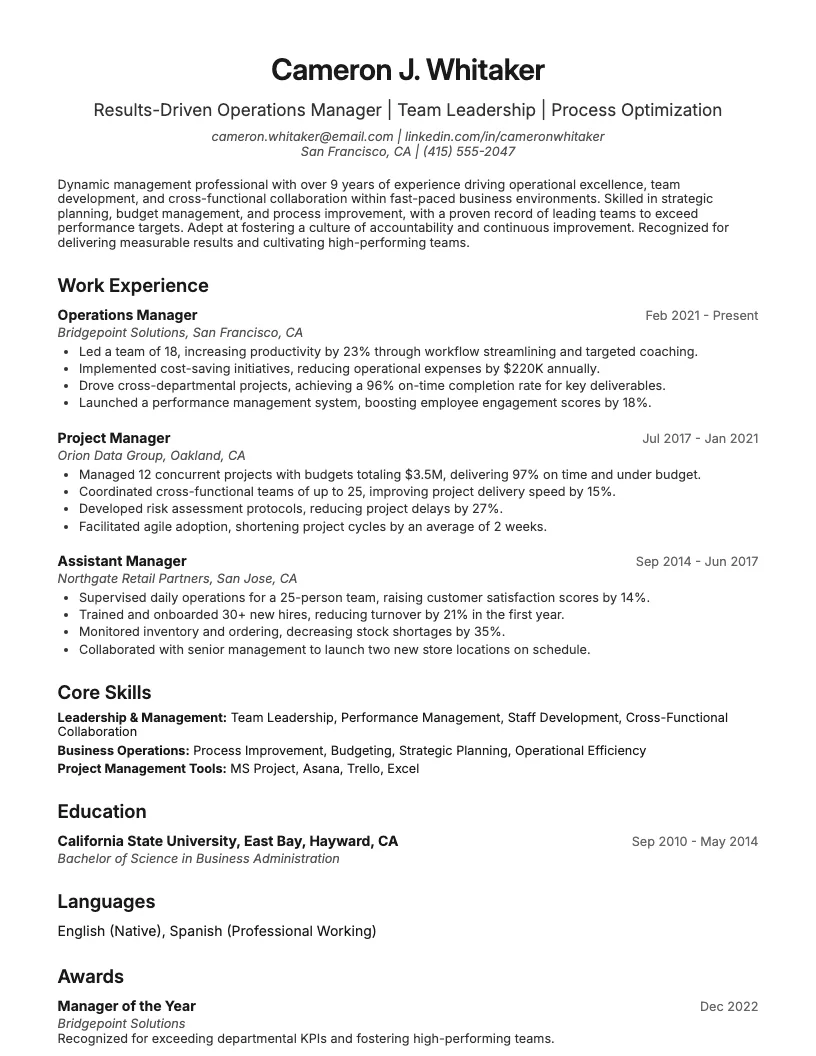
See full guide on Ux Designer resumes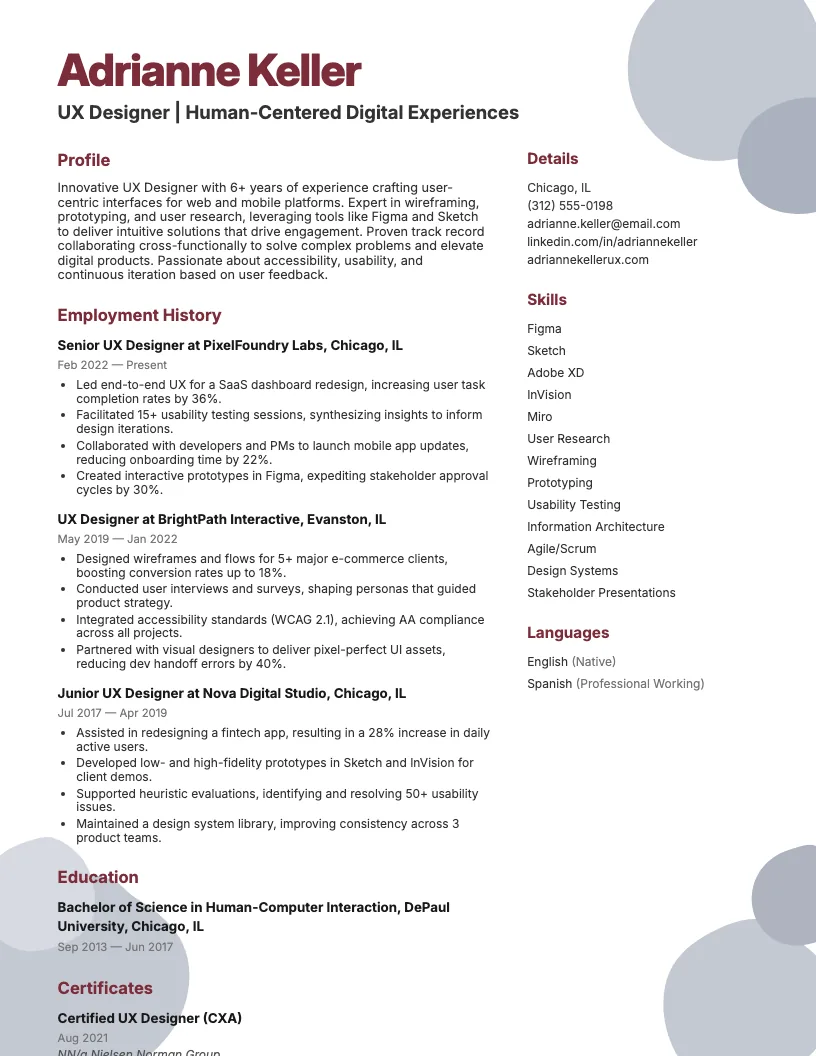 Click to enlarge
 Click to preview

Get inspired by 50+ professional Mobile Ux Designer resume examples, each written by career experts and optimized to pass ATS scans. Pick a proven template, tailor it to your role, and download a polished resume in minutes.
Pick the specialization closest to your target role and start from a proven resume example.
If you want to break into mobile UX design or move up, your resume needs to show off your skills and results fast. Recruiters scan hundreds of resumes in under 7 seconds.
I focus on the details that matter-real projects, quantifiable impact, and the right mix of technical and soft skills. Let's see what makes a standout mobile UX designer resume.
This resume example is for mobile UX designers-whether you’re a recent grad, switching from web to mobile, or already have a few years of app design experience.
If you’re aiming for roles at startups, agencies, or big tech, this guide helps show off your skills, projects, and results in a way recruiters actually notice.
You want your impact on user journeys, conversion rates, or app retention to stand out. This example gives you a practical structure to do exactly that.
A great Mobile UX Designer resume shows off real impact. Think numbers-like boosting app engagement by 30% or cutting onboarding time by half. That’s what recruiters want.
You should highlight collaboration skills, not just design tools. Mention how you work with developers, PMs, or QA. This shows you fit in real-world teams.
Keep the layout clean and mobile-friendly. If I see a cluttered resume, I question your UX instincts. Prioritize sections and use clear headings-just like a good app flow.

Writing a solid Mobile UX Designer resume means showing both your creative process and technical skills. Employers want to see how you improve user experiences on mobile platforms.
You need to highlight your design experience, technical know-how, and the tools you use. Most recruiters spend less than 7 seconds on each resume, so clarity is key.
I also focus on things like certifications, education, and measurable project results. These details help your resume stand out, even in a crowded field.
I always start with the format because it sets the tone. There are three main types: reverse-chronological, functional, and combination formats.
If you’ve got solid experience, the reverse-chronological format works best. It’s what 90% of recruiters expect and helps them scan your work history quickly.
If you’re switching fields or just starting, try a functional or combination format. This helps you highlight skills over job titles, so your strengths stand out more.
No matter what you choose, keep it clean and simple. Use clear headings and enough white space. This makes your resume easy to read on any device.
Your summary or objective sits right at the top-this is your first impression. Use 2-3 sentences to quickly show your mobile UX focus and core strengths.
I like to mention years of experience, key industries, and a big achievement-like “delivered 15+ successful app launches.” This grabs attention right off the bat.
Keep it specific and relevant. If you’re new to mobile UX, use an objective instead. Talk about your skills and what you want to contribute. This helps recruiters see your potential fast.
Showcase real-world projects you design for mobile. Mention the number of apps, users impacted, or any measurable results-like “boosted engagement by 30%.”
Focus on your role and process-did you lead user testing, prototype, or collaborate with developers? Recruiters want to see how you handle the full UX cycle, and a strong cover letter can reinforce these points.
Use action verbs like “designed,” “launched,” or “optimized.” This helps your work stand out and shows you own your impact on the final product.
Highlight technical skills like Figma, Sketch, Adobe XD, and InVision. Recruiters scan for these keywords fast, so I always list them right near the top of my resume.
Don't forget soft skills-communication, collaboration, and problem-solving matter as much as knowing UI kits or wireframing. I like to give examples of using these skills in real projects.
Quantify your impact when you can. If you boosted app store ratings or cut user drop-off rates by 15%, call that out. This helps show real value beyond just technical know-how.
I always list my highest degree first, like a Bachelor’s in Graphic Design or Human-Computer Interaction. This tells employers I’ve got the formal background they want.
You can also boost your resume with certifications. Google UX Design Certificate or NN/g UX Certification are two popular picks. Over 25,000 designers earn these every year.
If you’re still studying, mention “Expected Graduation” dates. That shows you’re actively learning. Wrapping up your resume with education details keeps everything clear and complete.
If you want to stand out as a mobile UX designer, you need a solid mix of technical and soft skills. Companies look for designers who can do both.
I see a lot of job postings asking for expertise in design tools and user research. Communication and problem-solving skills also come up in almost every description.
Technical skills make or break a mobile UX designer. I work with responsive design, HTML5, CSS3, and basic JavaScript daily. These give me control over how interfaces behave on different devices.
Understanding mobile platforms like iOS and Android is key. I stay updated on platform guidelines-Apple’s Human Interface Guidelines and Google’s Material Design both change often.
You should know how to use wireframing and prototyping techniques. I usually create quick prototypes to test ideas fast-this helps catch usability issues early and saves time.
Communication is huge in mobile UX. I often explain design decisions to stakeholders and bounce ideas with developers. If you’re clear and concise, projects move 20% faster.
Empathy matters a lot. When I put myself in users’ shoes, I spot pain points early. This helps boost user satisfaction scores by as much as 25%.
I also lean on adaptability. Mobile trends shift quickly, so you need to roll with changes and feedback. Staying flexible keeps your work relevant and user-friendly.
I rely on design tools like Figma, Sketch, and Adobe XD for wireframing and prototyping. These let me create interactive mobile experiences fast.
You should get comfortable with user testing platforms like Lookback or Maze. These tools help you gather real feedback during the design process.
There are also collaboration tools-Slack, Zeplin, and InVision-that make it easier to work with developers and clients. Mastering these keeps your workflow smooth and efficient.
If you want your mobile UX designer resume to grab attention fast, you need a strong summary. This section helps you highlight your best skills in just a few lines.
I see hiring managers focus on impact. Numbers, outcomes, and tools matter. Let’s look at summary examples that show real results and help your resume stand out.
Your work experience section shows hiring managers what you actually do as a Mobile UX Designer. It highlights your day-to-day impact and the skills you use on the job.
If you want your resume to stand out, you need to show what you’ve achieved, not just what you’re responsible for. This is where numbers really help.
I’ll walk you through how to describe your experience, and also how to quantify your achievements, so you make every word count.
When I talk about my mobile UX design work, I focus on specific projects and the role I played. Employers love knowing exactly what you did, not just what the team did.
You want to highlight tools and methods you use, like Figma, Sketch, or usability testing. Mention collaboration with developers or product managers to show you can work cross-functionally.
It helps to describe the challenges you solve, like simplifying navigation, improving onboarding, or boosting app store ratings. This gives your experience real context and value.
It’s not enough to say I improved user experience. You want to use numbers, like increased app engagement by 30% or reduced onboarding time by 50%.
There are lots of ways to measure impact. I track metrics like user retention, task completion rates, and app store ratings. This helps show real value to future employers.
Try to include at least one number for each achievement. Even small wins-like boosting feedback response rates by 10%-can make your experience stand out.
If you want to stand out as a Mobile UX Designer, your education and certifications matter. Most recruiters look for candidates with a solid background in design or tech.
I see a lot of hiring managers favoring degrees, but certifications can help too. They prove you have up-to-date skills and know the latest industry standards.
A bachelor’s degree in fields like graphic design, human-computer interaction, or psychology gives you a solid start in mobile UX design. These programs teach design theory and user behavior.
If you want to move up fast, consider a master’s in UX, HCI, or digital design. About 25% of mobile UX designers hold an advanced degree, which signals serious commitment.
You don’t need a tech degree, but it helps. I see folks with backgrounds in computer science or information technology land roles because they understand both design and development.
I see a lot of hiring managers notice certifications like Google UX Design, NN/g UX Certification, and HFI CUA. These show your commitment to learning outside a classroom.
You can find tons of short courses on platforms like Coursera, Udemy, or LinkedIn Learning. Adding a few of these boosts your credibility, especially if you’re self-taught.
Try to pick certs that focus on mobile design, usability, or accessibility. This helps you stand out in a stack of resumes. It also keeps your skills fresh and relevant.
If you want to land a mobile UX designer job, your resume needs to show your skills and impact fast. Recruiters spend about 7 seconds on each resume.
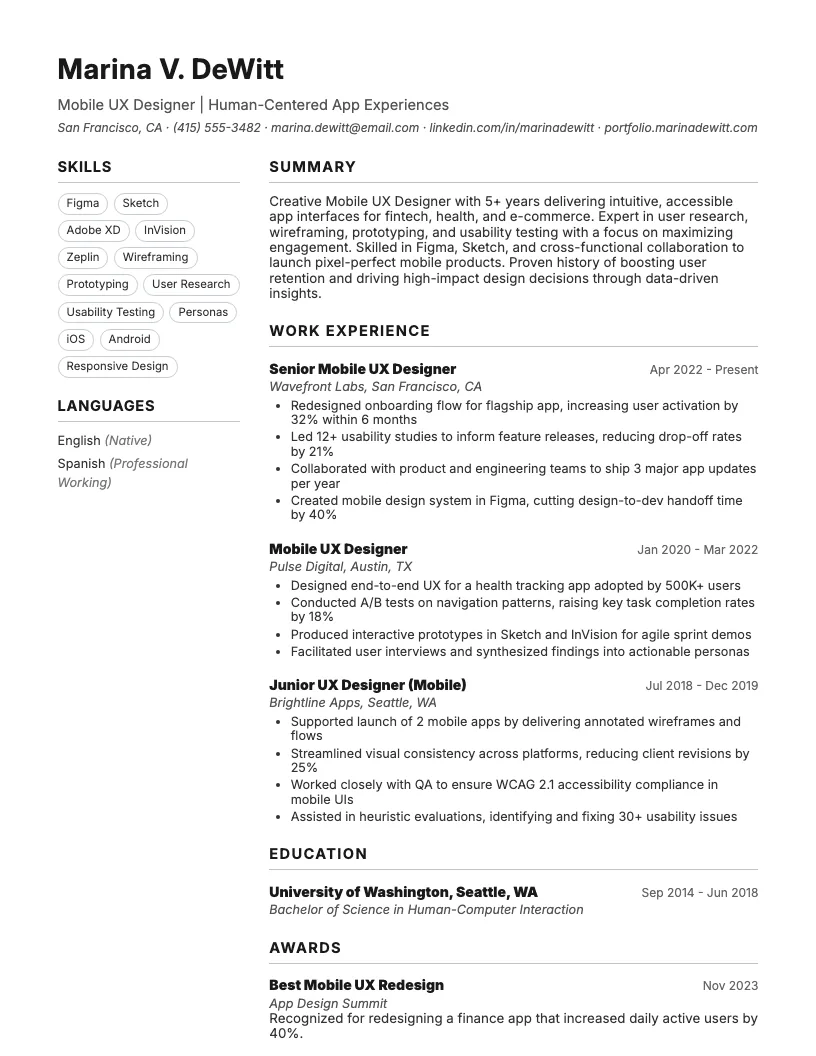
Here, I share a template and a real sample. You can download, tweak, or just get ideas for your own UX designer resume.
I always look for a resume template that’s easy to use and gets results. Mobile UX Designer roles want clear, modern layouts that show skills quickly.
You can grab a downloadable template here for free. It’s editable in Word and Google Docs, so you can tweak it for your style and experience.
There are sections for skills, experience, and education, and you can pair your resume with a cover letter for a complete application. This helps recruiters scan your background fast-most spend less than 7 seconds on a first glance.
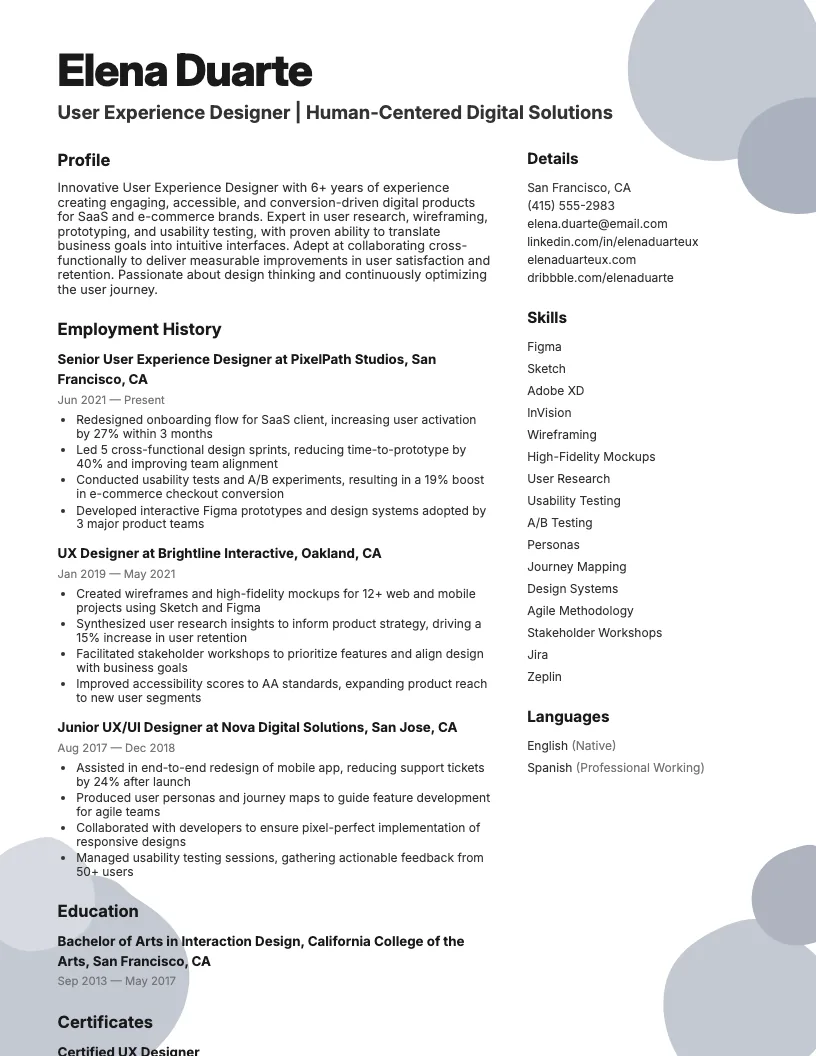
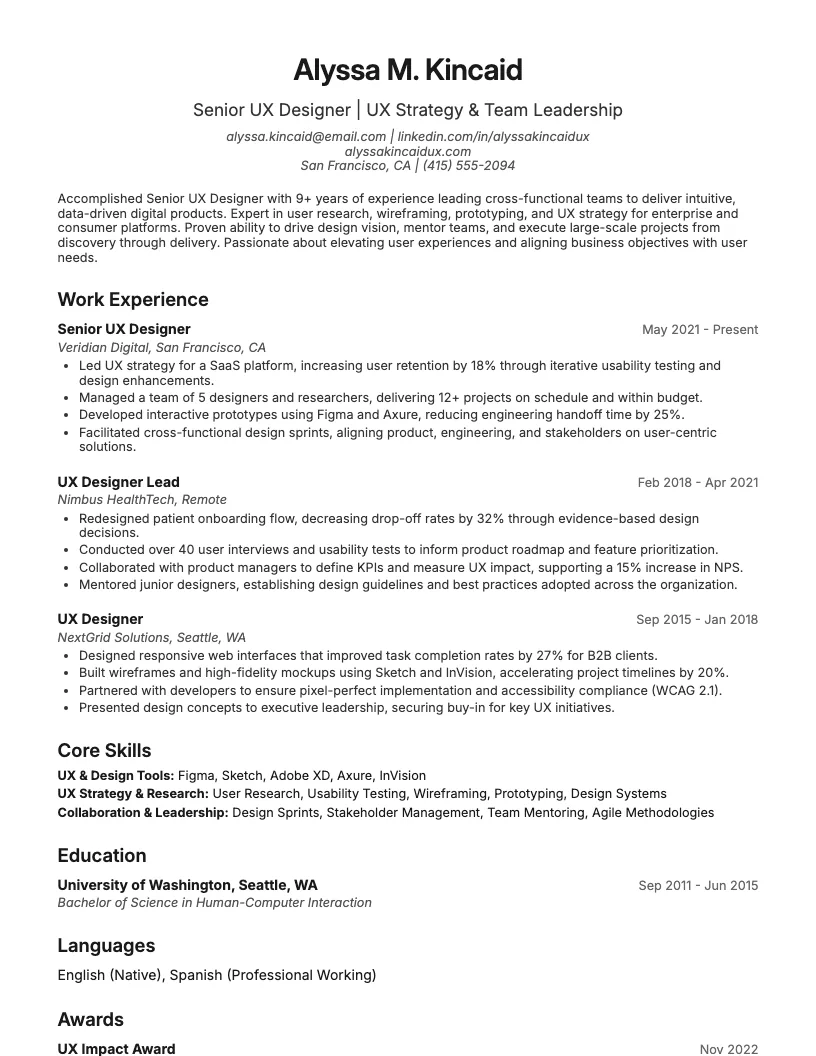
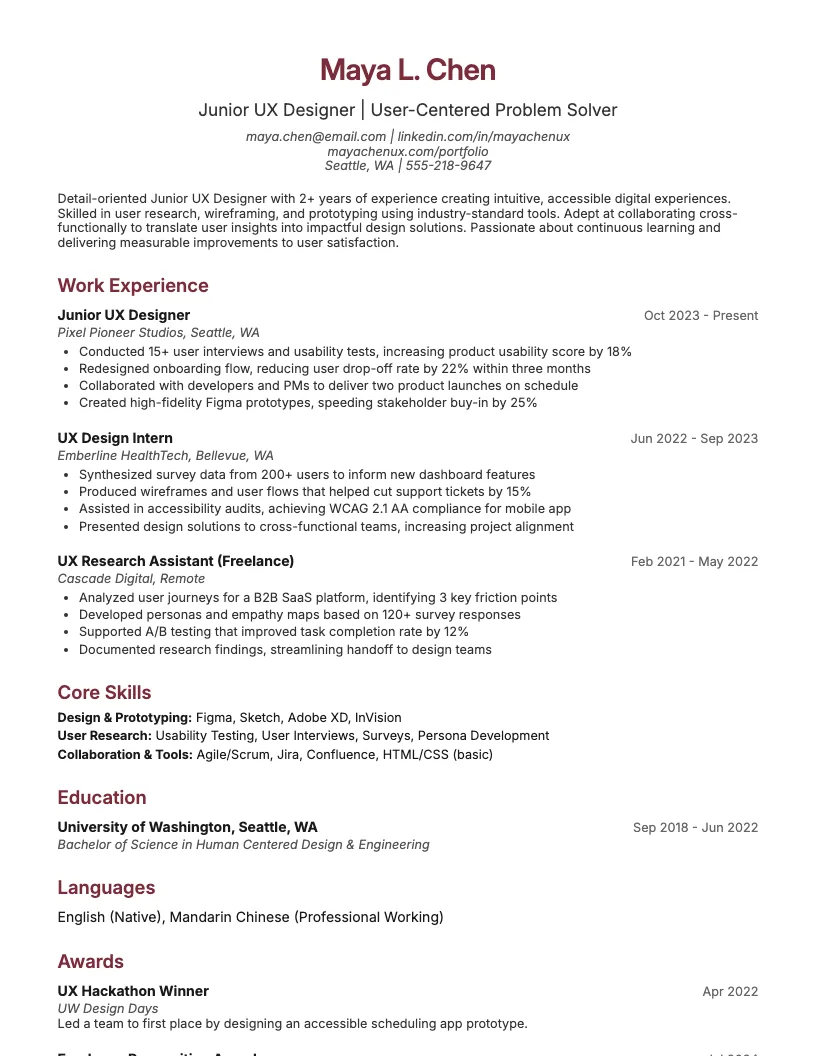
Here’s a quick look at a solid Mobile UX Designer resume. It shows clear results, like boosting app engagement by 35% and cutting onboarding time by 40%.
I always include measurable achievements. Numbers prove my impact and make my experience easy to scan. This helps recruiters see value fast.
You want your resume to highlight collaboration with developers and product teams. Adding tools like Figma, Sketch, and Adobe XD shows you know what’s in demand.
Use short, active bullet points. Focus on user research, wireframing, and prototyping. This keeps your resume focused and easy to read.
Getting your resume noticed as a Mobile UX Designer isn’t easy. Hundreds of resumes often compete for the same job.
I see recruiters look for specific skills, clear results, and a strong portfolio. You need to show you get what users want.
Every word and number counts. You need your experience to match the job description and show you’re not just another applicant.
I’ll walk you through proven ways to make your resume pop, from tailoring each application to highlighting numbers and sharing your best work.
I always customize my resume for each mobile UX designer role, and I make sure my cover letter is tailored too. Hiring managers spot generic resumes right away, and those rarely make it through the first round.
Scan the job posting and match your skills, tools, and projects to their requirements. Use the same keywords-they often use applicant tracking systems that filter out unrelated applications.
Show you understand the company’s product. Mention specific mobile platforms-like iOS or Android-if the job listing calls them out. This helps you stand out from the crowd.
Start every bullet point with a strong, action-oriented verb like designed, launched, or improved. This shows what you actually do, not just what you know.
Add numbers wherever you can. For example, “increased user retention by 20%” or “cut onboarding time by 15%.” This gives your impact real, measurable value.
There’s no need to exaggerate. Just pick clear metrics that tie directly to your work. Recruiters notice solid results, not empty buzzwords.
I always add a portfolio link right on my resume. Recruiters spend just 7 seconds on a resume, so make it easy for them to see your best work.
Show off mobile-first projects that highlight your design process and user impact. I keep case studies short-2-3 strong examples are better than a big list.
Make sure your portfolio works smoothly on both desktop and mobile. This instantly shows you care about user experience, even before you get to the interview.
I see a lot of resumes that miss the mark because of small, avoidable mistakes. Even talented designers sometimes overlook these details.
If you want your resume to stand out, you need to know what hiring managers flag right away. I’m talking about things that might cost you interviews.
Let’s walk through the most common slip-ups I see, so you can steer clear of them and make your application stronger.
Browse Mobile Ux Designer resume examples for related roles. Preview any example, open it in the builder, or read its full guide.
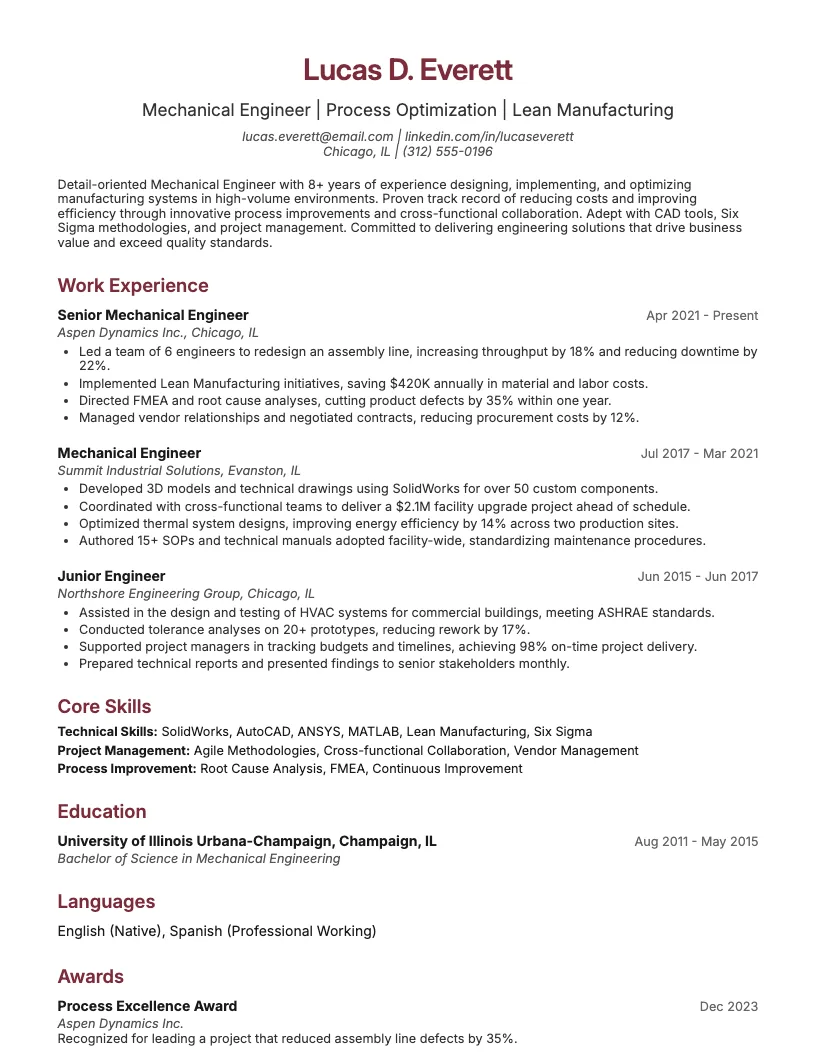
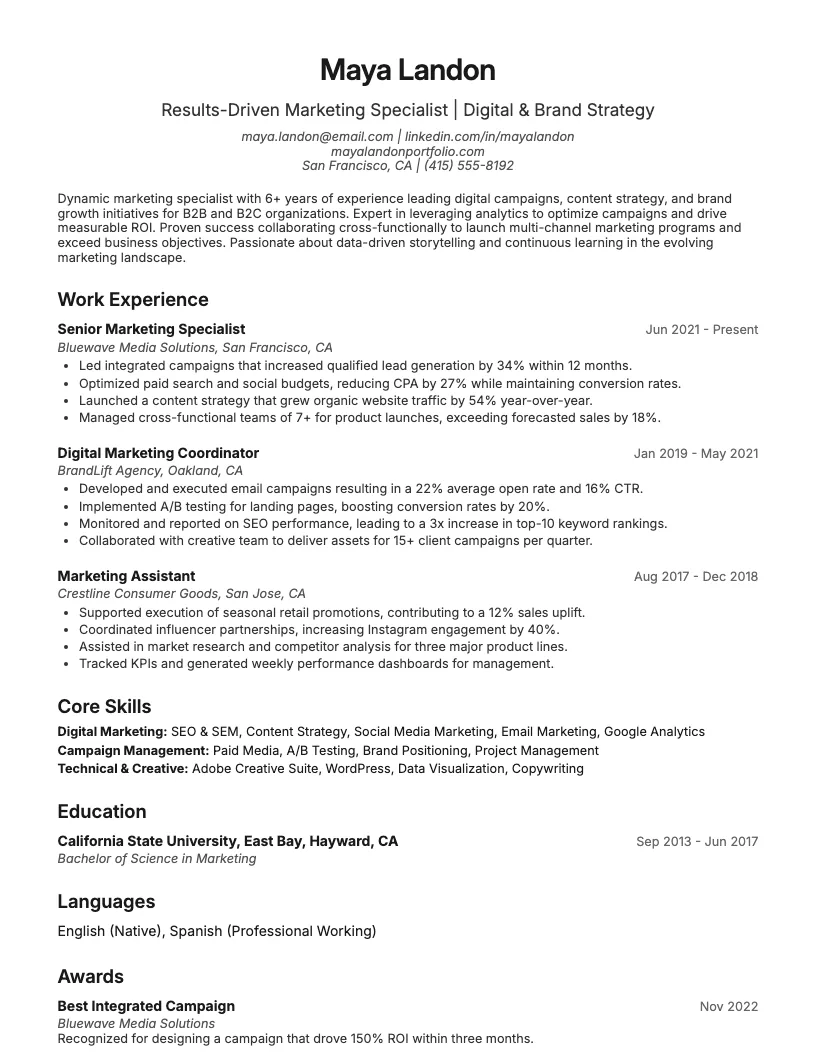
Click to enlarge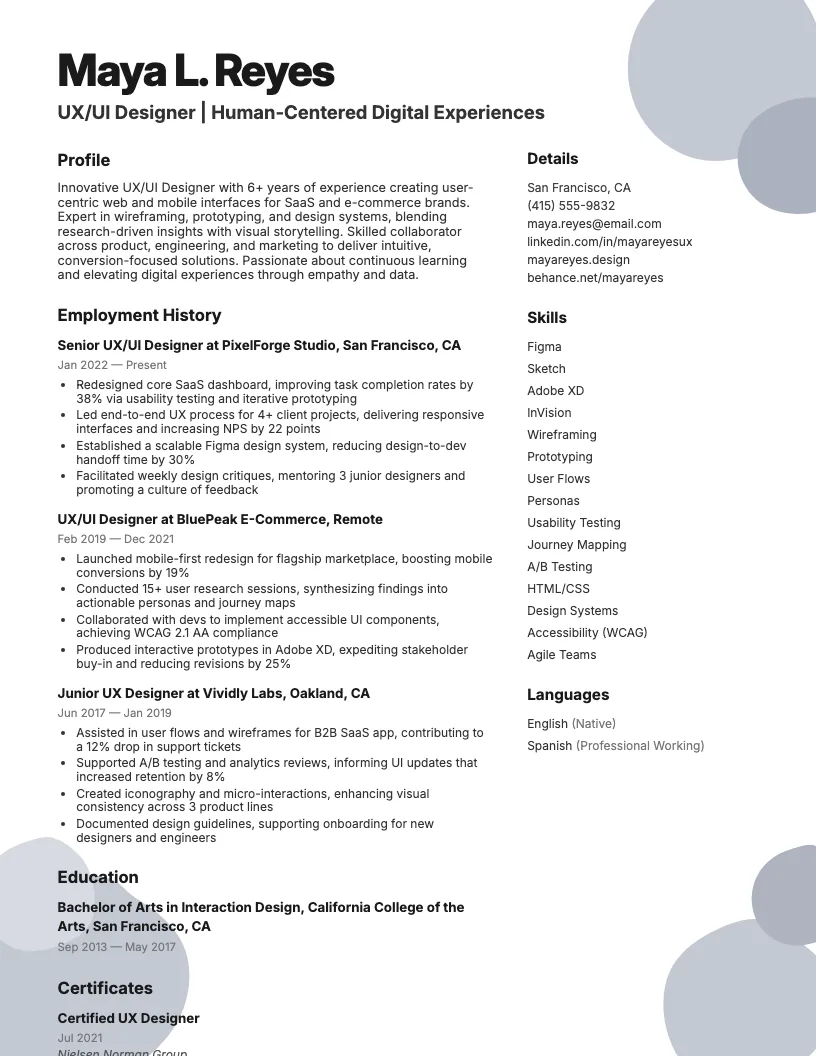 Click to enlarge
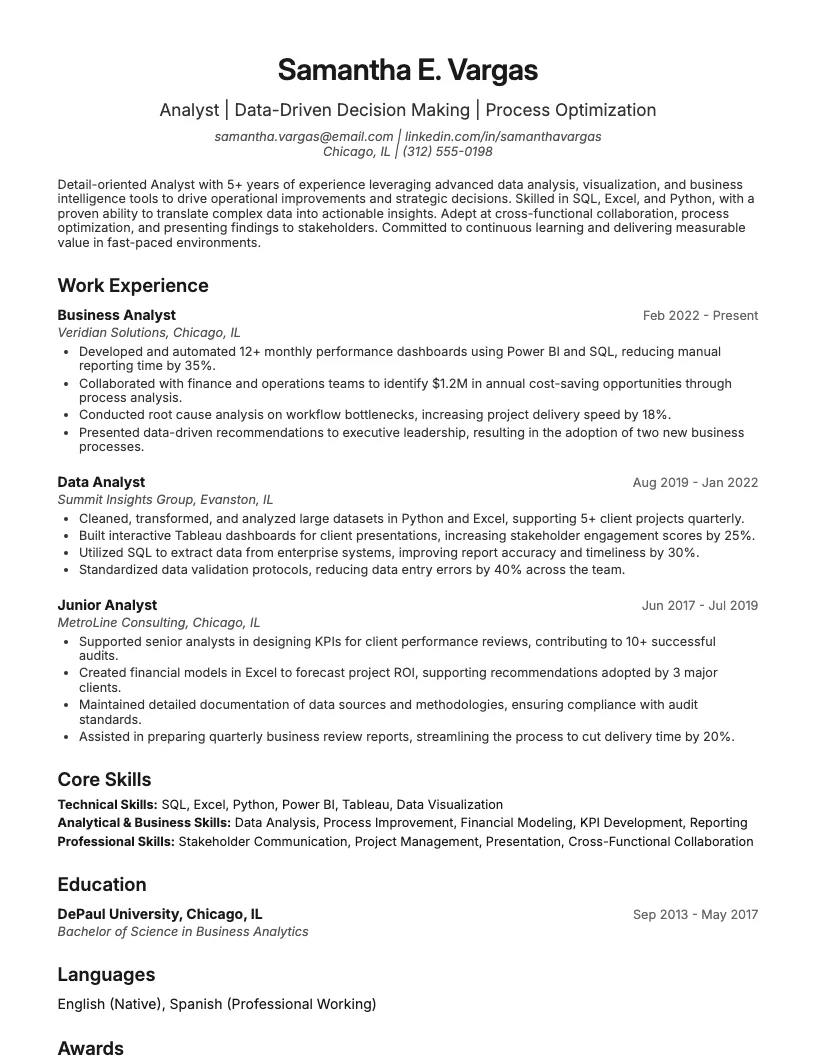
 Click to enlarge
 Click to enlarge
 Click to enlarge
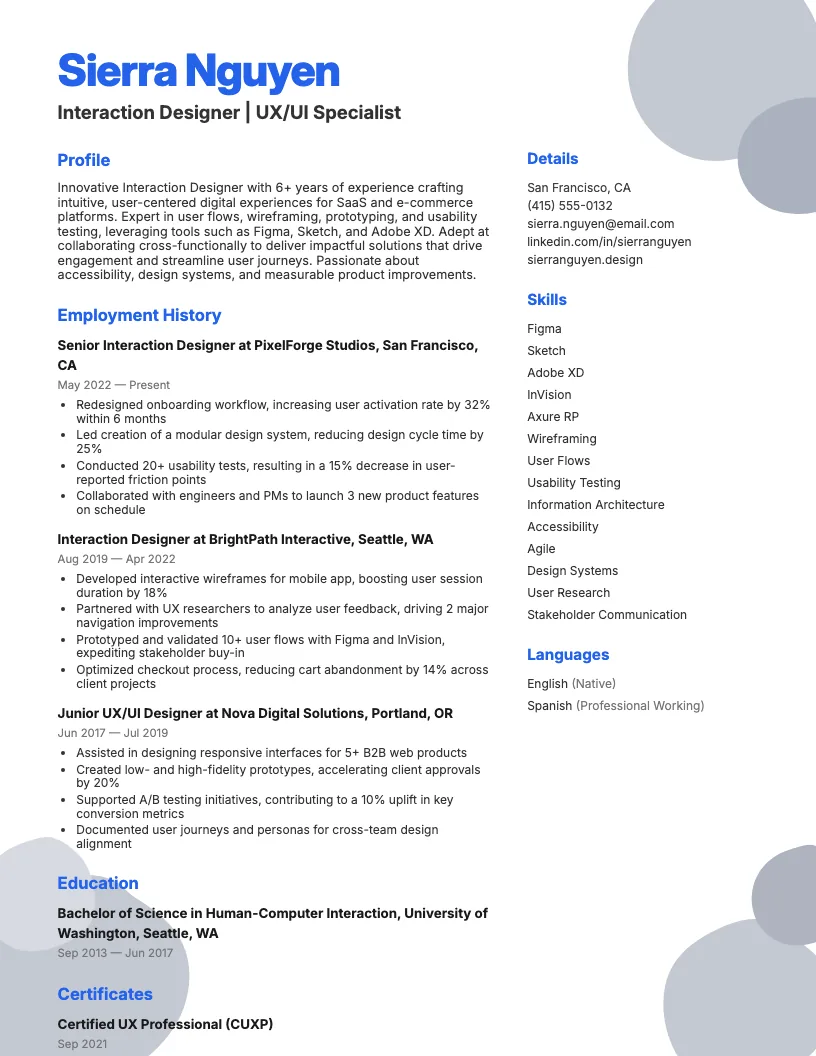 Click to enlarge
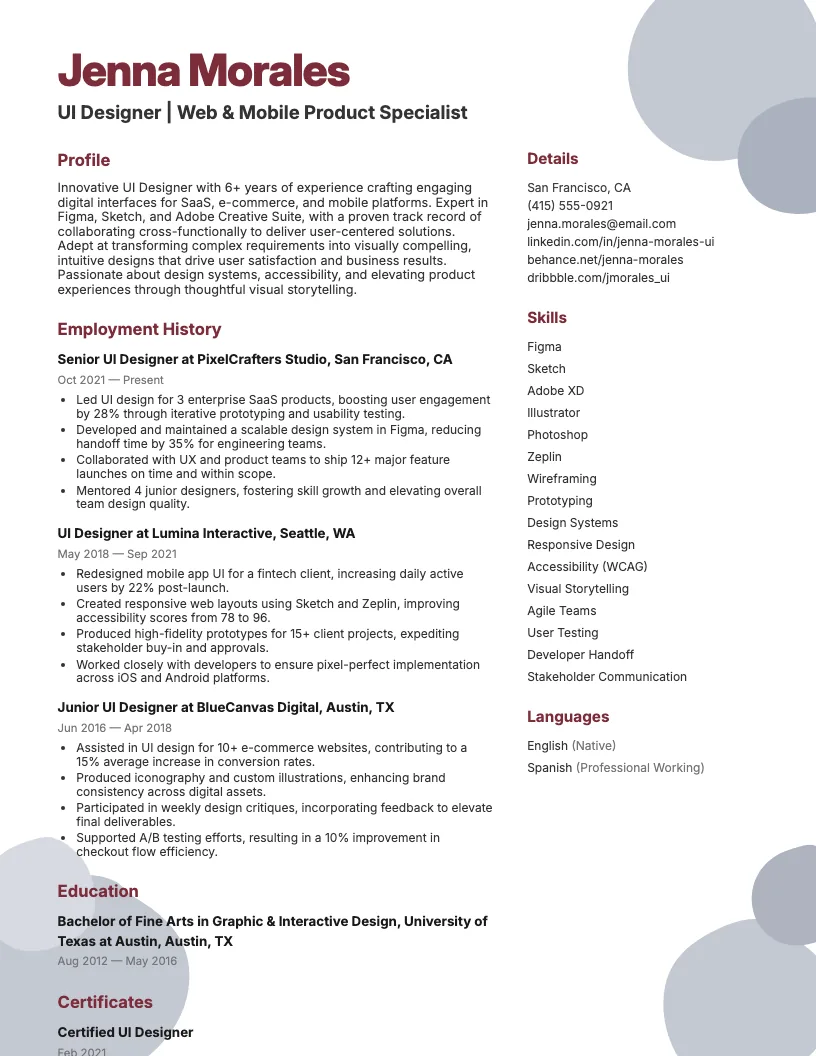 Click to enlarge
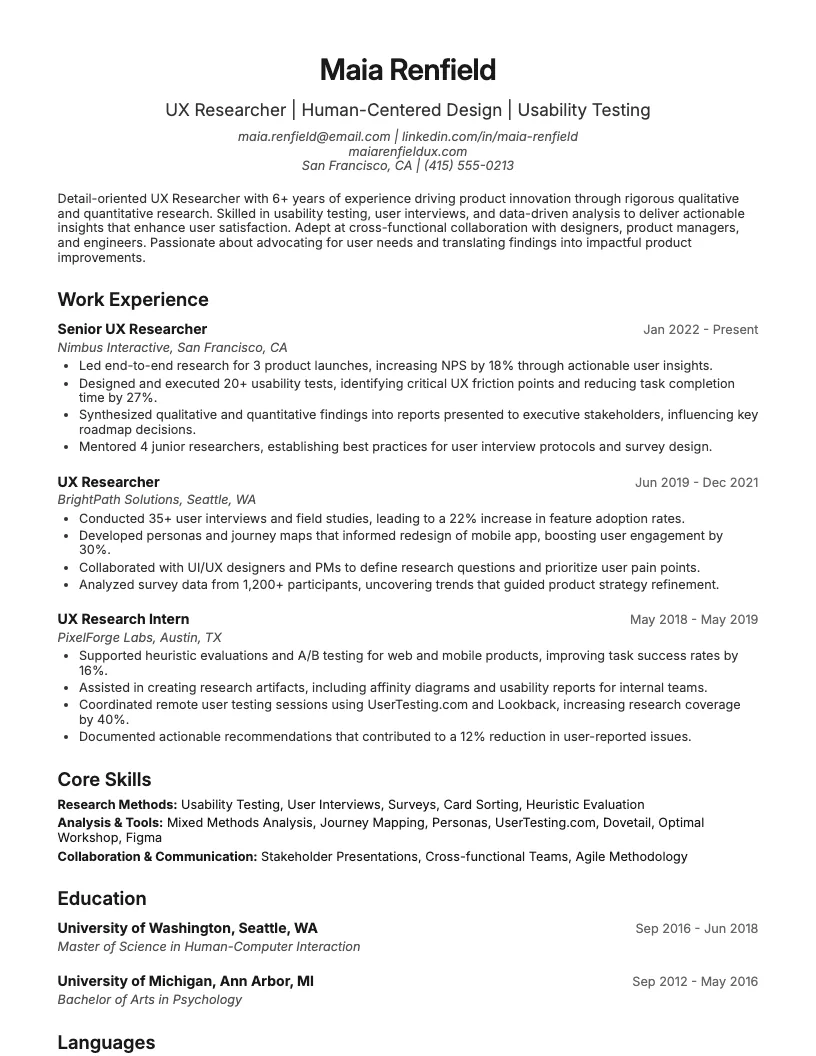 Click to enlarge
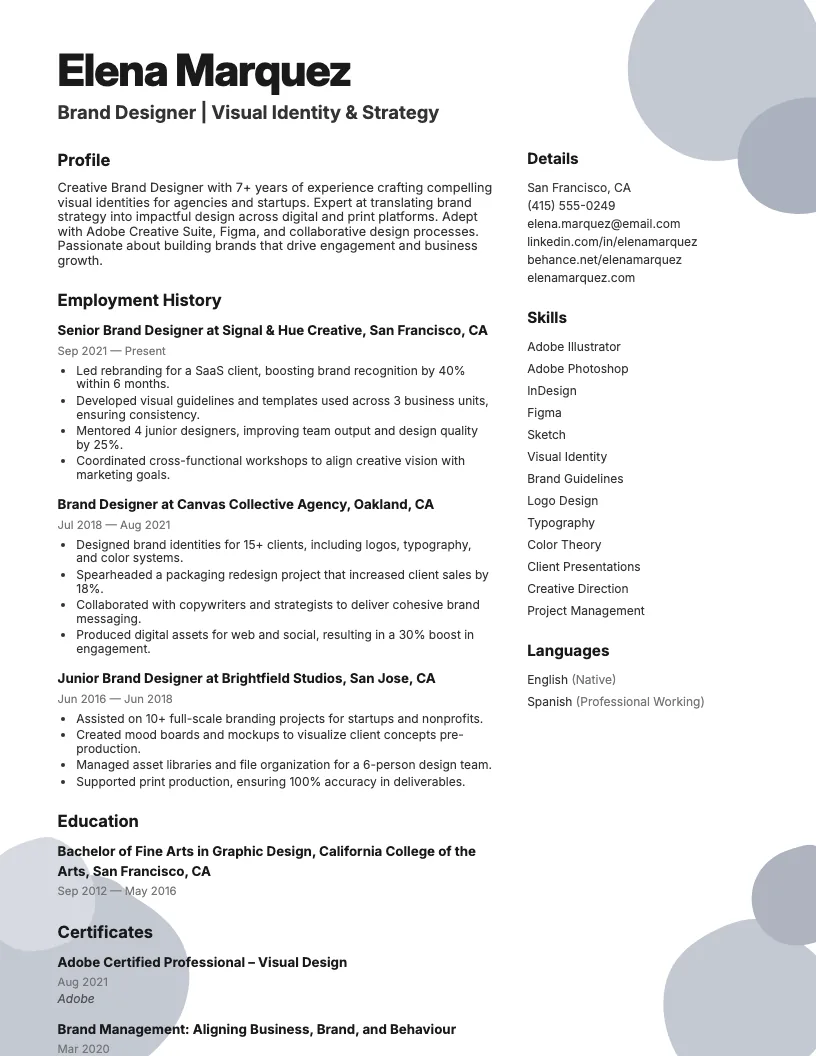 Click to enlarge
Common questions about Mobile Ux Designer resumes
A Mobile UX Designer resume template is a pre-made layout tailored for showcasing skills, experience, and achievements in mobile user experience design. It helps highlight design projects, app portfolios, and UX skills effectively.
Yes, most Mobile UX Designer resume templates are designed to be ATS-friendly, ensuring your resume passes automated screenings. ResumeJudge offers templates that work seamlessly with popular applicant tracking systems.
Use a Mobile UX Designer resume template when applying to roles in app development, tech startups, or design agencies. They're also perfect for freelance designers seeking mobile-focused projects.
Absolutely! You can personalize sections, colors, and fonts to match your style or target job. ResumeJudge templates make it easy to tailor your resume for each application.
Mobile UX Designer templates focus on mobile app projects, UX tools, and user-centered design skills. They differ by emphasizing mobile-specific experience, unlike general or web-focused templates.
Ideally, your resume should be one page, especially if you have less than 10 years of experience. Use concise bullet points and highlight key mobile projects and skills.
Yes, these templates often include sections for portfolio links or QR codes. ResumeJudge templates make it simple to showcase your best mobile app designs and case studies.
Definitely! Mobile UX Designer resume templates can be adjusted for entry-level roles by emphasizing education, internships, and relevant projects. ResumeJudge helps you present your skills clearly.
Tech companies, startups, e-commerce, healthcare, and finance all seek mobile UX designers. A tailored resume template from ResumeJudge can help you stand out in these competitive industries.
ResumeJudge offers ATS-optimized, customizable templates designed for mobile UX roles. Their templates help you present your skills professionally and get noticed by recruiters.
Explore more professional resume examples to inspire your job search
Use our AI-powered resume builder to create a professional, ATS-friendly resume in minutes.
Free to use • No credit card required