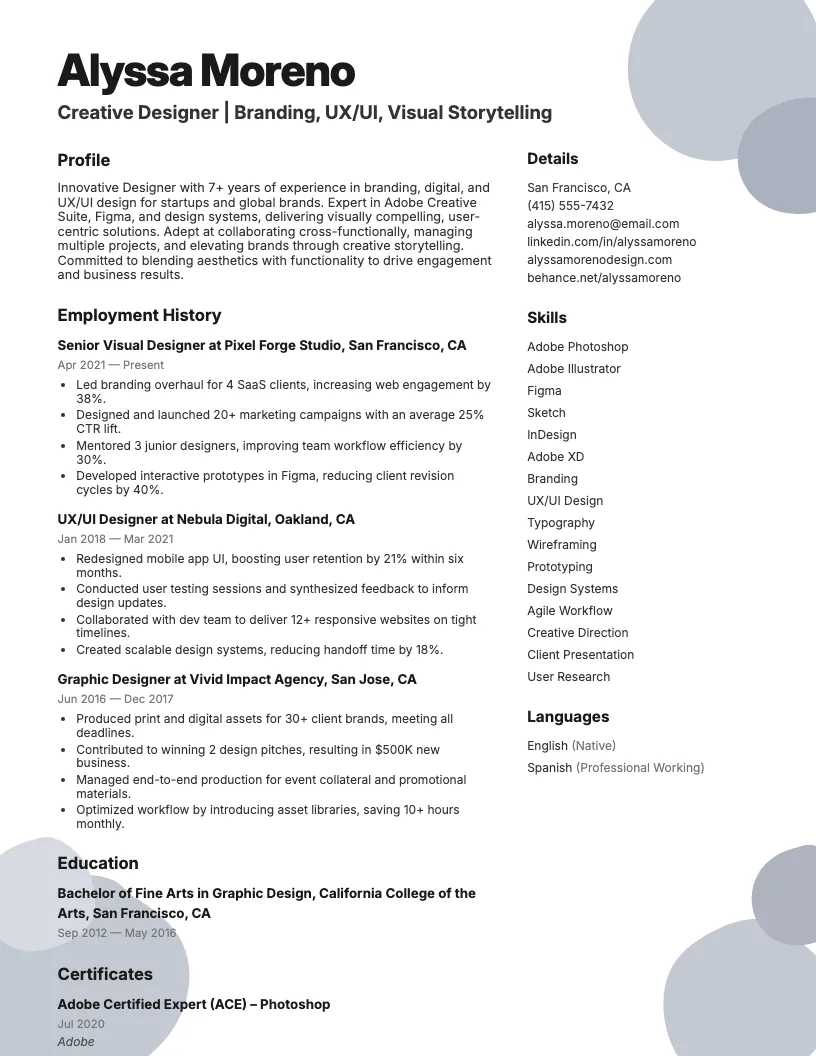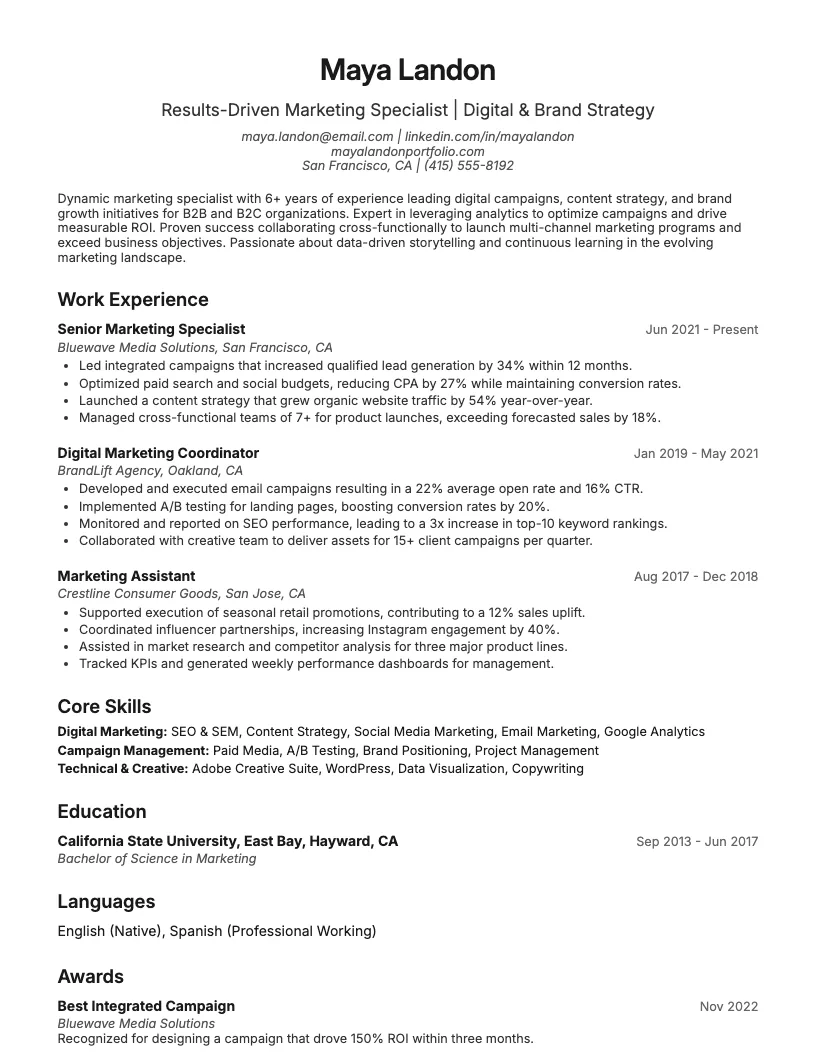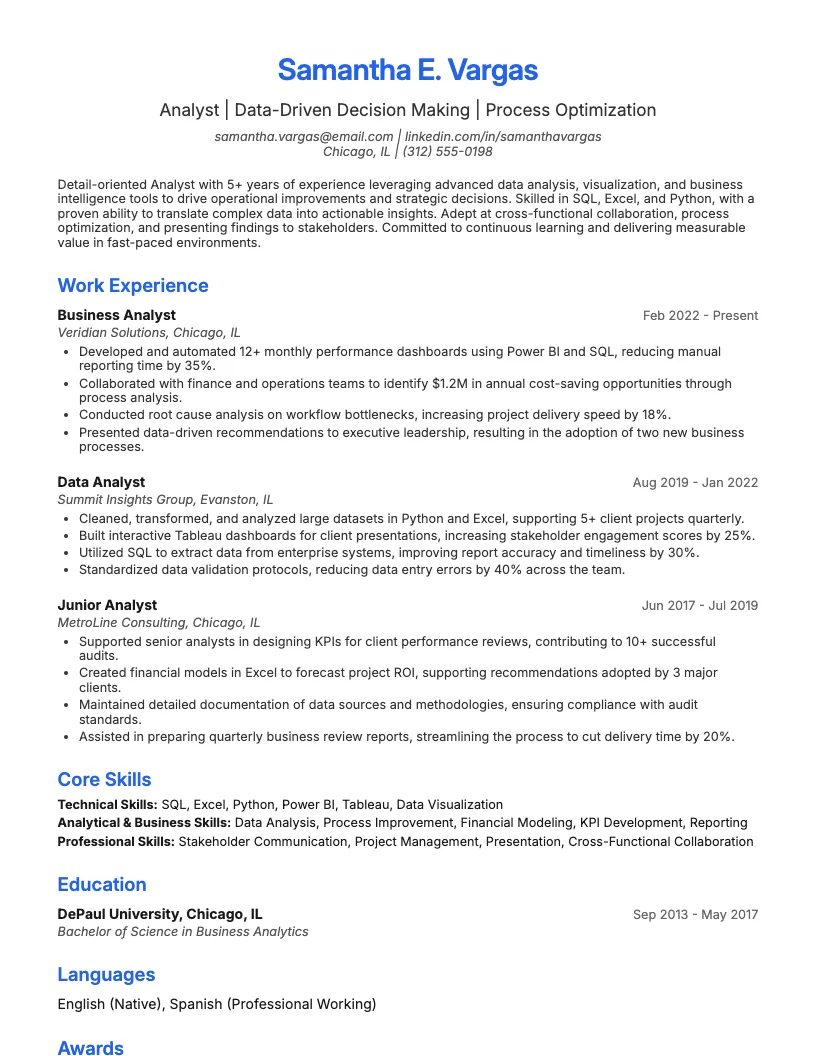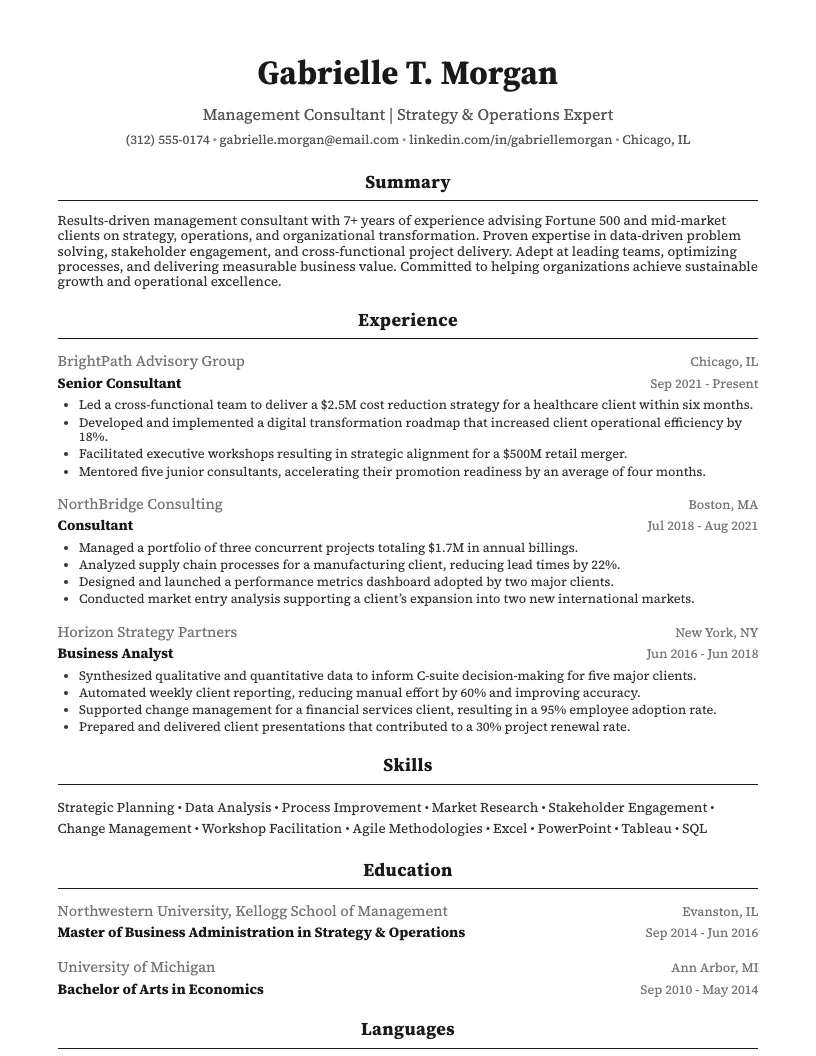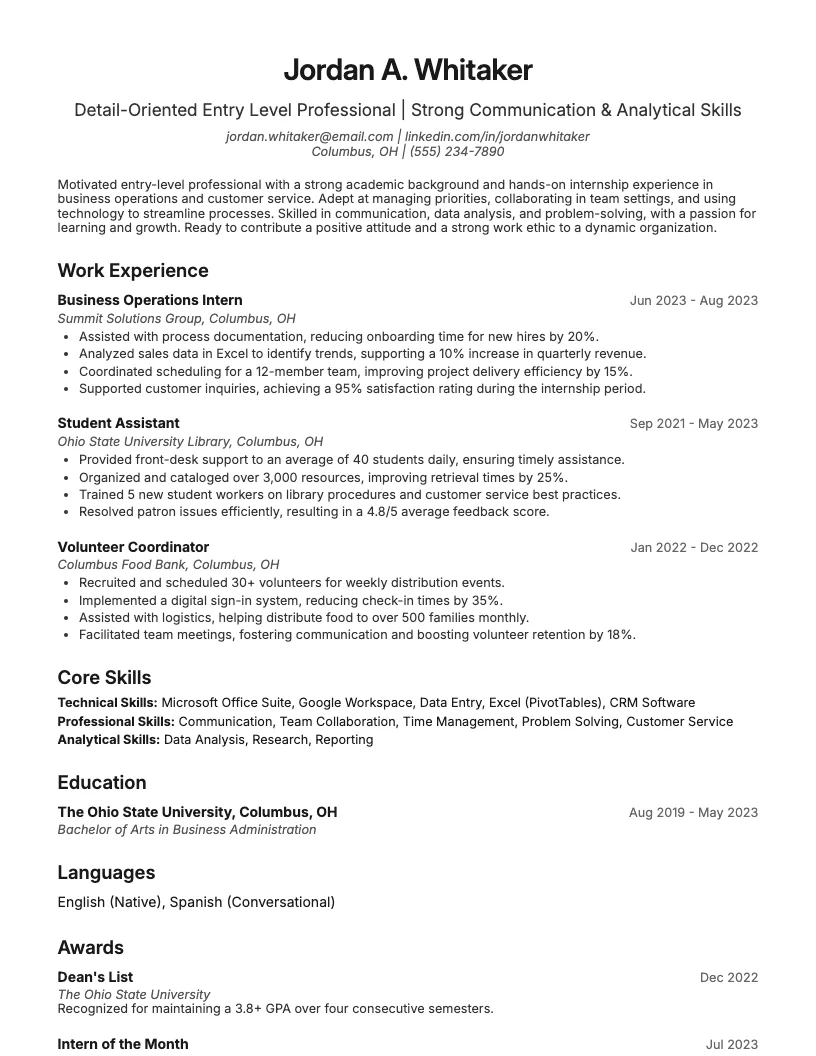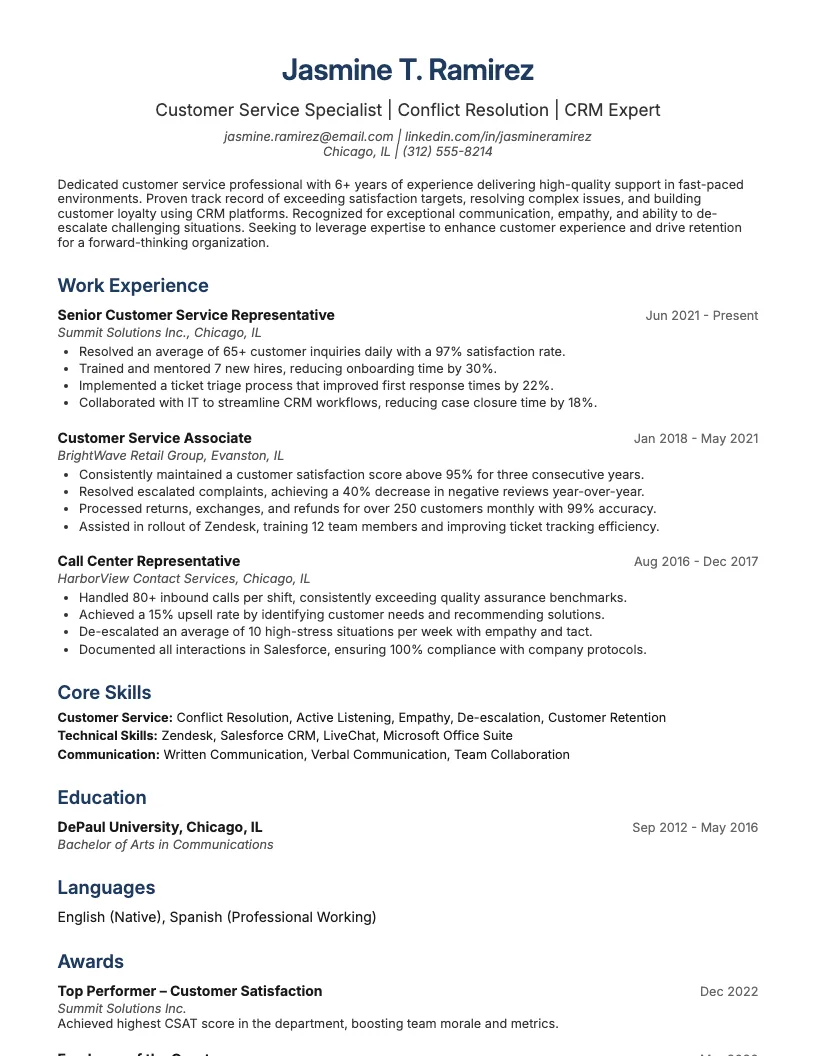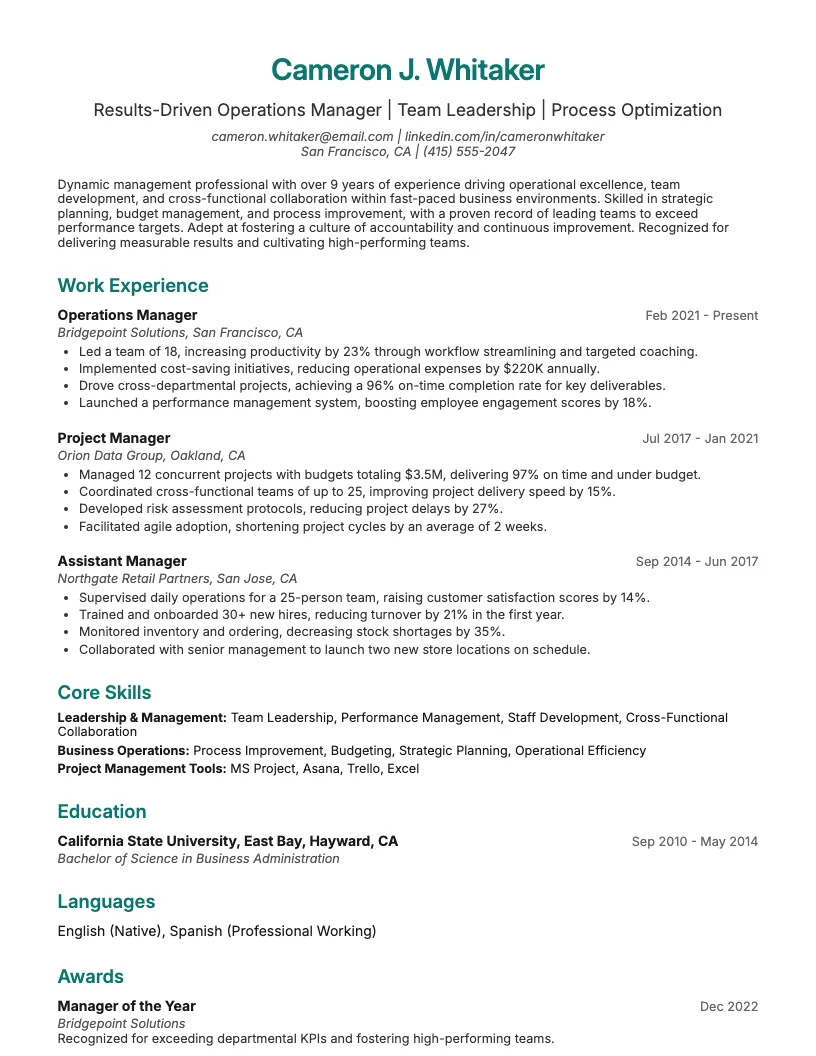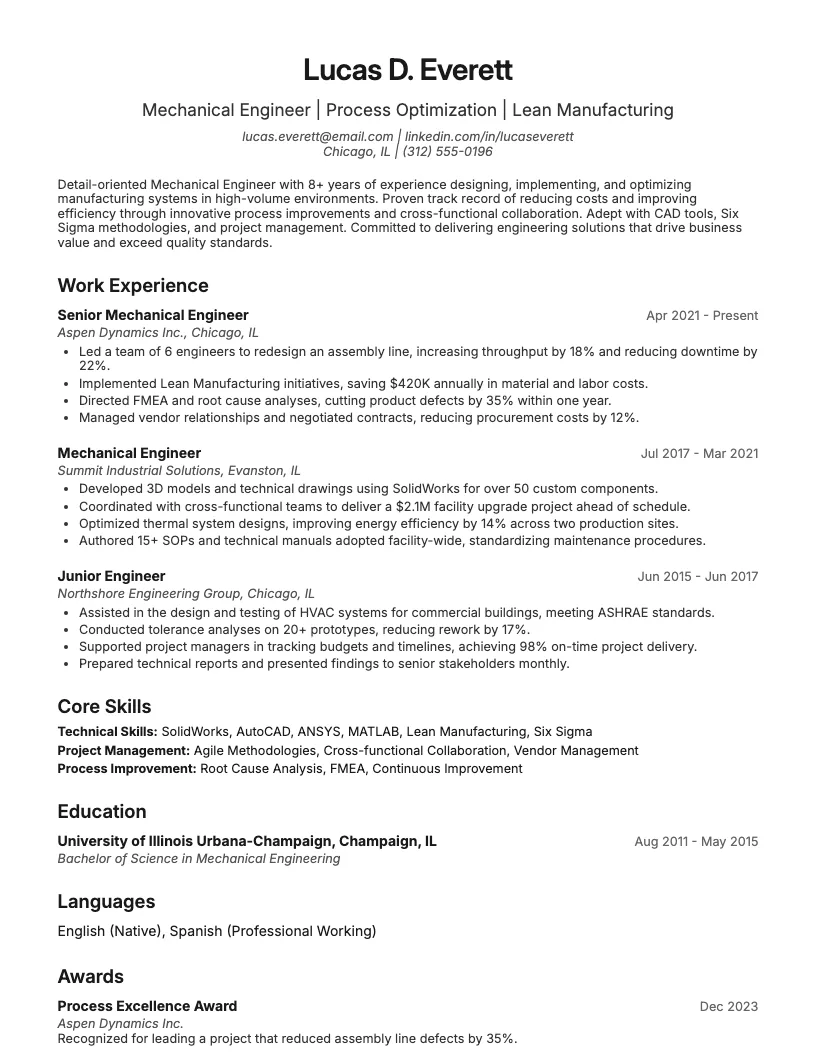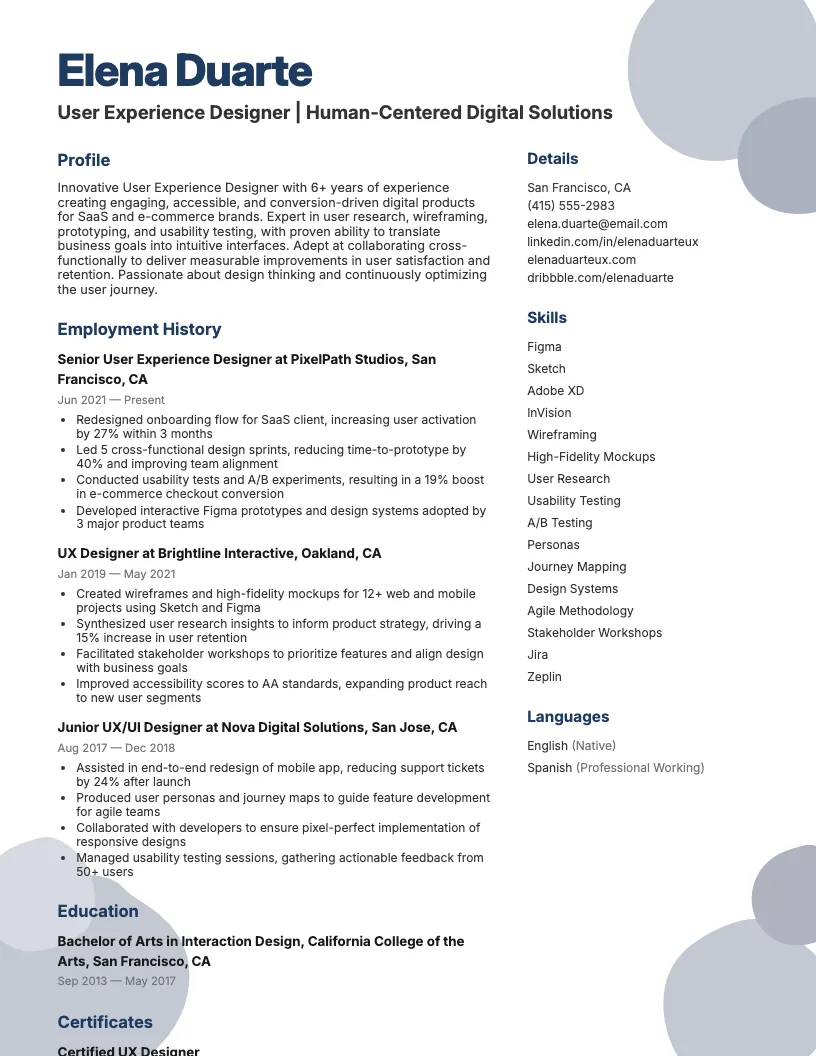
Ux Designer Resume Example
See full guide on Ux Designer resumes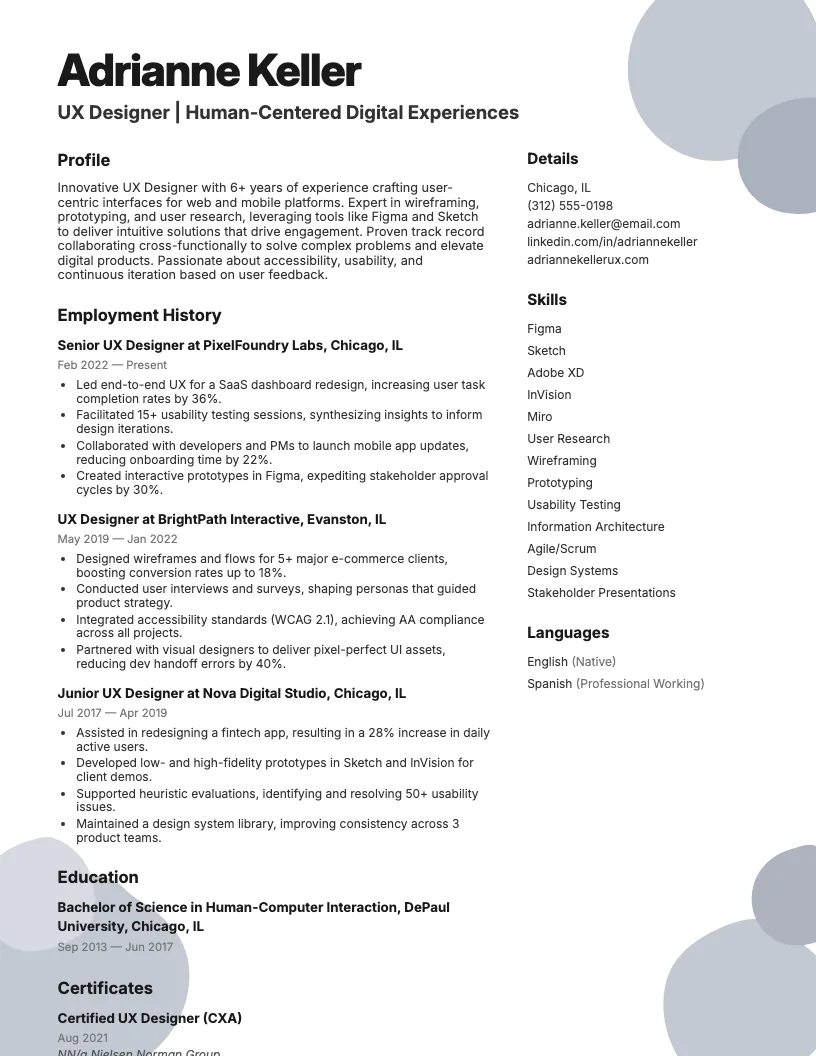 Click to enlarge
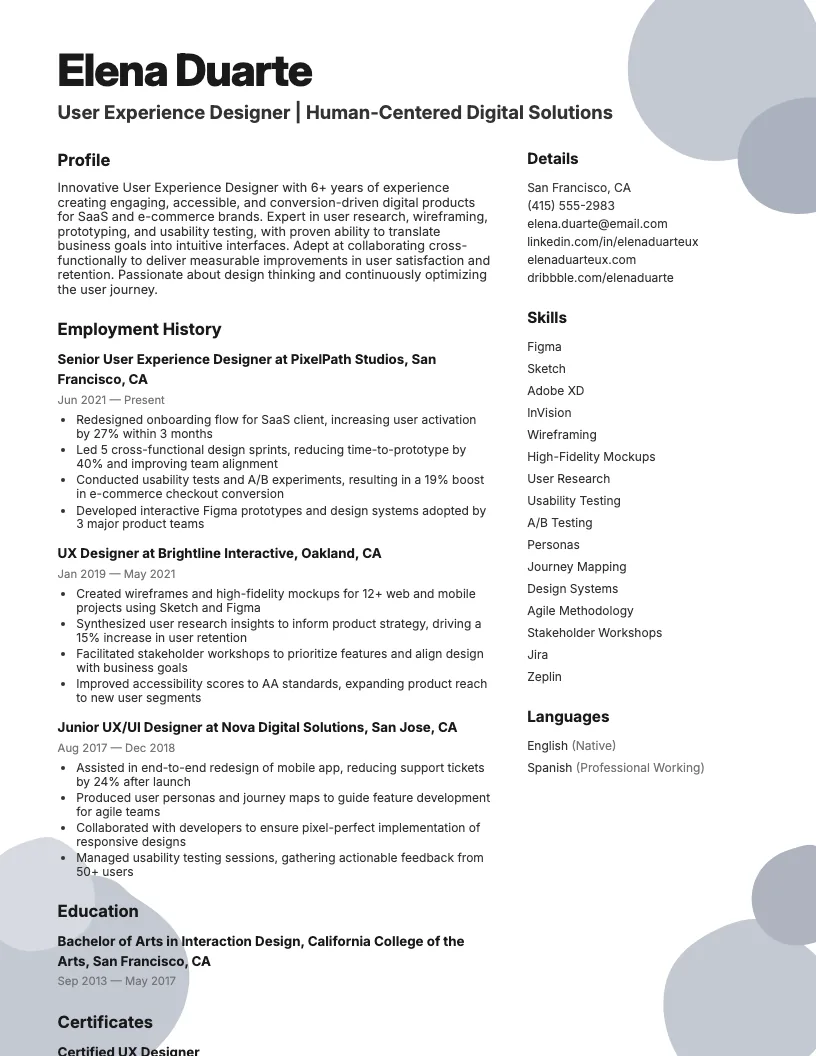 Click to preview

Get inspired by 62+ professional User Experience Designer resume examples, each written by career experts and optimized to pass ATS scans. Pick a proven template, tailor it to your role, and download a polished resume in minutes.
Pick the specialization closest to your target role and start from a proven resume example.
User experience design covers a lot of ground. I see roles ranging from entry-level to lead, and each one asks for something different on your resume.
You might be just starting out, or maybe you’ve been in the UX world for over 10 years. Either way, you need a resume that matches your level.
In the next sections, I break down real examples for each stage of a UX career. This helps you see what gets results at every step.
Starting out in UX? Your resume needs to show how your skills from school, internships, or volunteer work apply directly to user experience. I always emphasize relevant projects.
Keep everything consistent-from the tone to the keywords. Align your resume with your LinkedIn so recruiters see a clear, focused professional story. This helps build credibility fast.
Highlight your adaptability. If you learned a new prototyping tool in two weeks or contributed to a cross-functional team, mention it. Recruiters like seeing real-world problem-solving even if you’re new.
As a junior UX designer, I highlight hands-on projects-internships, freelance gigs, or university work. I mention specific tools like Figma, Sketch, and user research methods I actually use.
You want to show you understand the company’s values. I connect my resume to their design approach, recent projects, or product vision. This helps me look like a great fit.
There’s value in showing enthusiasm for learning. I point out how I collaborate with developers, iterate on feedback, and stay up-to-date with new UX trends. That makes your resume stand out.
If you’re a senior UX designer, I suggest you highlight your impact. Use real numbers-like improved conversion rates by 30% or reduced user errors by 40%.
Show how you guide teams and influence strategy. I like to include cross-functional leadership, mentoring, and how I connect design to business goals in my resume.
Tie your values to the company’s mission. This shows you’re not just there for the job-you care about the bigger picture. End with an invite to review your portfolio.
At the lead or principal level, your resume needs to shout strategy and impact. I always highlight vision, team leadership, and how my work aligns with business outcomes.
Use data-think “improved user retention by 35%” or “launched design system used by 10+ teams.” This helps show you drive results, not just design nice interfaces.
You want your resume story to connect decisions to outcomes. Focus on cross-functional leadership, change management, and tailoring solutions to each organization’s unique needs.
If you blend user experience and user interface skills, your resume needs to show both—and your application should include a cover letter tailored to the role. I focus on visual storytelling and highlight how my designs impact usability and brand consistency.
Use a clean, organized structure-clear headings, bullet points, and plenty of white space. Recruiters spend under 8 seconds scanning, so I make every section instantly scannable.
Showcase real accomplishments with numbers. For example, “Improved UI workflow, cutting user onboarding time by 40%.” This proves your value, not just your process.
If you’re looking for mobile UX designer resume examples, focus on projects that show mobile-first thinking. Highlight user research and real-world results, like engagement boosts or improved app ratings.
I always recommend mentioning platforms you know-iOS, Android, or cross-platform tools. Show off any experience with responsive design and touch interactions. This helps your resume stand out.
Don’t forget to list data-driven achievements. For example, say, “Improved task completion rates by 30% on a new mobile checkout flow.” Numbers like that really catch recruiters’ eyes.
If you want a solid ux designer resume sample, focus on clear results. Highlight projects, research, and improvements-like boosting usability scores by 25% or leading three successful redesigns.
I always make sure to include quantifiable achievements and relevant tools. Recruiters look for Figma, Sketch, or Adobe XD experience right up front on a ux designer resume sample.
When you tailor your resume, keep it user-focused. Show how you improve user journeys, collaborate cross-functionally, and solve real problems. That’s what makes your application stand out.

Picking the right resume format matters if you want recruiters to notice you. UX designers use different formats based on experience, career stage, and job goals.
You’ve got three main options: reverse-chronological, functional, and hybrid. Each one highlights different strengths and works better for certain situations.
I know it’s tempting to just pick the first template you see. But matching your format to your experience helps you stand out fast.
Next, I’ll break down what sections every UX designer resume needs and some extra tips to make yours shine.
When I build a UX designer resume, I always start with a clear header. Include your name, job title, contact details, and a link to your portfolio or LinkedIn.
Next up, add a professional summary. This quick intro (2-4 lines) highlights your experience, skills, and what you bring to the table. Keep it sharp and relevant.
The professional experience section matters most. I focus on recent roles, using 3-6 bullet points for each job. I include results, not just tasks-think metrics and impact.
List your skills-both hard (like Figma or UX research) and soft (like communication or collaboration). Recruiters scan for these, so make them easy to spot.
Round it out with education. Add degrees or certifications relevant to UX. If you’re self-taught, list online courses or bootcamps. This helps show your commitment to learning.
I always use clean margins-usually 1 inch on all sides. This keeps everything readable and neat, no matter which resume format I pick.
You want your font choices to look professional. Stick with Arial, Calibri, or Rubik, and keep the main text between 10-12 points. Headings should be a bit larger for clarity.
If you have a portfolio or LinkedIn, add those links. Recruiters check them. I also include my phone, professional email, and only relevant social handles-nothing personal or distracting.
There are tons of UX designer resume templates out there-some focus on clean layouts, others highlight skills. I always look for a template that’s easy to scan in under 10 seconds.
You want templates that support reverse-chronological or hybrid formats. This helps hiring managers spot your most recent projects and career growth right away.
Choose a template with clear section headings and enough white space. This makes your qualifications easy to find, especially if your portfolio has a lot of different experiences.
If you’re stuck, try two or three UX designer resume templates and see which one feels most “you.” A strong template helps your resume stand out without being distracting.
Your UX resume summary is the first thing hiring managers see. It’s your quick pitch, so you want it sharp, relevant, and packed with impact.
Show what you do, how long you’ve done it, and the results you get. Mention skills, tools, and measurable outcomes to make your experience stand out.
Start strong-mention your current job title and years of experience. If you specialize in SaaS, e-commerce, or mobile platforms, add that up front.
You want to highlight essential tools and methods: Figma, user research, usability testing, or analytics. I always add a couple of quantifiable achievements-think conversion increases or reduced support tickets.
Show a bit of your personality. Briefly touch on your approach-facilitation, building trust, or aligning teams. This helps hiring managers see how you work with others.
Recruiters want to see how you solve problems, work with others, and deliver real results. Your experience section can make you stand out in just a few bullet points.
I always focus on making my process, tools, and outcomes clear. It’s about showing what you did, how you did it, and the impact you made.
You can break down each entry so it matches the job you want. Highlighting numbers and methods helps you prove your value fast.
When I write my UX resume, I start each entry with my job title, company name, location, and dates. It sets the scene for what follows.
I keep the bullet points short and focused. Each one highlights a key project, my design approach, and the tools I use. Three to five bullets work well.
Use action verbs like "designed," "led," or "optimized" to kick off each point. This makes your experience pop and keeps things clear for recruiters.
Stick to past tense for old roles and present tense for current work. Consistency helps you look professional and makes your resume easy to follow.
Every job post has its own language and focus. I always compare my past projects to the company’s exact needs and make sure my bullets speak their terms.
If they want Figma, GA4, or WCAG 2.2 AA, I highlight those tools and standards. I mention platforms they use, like iOS or SaaS, so my experience sounds instantly relevant.
Read the job description closely. Use their keywords and echo their methods in your experience section. This helps you pass ATS checks and shows you’re a strong fit.
I always put numbers in my resume bullets. Metrics like conversion rate, NPS, or task completion show how my work actually moves the needle.
You can highlight percentage increases, time savings, or reduced errors. For example, “Boosted user retention by 22% after redesigning onboarding flow.” That’s way more convincing than just listing tasks.
There’s no need to overthink it-grab stats from analytics, user tests, or feedback surveys. This helps recruiters see the real value you bring, not just your process.
You want your resume to show both your technical know-how and your people skills. Recruiters look for both, often scanning for keywords in under 10 seconds.
I focus on hard skills like research, prototyping, and analytics. But I also make sure to highlight soft skills-things like teamwork and empathy-that drive user-centered results.
When I build a UX designer resume, I always highlight my technical skills first. These include wireframing, prototyping, user research, and information architecture. Recruiters spot these fast.
You want to show off your fluency with tools like Figma, Sketch, or Adobe XD. Listing user testing, interaction design, and analytics helps too—and your application can be strengthened with an interaction designer cover letter if that's your specialty. Quantify your experience if you can.
There are no shortcuts here-hard skills prove you can get the job done. I keep this section clear and near the top so it’s easy to scan.
Empathy, active listening, and clear communication are must-haves. I use these skills to connect with users, stakeholders, and teammates-this helps deliver real solutions, not just pretty screens.
Workshop facilitation and storytelling keep projects on track. You can drive alignment between design, PM, and engineering by making complex ideas simple. This makes collaboration smooth and efficient.
Self-discipline and documentation skills show up in every successful project. I always document my decisions and feedback, which helps teams stay organized and speeds up onboarding. That’s how you stand out.
Your education and certifications show you’ve got the basics down and keep up with new design trends. Recruiters check this area to see if you meet the job’s requirements.
List your degree, school, graduation year, and any relevant coursework. Certifications help too, especially if you’re self-taught or switching careers.
Your education section is one of the first things recruiters check. I always put it near the top if I’m early in my UX career.
Include your degree name, major, and the full institution name. This shows you have formal training and helps hiring managers quickly verify your background.
Add the city and state of your school, plus the graduation year. If you’re a recent grad, you can include GPA if it’s 3.5 or above.
You can also list honors and relevant coursework-this highlights design skills and dedication. Keeping it concise and consistent makes your resume easier to scan.
There are a few standout certifications that really boost a UX designer resume. I often see NN/g UX Certification and Certified Usability Analyst (CUA) listed by top candidates.
You can also go for the Google UX Design Certificate or Interaction Design Foundation courses. These cover UX research, service design, and even accessibility-core skills recruiters want.
If you want to show your commitment to accessibility, there’s specialized training from reputable groups. This helps you stand out, especially if you’re targeting roles on inclusive teams.
Breaking into UX design without work experience can feel tough, but it’s doable. You just need to know what to highlight.
Instead of listing job titles, focus on skills, projects, and education. I see a lot of new designers start here.
You can use academic projects, freelance gigs, or bootcamp work to show your design process. Recruiters care about how you think, not just where you’ve worked.
Next, I’ll break down what to include in each section to help you stand out as an entry-level UX designer.
I use my objective statement to show why I want to be a UX designer and how my skills fit the job. This gives context when I lack direct experience.
You want to mention your career goals, the kind of UX role you’re after, and highlight relevant strengths like user research, prototyping, or collaboration. Keep it short-2-3 sentences work best.
Tailor your objective to each company. Use keywords from the job ad and show genuine enthusiasm. This helps your resume stand out, especially if you’re competing with other entry-level candidates.
Your portfolio and cover letter work together with your resume. Each one highlights a different side of your UX skills and experience.
I see a lot of UX designers focus only on their portfolios. But a detailed cover letter connects your projects to the company’s needs. Both matter in your job search.
A strong UX cover letter connects your experience to the company’s mission. I always mention why I care about their product or user problem right up front.
Use the same contact header as your resume-name, title, email, and portfolio link. This keeps things clean and professional.
Highlight one or two quantified results. For example, “boosted engagement by 32%.” This shows real impact and makes your story credible.
Your portfolio does the heavy lifting. I always include three to five case studies that show my process, not just pretty screens. This helps hiring managers see how I think.
You want to highlight results and impact, not just deliverables. Show before-and-after metrics, like increased conversions by 20% or cut onboarding time in half.
Make your portfolio easy to navigate. Use clear titles, short descriptions, and links to prototypes or live projects. This helps folks quickly get what you do best.
I always look for real ux designer cover letter examples when writing mine. These show how others connect their skills to the company’s mission and projects.
A strong example usually highlights 1-2 key projects, quantifies results-like “improved user conversion by 30%”-and ties those achievements to what the employer values most.
You want yours to sound personal but direct. Don’t just copy; adapt what works for you. Reviewing different real-world examples helps avoid generic or repetitive phrases.
If you’re wrapping up your application materials, these examples can help you stand out and connect your story to the company’s needs.
I see a lot of UX resumes miss the mark because of small errors that add up fast. It happens to both newbies and pros.
If you want your resume to stand out, you need to avoid these frequent mistakes. Even small slip-ups can cost you interviews.
I see a lot of UX resumes that go overboard with design elements. Too many graphics or trendy fonts can make important info harder to read.
Listing every tool you’ve ever used clutters things up. Stick to current, relevant skills-that’s what hiring managers look for, not outdated software from five years ago.
Typos and inconsistent spacing instantly signal a lack of attention to detail. Proofread everything and review your PDF on different devices. This helps you catch weird formatting issues.
Browse User Experience Designer resume examples for related roles. Preview any example, open it in the builder, or read its full guide.
Click to enlarge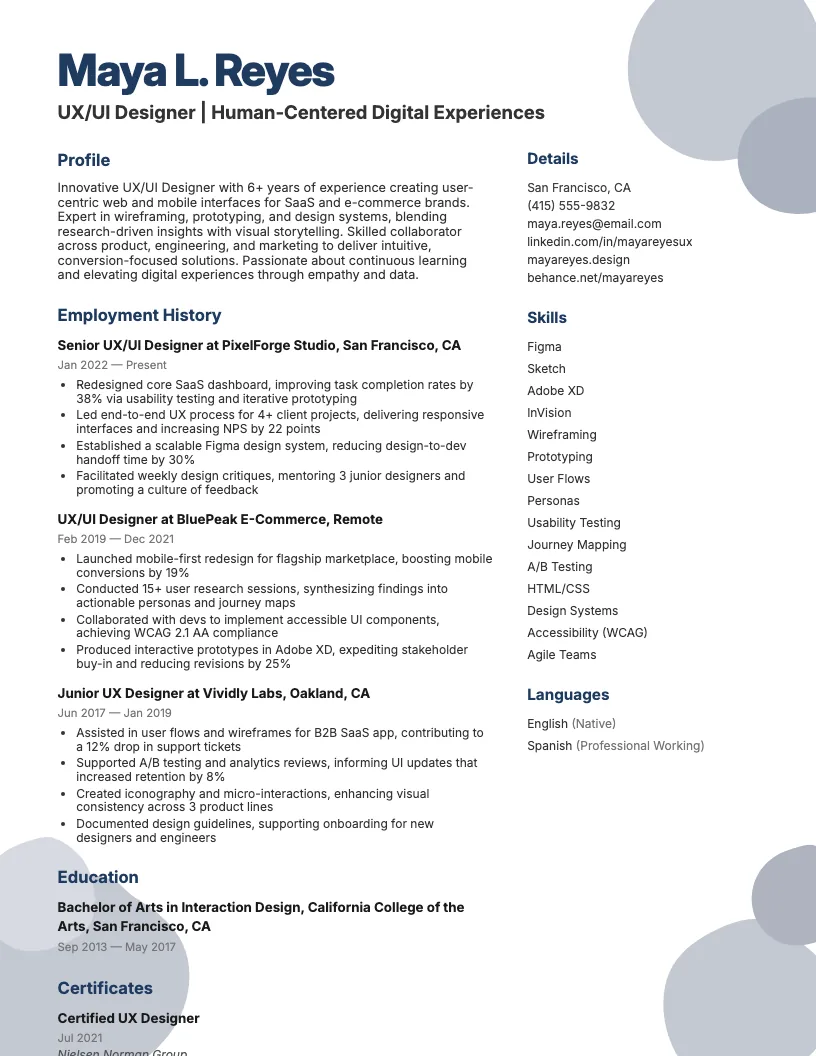 Click to enlarge
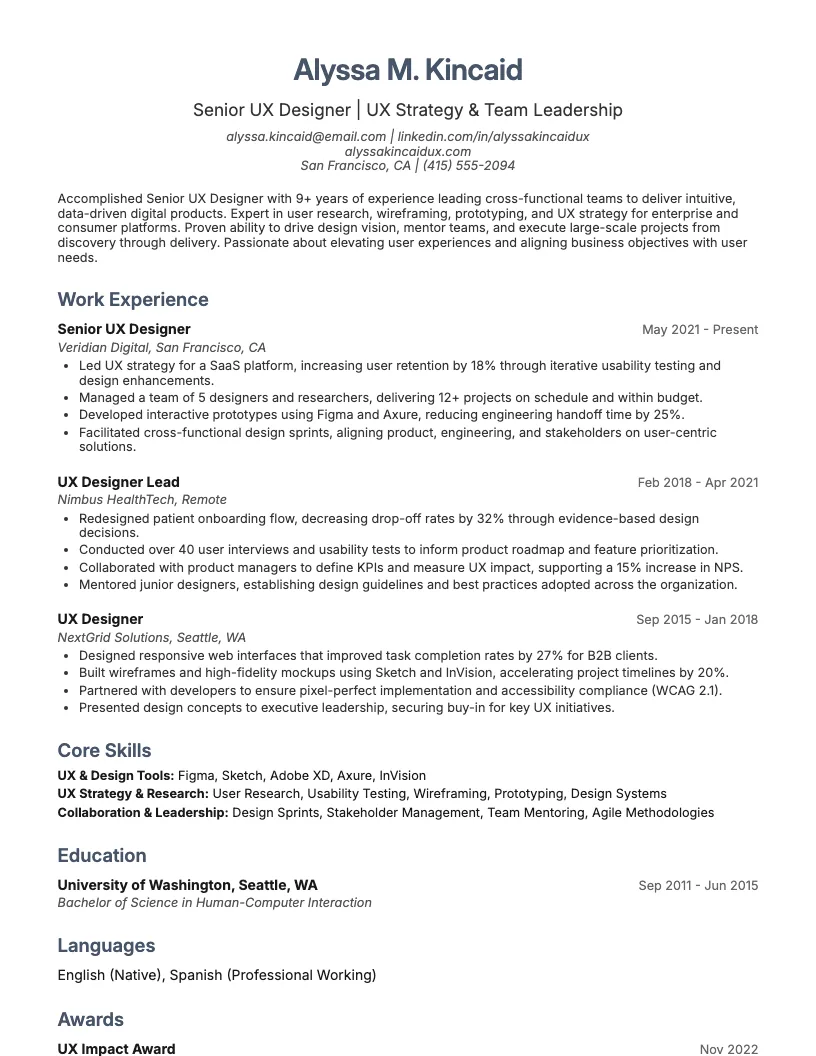 Click to enlarge
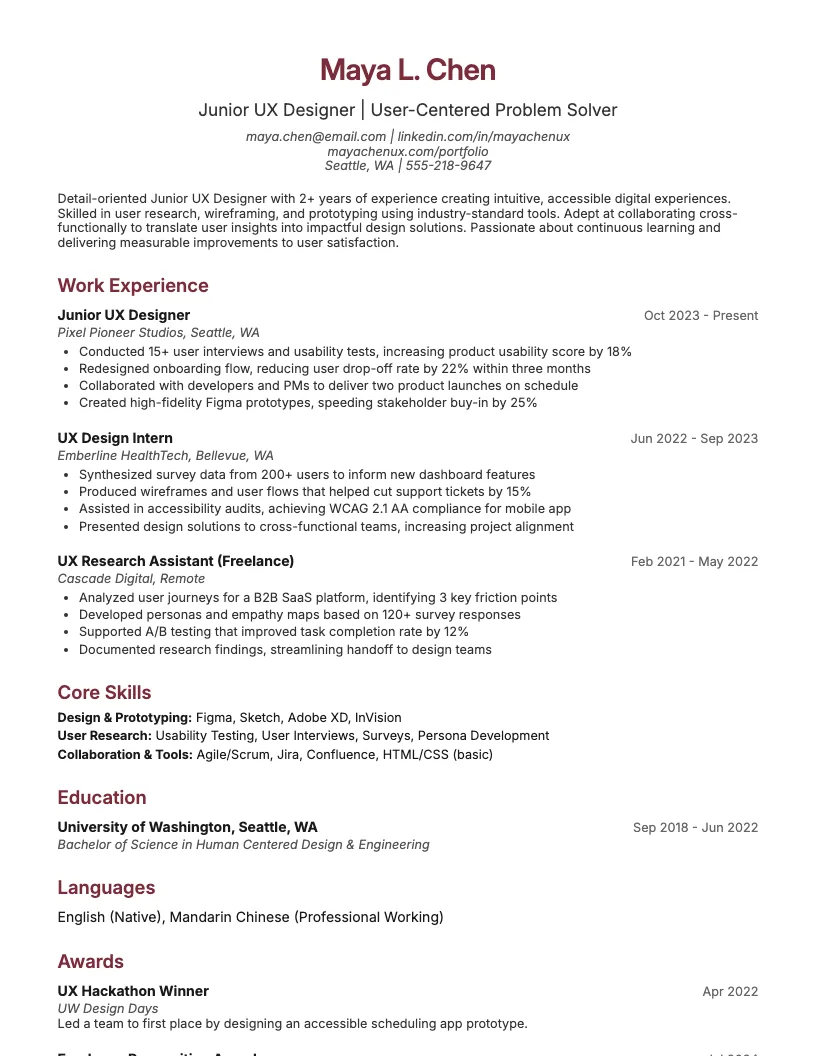 Click to enlarge
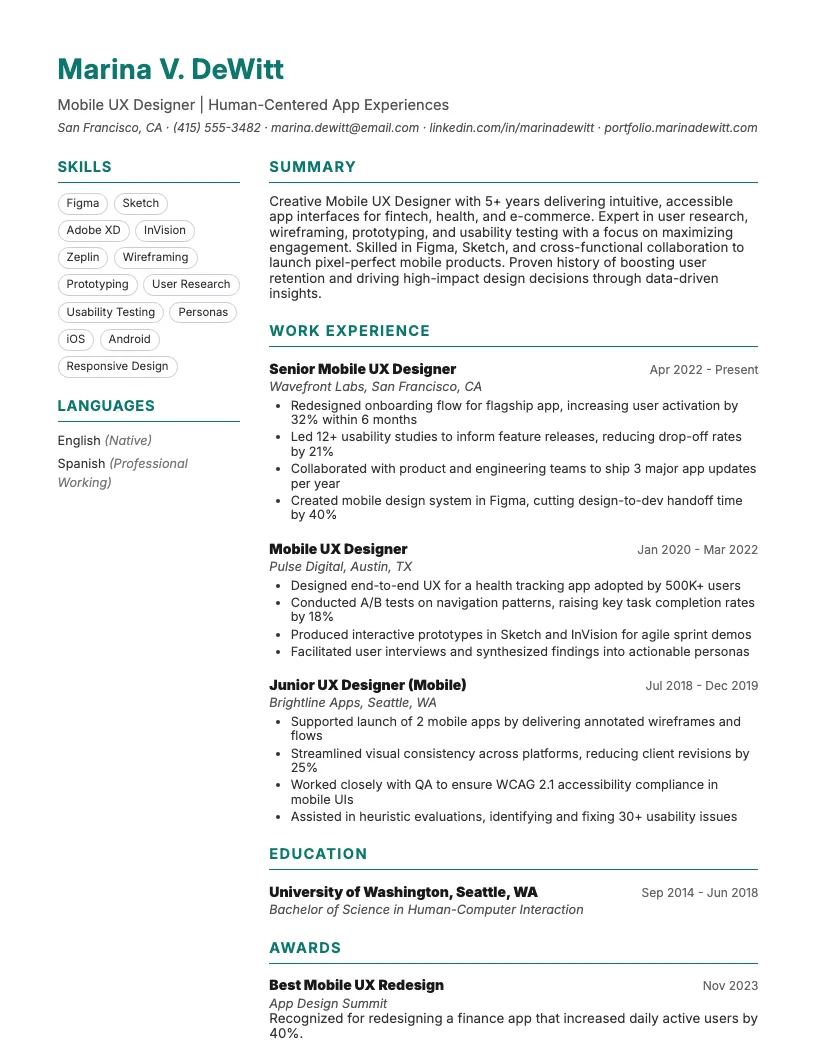 Click to enlarge
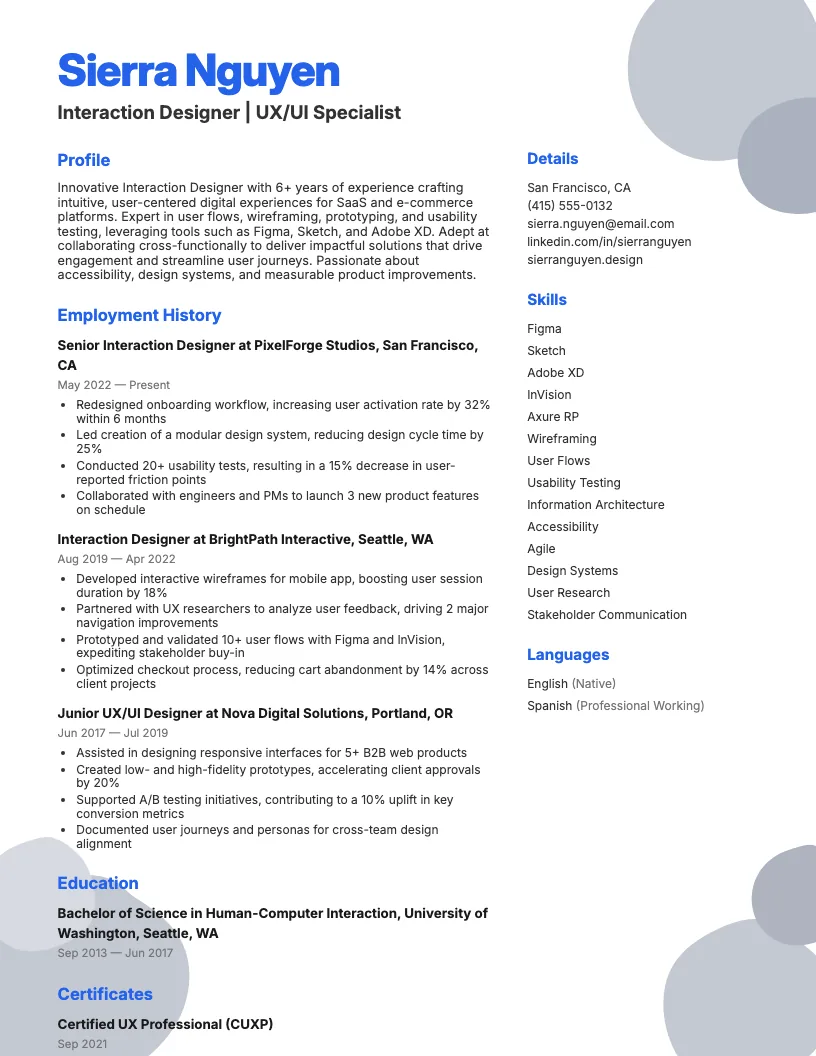 Click to enlarge
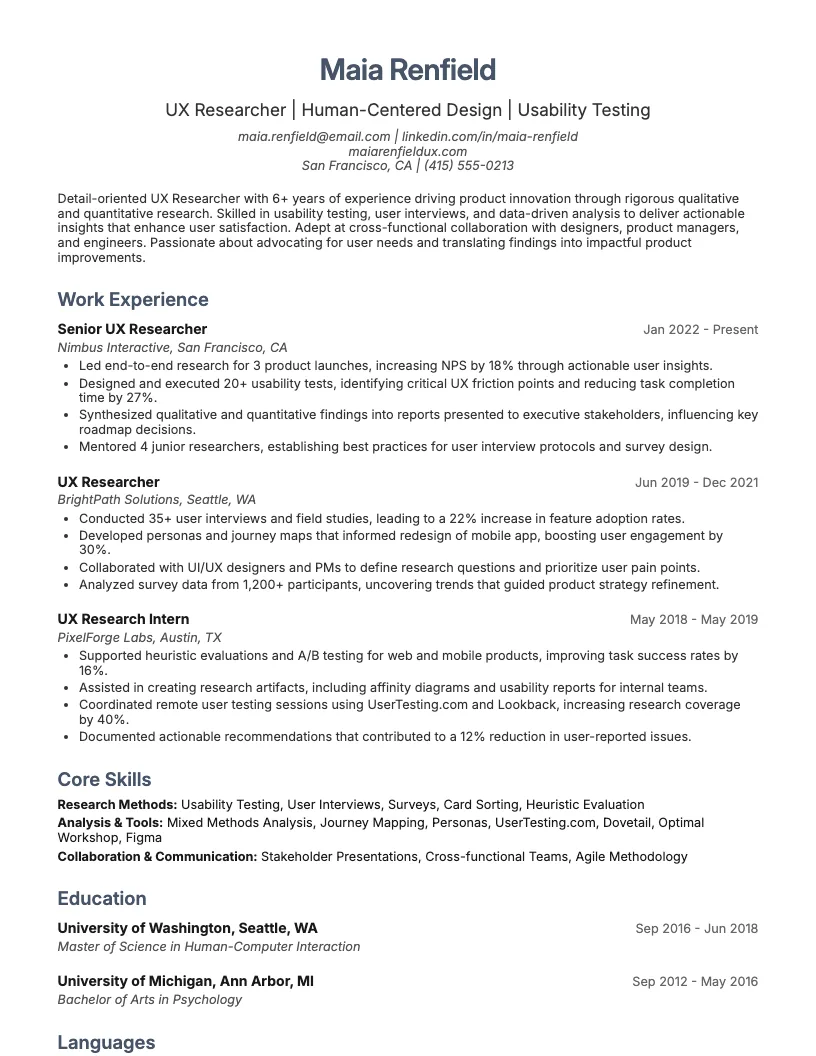 Click to enlarge
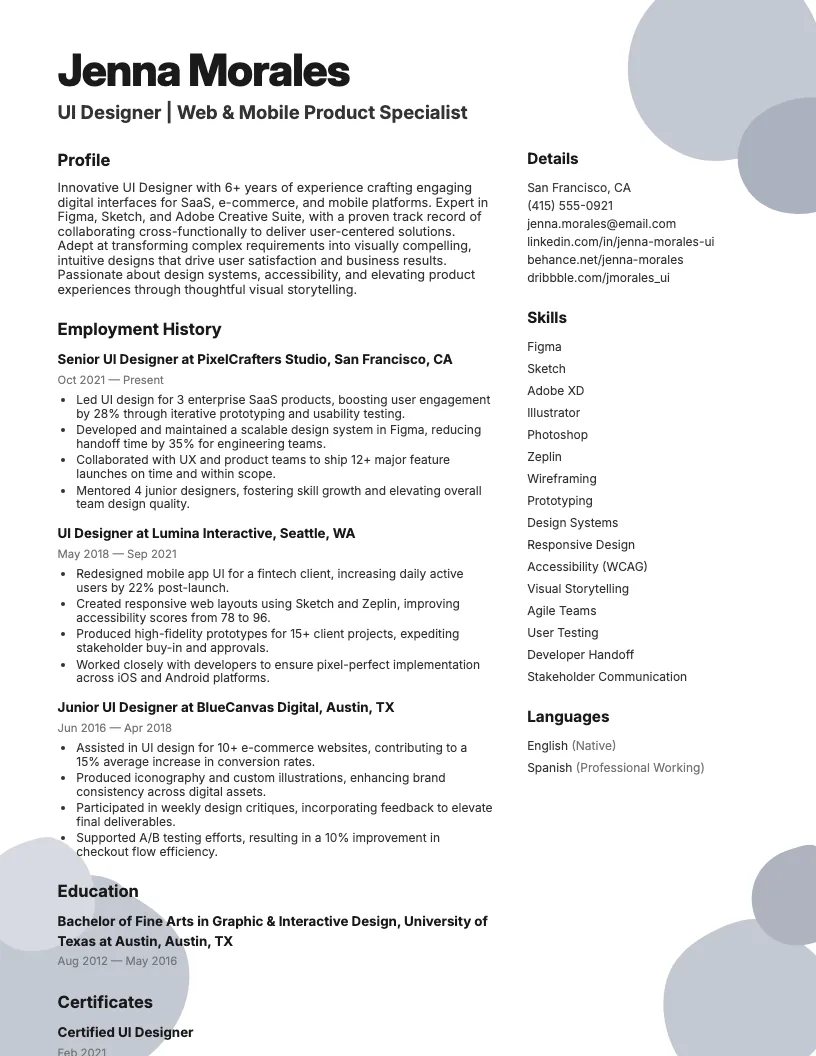 Click to enlarge
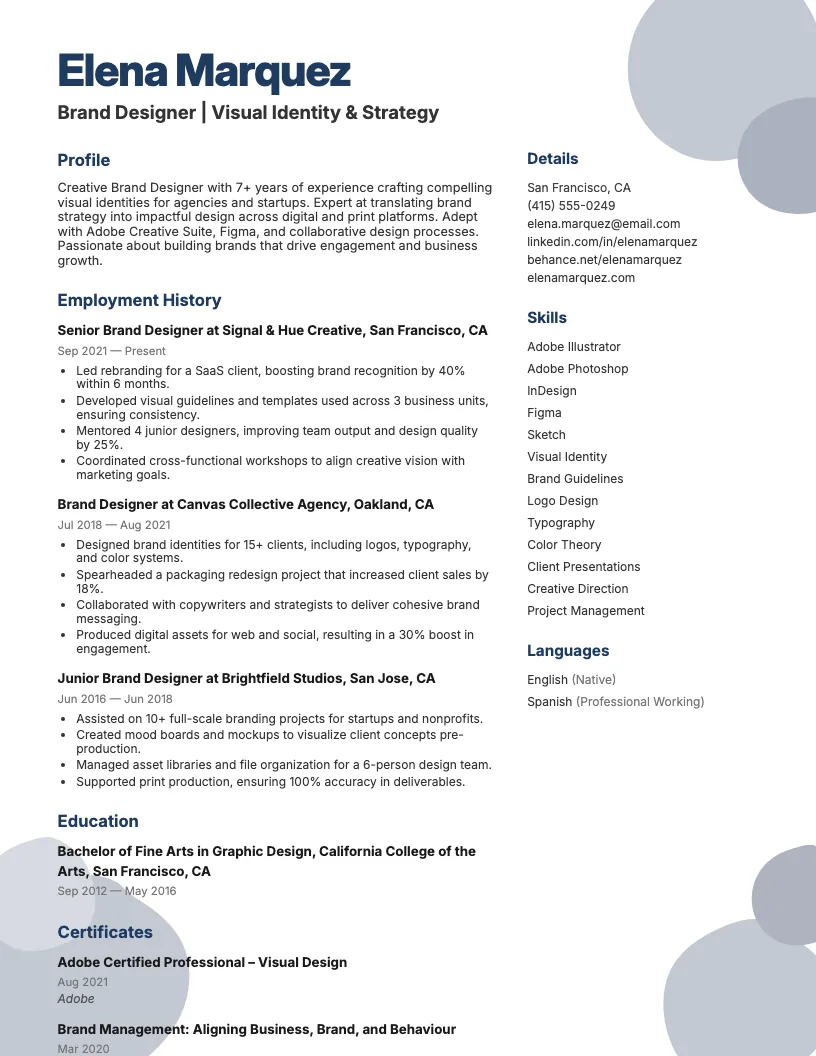 Click to enlarge
Common questions about User Experience Designer resumes
A User Experience Designer resume template is a pre-formatted document designed to showcase your UX skills, projects, and experience. ResumeJudge offers templates tailored to highlight design thinking and usability achievements.
Yes, most User Experience Designer resume templates from ResumeJudge use clean layouts and standard fonts, ensuring compatibility with Applicant Tracking Systems (ATS) for roles in tech, agencies, and startups.
Use a UX Designer resume template when applying for positions in tech, SaaS, e-commerce, or creative agencies. ResumeJudge templates help you stand out in industries where design skills are essential.
Absolutely! ResumeJudge templates are fully customizable, letting you adjust sections, colors, and fonts to match your personal brand and targeted UX roles.
UX Designer templates emphasize portfolios, case studies, and design tools, unlike generic templates. ResumeJudge ensures these sections are prominent for employers seeking creative talent.
Keep your UX resume to one page if you have under 10 years of experience, or two pages for senior roles with extensive projects. ResumeJudge templates are optimized for both lengths.
Include a summary, skills, portfolio link, work experience, education, and tools. ResumeJudge templates also offer space for awards, publications, or speaking engagements.
Highlight projects with quantifiable outcomes-like increased conversions or improved usability. ResumeJudge provides templates with bullet points to clearly showcase your results.
Save your resume as a PDF with a clear name, such as 'FirstNameLastName_UXDesigner.pdf'. ResumeJudge ensures templates export cleanly to PDF for easy sharing.
Yes! Adding awards, volunteering, or professional memberships can set you apart. ResumeJudge templates offer dedicated sections for these experiences.
Explore more professional resume examples to inspire your job search
Use our AI-powered resume builder to create a professional, ATS-friendly resume in minutes.
Free to use • No credit card required