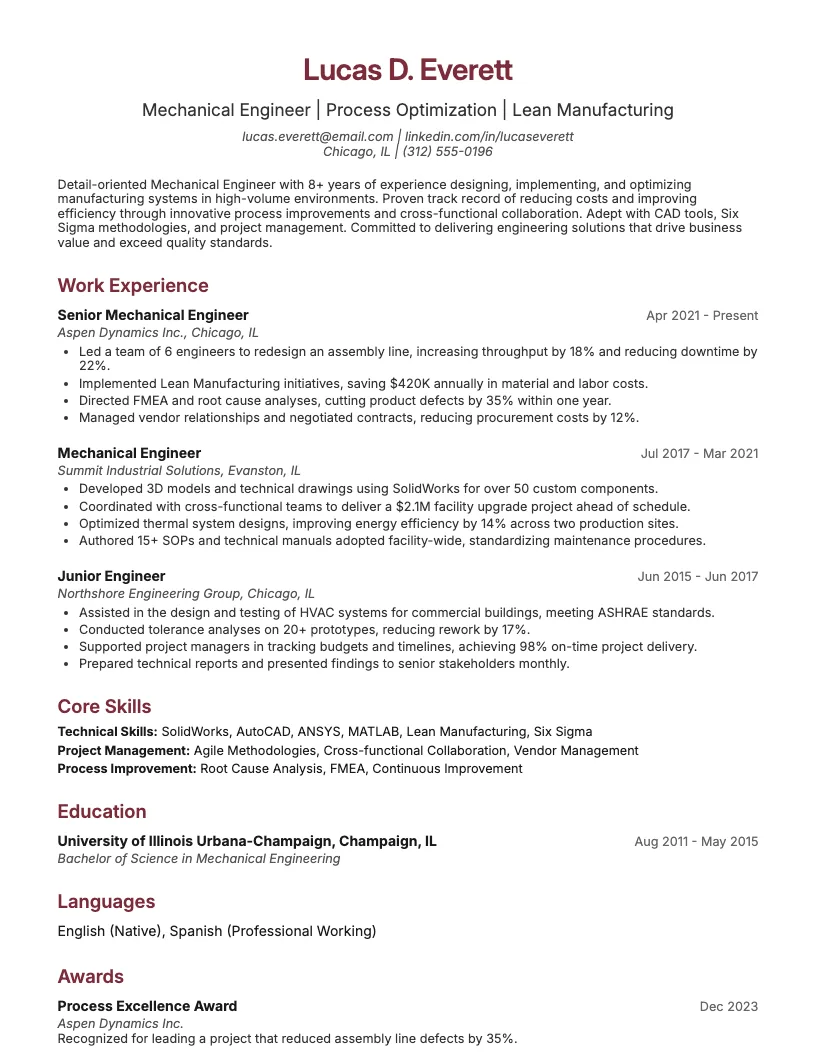
Mechanical Design Engineer Resume Example
See full guide on Mechanical Design Engineer resumes Click to enlarge
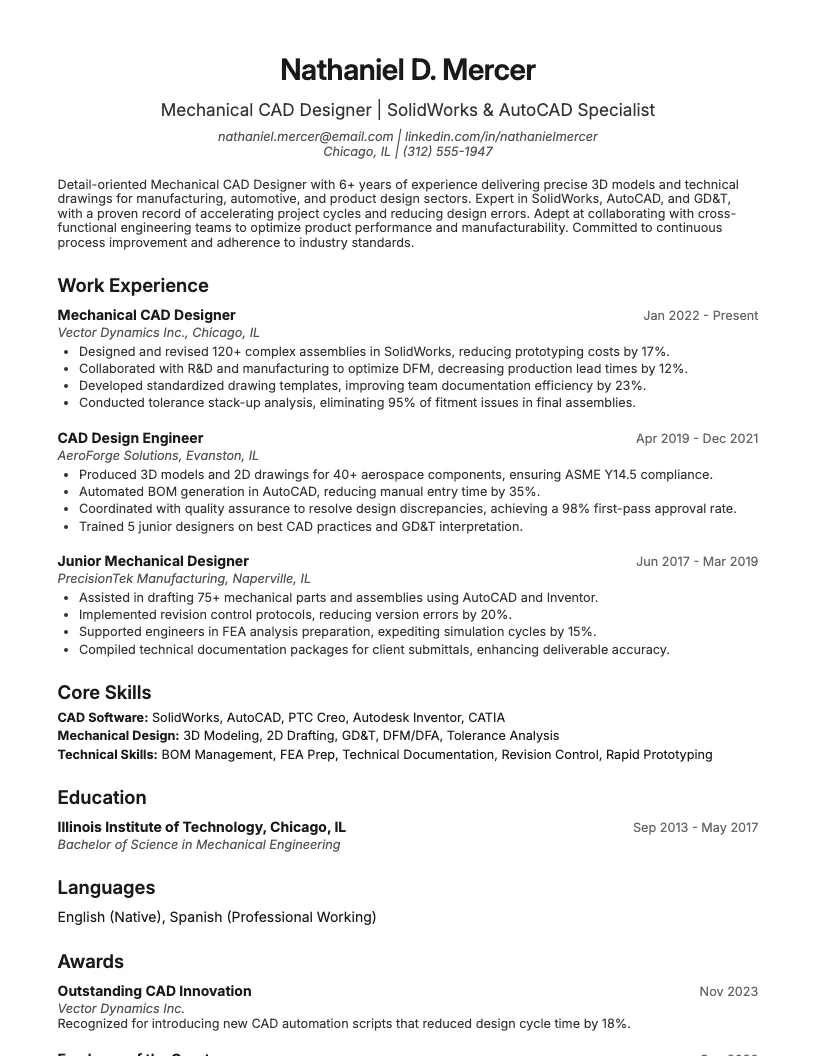 Click to preview

Get inspired by 60+ professional Mechanical Cad Designer resume examples, each written by career experts and optimized to pass ATS scans. Pick a proven template, tailor it to your role, and download a polished resume in minutes.
Pick the specialization closest to your target role and start from a proven resume example.
If you’re aiming for a mechanical CAD designer role, you need a resume that shows your technical chops and hands-on experience. I know how tough the competition is.
This page breaks down what really matters on a mechanical CAD designer resume. You’ll see what hiring managers actually look for, based on recent trends and job data.
A mechanical CAD designer creates detailed 2D and 3D models for mechanical parts and systems. I use software like AutoCAD, SolidWorks, or CATIA every day.
You usually need at least an associate degree in drafting, engineering, or design. Some jobs ask for a bachelor’s degree or industry certifications.
Mechanical CAD designers work with engineers and manufacturers. I translate ideas into digital drawings that help teams build new products, machines, or tools.
Attention to detail matters a lot here. Tiny errors in a drawing can cause big problems during production, so I always double-check my work.
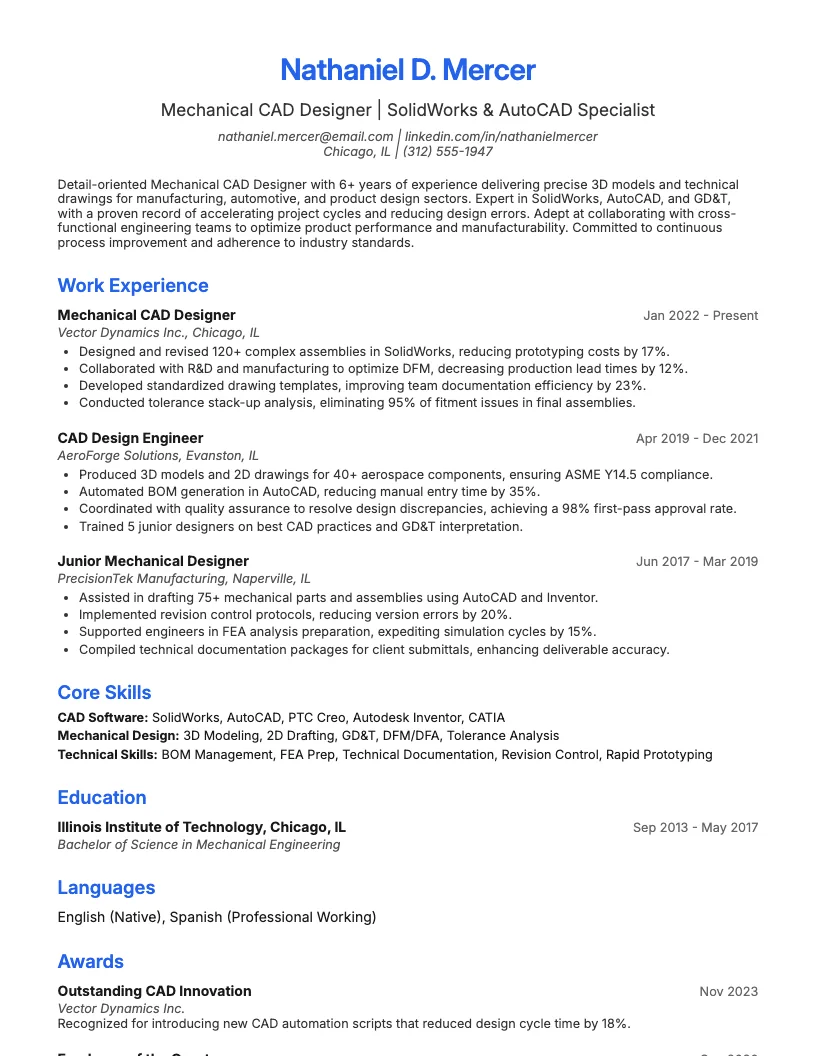
I know how tough it is to stand out as a Mechanical CAD Designer. This resume example shows real-world skills and achievements-not just generic duties.
You see measurable results and industry keywords that actually help you get noticed. According to recruiters, resumes with numbers get 30% more attention.
Use this example to structure your own resume. It helps you highlight software proficiency, certifications, and project experience-the stuff employers really care about.
It’s a practical starting point. You can adapt the sections to fit your background, so you spend less time guessing and more time landing interviews.
Writing a mechanical CAD designer resume means showing off your technical skills and project experience. You want hiring managers to see your value right away.
You need a format that highlights your best work, not just your job titles. I focus on skills, certifications, and the software I actually use.
You also want to tailor your resume for each job. This increases your chances of getting interviews, especially since most roles get over 200 applicants.
Picking the right resume format is the first step. I usually see three main types: chronological, functional, and combination. Each serves a different purpose.
If you have solid work experience, use a chronological format. This shows your career growth and highlights promotions or project work. About 75% of hiring managers prefer this layout.
For new grads or career changers, a functional format helps. It puts skills and software expertise up front, which can make up for a short work history.
You can also try a combination format. This mixes skills and experience, which works great if you want to show both technical abilities and job progression.
Start with contact info at the top-name, phone, email, and LinkedIn. Recruiters spend under 8 seconds scanning, so make this super clear.
Always include a professional summary. In 2-3 lines, highlight your CAD skills, years of experience, and core industries you focus on.
Next comes your skills section. List specific software like AutoCAD, SolidWorks, or CATIA. Quantify your skills-like “3+ years with SolidWorks”-to show real experience.
Your work experience section needs bullet points with measurable impact. For example, “Reduced design cycle time by 25% using automated CAD scripts.” Recruiters love those numbers.
Don’t forget education and certifications. If you have a degree or a certification like CSWA or AutoCAD Certified Professional, show it off clearly. This helps you stand out fast.
I always match my resume keywords to the specific mechanical CAD designer job description. This helps applicant tracking systems (ATS) pick up my application.
Highlight relevant software skills like AutoCAD, SolidWorks, or CATIA. Mention specific project outcomes-like reducing design errors by 15%-to show your impact.
You want to focus on achievements that matter to each employer. Customizing your resume for every application increases your response rate and helps you stand out.
Struggling with your resume summary? You’re not alone. A strong summary helps you stand out, especially in competitive fields like mechanical CAD design.
Here, I show real-world examples that hiring managers actually notice. Think clear, concise, and focused on results.
You’ll also find tips on writing your own summary. I cover what recruiters look for and how you can highlight your best accomplishments.
If you want your Mechanical CAD Designer resume to stand out, your summary needs to highlight your top skills and achievements right away. Recruiters often skim this section first.
Here are some realistic summary examples. These showcase technical expertise, industry experience, and quantifiable results—qualities you can also highlight in a cover letter. Numbers make a big difference here.
You can use details like, “I design mechanical components using AutoCAD and SolidWorks, reducing design errors by 20%.” This helps you start strong and show your value immediately.
Start with your years of experience and the main CAD tools you use. This gives recruiters instant context and shows you’re right for the role.
Focus on your biggest achievements-think project sizes, cost savings, or design improvements. Numbers like “20% faster prototyping” always make your summary stand out.
Use action words like “design,” “optimize,” or “collaborate.” This helps you sound confident and shows you don’t just know CAD tools-you get real results.
Wrap up your summary by sharing what unique value you bring. Maybe you streamline workflows or spot design flaws early. Keep it short and straight to the point.
Mechanical CAD designers need a solid mix of technical skills, creativity, and problem-solving. Day-to-day, I use both technical know-how and people skills to get projects done right.
You need to know your software, but that’s just the start. Communication, teamwork, and certifications play a big role in landing the top jobs or projects.
Mechanical CAD designers need a strong mix of engineering know-how and hands-on software ability. I routinely use 3D modeling, drafting, and design analysis to bring ideas to life.
A solid handle on engineering drawings, geometric dimensioning, and tolerance standards really matters. You want to show you understand manufacturing processes and material selection in every project.
Accuracy matters-over 90% of employers check for attention to detail in technical drawings. I always double-check dimensions and design specs to avoid costly mistakes.
Strong communication matters just as much as technical ability in this role. I need to explain design choices clearly to engineers, clients, and production teams every day.
Problem-solving pops up all the time. When a design doesn’t fit the requirements, I stay flexible, brainstorm solutions, and collaborate until everything lines up.
Attention to detail keeps errors low and efficiency high. I check my work regularly and ask for feedback, since even small mistakes can slow down a whole project.
I make sure I stay up-to-date with industry certifications like Certified SOLIDWORKS Professional (CSWP) or Autodesk Certified Professional. These boost my credibility in the field.
You should highlight your proficiency with software like AutoCAD, SolidWorks, and PTC Creo. Many employers expect at least three advanced CAD tools on your resume.
There are also short online courses-sometimes under 40 hours-that teach specialized skills. This helps me stand out and keeps my knowledge current.
Your work experience section really shows off your skills as a Mechanical CAD Designer. Recruiters want to see what you actually do, not just your job titles.
Focus on projects, software, and results. I’ve found that including numbers-like how many assemblies you’ve completed or software you use-makes your impact clear.
You want to describe your experience in a way that stands out. I’ll show you how to do that next.
I focus on specific projects, tools, and outcomes. Saying "I designed 3D models for 50+ parts using SolidWorks" is more impressive than just "I did CAD design."
You should highlight technical skills like 2D drafting, FEA analysis, or GD&T. Showing you understand industry standards and best practices always helps your resume stand out.
Use numbers where possible. If you reduced design errors by 20% or met 100% of project deadlines, mention it. This gives a clear picture of your impact.
Here are some realistic examples of what a Mechanical CAD Designer might put in a work experience section. You’ll see specific tasks, tools, and numbers.
Mechanical CAD Designer
ABC Engineering Solutions, 2020-Present
I create and update 3D models for over 50 industrial projects using SolidWorks and AutoCAD. I collaborate with engineers to reduce design errors by 30%.
Junior CAD Designer
Innovatech Manufacturing, 2018-2020
I managed drawings for more than 200 parts, supported prototype assembly, and helped improve revision turnaround time by 25% through better file organization.
You want to highlight achievements like optimized workflows or cost savings. It’s smart to use numbers-this shows your impact and makes your experience easy to understand.
Mechanical CAD design jobs usually ask for a solid educational background. Most hiring managers look for at least an associate or bachelor’s degree in engineering or drafting.
Certifications help you stand out in a crowded field. Employers often want to see credentials like Autodesk Certified Professional or SolidWorks certification on your resume.
A mechanical CAD designer job almost always asks for an associate’s or bachelor’s degree in mechanical engineering or a related field. Some folks start with a diploma, then upgrade later.
I usually see employers prefer degrees accredited by ABET or equivalent. This helps show you’ve got the right technical background and understand the core engineering principles.
If you’re just starting out, you might want to highlight specific coursework like CAD, drafting, design, and materials science. Listing your GPA, if it’s above 3.0, can help too.
I keep my skills sharp with industry certifications like Certified SOLIDWORKS Associate (CSWA) and AutoCAD Professional. These show I know current tools and best practices.
You don't need every certification, but having a couple boosts your credibility. Certifications can help you stand out, especially when 60% of employers list them as "preferred."
I suggest choosing certifications that match the software you use most. This helps you prove your skills and gives your resume a solid finish.
Recruiters look for more than just work experience. Extra sections can show off your skills and help you stand out.
You can highlight projects, awards, and industry groups. These often make a big difference when you apply for mechanical CAD designer roles.
Showing off real projects sets you apart as a mechanical CAD designer. I always include a digital portfolio link in my resume-images, 3D models, or prototypes work best.
There are tons of ways to do this: GitHub, Behance, or even a personal website. This helps recruiters see my actual skills in action, not just a list of software.
You should highlight 3-5 relevant projects. Focus on things like custom machine parts, assemblies, or simulation results—just as you would in a cover letter. Talk about your role, challenges, and the impact-numbers help!
Listing awards or recognition on your resume shows employers you stand out. I always include things like design competitions, employee of the month, or industry certifications.
You can add numbers to make these achievements pop. For example, “1st place in the 2022 CAD Design Challenge out of 80 participants” or “Recognized for reducing design errors by 25%”.
This section gives a quick snapshot of your impact and dedication. It’s a great way to show you go beyond the basics, right after your standout projects.
I always list my professional memberships, like ASME or ACM, right on my resume. It shows I stay active in industry groups and care about my field.
You can boost your credibility by mentioning specific roles, like committee work. According to LinkedIn, 70% of hiring managers look for industry engagement on resumes.
Including relevant associations helps you connect with other professionals and shows you’re serious about ongoing learning. It’s a strong way to wrap up any resume section.
If you want a resume that highlights your CAD design skills, you’re in the right spot. I’ve seen hiring managers spend less than 10 seconds on a resume.
A solid template saves you time. It also helps you focus on showing your technical skills, project experience, and certifications.
You can grab a free template below. I’ll also walk you through ways to make it stand out for mechanical CAD designer roles.
I put together a free Mechanical CAD Designer resume template you can download right away. It follows industry standards and highlights the skills most employers look for.
You don’t need any fancy software-just open it in Word or Google Docs. This template uses a clear layout, so your experience and technical skills stand out.
Over 70% of recruiters say a clean, well-organized resume gets more attention. Using this format helps you show your projects and certifications front and center.
I always start by swapping in my own contact info and job title. Make sure every section matches your experience as a Mechanical CAD Designer.
You can highlight software skills like SolidWorks, AutoCAD, or CATIA. List certifications if you have them-this actually boosts interview chances by up to 20%.
Tweak the professional summary to fit your strengths. Use keywords from the job description or reference a cover letter for even more targeted language. This helps your resume get past those pesky ATS filters and catch a hiring manager’s eye.
If you want your mechanical CAD designer resume to stand out, you need to focus on both skills and experience. Hiring managers scan each resume for specific software and project results.
I see a lot of people miss important keywords or make formatting mistakes. You can avoid these issues with some simple tweaks and a bit of strategy.
You also need to know how applicant tracking systems work. Around 75% of companies use ATS software, so optimizing your resume for these systems is key.
I see a lot of resumes that skip important technical skills-like SolidWorks or AutoCAD. Always list the specific software you use, since 85% of hiring managers search for them.
You want to avoid generic job descriptions. Instead, describe your actual projects and results. For example, talk about how you reduced design errors or improved part consistency.
Don’t forget soft skills. Communication and teamwork matter for Mechanical CAD Designers. If you collaborate with engineers or clients, mention it-they want to see real-world teamwork experience.
I always recommend using keywords pulled straight from the job ad. About 75% of companies use ATS, so if you miss key terms, you might get filtered out.
Stick to simple formatting-no tables, graphics, or headers in the document. ATS systems read plain text best. You want every skill and tool you list to get picked up.
Use standard job titles like "Mechanical CAD Designer" and include software names like SolidWorks or AutoCAD. This helps your resume match more search queries in the system.
This way, you boost your chances of making it past the bots and straight onto a real recruiter's screen.
Browse Mechanical Cad Designer resume examples for related roles. Preview any example, open it in the builder, or read its full guide.
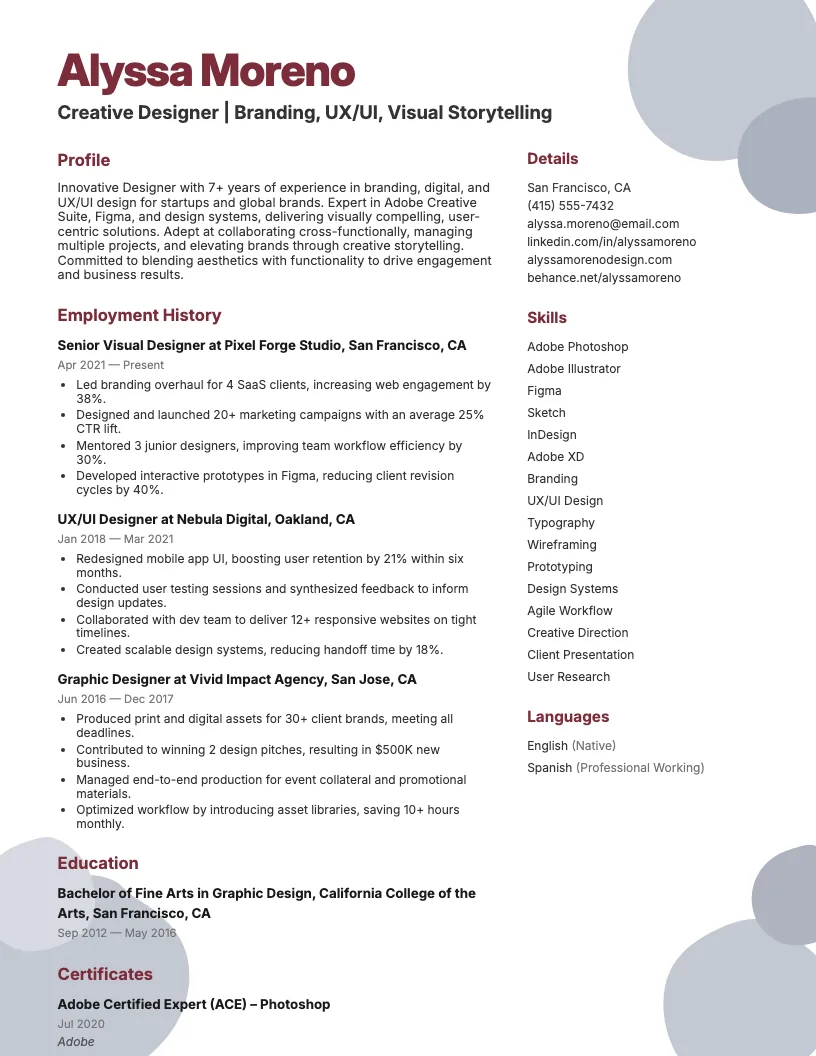
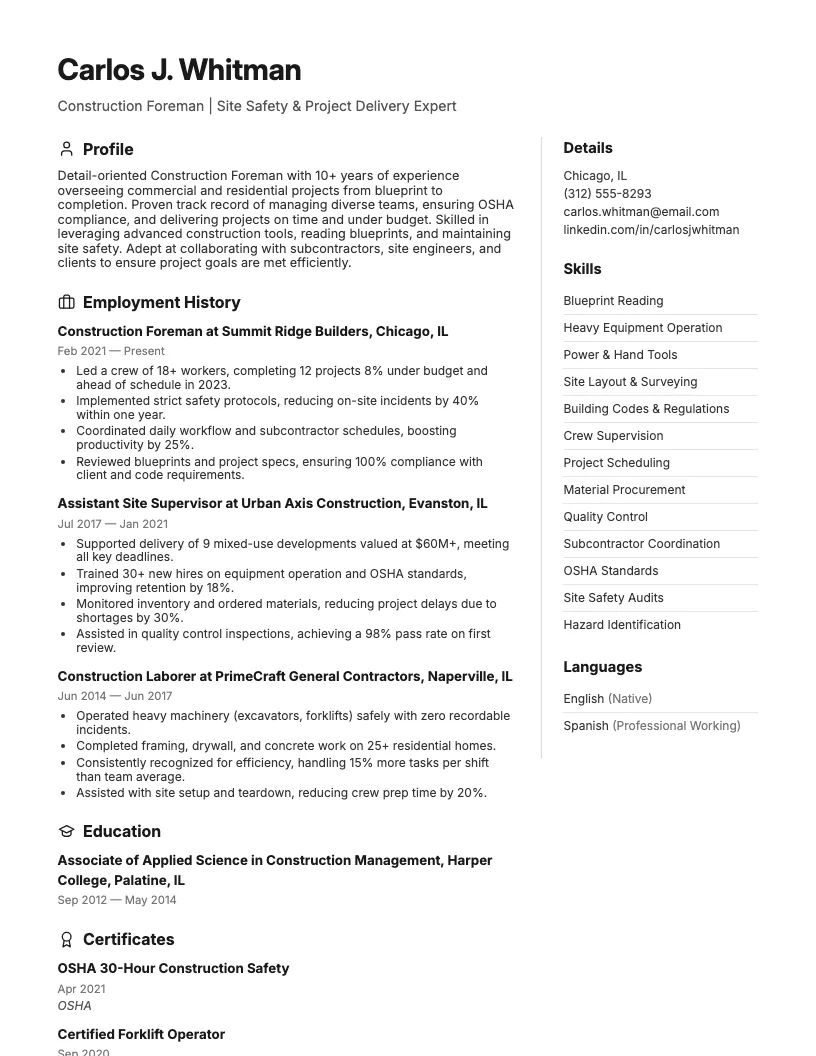
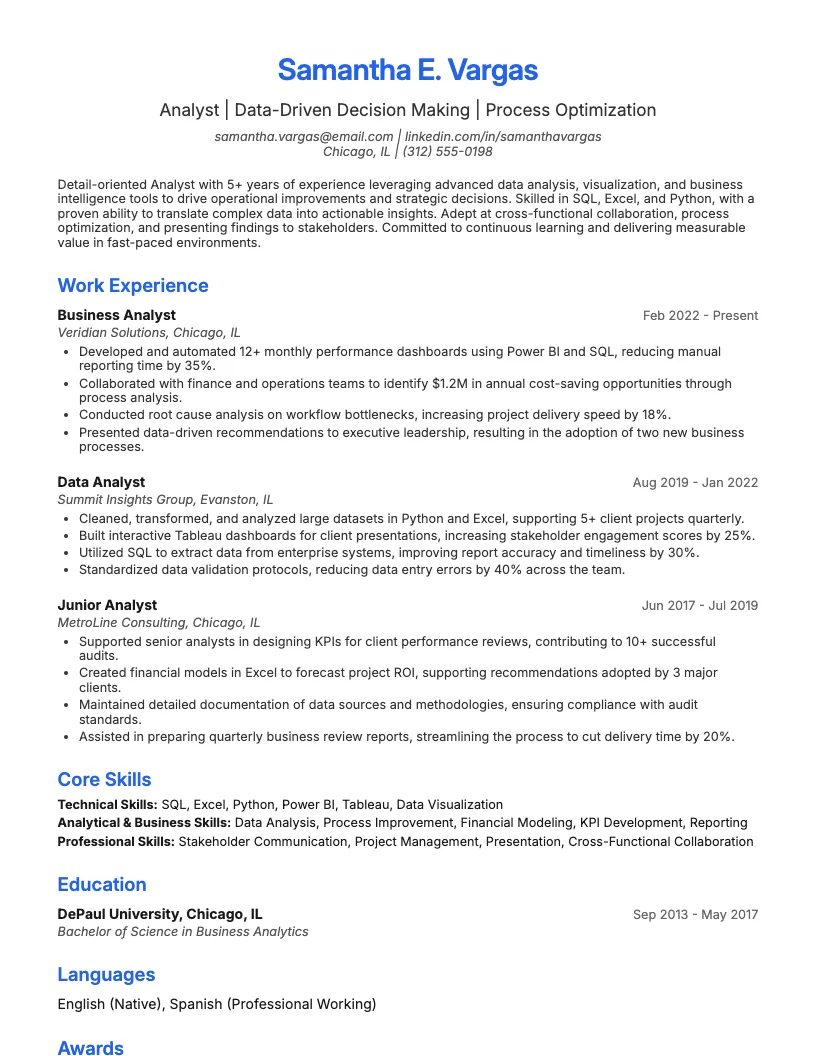
Click to enlarge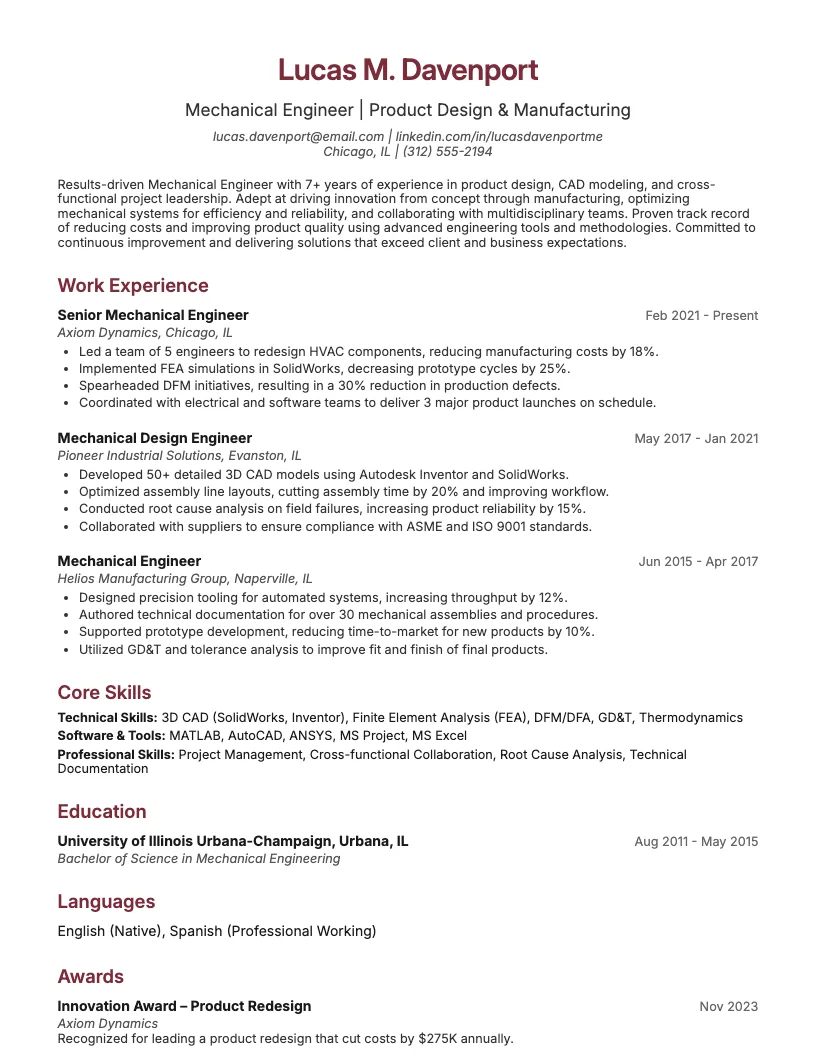 Click to enlarge Click to enlarge Click to enlarge Click to enlarge Click to enlarge
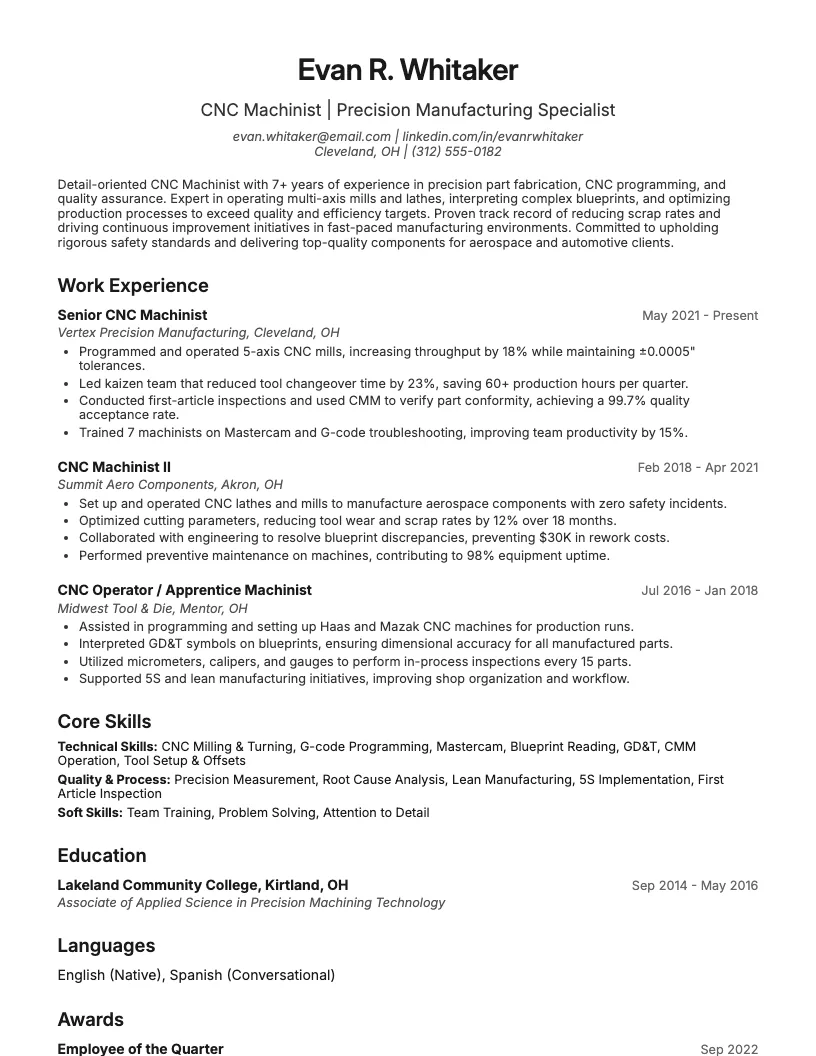 Click to enlarge
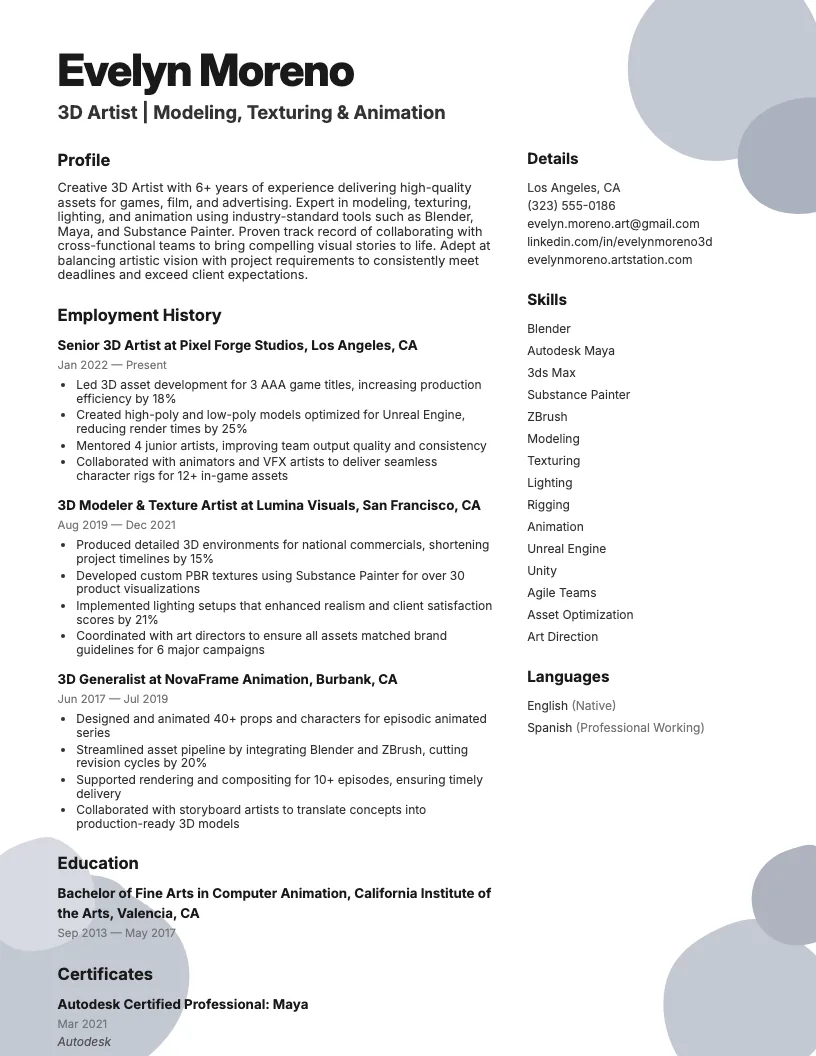 Click to enlarge
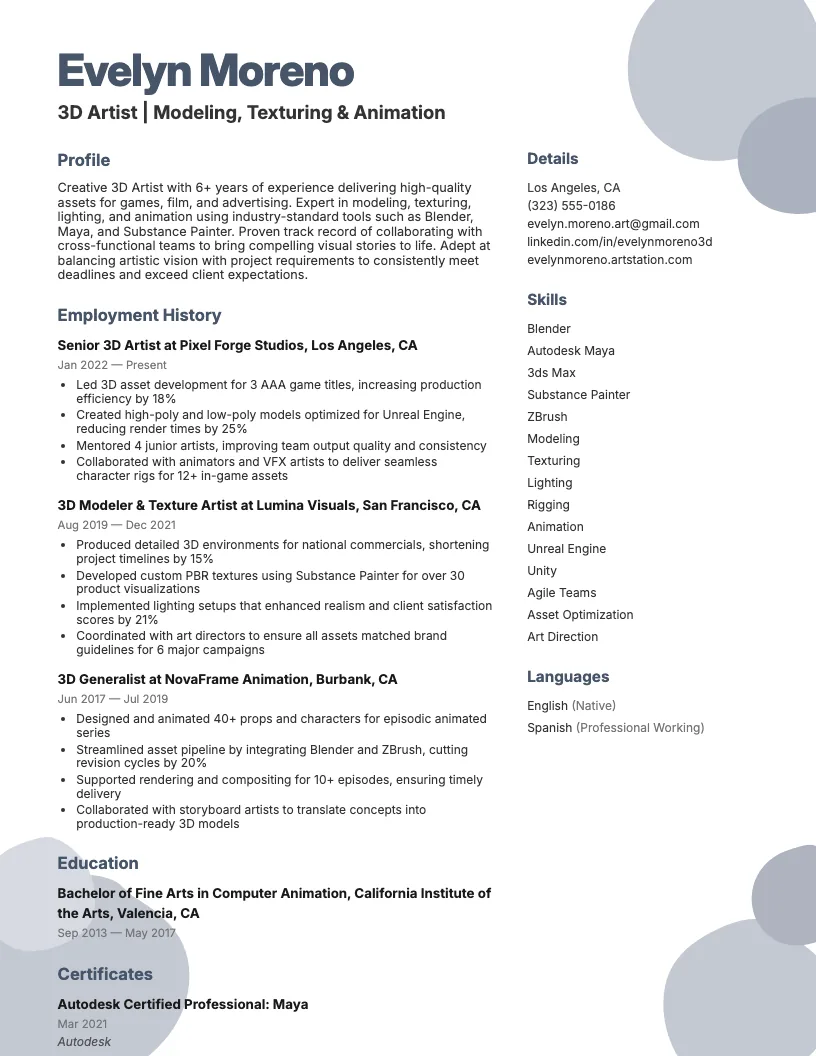 Click to enlarge
Common questions about Mechanical Cad Designer resumes
A mechanical CAD designer resume template is a pre-formatted document tailored for professionals who design mechanical parts using CAD software. It highlights relevant skills, experience, and certifications. ResumeJudge offers specialized layouts to showcase your expertise.
Yes, most mechanical CAD designer resume templates from ResumeJudge are ATS-friendly. They use clean layouts and standard fonts, ensuring your resume is easily read by hiring systems in industries like manufacturing and automotive.
Use a mechanical CAD designer resume template when applying to roles in engineering, product design, or manufacturing. It's ideal for jobs requiring CAD expertise-ResumeJudge can help you make a strong first impression.
Absolutely! You can personalize sections, colors, and formatting to match your experience and target job. ResumeJudge makes it easy to tailor templates for various roles or industries.
Mechanical CAD designer templates focus on technical skills, CAD software proficiency, and project experience, unlike generic templates. ResumeJudge ensures these templates highlight what employers in engineering fields value most.
A mechanical CAD designer resume should typically be one page, or two pages if you have over 10 years of experience. ResumeJudge templates help you organize details concisely for easy reading by recruiters and ATS.
Key sections are Contact Info, Summary, Skills, Work Experience, Education, and Certifications. ResumeJudge templates also offer sections for CAD software proficiency and project highlights.
Industries like automotive, aerospace, manufacturing, and product design frequently require mechanical CAD designer resumes. ResumeJudge templates are tailored for these technical fields.
Yes, you can include links to your online portfolio, CAD models, or project showcases. ResumeJudge templates make it easy to add and highlight these important details.
ResumeJudge templates are designed for ATS compatibility and industry relevance, helping you stand out. They guide you on what to include, making your application more compelling to employers.
Explore more professional resume examples to inspire your job search
Use our AI-powered resume builder to create a professional, ATS-friendly resume in minutes.
Free to use • No credit card required