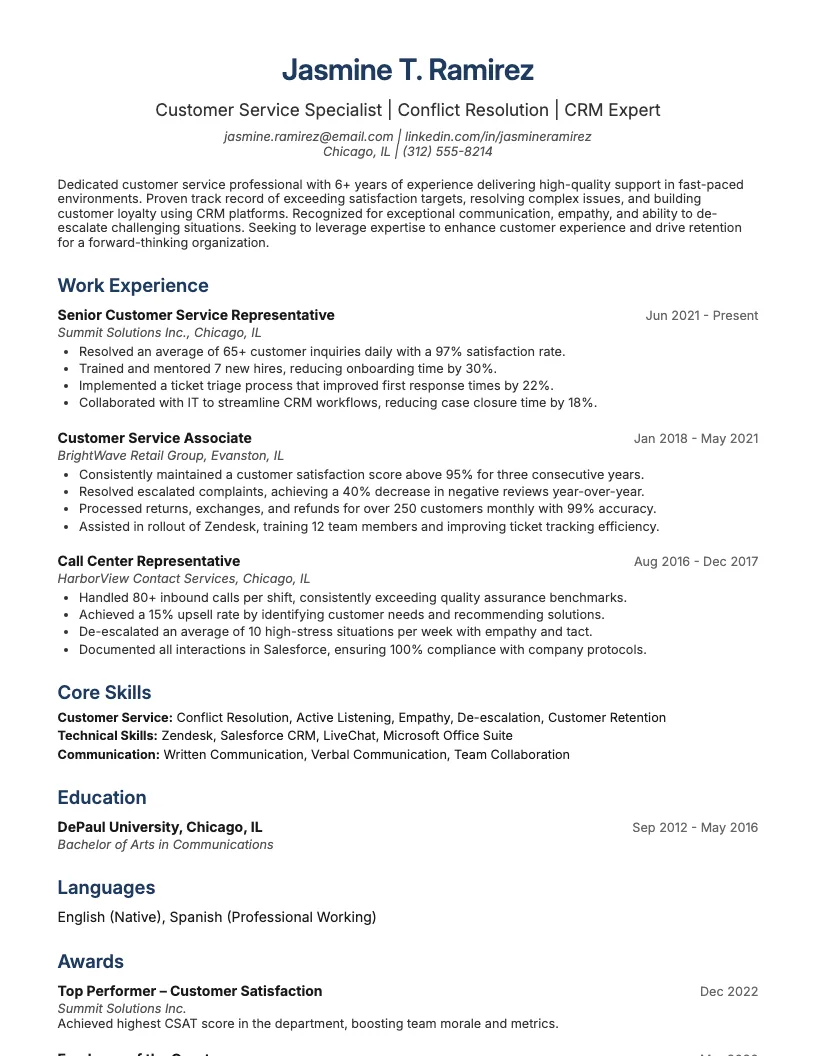
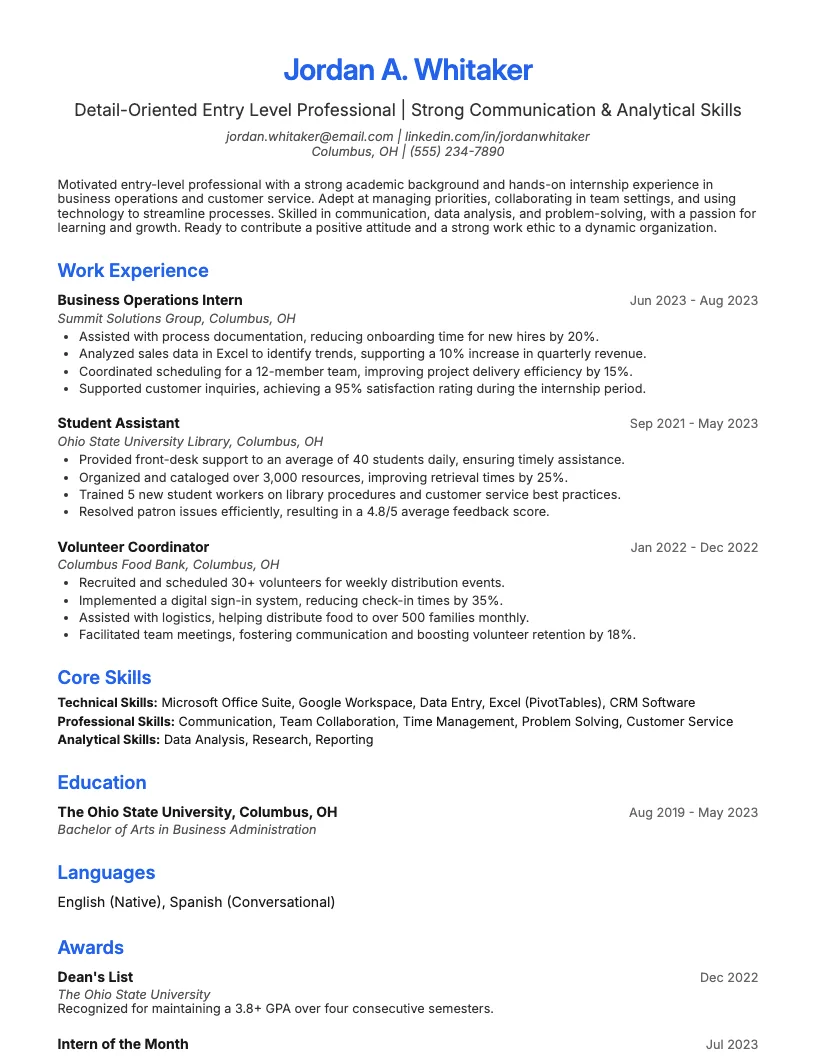
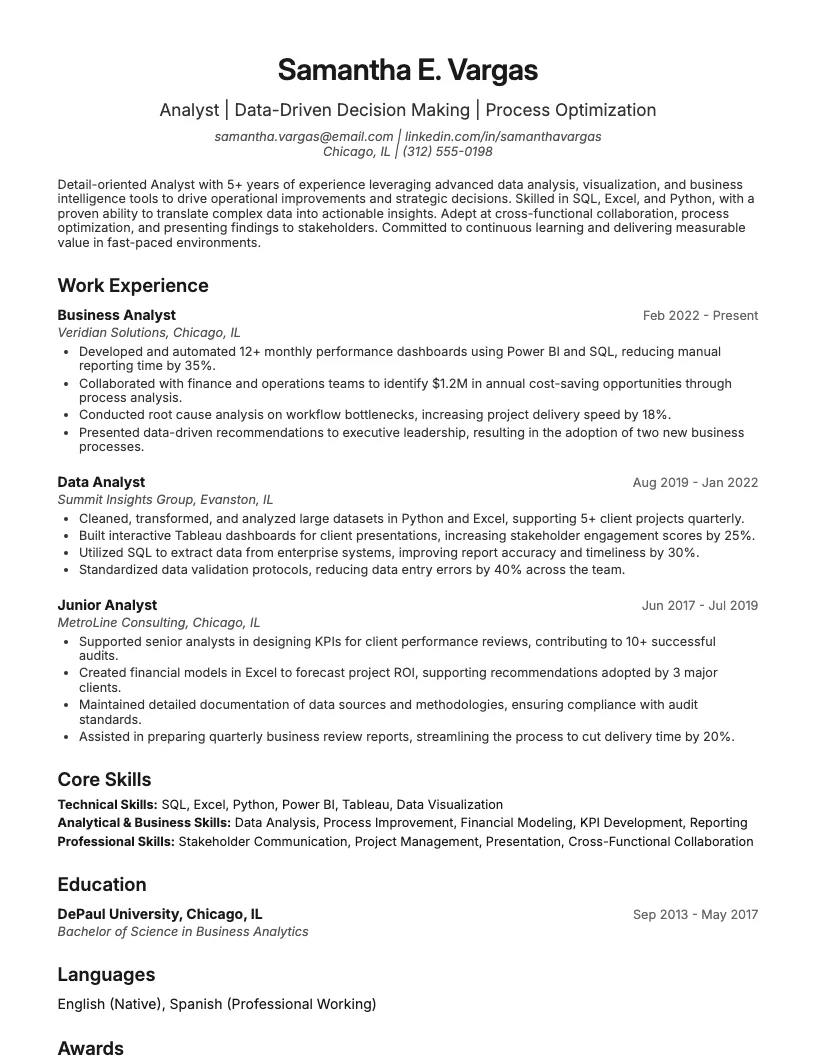
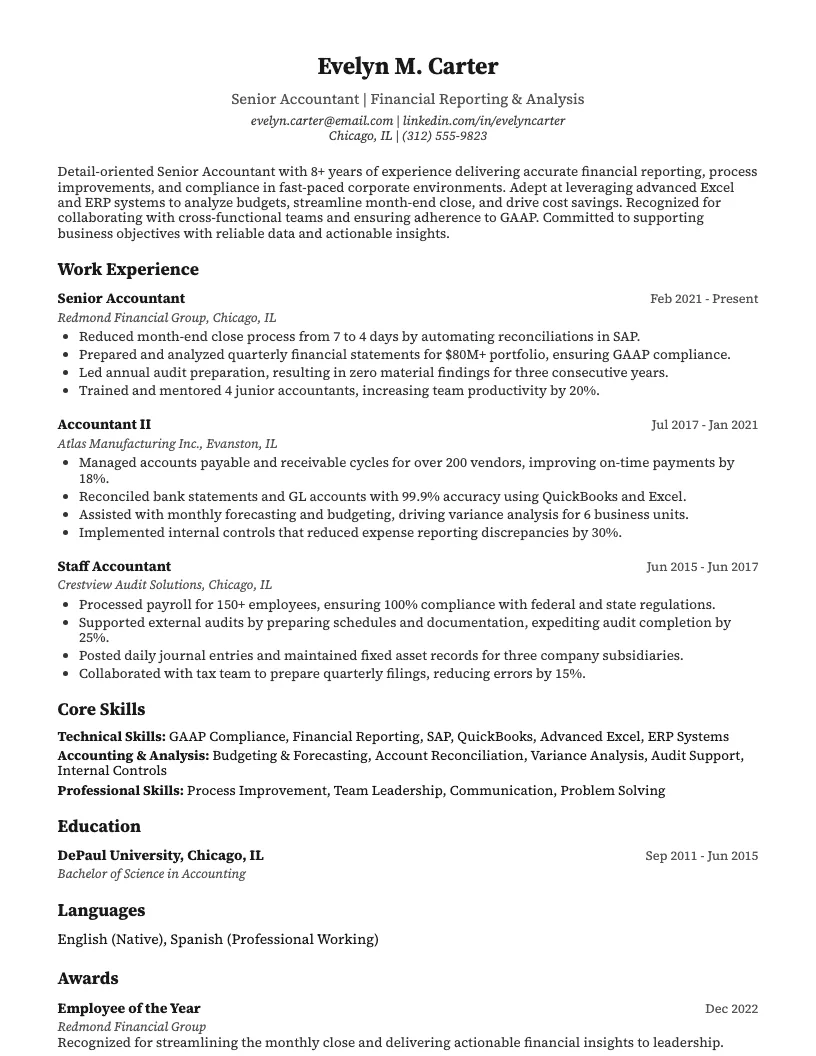
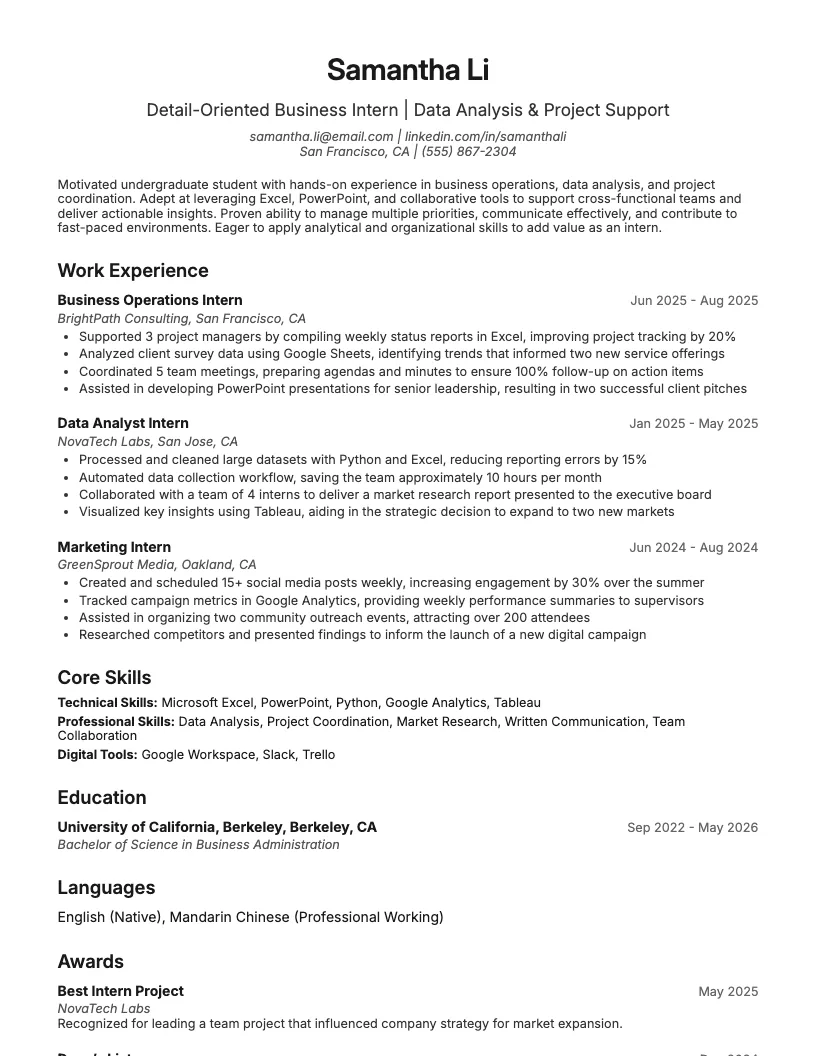
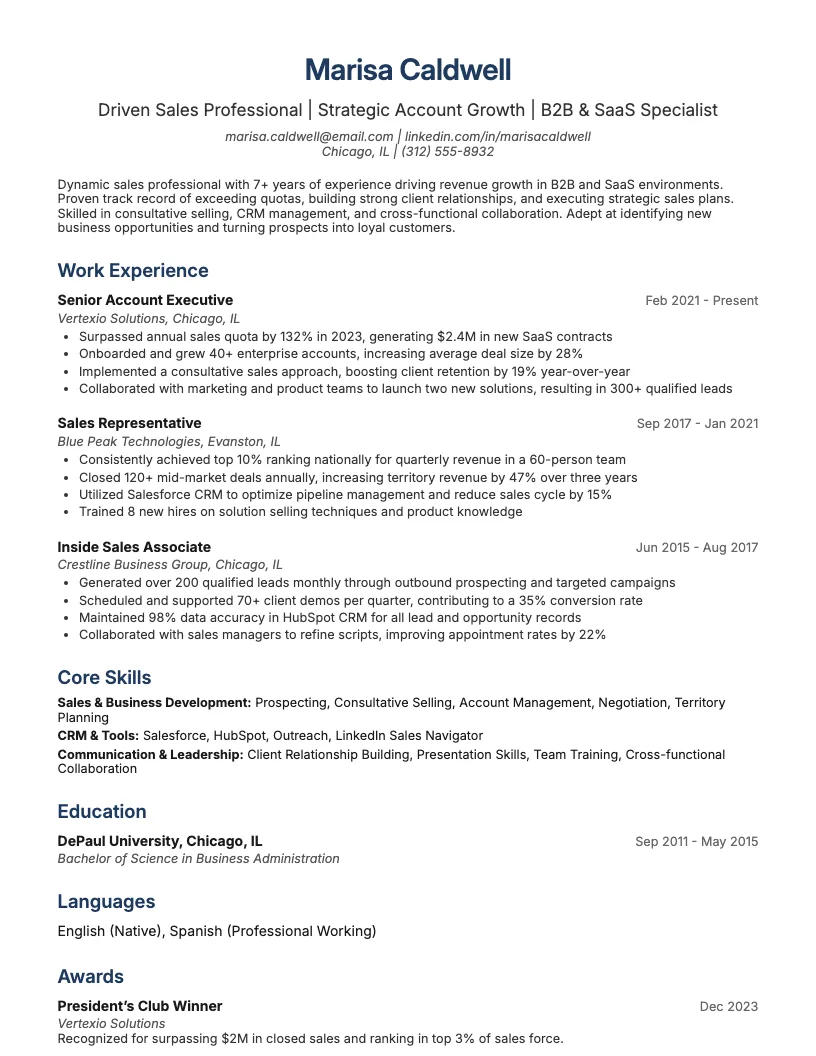
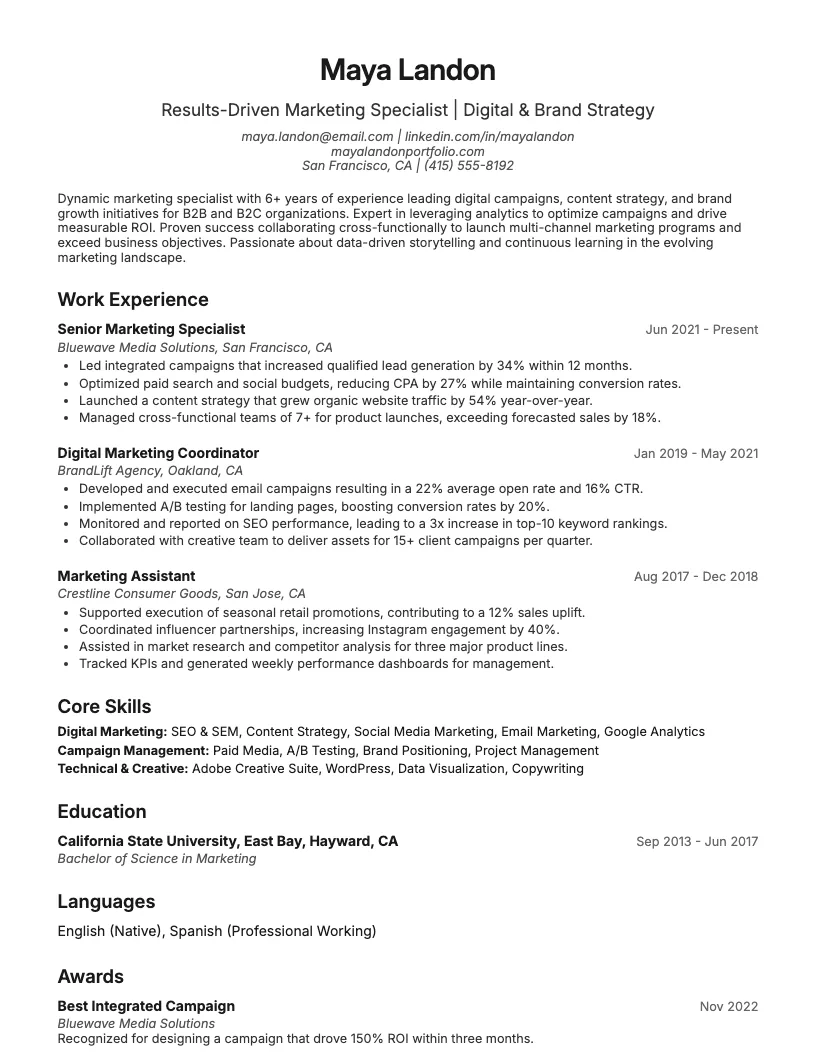
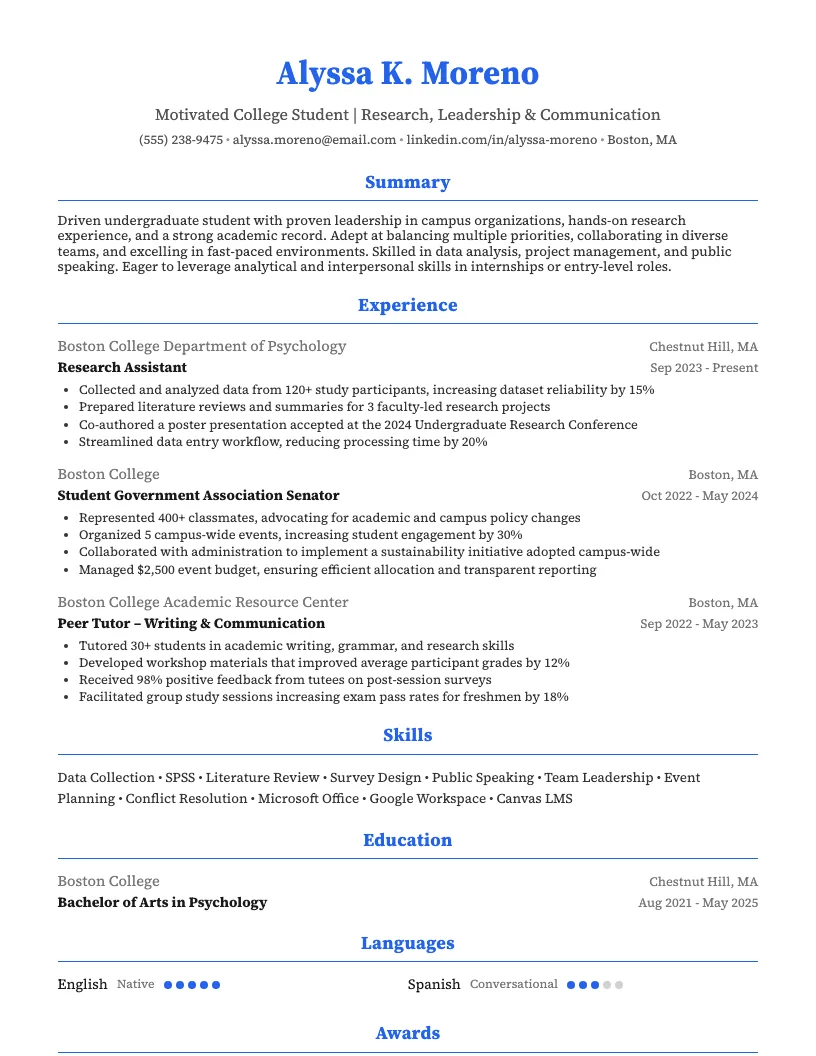
Data Entry Clerk Resume Example
See full guide on Data Entry Clerk resumes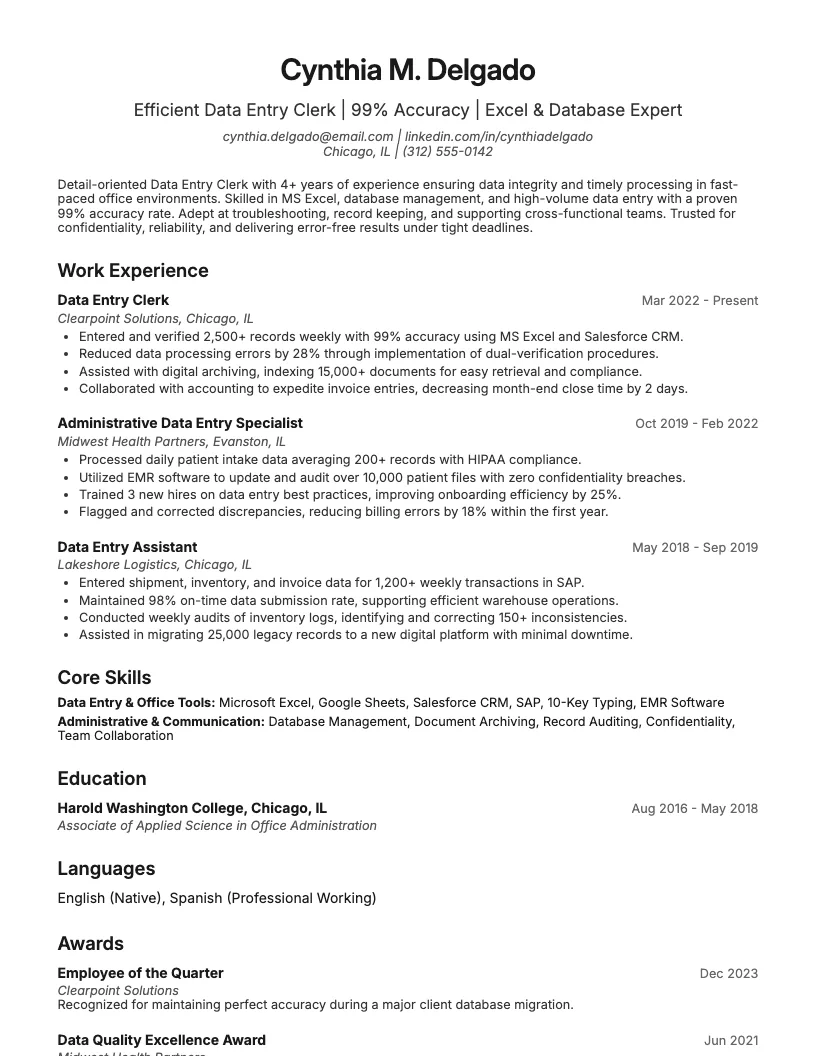 Click to enlarge
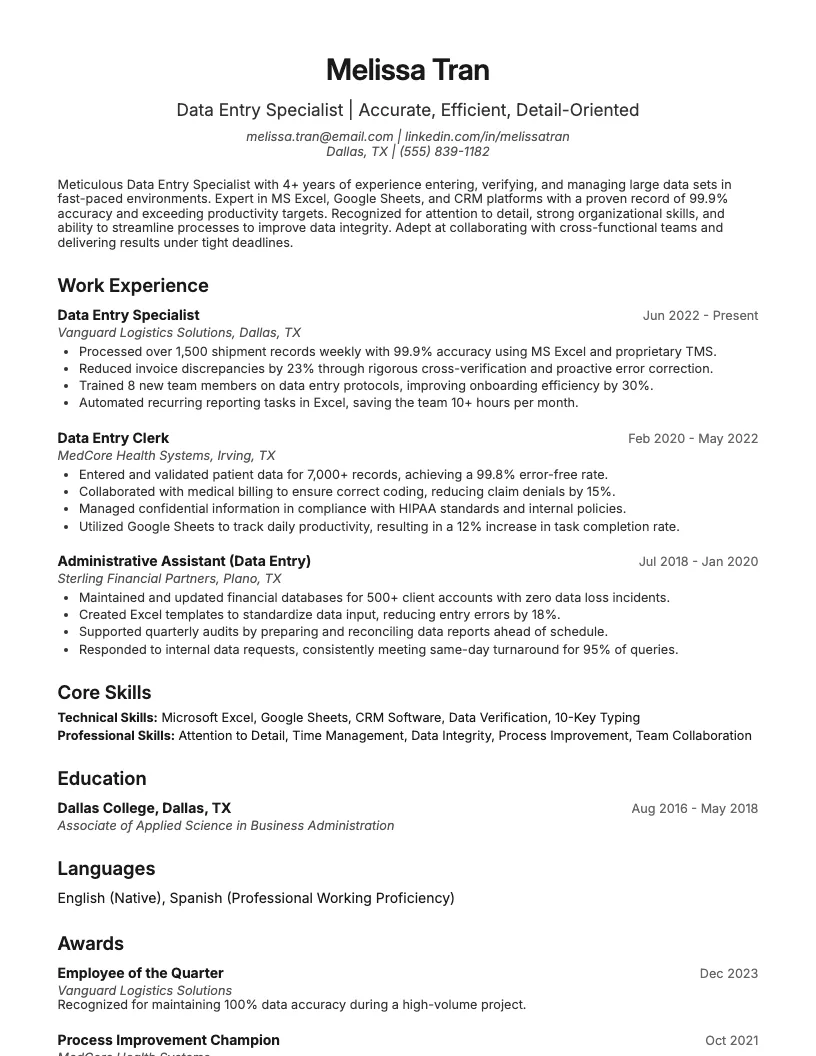 Click to preview

Get inspired by 60+ professional Data Entry resume examples, each written by career experts and optimized to pass ATS scans. Pick a proven template, tailor it to your role, and download a polished resume in minutes.
Pick the specialization closest to your target role and start from a proven resume example.

Building a solid data entry resume isn’t just about typing speed. You need to show off your accuracy, tech skills, and attention to detail from the start.
In this guide, I’ll walk you through every section-format, summary, experience, skills, and education. I’ll cover what hiring managers look for and how you can stand out.
Choosing the right resume format is key for data entry jobs. I usually go with a reverse-chronological format if I’ve got relevant work experience to show off.
If you’re just starting out, a functional or hybrid format puts your skills front and center. This helps recruiters see what you can do, even if your work history is thin.
Keep your resume layout simple and tidy-one page is best. Use clear headings, 1-inch margins, and PDF format. This makes sure your resume looks sharp on any device.
Start your resume with a short, powerful summary or objective. This intro tells recruiters exactly what you bring to the table-right up front.
If you have experience, use a summary to highlight your top skills and achievements. Mention your typing speed-like 10,000+ KPH or 75 WPM-and commitment to accuracy.
If you’re new to data entry, write an objective that focuses on your motivation and reliability. This shows you’re eager to learn and ready to make an impact.
A good summary or objective is under 50 words. Use real numbers, like “99% accuracy” or “processed 2,000 records daily.” This helps you stand out instantly.
Once you’ve nailed your intro, you’re ready to dive into your work experience and show more details on what you can do.
When I write my experience section, I always focus on measurable results. Instead of listing what I did, I show how I made a difference.
Use action verbs and back up your claims with numbers. For example, “Entered 2,000+ records daily with 99.9% accuracy” sounds way stronger than just “responsible for data entry.”
Highlight stuff like how fast you type, how many projects you managed, or how much you improved accuracy. This helps recruiters see the impact you bring.
Don’t forget to mention any efficiency improvements or process changes you helped implement. Little details-like meeting tight deadlines or reducing error rates-set you apart.
You want your data entry skills front and center. I always include a dedicated Skills section-this helps recruiters spot what I bring to the table in seconds.
List both hard and soft skills. For hard skills, mention things like typing speed (aim for 60+ WPM), Excel proficiency, and database management. Name specific tools you know.
Soft skills matter too. Highlight accuracy, attention to detail, and time management. If you can handle 99% accuracy, say it. This shows you’re reliable and efficient.
Most data entry jobs want at least a high school diploma or GED. If you have a degree in IT, business, or a related field, definitely list it.
You want to include the school name, degree, and your graduation year. If your GPA is 3.5 or higher and recent, I’d throw that in too.
Certifications really help you stand out. Stuff like Microsoft Office Specialist (MOS) or Certified Data Entry Professional (CDEP) prove you’re serious and know your tools.
If you’ve taken courses in typing, spreadsheets, or data privacy, add those as well. This shows you’re always learning and ready to handle more responsibility.
Every data entry resume needs a solid structure. Recruiters scan for your skills, accuracy, and reliability in seconds-so what you include matters a lot.
I always focus on clear sections that highlight experience, software skills, and attention to detail. These areas show how ready you are to handle fast-paced, error-free work.
When I build a data entry resume, I always start with the basics: contact info, a professional summary, skills, work experience, and education. These sections are non-negotiable.
You need your contact details right at the top-name, email, phone, and location. This makes it super easy for recruiters to reach out.
A summary or objective helps you show your intent and quickly pitch your fit. I keep this short-around 2-3 sentences.
For skills, list typing speed (like "65 WPM"), accuracy, and software know-how-think Excel or CRM tools. This instantly shows what you can do.
Work experience should focus on data entry roles, tasks, and any numbers-like "processed 2,000 records daily." Education and certifications are next, especially if you have a diploma or data entry certifications.
These sections help recruiters see your capabilities and relevant background at a glance. It’s all about making things clear and easy to scan.
Recruiters scan for accuracy and attention to detail. Even a 1% error rate in data entry can cause issues, so highlight your precision and consistent results.
You want to show off your typing speed and your comfort with software like Excel or CRM tools. I usually include specific words-per-minute numbers or list software I actually use.
Confidentiality matters, especially if you handle customer or financial data. Mention any experience with sensitive info-it reassures hiring managers.
Wrap up your resume sections by focusing on problem-solving and how you fix data errors or spot inconsistencies. This gives your application that extra edge.
Recruiters look for specific skills when reviewing data entry resumes. Listing the right ones can help you get noticed and move forward in the hiring process.
You want to show off both hard and soft skills. Employers value accuracy, speed, and attention to detail just as much as software know-how.
I always recommend highlighting your strongest skills first. This gives hiring managers a clear idea of what you bring to the table.
Let’s start with the hard skills you need for data entry. These are the technical abilities that show you can handle the core tasks of the job.
You want to highlight Microsoft Excel, database management, and data entry software. It helps if you know your way around CRM systems or tools like QuickBooks.
I always recommend listing specific programs you’re comfortable with. It gives recruiters a clear idea of your actual experience, not just generic skills.
I always highlight my attention to detail-even one typo can cause big problems. Hiring managers notice when I double-check my work and spot errors others miss.
Time management is another huge one. You need to hit daily or weekly targets. I keep track of deadlines and juggle multiple projects without missing a beat.
Don’t forget communication skills, especially if you handle customer info or work with a team. Clear emails and quick responses help keep data accurate and clients happy.
Wrap up your skills section by showing you’re reliable and adaptable. Data entry tools and processes change fast, so prove you can learn and adjust quickly.
If you’re aiming for a data entry job, you usually need at least a high school diploma or GED. Some companies want even more than that.
Certifications and extra courses can really boost your chances. I’ve seen people land roles faster by showing off relevant training.
Next, let’s look at the certifications that actually help you get noticed.
I always recommend starting with the Microsoft Office Specialist (MOS) certification. Over 90% of data entry jobs ask for Excel, Word, or related Office skills.
The Certified Data Entry Professional (CDEP) credential focuses on accuracy, speed, and data management basics. It’s well-recognized and shows you know the essentials.
You can also look at the Certified Information Processing Professional (CIPP) or Certified Administrative Professional (CAP). These show you’re serious about data and office processes.
Starting a data entry career without experience can feel tough, but it’s doable. You just need to know what recruiters actually look for in entry-level candidates.
Most managers care about accuracy, speed, and reliability. If you show those skills, you stand out even if you haven’t held the title before.
I’ll break down the best ways to highlight relevant skills and achievements, so your resume gets noticed-even if you’re new to the field.
If you don’t have paid data entry experience, highlight transferable skills from school, internships, or volunteering. Think about times you handled spreadsheets, databases, or typed reports.
I always suggest adding your typing speed if it’s above 50 WPM. Recruiters notice specific numbers. If you know Excel or Google Sheets, mention that too-those tools matter.
Focus on accuracy and attention to detail. If you helped organize data, managed records, or double-checked info for errors, call those out. This helps prove you’re reliable, even without job history.
You can do more than just list jobs and education on your resume. Adding extra sections shows your skills and personality.
Think about including projects, training, or language skills. These help you stand out from other applicants and highlight what you bring to the table.
If you want a quick start, a data entry resume template can make things easier. I like how templates keep everything organized and easy to scan.
A solid template highlights your skills, achievements, and certifications in the right order. This helps recruiters spot your qualifications fast, which is key in high-volume hiring.
You can find templates in Word, Google Docs, or on career sites. Pick one that’s clean and focuses on your data accuracy, typing speed, and technical abilities.
Looking for a data entry job and not sure how your resume should look? I’ve put together examples for different roles to help you get started.
Whether you’re entry-level or more experienced, you’ll find resumes that match your situation. I cover popular job titles like clerk, specialist, and remote positions.
These examples use real job descriptions and industry trends from the past year. You can see what employers expect and how to show your best skills.
Starting out in data entry? I know it can feel intimidating. You don’t need years of experience-just solid accuracy, a fast typing speed, and a good eye for detail.
Recruiters want to see relevant skills right up front. Highlight your typing speed (aim for at least 50 WPM), proficiency in Excel, and any experience with data management systems.
Showcase any internships, volunteer gigs, or part-time roles where you handled information. This helps you stand out, even if you’re just starting out in the field.
If you’re aiming for a data entry clerk role, make sure your application includes a cover letter and your resume should highlight speed and accuracy. Most employers look for a typing speed of 40+ WPM and error rates under 1%.
Show off your skills with Microsoft Excel, data verification, and database management. List any experience handling large data sets or working with confidential information. That gets you noticed.
You can also mention achievements like processing 10,000+ records per week, or reducing data errors by a certain percentage. This helps your resume stand out from the crowd.
If you're targeting data entry specialist roles, your resume needs to show off accuracy and speed. I focus on typing speeds over 60 WPM and error rates below 1%.
You want to highlight your experience with Excel, CRM systems, and data validation tools. Recruiters look for candidates who process over 5,000 records a week without mistakes.
Quantify your achievements. For example, mention reducing data backlog by 30% in one quarter. This helps your resume stand out from other data entry roles.
Remote data entry jobs are super popular right now-over 60% of data entry positions offer some remote flexibility. Employers want proof you’re reliable and self-motivated.
I always highlight my time management skills and experience with virtual collaboration tools. You should mention your home office setup and any remote work achievements. This builds instant trust.
Data privacy matters, too. Employers love seeing specific examples of secure data handling and adherence to GDPR or HIPAA. That’s a great way to stand out from the crowd.
There are tons of specialized data entry roles out there. Think medical records, legal transcription, or even e-commerce product listing. Each needs a unique set of skills and industry know-how.
If you work in insurance, healthcare, or retail, your resume should highlight relevant software and compliance experience. HIPAA and CRM tools are big pluses in those spaces.
I always recommend customizing your resume for niche data entry jobs, and including a tailored cover letter when applying for specialized roles. This helps you stand out, especially when employers get over 250 applications per listing.
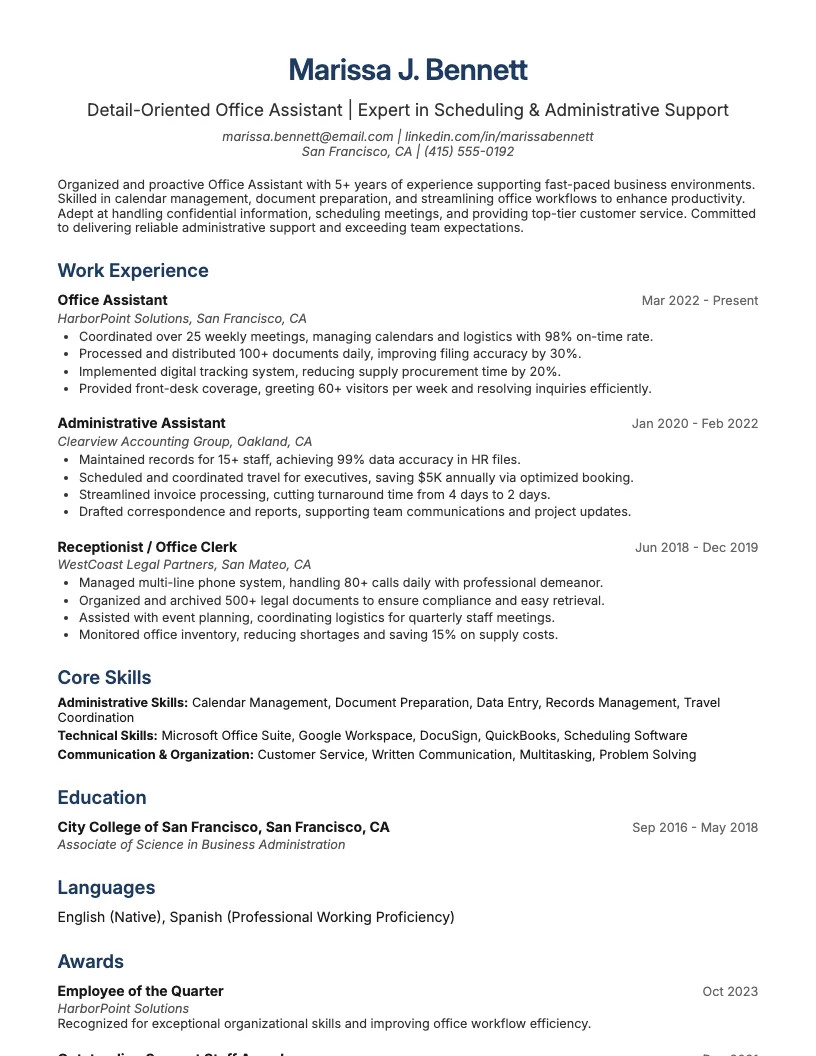
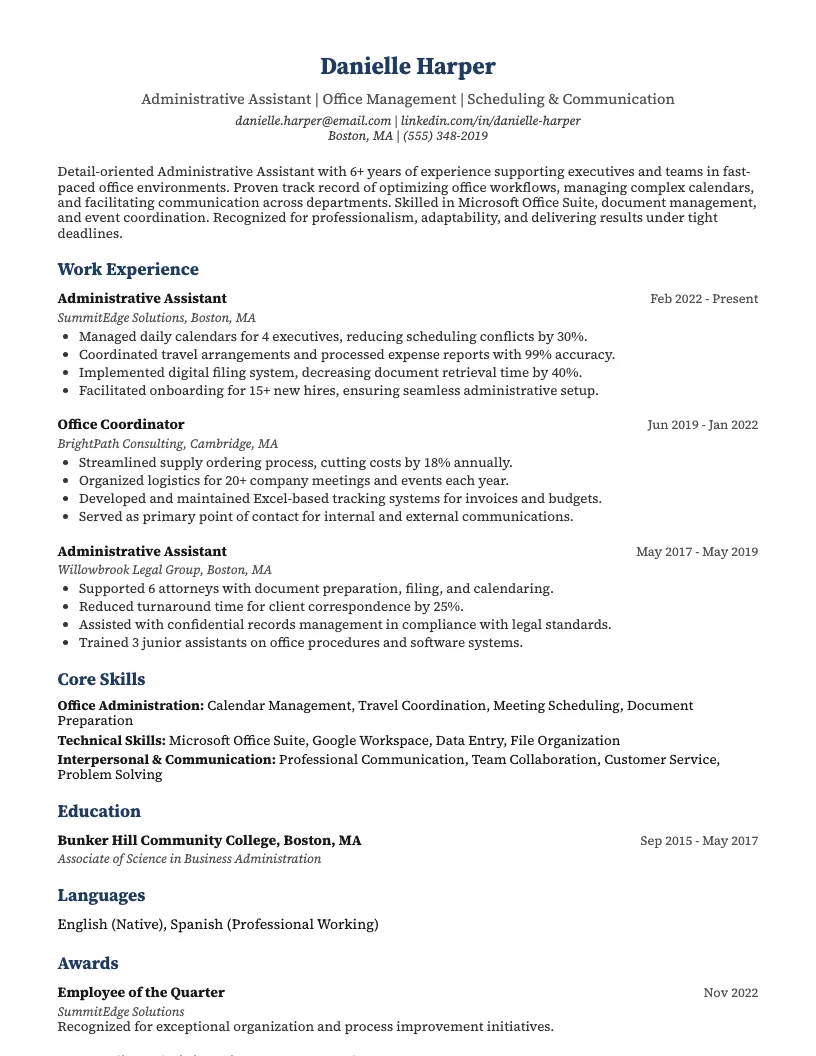
Office assistant resume examples show off a mix of data entry, scheduling, and communication skills. I focus on listing experience with office software, phone systems, and document handling.
You want to highlight multitasking skills and attention to detail. If you manage supplies or support meetings, put that front and center-over 70% of office assistants do these tasks daily.
I also suggest you showcase customer service experience. Employers like seeing reliable communication skills, as most office assistants interact with clients and team members every day.
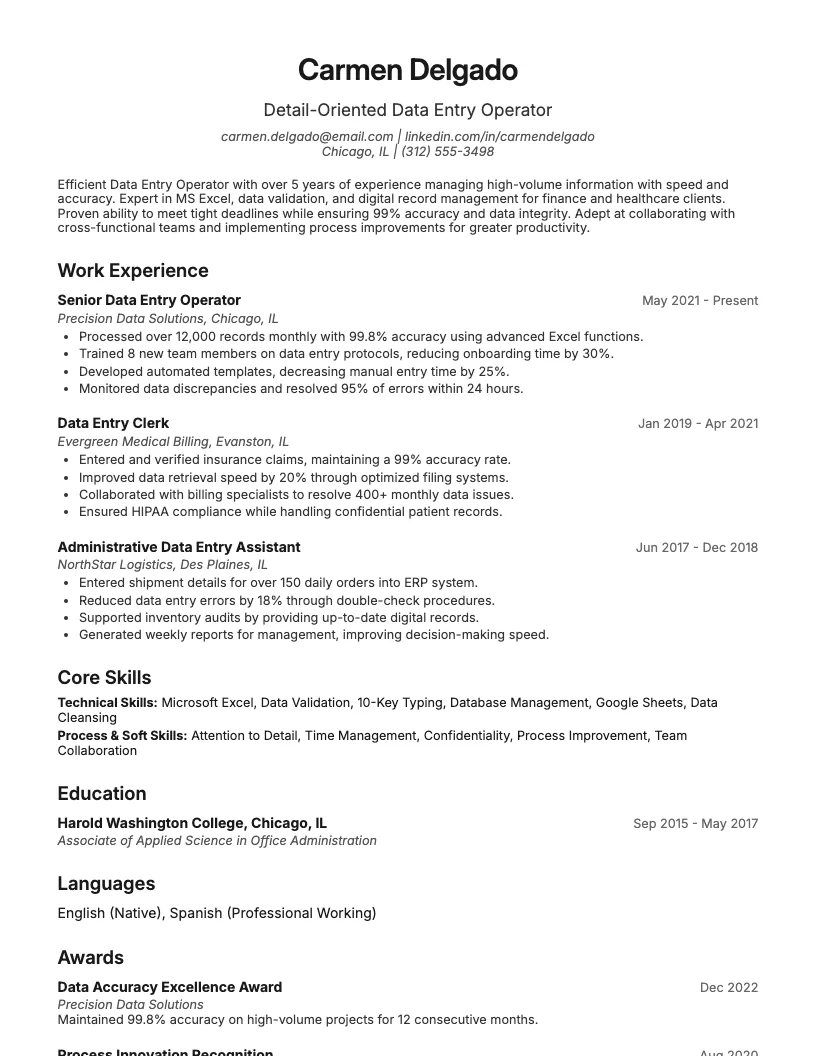
If you’re looking for data entry operator resume examples, you’re in the right spot. I know this job needs speed, accuracy, and a strong eye for detail.
Employers like to see experience with 10,000+ keystrokes per hour and a track record of error-free work. Mentioning specific software like MS Excel or SAP helps your resume stand out.
You want to show off your ability to handle large data sets and stick to tight deadlines. I always suggest adding real numbers, like processing 5,000 records daily.
That wraps up the main job titles people search for. Use these data entry operator resume examples as inspiration to make your own resume sharper and more effective.
Building a strong data entry resume means showing off your speed, accuracy, and attention to detail. Numbers-like typing speed or error rates-help prove your skills.
You want a clean, professional layout that’s easy to read. Make sure your resume highlights your tech skills, experience, and any certifications you have.
Tailoring your resume for each job increases your chances. Using keywords from the job description helps your resume get past automated filters.
Next, I’ll break down the best practices to help your data entry resume stand out.
I stick to a one-page resume for data entry jobs. This keeps things concise and makes my key skills and achievements easy to spot for hiring managers.
You want to show your impact, not just duties. Quantify your results-for example, “maintained 99% accuracy while processing 2,000+ records daily.”
There’s real value in tailoring your resume. I always match my skills and keywords to the specific job description. This helps my application pass ATS filters and stand out, especially when paired with a strong cover letter.
Looking for data entry cover letter examples? You’re in the right place. A solid cover letter can boost your chances by up to 40%.
I know writing these can feel tricky. I’m here to break down real examples and show you what works. You’ll see what hiring managers actually want.
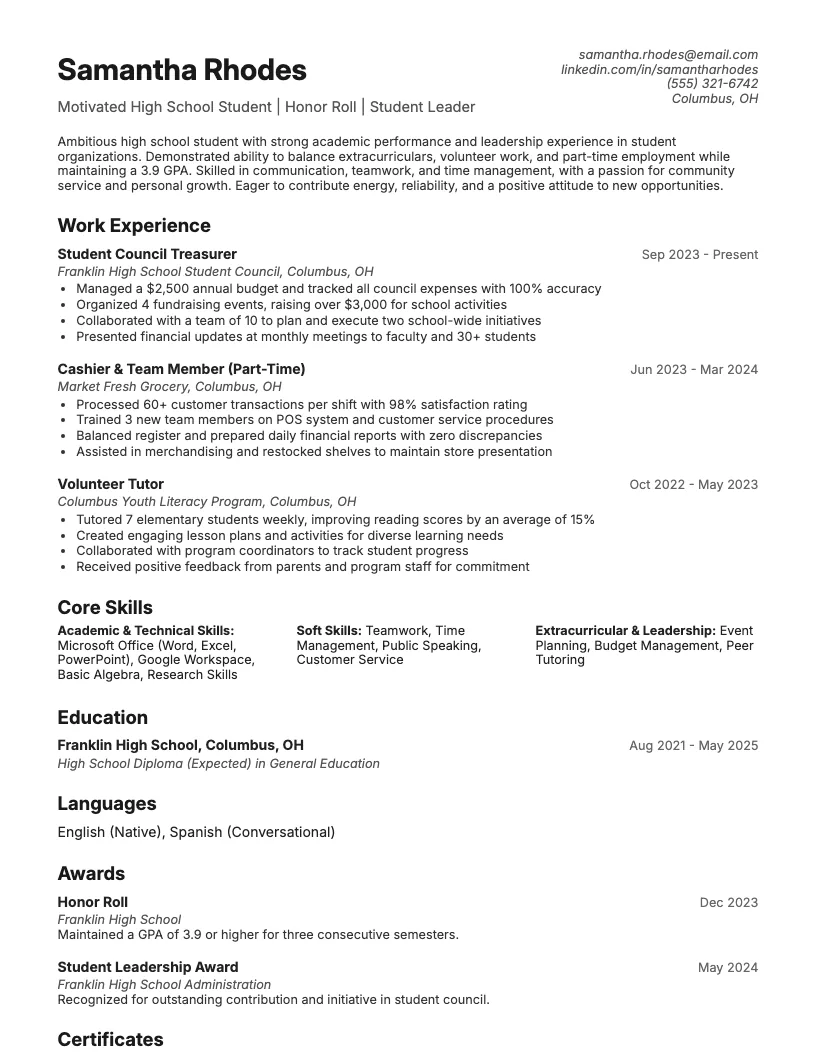
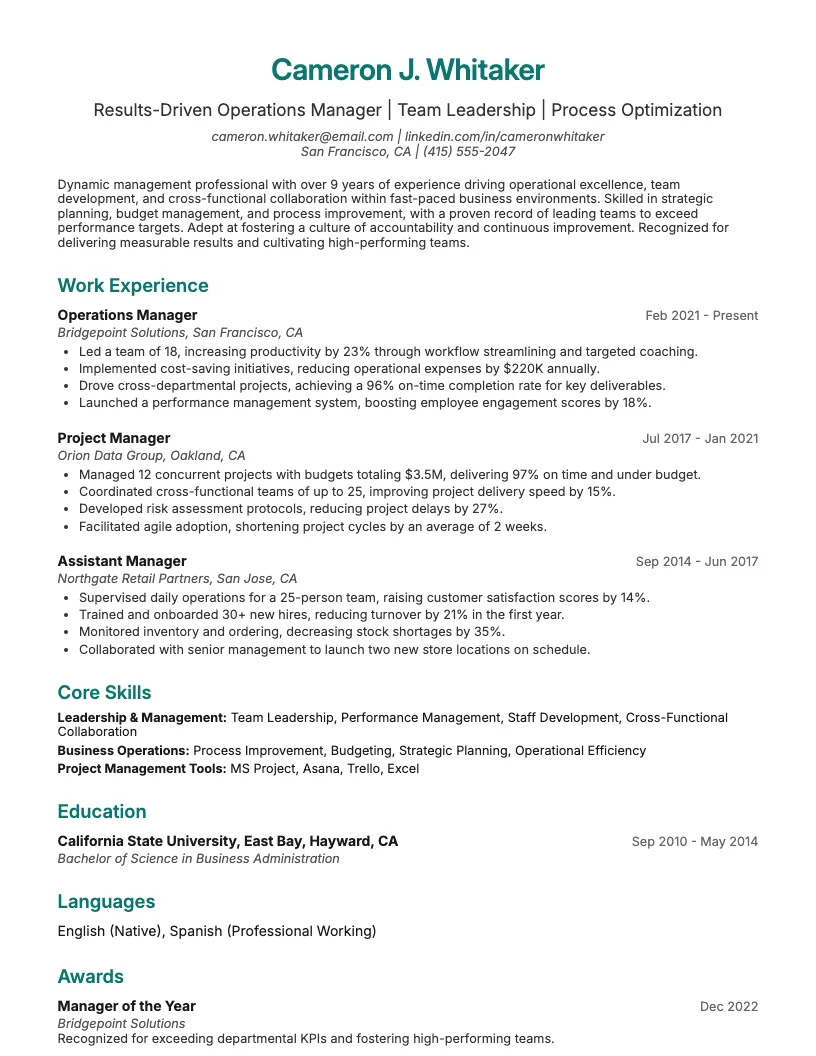
Browse Data Entry resume examples for related roles. Preview any example, open it in the builder, or read its full guide.
Click to enlarge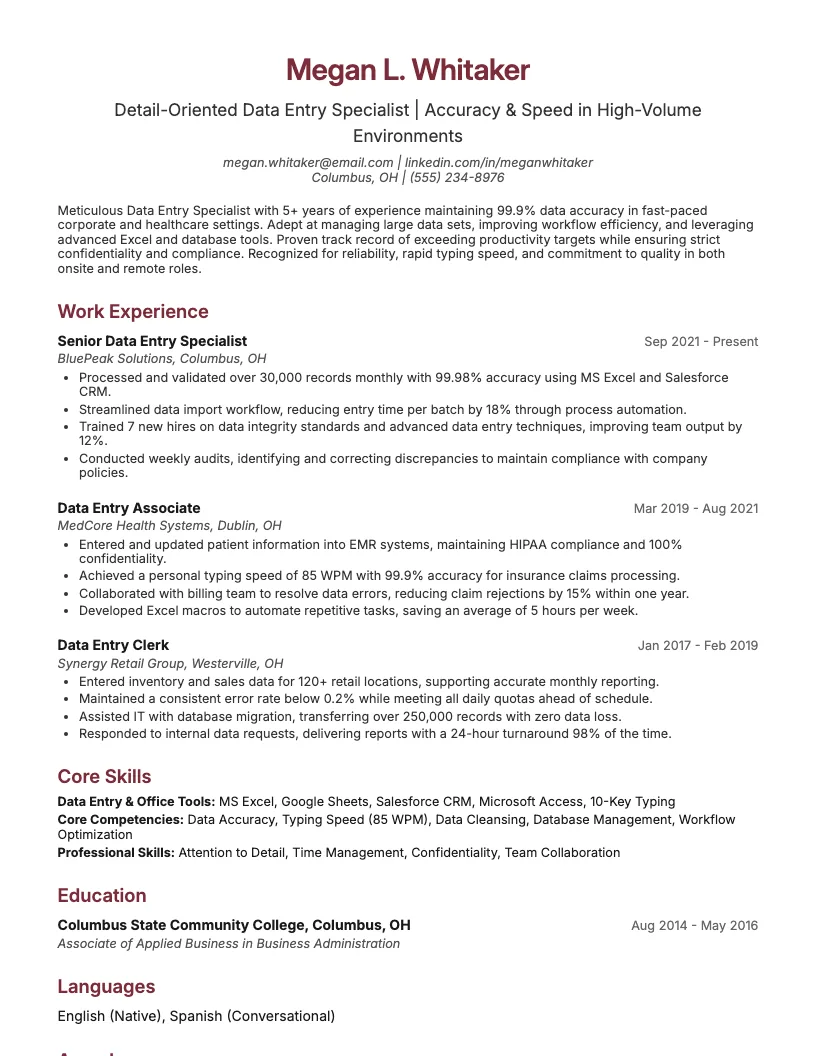 Click to enlarge
 Click to enlarge
 Click to enlarge
 Click to enlarge
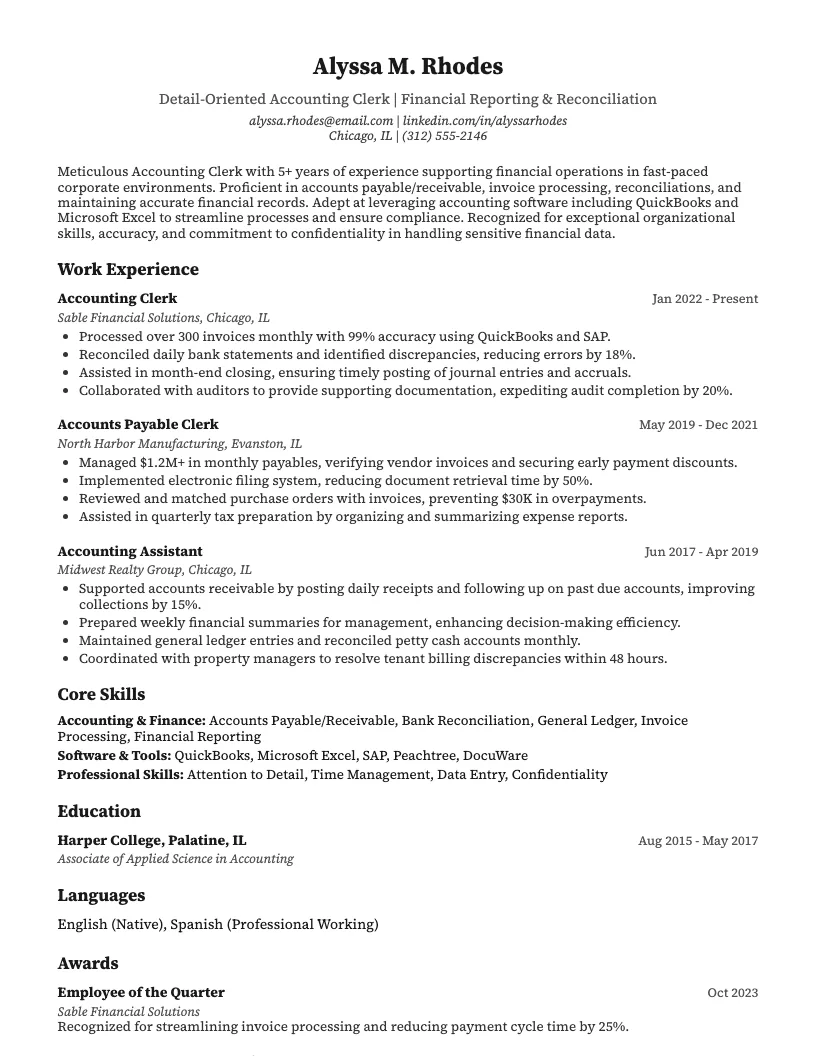 Click to enlarge
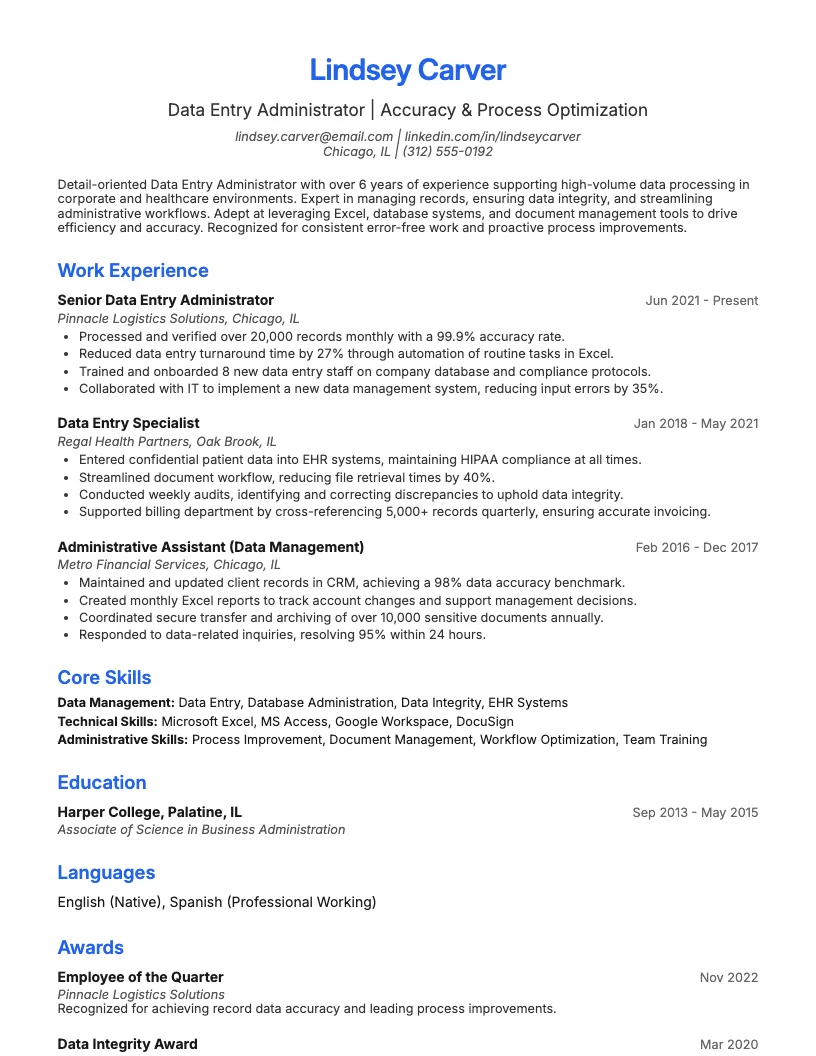 Click to enlarge
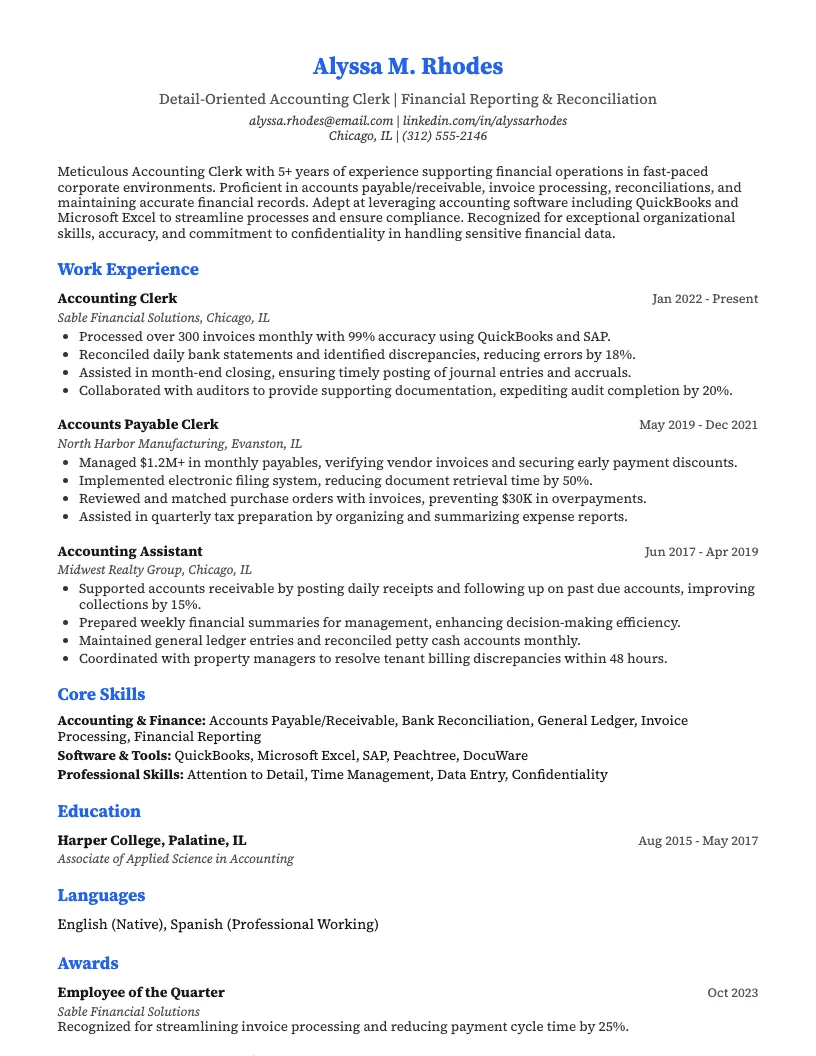 Click to enlarge Click to enlarge
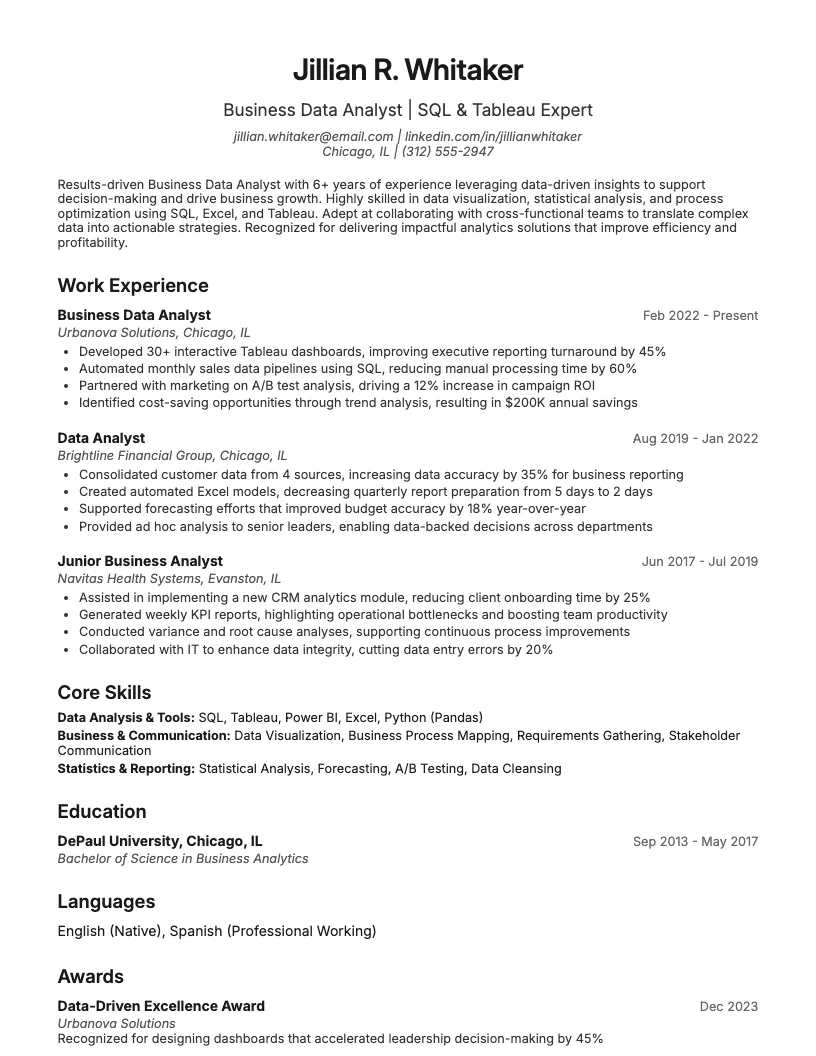 Click to enlarge
Common questions about Data Entry resumes
A data entry resume template is a pre-designed format that highlights skills like typing speed, accuracy, and data software proficiency. ResumeJudge makes it easy to showcase these strengths for admin, healthcare, or finance roles.
Yes, ResumeJudge's data entry templates are ATS-friendly, meaning they use clean formatting and keywords so your resume passes automated screening systems and reaches recruiters.
Use a data entry resume template when applying for roles in industries like healthcare, finance, or logistics where accuracy and speed matter. ResumeJudge helps tailor your resume for these job types.
Absolutely! With ResumeJudge, you can easily adjust sections, update skills, or add software experience to fit each job you apply for, making your resume stand out.
Data entry templates focus on skills like typing speed, attention to detail, and software tools like Excel. ResumeJudge helps highlight these, unlike generic templates that may overlook them.
A data entry resume should be one page, especially for entry-level roles. ResumeJudge's templates keep your information concise and tailored for quick recruiter review.
Highlight skills like fast typing, data accuracy, Microsoft Excel, and attention to detail. ResumeJudge suggests relevant skills based on current job listings.
Include internships, volunteer work, or school projects where you handled databases or spreadsheets. ResumeJudge helps you present these experiences clearly.
Yes, mention tools like Microsoft Excel, Google Sheets, or CRM platforms. ResumeJudge templates have dedicated sections to showcase your software proficiency.
A reverse-chronological format works best, putting recent experience first. ResumeJudge templates are designed to follow this format and impress hiring managers.
Explore more professional resume examples to inspire your job search
Use our AI-powered resume builder to create a professional, ATS-friendly resume in minutes.
Free to use • No credit card required